

Keyboard Gear earns from qualifying purchases through Amazon links.
For most Mac users who want comfort, the Logitech Lift for Mac is the best mouse: it’s designed for Mac, connects over Bluetooth with no receiver, and holds your hand at a 57-degree angle. Power users should choose the Logitech MX Master 3S for its scroll wheels and per-app buttons. The Satechi Slim LX is the best wired USB-C option, and the Razer Orochi V2 suits travel and gaming.
Almost any USB or Bluetooth mouse moves a pointer on a Mac. The difference is in the details: whether the maker supports macOS with its software, whether it connects without a USB-A receiver, and whether its buttons and scrolling work well with Mac apps.
We only included mice whose maker or listing states Mac support, and checked availability, seller and price on Amazon US on November 29, 2026. Apple’s own Magic Mouse wasn’t available from a listing we could verify, so it isn’t included.
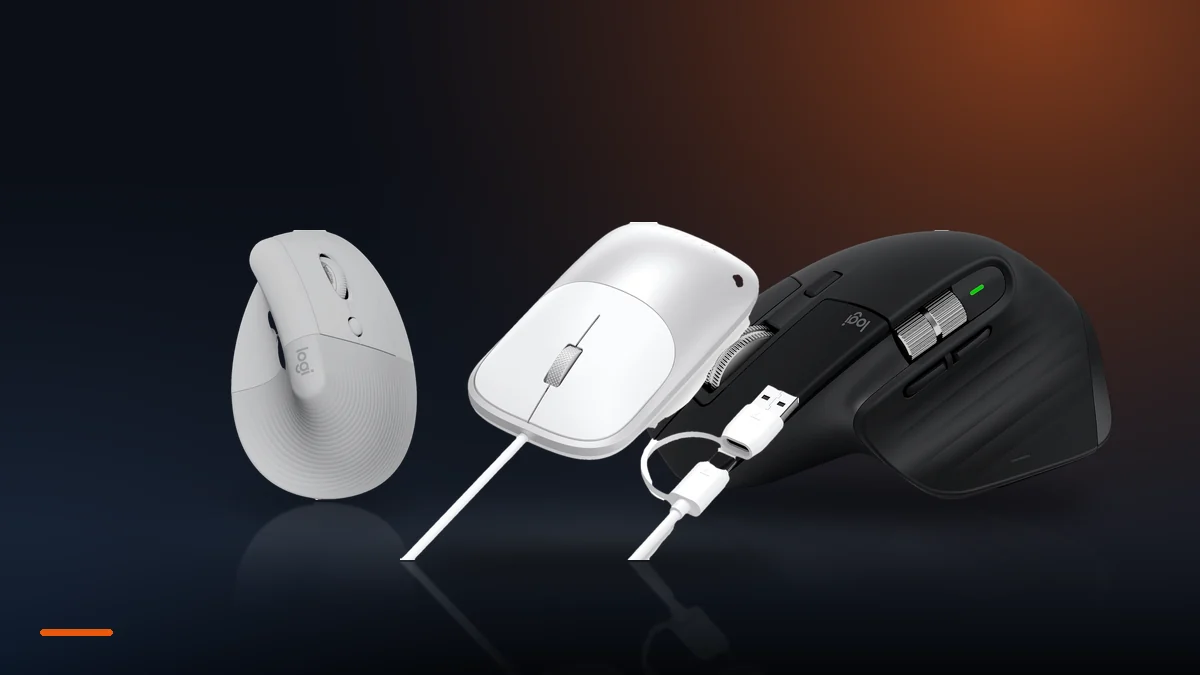
Best mice for Mac at a glance
| Product | Best for | Key specs | Price |
|---|---|---|---|
1 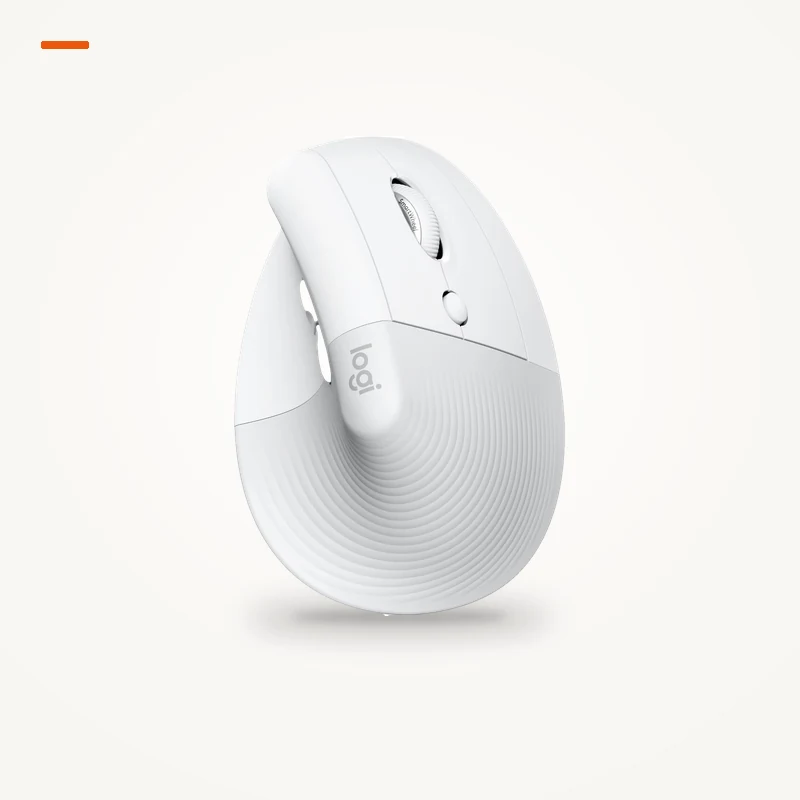 Logitech Lift for Mac |
Best ergonomic Mac mouse |
|
Check Price |
2 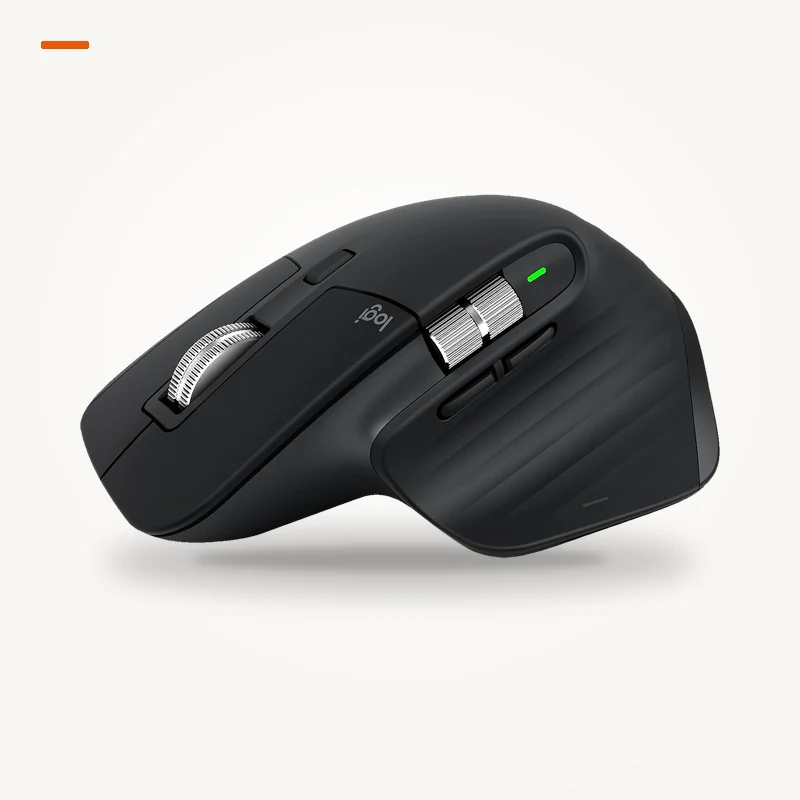 Logitech MX Master 3S |
Best for power users |
|
Check Price |
3 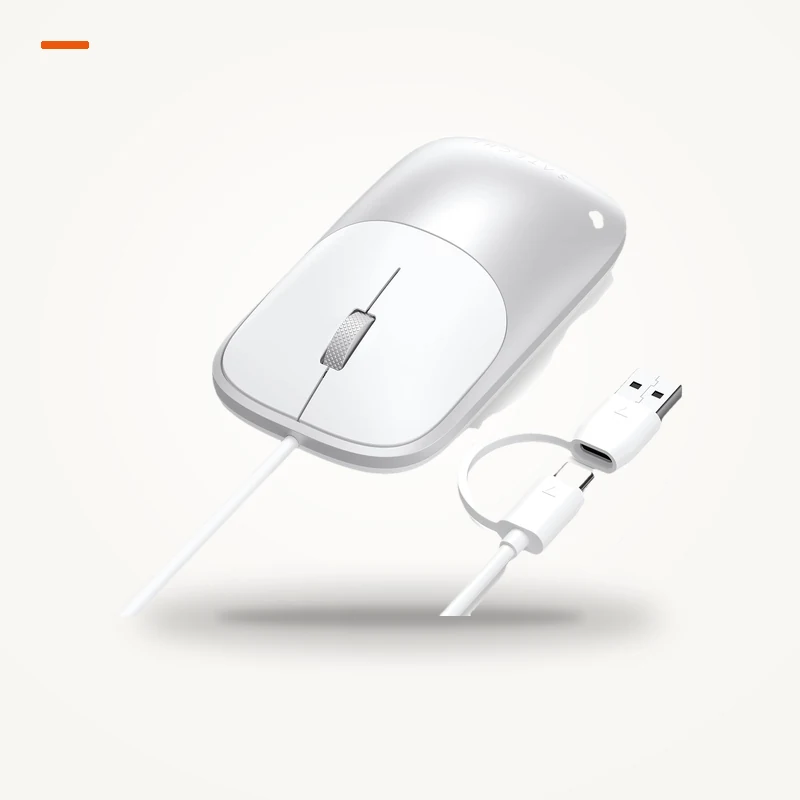 Satechi Slim LX Wired Mouse |
Best wired USB-C mouse |
|
Check Price |
4 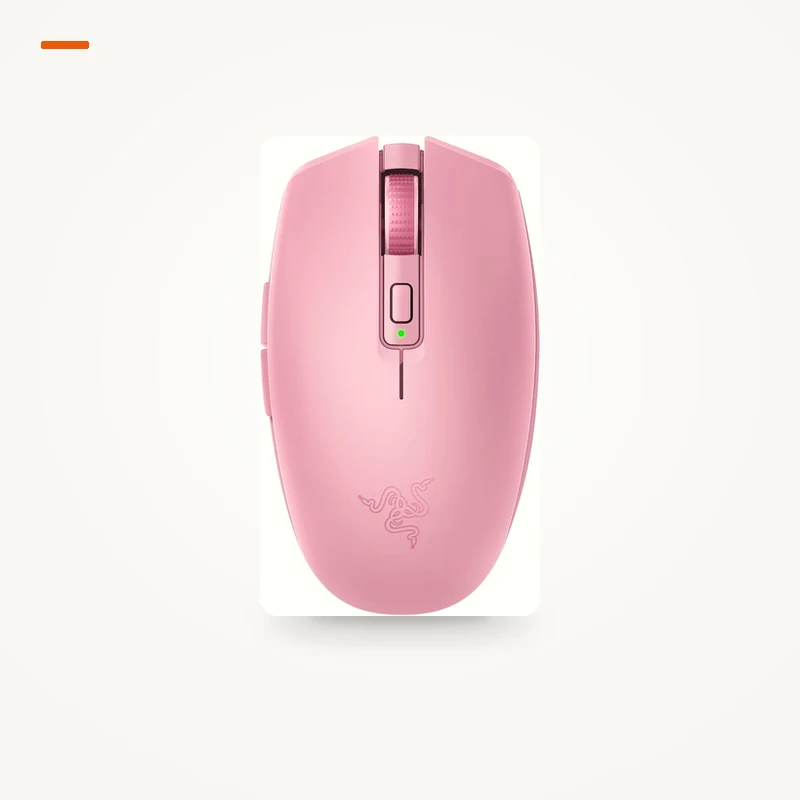 Razer Orochi V2 |
Best compact Mac mouse for gaming |
|
Check Price |
The best mice for Mac
1. Logitech Lift for Mac — a vertical mouse made for macOS
Who it’s for: Mac users with small to medium hands who want a more natural wrist angle.
Logitech’s Lift for Mac is a vertical mouse that holds your hand at a 57-degree angle, in a handshake position that Logitech says relieves pressure on the wrist. It’s designed for Mac and lists compatibility with MacBook Pro, MacBook Air, iMac and iPad over Bluetooth Low Energy, with no USB receiver.
It has whisper-quiet clicks, a magnetic SmartWheel and four customizable buttons, and Logitech rates it for up to two years on one AA battery (included). Logitech says it suits small to medium hands. It was listed at $59.99 in Off White, sold and shipped by Amazon, on November 29, 2026.
Key specs: Vertical ergonomic mouse for Mac; 57-degree angle; Bluetooth LE (no receiver); quiet clicks; 4 customizable buttons; 1 AA, up to 2 years (listed); small to medium hands; sold by Amazon.
- Natural, angled grip
- Designed for Mac
- Long battery life
- Right-hand shape
- Not for large hands
- Takes a few days to adjust
2. Logitech MX Master 3S — scroll wheels and shortcuts for pro apps
Who it’s for: Mac users who live in spreadsheets, timelines and design apps and want app-specific buttons.
The MX Master 3S is Logitech’s flagship productivity mouse and supports macOS, with Logi Options+ letting you set buttons and gestures per app. Its MagSpeed wheel spins freely through long documents, and a thumb wheel scrolls sideways through timelines and wide spreadsheets. Logitech lists an 8,000 DPI sensor that tracks on glass and quiet clicks.
It connects to up to three devices over Bluetooth; this listing notes the Logi Bolt receiver isn’t included, which doesn’t matter on most Macs. It’s sculpted for the right hand and fairly heavy. It was listed at $75.79, sold and shipped by a third-party reseller, A PLUS OFFERS, on November 29, 2026.
Key specs: Right-handed wireless mouse; macOS support with Logi Options+; MagSpeed scroll and thumb wheel; 8,000 DPI, tracks on glass; quiet clicks; Bluetooth, 3 devices (Bolt receiver not included); sold by A PLUS OFFERS.
- Superb scrolling
- Per-app customization
- Multi-device switching
- Heavy for small hands
- Third-party reseller
- Right-handed only
3. Satechi Slim LX Wired Mouse — aluminum and USB-C, no batteries
Who it’s for: Mac users who prefer a wired mouse that plugs straight into a USB-C port and matches an aluminum Mac.
Satechi’s Slim LX is a wired mouse with an anodized aluminum shell and a machined metal scroll wheel that matches a Mac’s finish. It plugs into USB-C directly, and Satechi includes a USB-C to USB-A adapter for older ports. Satechi says it’s designed for macOS and also works with Windows, ChromeOS and iPadOS without drivers.
Satechi lists quiet click switches rated for up to 3 million clicks and a two-year limited warranty. Being wired, there’s nothing to charge or pair. It was listed at $17.49 in Silver, sold by Satechi and shipped by Amazon, on November 29, 2026.
Key specs: Wired USB-C mouse; aluminum shell and metal scroll wheel; designed for macOS; USB-A adapter included; quiet clicks rated for 3 million (listed); 2-year limited warranty; sold by Satechi.
- Plugs straight into USB-C
- Aluminum finish suits Macs
- No charging or pairing
- Wired only
- Basic button set
4. Razer Orochi V2 — light, portable and dual-mode
Who it’s for: MacBook owners who travel and play games, and want one small mouse for both.
Razer’s listing names PC and Mac support for the Orochi V2, a compact wireless mouse that weighs under 60 grams without its battery. You can use Bluetooth for everyday work, which saves a MacBook’s ports, or the HyperSpeed USB receiver for lower-latency gaming (you may need a USB-C adapter for the receiver on newer Macs).
It takes one AA or AAA battery, and Razer rates it for up to 1,100 hours on Bluetooth. It was listed at $29.99 in Quartz Pink, sold and shipped by Amazon, on November 29, 2026.
Key specs: Compact wireless mouse; PC & Mac (listed); Bluetooth or HyperSpeed 2.4 GHz; under 60 g without battery; 1 AA or AAA; up to 1,100 h Bluetooth (listed); sold by Amazon.
- Small and light
- Bluetooth and low-latency modes
- Very long rated battery life
- Receiver is USB-A
- Small for large hands
Mac mice compared
| Mouse | Connection | Power | Price (November 29) |
|---|---|---|---|
| Logitech Lift for Mac | Bluetooth LE | 1 AA | $59.99 |
| Logitech MX Master 3S | Bluetooth | Rechargeable | $75.79 |
| Satechi Slim LX | Wired USB-C | USB | $17.49 |
| Razer Orochi V2 | Bluetooth or 2.4 GHz | 1 AA or AAA | $29.99 |
Prices are what each listing showed on November 29, 2026 and can change at any time.
What to look for in a Mac mouse
- Connection. Recent MacBooks have only USB-C ports, so Bluetooth or a USB-C cable avoids adapters.
- Software support. Logi Options+ and similar apps let you set buttons for Mission Control, app switching and gestures. See what mouse side buttons are for.
- Scrolling. macOS scrolls content in the “natural” direction by default; you can change speed and direction in settings. Our change mouse speed and scroll direction guide shows how.
- Comfort. If your wrist aches, a vertical mouse like the Lift may help; see our best vertical mice.
Some Mac users prefer a trackpad for gestures and a mouse for precise work. Compare them in trackpad vs mouse.
Pair your mouse with a Mac-friendly keyboard from our best keyboards for Mac, or check which keyboards are compatible with Mac.
FAQ
Does any mouse work with a Mac?
Most USB and Bluetooth mice work for basic pointing. Maker software and Mac-specific features vary.
Is the Logitech Lift for Mac good for small hands?
Logitech says it’s a great fit for small to medium hands.
Can I use the MX Master 3S without a receiver on a Mac?
Yes. It connects over Bluetooth, which most Macs support.
Is a wired mouse good for a MacBook?
Yes, if it uses USB-C or you have an adapter. Wired mice never need charging.
How do I change scroll direction for a mouse on Mac?
In System Settings > Mouse, turn Natural scrolling off or on.
Final thoughts
Choose the Lift for Mac for comfort, the MX Master 3S for heavy productivity, the Satechi Slim LX for a simple wired USB-C mouse, and the Razer Orochi V2 for travel and gaming on a MacBook.

Experience is what matters at the end!!
Hi! This is Jacob Jay – founder of Keyboardgear.com! From childhood to adulthood, I’ve always remained passionate about IT, and the revolution in this industry, especially gaming on the PC can’t go out of my way. Since I’m an enthusiastic gamer, and I love to experience various gaming accessories, particularly mechanical keyboards, that really boost my gaming adventure manifolds. So, my nerve cells hit me to transfer my experiences into word form and share with others to identify the ideal keyboards perfectly fit for their gaming modes.
I know very well how hard it is to find the high-quality items available on the internet that ought to be exactly the same as seen as on the screen. But the counterfeiters have ruined the user’s trust. As I have passed all such situations, I’m obliged to deliver the genuinity and express the same as what I am saying.
So, now, I’m working on the mission to provide very helpful and frankly but trustworthy reviews and guides about various mechanical keyboards, mouses, and other gaming accessories as per my personal experiences and sound knowledge.