

Keyboard Gear earns from qualifying purchases through Amazon links.
The Apple Magic Trackpad is the best for Mac users, with Force Touch and full macOS gestures. For Windows, the Contour Touch puts a glass touchpad in a wrist rest in front of your keyboard. On a budget, choose the Perixx PERIPAD-506 (wired, large), PERIPAD-704 (wireless) or PERIPAD-501 (small, with buttons).
An external trackpad brings laptop-style pointing and gestures to a desktop computer. Compatibility matters more than with a mouse: Apple’s trackpad is designed for Apple devices, while the others here are Windows touchpads. Not sure a trackpad is for you? Read trackpad vs mouse.
We chose five trackpads sold on Amazon US and checked each listing’s compatibility, connection, seller and price on November 29, 2026.
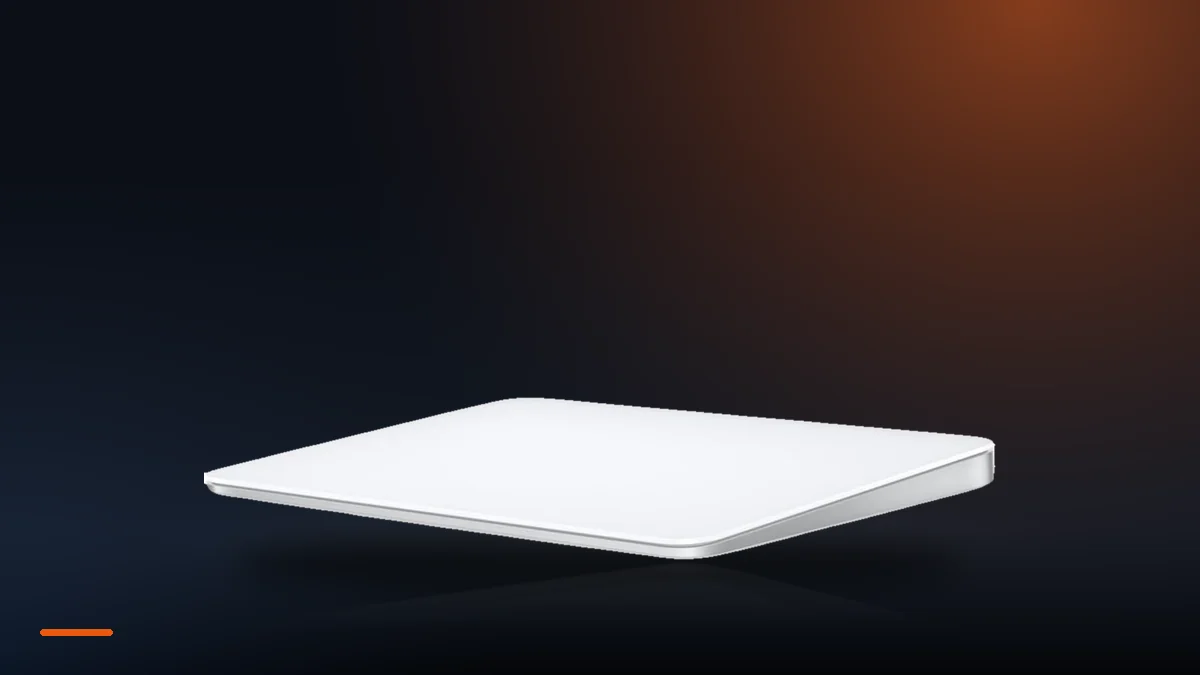
Best external trackpads at a glance
| Product | Best for | Key specs | Price |
|---|---|---|---|
1 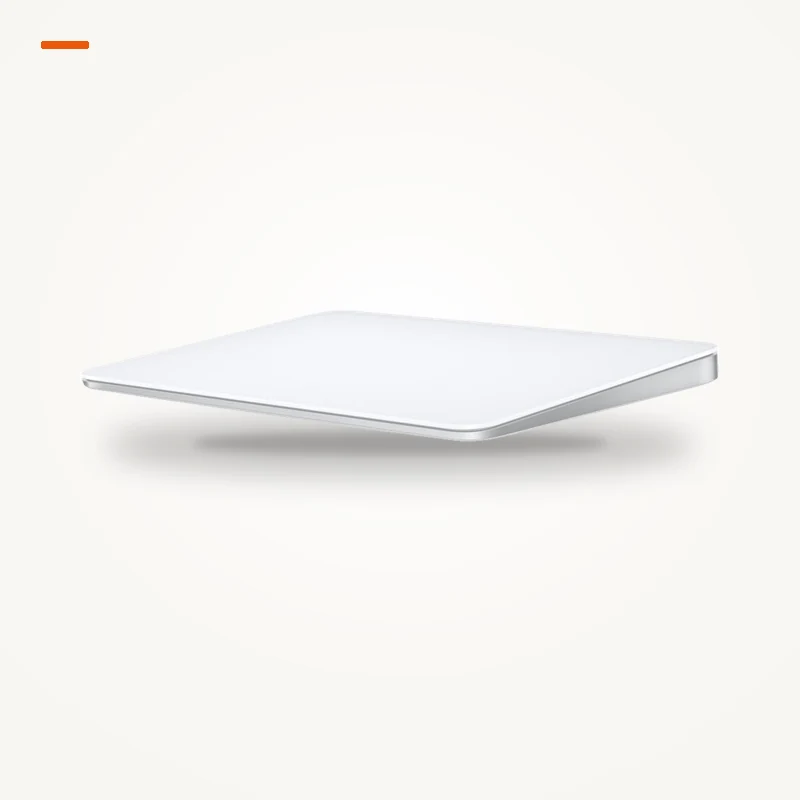 Apple Magic Trackpad (USB-C) |
Best for Mac |
|
Check Price |
2 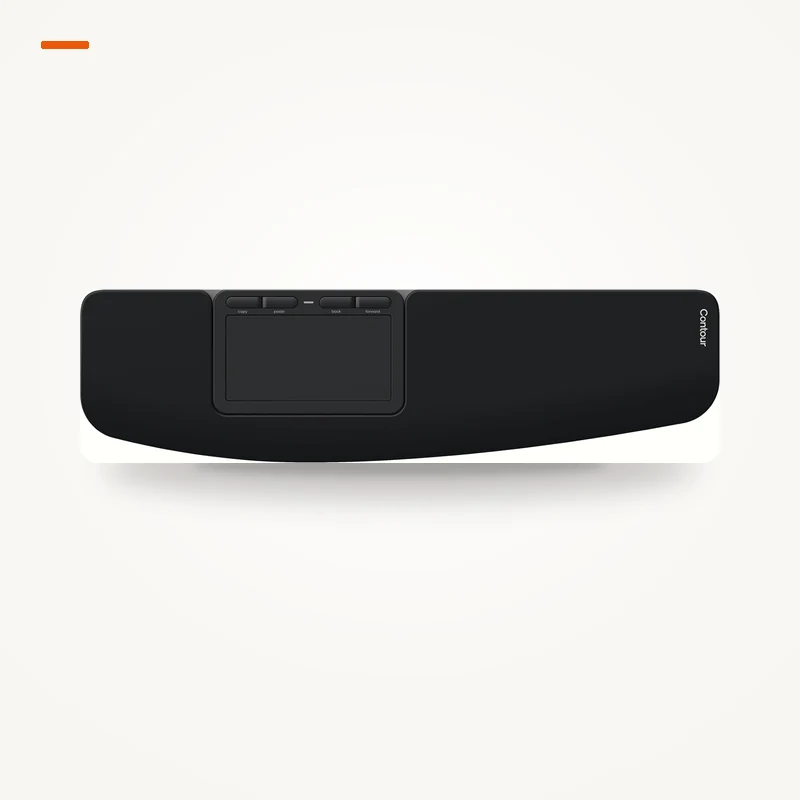 Contour Touch (Wireless) |
Best for Windows |
|
Check Price |
3 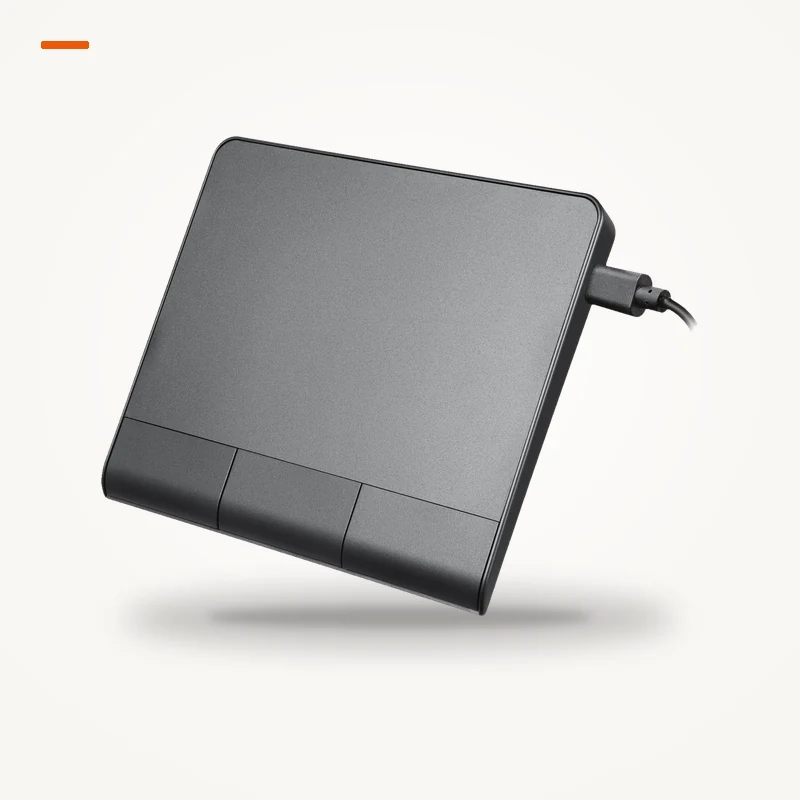 Perixx PERIPAD-506 (Wired) |
Best budget wired |
|
Check Price |
4 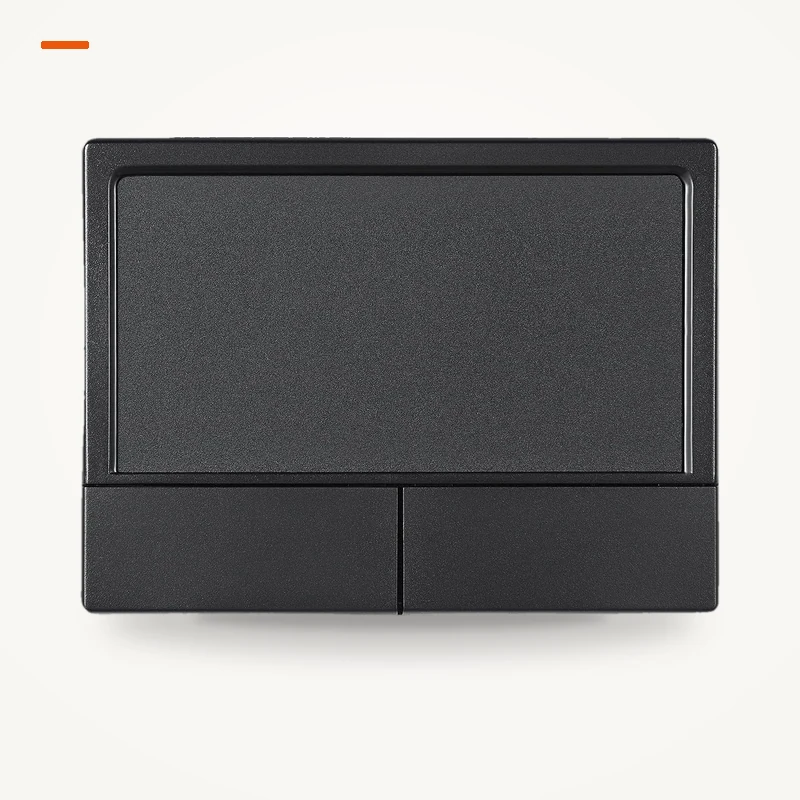 Perixx PERIPAD-704 (Wireless) |
Best budget wireless |
|
Check Price |
5 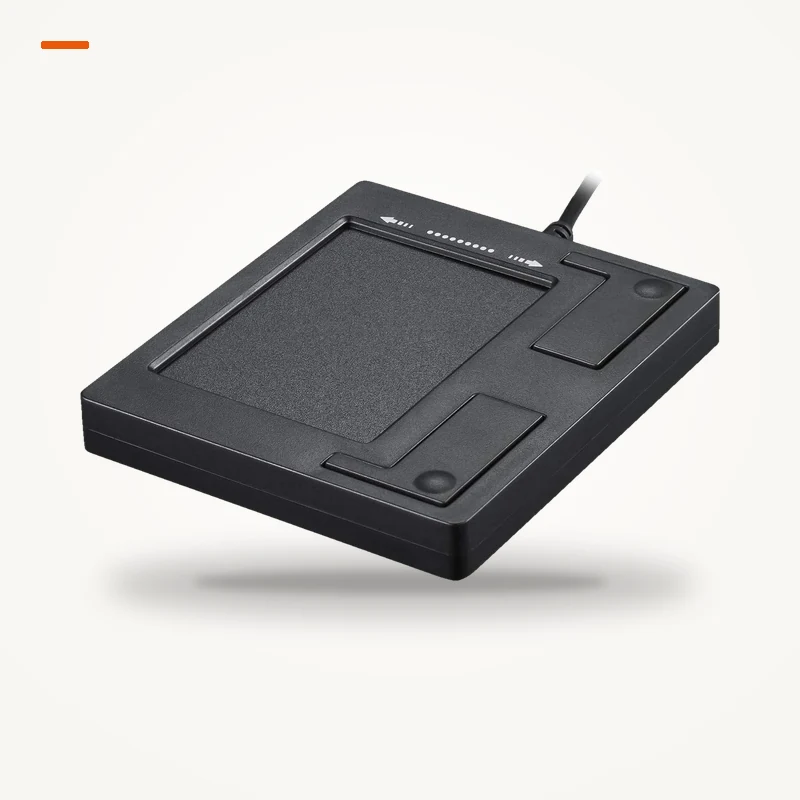 Perixx PERIPAD-501 (Wired) |
Best small and simple |
|
Check Price |
The best external trackpads
1. Apple Magic Trackpad (USB-C) — Force Touch, Multi-Touch gestures, USB-C
Who it’s for: Mac users who want the full set of macOS gestures at a desk.
Apple’s Magic Trackpad is the most complete way to get macOS gestures on a desktop Mac. Its large glass surface supports Force Touch, so you can press harder for extra actions, and it supports the same Multi-Touch gestures as a MacBook trackpad.
It connects by Bluetooth and charges over USB-C, and Apple says a charge lasts about a month or more. Apple lists Mac, iPad and Apple Vision Pro compatibility, so we don’t recommend it for Windows. The white version was listed at $115.99 and the black version at $130.00, both sold and shipped by Amazon, on November 29, 2026.
Key specs: Wireless Multi-Touch trackpad with Force Touch; Bluetooth; USB-C charging, about a month per charge; for Mac, iPad and Apple Vision Pro; white $115.99, black $130.00; sold by Amazon.
- Full macOS gestures
- Force Touch
- Sold by Amazon
- Not intended for Windows
- Expensive
2. Contour Touch (Wireless) — glass touchpad built into a wrist rest
Who it’s for: Windows users who want a trackpad in front of the keyboard instead of a mouse off to the side.
The Contour Touch is a wireless glass touchpad built into a full-width wrist rest that sits in front of your keyboard, so you can point and click without reaching for a mouse. The whole surface clicks, it supports Windows multi-finger gestures, and four buttons above the pad handle copy, paste, back and forward and can be customised in the Contour driver.
The listing says it’s for Windows 10 and 11 and is not compatible with Mac. It was listed at $111.20, a Prime member price, sold by Contour Design and shipped by Amazon, on November 29, 2026.
Key specs: Wireless Bluetooth glass touchpad in a 17.1 x 4.63 in wrist rest; click-anywhere; Windows gestures; 4 customisable shortcut buttons; Windows 10 and 11 only; Prime member price $111.20; sold by Contour Design.
- Sits in front of the keyboard
- Large glass surface
- Shortcut buttons
- Windows only
- Prime member price; others may pay more
3. Perixx PERIPAD-506 (Wired) — 5 x 4 in touch area, detachable USB-C cable
Who it’s for: Windows users who want a large, inexpensive wired touchpad.
Perixx’s PERIPAD-506 is a slim wired touchpad with a roughly 5 by 4 inch touch area, large for the price. It connects with a detachable USB-C to USB-A cable, so you can swap the cable if it wears out.
Perixx lists Windows 7 through 11 support. It was listed at $29.99, sold and shipped by Amazon, with only 11 left in stock, on November 29, 2026.
Key specs: Wired USB touchpad; about 5 x 4 in touch area; detachable USB-C to USB-A cable; Windows 7 to 11; sold by Amazon.
- Large surface for the price
- Detachable cable
- Sold by Amazon
- Wired only
- Stock was limited on November 29, 2026
4. Perixx PERIPAD-704 (Wireless) — 2.4 GHz wireless, runs on AAA batteries
Who it’s for: Windows users who want a cheap cable-free touchpad.
The PERIPAD-704 is a compact wireless touchpad that connects with a 2.4 GHz USB receiver. Its touch surface is about 4.13 by 2.16 inches, smaller than the 506 but easy to place anywhere on a desk.
It runs on two AAA batteries, which aren’t included. It was listed at $34.99, sold and shipped by Amazon, on November 29, 2026.
Key specs: Wireless 2.4 GHz touchpad; 4.13 x 2.16 in surface; 2 AAA batteries (not included); Windows 7 and later; sold by Amazon.
- Wireless
- Low price
- Sold by Amazon
- Batteries not included
- Smaller surface
5. Perixx PERIPAD-501 (Wired) — compact wired touchpad with two buttons
Who it’s for: Anyone who needs a basic wired touchpad that takes up very little space.
The PERIPAD-501 is a small wired USB touchpad with two physical buttons beside the pad, useful if you prefer pressing a button to tapping. Its touch area is about 3.39 by 2.95 inches.
The listing names Windows 7, 8 and 10, so check it works with your setup before relying on it. It was listed at $24.99, sold and shipped by Amazon, on November 29, 2026.
Key specs: Wired USB touchpad; 3.39 x 2.95 in touch area; 2 physical buttons; listed for Windows 7, 8 and 10; sold by Amazon.
- Lowest price
- Physical buttons
- Compact
- Small surface
- Listing doesn’t name Windows 11
External trackpads compared
| Trackpad | Works with | Connection | Price (November 29) |
|---|---|---|---|
| Apple Magic Trackpad | Mac, iPad, Vision Pro | Bluetooth | $115.99 (white), $130.00 (black) |
| Contour Touch | Windows 10, 11 | Bluetooth | $111.20 (Prime member price) |
| Perixx PERIPAD-506 | Windows 7 to 11 | Wired USB-C | $29.99 |
| Perixx PERIPAD-704 | Windows 7 and later | 2.4 GHz | $34.99 |
| Perixx PERIPAD-501 | Windows 7, 8, 10 | Wired USB | $24.99 |
Prices are what each listing showed on November 29, 2026 and can change at any time. The Contour Touch price was a Prime member price; non-members may see a higher price.
How to choose an external trackpad
- Match your system. Mac users get the most from the Magic Trackpad; Windows users should pick a Windows touchpad.
- Size matters for gestures. Larger surfaces make two-, three- and four-finger gestures easier. See our trackpad gestures cheat sheet.
- Wired or wireless. Wired touchpads never need charging; wireless ones keep the desk tidy.
- Placement. Most sit beside the keyboard like a mouse; the Contour Touch sits in front of it.
| Need | Best pick |
|---|---|
| Mac | Apple Magic Trackpad |
| Windows, in front of the keyboard | Contour Touch |
| Large and cheap (Windows) | Perixx PERIPAD-506 |
| Wireless and cheap (Windows) | Perixx PERIPAD-704 |
| Small, with buttons | Perixx PERIPAD-501 |
Using a trackpad alongside a laptop? If the built-in trackpad catches your palm while typing, see our guide to trackpad palm rejection.
- Prefer a ball? Our best trackball mouse picks also save desk space.
- Using a Mac? Pair your trackpad with one of our best keyboards for Mac.
- Trackpad stopped responding? See trackpad not working.
FAQ
Does the Apple Magic Trackpad work with Windows?
Apple lists Mac, iPad and Apple Vision Pro compatibility, so we recommend a Windows touchpad for PCs.
Is an external trackpad better than a mouse?
It depends. Trackpads are great for gestures and scrolling; mice are usually more precise for gaming and design.
Do external trackpads support gestures on Windows?
Many do. The Contour Touch lists support for Windows multi-finger gestures; check each listing.
Wired or wireless trackpad?
Wired never needs charging; wireless keeps the desk tidier. Both work well for office use.
What size external trackpad should I get?
Larger is better for multi-finger gestures; smaller fits tight desks.
Final thoughts
Get the Apple Magic Trackpad for a Mac, the Contour Touch for a Windows setup with the trackpad in front of the keyboard, and a Perixx touchpad if you want a cheap Windows option, wired or wireless.

Experience is what matters at the end!!
Hi! This is Jacob Jay – founder of Keyboardgear.com! From childhood to adulthood, I’ve always remained passionate about IT, and the revolution in this industry, especially gaming on the PC can’t go out of my way. Since I’m an enthusiastic gamer, and I love to experience various gaming accessories, particularly mechanical keyboards, that really boost my gaming adventure manifolds. So, my nerve cells hit me to transfer my experiences into word form and share with others to identify the ideal keyboards perfectly fit for their gaming modes.
I know very well how hard it is to find the high-quality items available on the internet that ought to be exactly the same as seen as on the screen. But the counterfeiters have ruined the user’s trust. As I have passed all such situations, I’m obliged to deliver the genuinity and express the same as what I am saying.
So, now, I’m working on the mission to provide very helpful and frankly but trustworthy reviews and guides about various mechanical keyboards, mouses, and other gaming accessories as per my personal experiences and sound knowledge.