

Quick answer
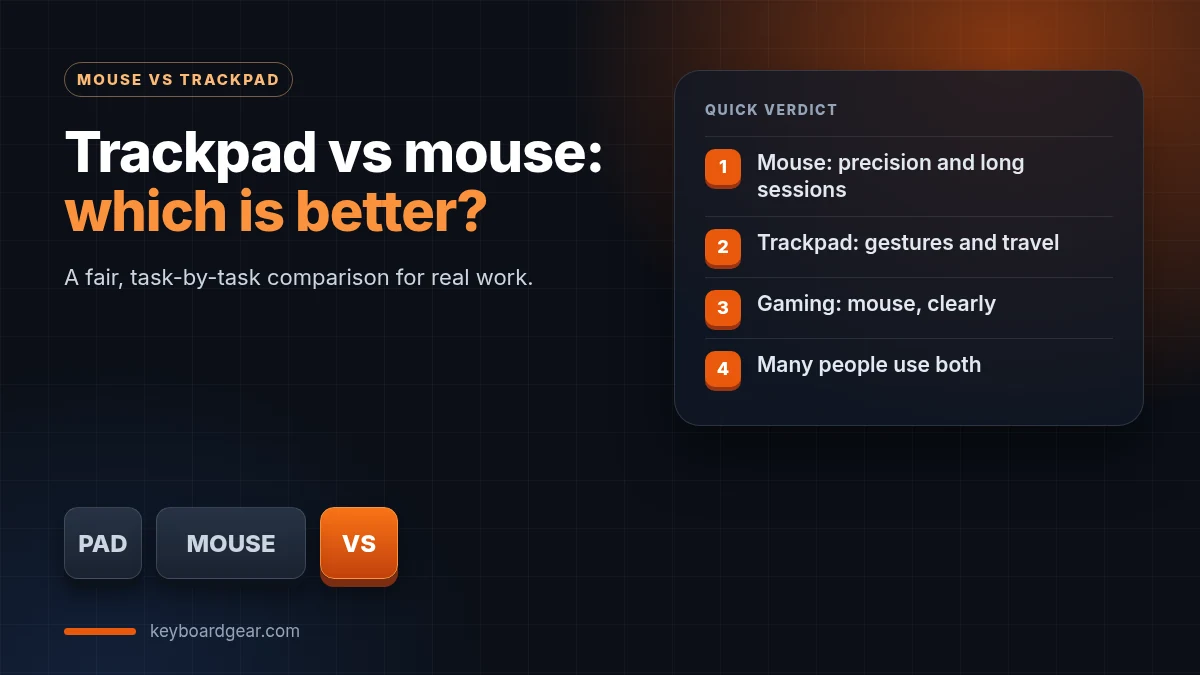
For most desk work, a mouse is better for precision and speed, especially in spreadsheets, design and gaming. A trackpad is better for gestures, scrolling and portability, and Apple’s large trackpads make it a strong choice on a Mac. Many people get the best of both by keeping a mouse at the desk and using the trackpad when working on the go.
Trackpads have improved enormously, and on a MacBook many people never plug in a mouse. But the right choice still depends on what you do all day.
Precision and speed
A mouse moves the pointer with your whole hand and arm, which gives fine control over small targets and fast movement across large screens. Selecting spreadsheet ranges, editing photos and dragging precise selections are generally quicker and more accurate with a mouse.
A trackpad moves the pointer with a fingertip, so large movements may take several swipes. Modern precision touchpads are accurate, but fine dragging is harder.
Gestures and navigation
Trackpads shine here. Multi-finger swipes switch desktops, show all windows, zoom and go back in a browser. macOS is built around these gestures, and Windows precision touchpads support similar three- and four-finger gestures.
Mice can close the gap with extra buttons. Mouse side buttons go back and forward by default and can be remapped to switch desktops or show windows.
Comfort over long sessions
Comfort is individual. Some people find a mouse more relaxed because the hand rests on it; others prefer the lighter movement of a trackpad. A few practical points:
- With a laptop trackpad, your wrists rest on the laptop edge and your screen is usually too low for long sessions. An external keyboard and mouse let you raise the screen; see monitor height.
- If a standard mouse feels awkward, an ergonomic vertical mouse or a trackball is worth trying.
- Whatever you use, take regular breaks and change position.
If you use a trackpad all day at a desk, a separate external trackpad lets you keep a laptop on a stand at a better height.
Portability
A built-in trackpad is always there and works on a train, sofa or airplane tray. A mouse needs a surface and is one more thing to carry, though compact Bluetooth mice are small and many work on almost any surface.
Gaming
A mouse wins clearly. Fast aiming, multiple buttons and consistent tracking are essential in most PC games. See gaming mouse vs office mouse for what to look for.
Trackpad vs mouse compared
| Factor | Trackpad | Mouse |
|---|---|---|
| Precision | Good | Excellent |
| Gestures | Excellent | Limited (extra buttons help) |
| Portability | Built in | Extra item to carry |
| Long sessions at a desk | Depends on person | Often more comfortable |
| Gaming | Poor | Excellent |
Should you use both?
For many laptop users, yes. A mouse at the desk handles detailed work, while the trackpad handles travel, gestures and quick scrolling. If you connect a mouse on Windows, you can choose whether to keep the touchpad on in Settings > Bluetooth & devices > Touchpad. For a desk mouse that suits travel too, start with our best wireless mice.
Jobs that suit each device
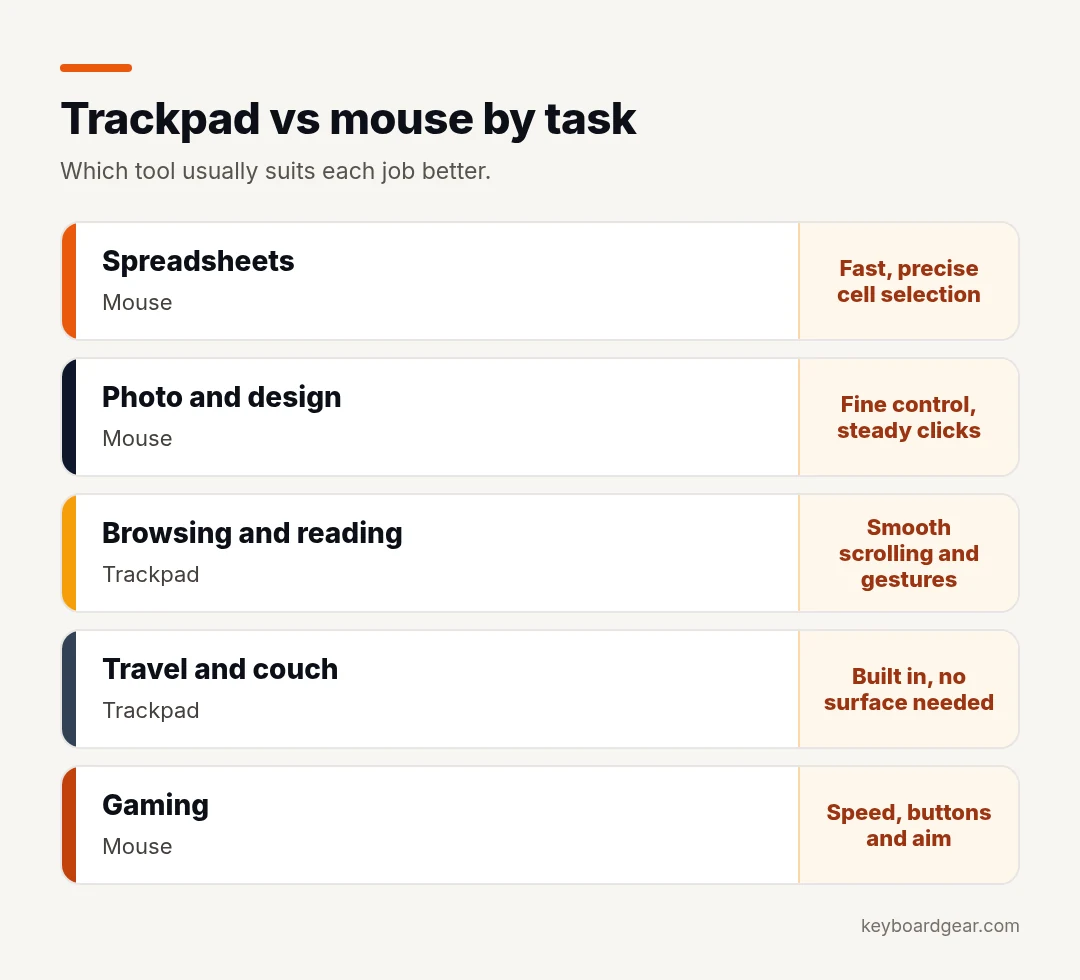
| Task | Usually easier with |
|---|---|
| Browsing and reading | Trackpad, thanks to two-finger scrolling |
| Spreadsheets and long documents | Mouse, for precise selection |
| Photo or video editing | Mouse or graphics tablet |
| Presentations on the move | Trackpad |
| Competitive gaming | Mouse |
Make a trackpad work better
- Learn the main gestures. Our trackpad gestures cheat sheet shows them for Windows and Mac.
- If your palm keeps touching the pad while you type, read trackpad palm rejection.
- Turn pointer speed up or down in settings until small movements feel natural.
Make a mouse work better
- Match its size to your hand with our mouse grip styles guide.
- Use a plain surface that suits the sensor.
- For a Mac, see our best mouse for Mac.
Have both
Many people use the trackpad when they’re away from their desk and a mouse at it. If you want trackpad gestures at a desk, an external trackpad is an option.
FAQ
Is a mouse faster than a trackpad?
For precise pointing and large movements, a mouse is usually faster. For gestures like switching desktops, a trackpad can be quicker.
Is a trackpad better for your wrist?
It depends on the person and setup. Keep wrists straight, avoid resting on hard edges, and take breaks.
Is a trackpad good for gaming?
Not for most games. A mouse gives far better aim and control.
Why do Mac users prefer trackpads?
Apple’s trackpads are large and accurate, and macOS relies heavily on trackpad gestures.
Can I use a mouse and trackpad at the same time?
Yes. Both work together on Windows and macOS.
Sources
- Apple Support: Change mouse or trackpad tracking speed on Mac
- Microsoft Support: Change mouse settings
Final thoughts
Choose a mouse for precision, speed and gaming, and a trackpad for gestures and portability. If you’re on a laptop, use both: they suit different moments of the same day.

Experience is what matters at the end!!
Hi! This is Jacob Jay – founder of Keyboardgear.com! From childhood to adulthood, I’ve always remained passionate about IT, and the revolution in this industry, especially gaming on the PC can’t go out of my way. Since I’m an enthusiastic gamer, and I love to experience various gaming accessories, particularly mechanical keyboards, that really boost my gaming adventure manifolds. So, my nerve cells hit me to transfer my experiences into word form and share with others to identify the ideal keyboards perfectly fit for their gaming modes.
I know very well how hard it is to find the high-quality items available on the internet that ought to be exactly the same as seen as on the screen. But the counterfeiters have ruined the user’s trust. As I have passed all such situations, I’m obliged to deliver the genuinity and express the same as what I am saying.
So, now, I’m working on the mission to provide very helpful and frankly but trustworthy reviews and guides about various mechanical keyboards, mouses, and other gaming accessories as per my personal experiences and sound knowledge.