

Quick answer
A vertical mouse holds your hand upright in a handshake position, so your forearm isn’t twisted palm-down the way it is on a regular mouse. That can ease forearm and wrist strain, and many people with mouse-arm discomfort find it more comfortable. A regular mouse is still better for precision, gaming and speed, and there is far more choice.
If your mouse arm aches after long days, a vertical mouse is worth trying; give it one to two weeks to adjust. If you play fast games or do detailed design work, a regular mouse, set up well, is usually the better fit.
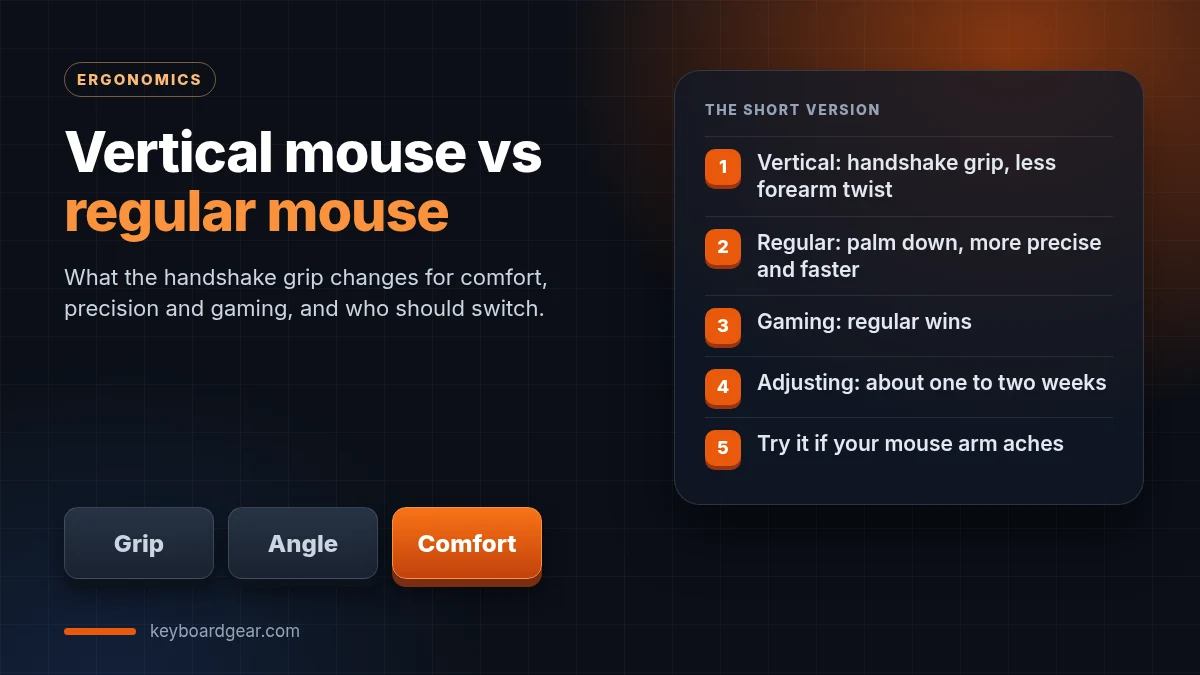
Hold your arm out in front of you with your palm flat on the desk, then turn your hand until your thumb is on top, as if you were about to shake someone’s hand. That second position is how a vertical mouse holds your hand. Turning the palm flat, called pronation, twists the two bones of the forearm across each other. Doing it for eight hours a day is what a vertical mouse is designed to avoid.
This guide compares vertical and regular mice honestly: what the handshake grip actually changes, where a regular mouse is still better, what the switch feels like, and who should try one.
How a vertical mouse is different
A regular mouse is flat. Your palm faces down and your fingers press the buttons from above. A vertical mouse is turned on its side, usually at an angle between about 50 and 90 degrees, so your palm faces sideways and your fingers press buttons on the side of the mouse. Logitech’s MX Vertical and Lift, two of the most common vertical mice, both use a 57-degree angle.
Because the hand is on its side, the weight of your hand rests on the outer edge of the palm and little finger rather than on the underside of the wrist. Most vertical mice also have a thumb rest and a ledge for the little finger. Our mouse grip styles guide explains how regular-mouse grips differ.
What the vertical grip can help with
Less forearm twisting
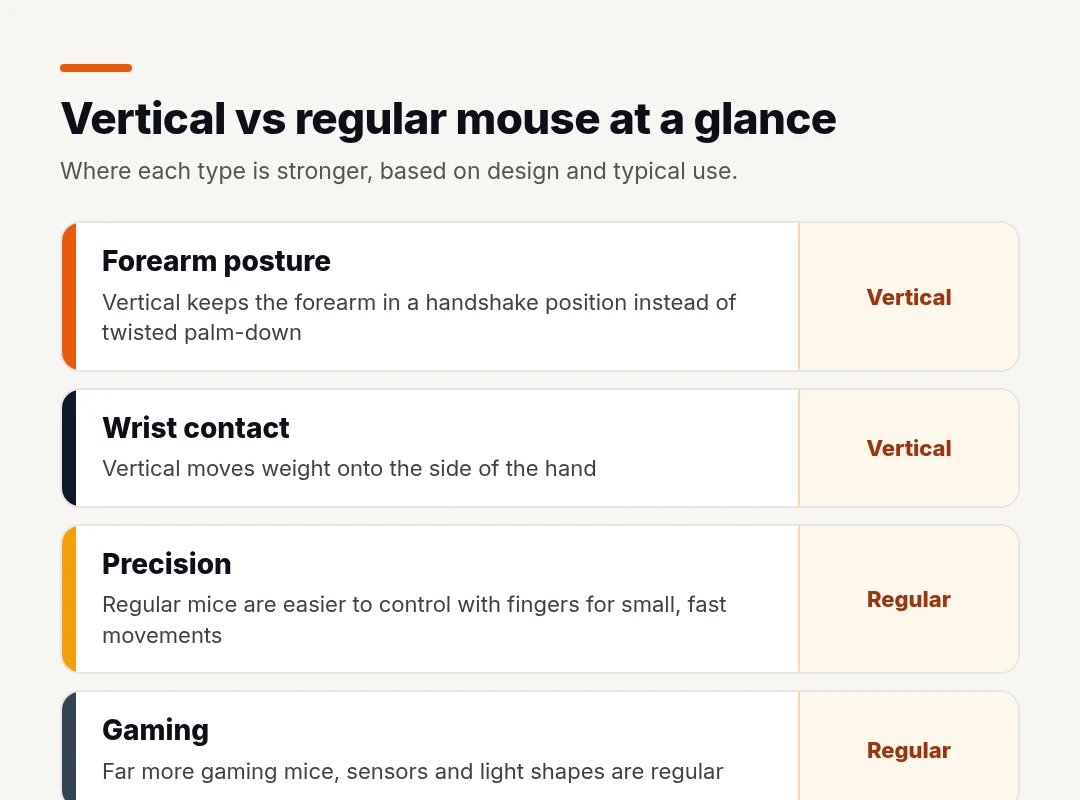
The main benefit is forearm posture. With the hand upright, the forearm sits in a more neutral, untwisted position. Logitech says the MX Vertical’s handshake position reduces muscular strain by 10 percent; that is a manufacturer figure, but the posture principle is widely accepted in ergonomics.
Less pressure under the wrist
On a regular mouse, many people rest the underside of the wrist on the desk and pivot from it. On a vertical mouse, contact moves to the side of the hand, away from the carpal tunnel area. That can help if pressure on the wrist bothers you.
Encourages arm movement
Because flicking the wrist side to side feels awkward on a vertical mouse, most people naturally move from the elbow and shoulder instead. That spreads the work across bigger muscles, which many find more comfortable over a long day.
Where a regular mouse is better
Precision
On a regular mouse, your fingertips can make tiny adjustments. On a vertical mouse, the hand is more locked into position, so small, precise movements, like selecting a pixel in a photo editor or aiming in a game, take more practice. Many people find they can get close, but not quite match, their regular-mouse accuracy.
Gaming
Almost all gaming mice are regular shapes, with light weights, top sensors, high polling rates and lots of shape choice. Vertical mice are mostly built for office work, so they tend to be heavier, and their side buttons and clicking can feel slower in fast games. See our best gaming mouse guide if gaming is your priority.
Choice and price
There are thousands of regular mice at every price, in every size and for every grip. Vertical choice is smaller, though it has grown, and good vertical mice tend to cost more than basic regular mice.
Clicking
Clicking a button on the side of the mouse uses slightly different finger movements. Most people adapt quickly, but some find clicking or dragging tiring at first.
Vertical vs regular mouse compared
| Factor | Vertical mouse | Regular mouse |
|---|---|---|
| Hand position | Upright handshake, about 50 to 90 degrees | Palm down, flat |
| Forearm posture | More neutral, less twisting | Forearm twisted palm-down |
| Wrist contact | Side of the hand | Often the underside of the wrist |
| Precision | Good after practice | Excellent |
| Gaming | Limited options | Huge choice |
| Learning curve | About one to two weeks | None |
| Size options | Fewer; check hand size carefully | Every size |
| Typical use | Office work, long workdays | Everything |
What switching feels like
The first day on a vertical mouse usually feels clumsy. Your cursor overshoots, clicking feels odd and you may miss the scroll wheel. Most people adapt within a few days and feel at home within one to two weeks. A few tips:
- Lower the pointer speed at first so you can control it, then raise it as you adapt.
- Use it for everyday work first, not for fine design work or games.
- Keep your old mouse nearby for the first week if you need precision for a task.
- Move from the elbow, not the wrist.
- Don’t squeeze. Let your hand rest on the mouse rather than gripping it.
Choosing the right size
Fit matters even more with a vertical mouse, because a mouse that is too big or too small forces your hand into an awkward position. Measure your hand from the wrist crease to the tip of your middle finger. Logitech, for example, designs the Lift for small to medium hands and the MX Vertical for medium to large hands. Our guide to the best ergonomic mouse for small hands covers smaller options, and our best vertical mouse guide compares the main models. Left-handed vertical mice exist too, including a left-handed Lift.
Other options to consider
A vertical mouse isn’t the only ergonomic choice:
- Trackball: the device stays still and your thumb or fingers move the ball, so your arm doesn’t move at all. Good if shoulder or arm movement hurts. See our best trackball mouse picks.
- Ergonomic regular mouse: a well-shaped, larger regular mouse with a thumb rest can be enough for many people, with no learning curve.
- Better setup: a mouse placed right next to the keyboard, at the same height, often helps as much as a new mouse. Our wrist pain from typing guide covers desk fixes for both hands.
::warn
A vertical mouse can help with comfort, but it isn’t a treatment. If you have numbness, tingling, weakness or persistent pain in your hand or arm, see a doctor or physiotherapist.
::
Who should choose which?
| If you… | Choose | Why |
|---|---|---|
| Have forearm or wrist ache from mouse use | Vertical mouse | Untwists the forearm, reduces wrist pressure |
| Play fast competitive games | Regular gaming mouse | Lighter, more precise, more choice |
| Do detailed photo or design work | Regular mouse, or try vertical carefully | Fine control is easier palm-down |
| Work long office hours | Vertical or ergonomic regular | Comfort over a long day |
| Have shoulder pain when moving the mouse | Trackball | No arm movement needed |
FAQ
Is a vertical mouse better for your wrist?
For many people, yes. It reduces forearm twisting and moves pressure off the underside of the wrist. It won’t suit everyone, and it isn’t a substitute for medical advice if you have symptoms.
How long does it take to get used to a vertical mouse?
Most people feel comfortable within a few days and fully adapted in one to two weeks.
Can you game with a vertical mouse?
Yes, for casual games, but most competitive players stick with regular gaming mice because they are lighter and more precise.
Are vertical mice good for carpal tunnel?
They can be more comfortable because they reduce wrist pressure and twisting, but anyone with carpal tunnel symptoms should get medical advice first.
Is a vertical mouse less accurate?
At first, usually. Most people get close to their normal accuracy with practice, though very fine work can remain easier on a regular mouse.
Bottom line
A vertical mouse changes one big thing: it holds your hand upright, so your forearm isn’t twisted and your wrist isn’t pressed against the desk. If your mouse arm aches, that’s worth a week or two of adjustment. If you need maximum precision, speed or gaming performance, a regular mouse is still the better tool. Either way, a good desk setup matters as much as the mouse.
Sources
- Logitech: MX Vertical ergonomic mouse
- Logitech: Lift vertical ergonomic mouse
- OSHA: Computer workstations, pointer and mouse

Experience is what matters at the end!!
Hi! This is Jacob Jay – founder of Keyboardgear.com! From childhood to adulthood, I’ve always remained passionate about IT, and the revolution in this industry, especially gaming on the PC can’t go out of my way. Since I’m an enthusiastic gamer, and I love to experience various gaming accessories, particularly mechanical keyboards, that really boost my gaming adventure manifolds. So, my nerve cells hit me to transfer my experiences into word form and share with others to identify the ideal keyboards perfectly fit for their gaming modes.
I know very well how hard it is to find the high-quality items available on the internet that ought to be exactly the same as seen as on the screen. But the counterfeiters have ruined the user’s trust. As I have passed all such situations, I’m obliged to deliver the genuinity and express the same as what I am saying.
So, now, I’m working on the mission to provide very helpful and frankly but trustworthy reviews and guides about various mechanical keyboards, mouses, and other gaming accessories as per my personal experiences and sound knowledge.