

Quick answer
To stop your palm triggering the trackpad, open Settings > Bluetooth & devices > Touchpad > Taps on Windows and set Touchpad sensitivity lower, such as Low sensitivity. That tells a precision touchpad to ignore taps and movement for a short time after you type. You can also turn off tap to click, disable the trackpad when a mouse is connected, or, on a Mac, turn on Ignore built-in trackpad when mouse or wireless trackpad is present.
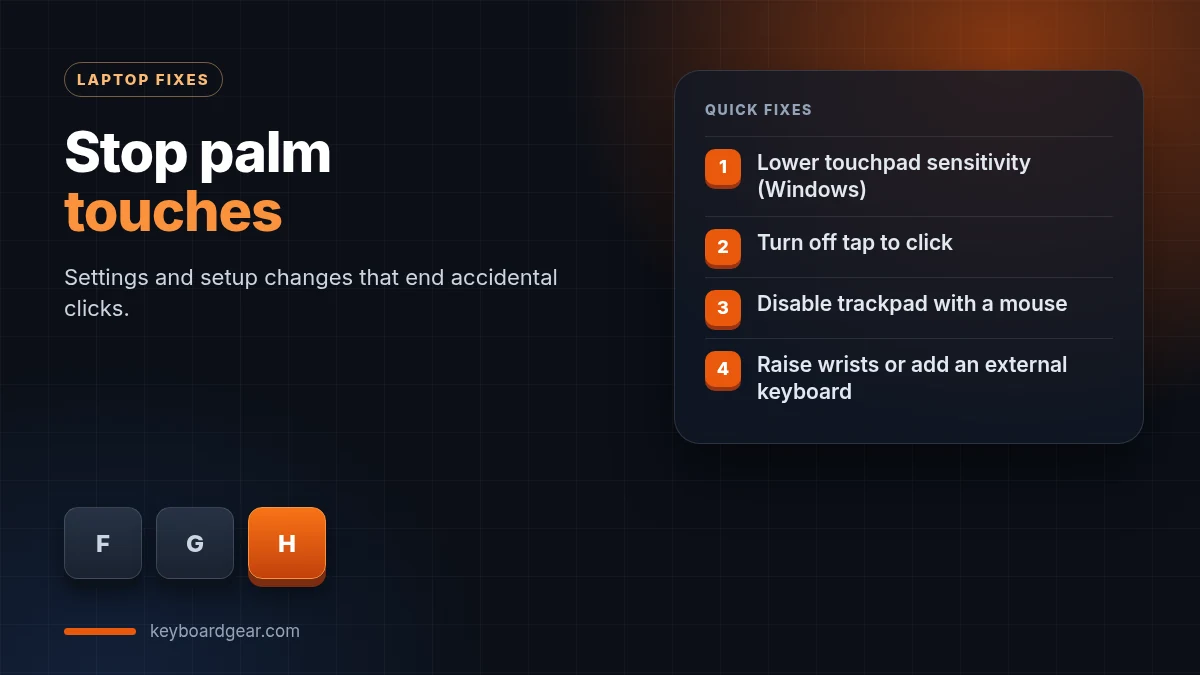
If your cursor jumps mid-sentence, text gets selected, or you type into the wrong place, your palm or thumb is probably brushing the trackpad. Laptops try to ignore these touches with palm rejection, but the settings can need adjusting. If the wrong *characters* appear instead, that’s a different problem; see keyboard typing wrong characters.
Windows: touchpad sensitivity
On laptops with a precision touchpad, Windows has a setting made for this. Microsoft’s hardware documentation calls the feature Accidental Activation Prevention (AAP): it suppresses actions like pointer movement and taps for a short time after keyboard input. The Touchpad sensitivity setting controls how long.
- Open Settings > Bluetooth & devices > Touchpad.
- Expand Taps.
- Set Touchpad sensitivity to a lower level, such as Low sensitivity.
- Type for a few minutes and see if the jumps stop.
The naming is confusing: “Most sensitive” means no delay after typing, so palm touches register immediately. Lower sensitivity means a longer pause. If the touchpad then feels slow to respond after typing, move one level up.
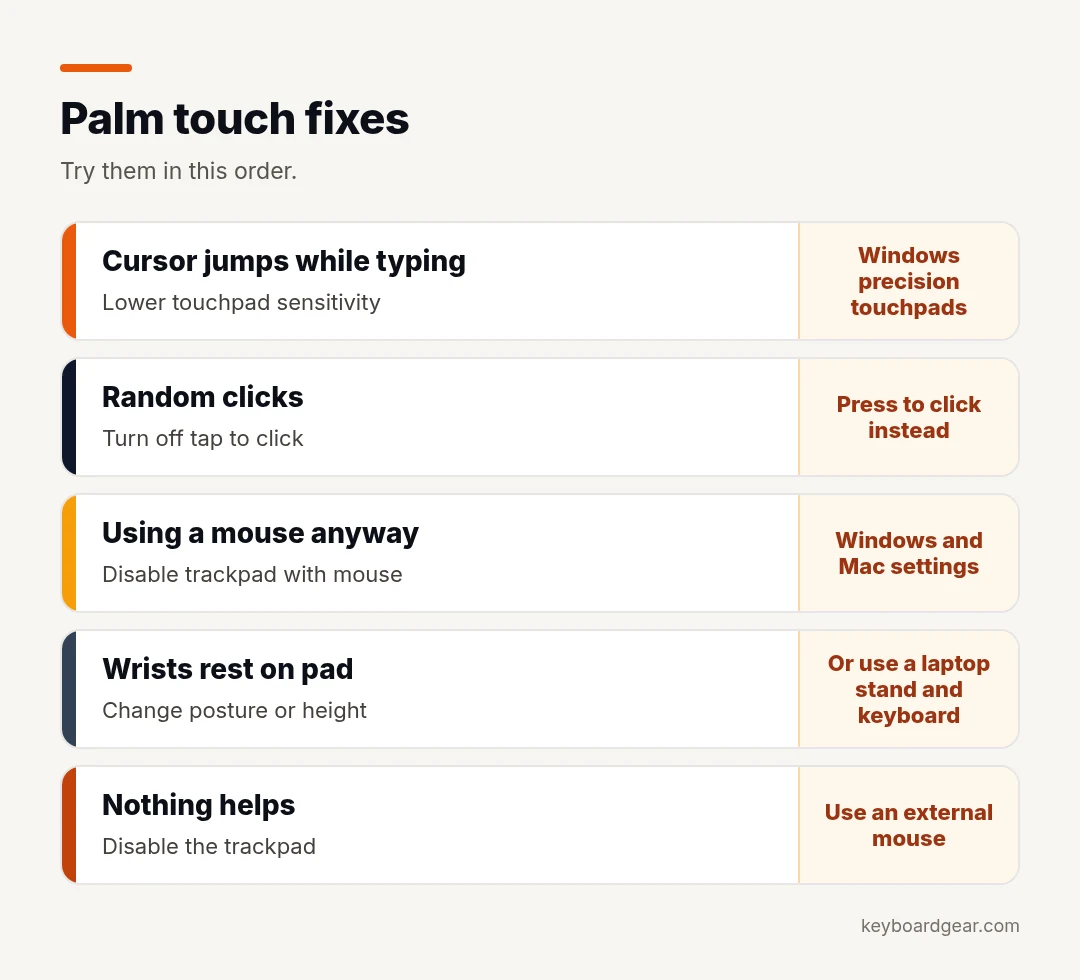
Gamers who use the keyboard and touchpad together sometimes need the opposite: Most sensitive, so the touchpad works while keys are held down.
Windows: other settings
- Turn off tap to click. In Taps, untick the tap options so only a physical press clicks.
- Turn off the touchpad when a mouse is connected. In Touchpad settings, untick the option to leave the touchpad on when a mouse is connected.
- Laptop maker software. Some laptops have their own palm-check options in the manufacturer’s app.
Mac: trackpad options
macOS doesn’t have a palm-sensitivity slider, but these settings help:
- Turn off Tap to click in System Settings > Trackpad, so a light brush doesn’t click.
- Ignore the built-in trackpad when you use a mouse or Magic Trackpad: System Settings > Accessibility > Pointer Control, then turn on Ignore built-in trackpad when mouse or wireless trackpad is present.
- Check the click pressure setting in Trackpad settings.
Fix the setup, not just the settings
Palms rest on the trackpad when the laptop is too high or your wrists drop.
- Float your hands slightly while typing rather than resting your palms on the laptop.
- Lower the laptop or raise your chair so your forearms are roughly level. Our keyboard height guide explains the setup.
- Use an external keyboard and mouse. With a laptop stand, the screen goes up and the trackpad is out of the way entirely.
| Fix | Windows | Mac |
|---|---|---|
| Delay after typing | Touchpad sensitivity | Not available |
| Disable tap to click | Taps settings | Trackpad settings |
| Disable with a mouse | Touchpad settings | Pointer Control (Accessibility) |
| Avoid palm contact | External keyboard | External keyboard |
Still jumping?
If the cursor moves even when you’re not touching anything, it’s not your palm. See mouse moving by itself for other causes, and check the touchpad driver and hardware if the problem continues.
FAQ
What is palm rejection on a trackpad?
A feature that ignores touches from your palm or thumb while you type, so the cursor doesn’t jump.
How do I turn on palm rejection in Windows 11?
On precision touchpads, lower Touchpad sensitivity in Settings > Bluetooth & devices > Touchpad > Taps.
Does a Mac have palm rejection?
MacBooks have built-in palm rejection but no sensitivity slider. Turning off Tap to click helps.
Why does my cursor jump when I type?
Usually your palm brushes the trackpad. Lower touchpad sensitivity or turn off tap to click.
Should I disable my trackpad?
If you always use a mouse, disabling it when a mouse is connected removes the problem.
Sources
- Microsoft Learn: Precision touchpad tuning guidelines
- Microsoft Support: Touch gestures for Windows
- Apple Support: Change Trackpad settings on Mac
- Apple Support: Change Pointer Control settings for accessibility on Mac
Related guide: Trackpad Gestures on Windows 11 and Mac: A Visual Cheat Sheet
Final thoughts
On Windows, lower Touchpad sensitivity and turn off tap to click; on a Mac, turn off Tap to click and ignore the built-in trackpad when you use a mouse. If your palms still land on the pad, a laptop stand with an external keyboard fixes it for good.

Experience is what matters at the end!!
Hi! This is Jacob Jay – founder of Keyboardgear.com! From childhood to adulthood, I’ve always remained passionate about IT, and the revolution in this industry, especially gaming on the PC can’t go out of my way. Since I’m an enthusiastic gamer, and I love to experience various gaming accessories, particularly mechanical keyboards, that really boost my gaming adventure manifolds. So, my nerve cells hit me to transfer my experiences into word form and share with others to identify the ideal keyboards perfectly fit for their gaming modes.
I know very well how hard it is to find the high-quality items available on the internet that ought to be exactly the same as seen as on the screen. But the counterfeiters have ruined the user’s trust. As I have passed all such situations, I’m obliged to deliver the genuinity and express the same as what I am saying.
So, now, I’m working on the mission to provide very helpful and frankly but trustworthy reviews and guides about various mechanical keyboards, mouses, and other gaming accessories as per my personal experiences and sound knowledge.