

Quick answer
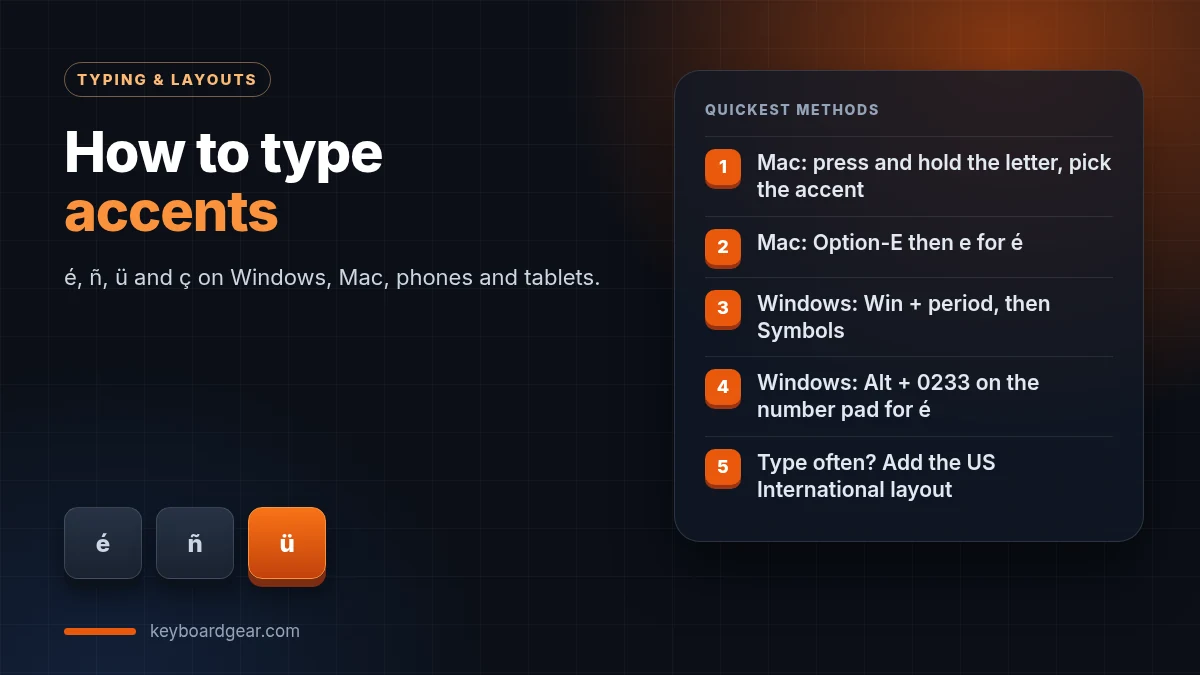
On a Mac, press and hold a letter (such as e) and choose the accented version from the menu, or use Option dead keys: Option-E then e gives é, Option-N then n gives ñ, Option-U then u gives ü.
On Windows, press Windows key + period (.), choose Symbols and pick the letter, or hold Alt and type a code on the numeric keypad, such as Alt + 0233 for é. If you type accents often, add the US International keyboard layout, where ‘ then e gives é.
Names, words borrowed from other languages and anything written in Spanish, French, German or Portuguese all need accented letters. A standard US keyboard has no accent keys, but every system has built-in ways to type them. Which is best depends on whether you use a Mac or Windows and how often you need them.
Typing accents on a Mac
Press and hold
Apple’s simplest method: in an app, press and hold a letter key, for example a, and an accent menu appears showing the accented versions. Click the one you want, press the number shown under it, or use the arrow keys and press Space. The menu only appears for letters that have accented versions, and Apple notes it isn’t available in every app.
Option dead keys
If you type accents often, Apple suggests “dead keys”: press a key combination to enter the accent, then the letter. On the standard US or ABC layout:
| Accent | Press | Then | Result |
|---|---|---|---|
| Acute | Option-E | e, a, i, o, u | é á í ó ú |
| Grave | Option-` (grave key) | e, a, i, o, u | è à ì ò ù |
| Circumflex | Option-I | e, a, i, o, u | ê â î ô û |
| Umlaut / diaeresis | Option-U | u, o, a, e, i | ü ö ä ë ï |
| Tilde | Option-N | n, a, o | ñ ã õ |
| Cedilla | Option-C | (directly) | ç |
For capitals, hold Shift when typing the letter, for example Option-E then Shift-E gives É. To see all the dead keys, open the Keyboard Viewer and hold Option; Apple says the dead keys are outlined in orange.
ABC Extended layout
Apple recommends the ABC – Extended input source if you type in several Latin-script languages. It adds more accents and diacritics. Add it in System Settings > Keyboard > Text Input > Edit. Our guide on how to change keyboard layout shows the steps for Mac and Windows. For more Mac tricks, see our Mac keyboard shortcuts list.
Typing accents on Windows
The emoji and symbols panel
Microsoft’s easiest method: while typing, press Windows key + period (.) to open the emoji panel, then choose Symbols to browse punctuation, accented letters and more. Click the character to insert it. This needs no setup and works in most apps on Windows 10 and 11.
Alt codes (numeric keypad)
Hold Alt, type a four-digit code on the numeric keypad including the leading 0, then release Alt. Microsoft points out that Alt codes only work with the numeric keypad, not the number row. On laptops without a number pad, use another method, or see our guide to keyboard numbers not working if your keypad is dead.
| Character | Alt code | Character | Alt code |
|---|---|---|---|
| á | Alt + 0225 | Á | Alt + 0193 |
| é | Alt + 0233 | É | Alt + 0201 |
| í | Alt + 0237 | Í | Alt + 0205 |
| ó | Alt + 0243 | Ó | Alt + 0211 |
| ú | Alt + 0250 | Ú | Alt + 0218 |
| à | Alt + 0224 | è | Alt + 0232 |
| ê | Alt + 0234 | ô | Alt + 0244 |
| ñ | Alt + 0241 | Ñ | Alt + 0209 |
| ü | Alt + 0252 | ö | Alt + 0246 |
| ä | Alt + 0228 | ç | Alt + 0231 |
| ¿ | Alt + 0191 | ¡ | Alt + 0161 |
The US International keyboard layout
If you type accents every day, add the United States-International layout (in Settings > Time & language > Language & region > your language > Options > Add a keyboard). It turns some punctuation keys into dead keys:
| Type | Then | Result |
|---|---|---|
| ‘ (apostrophe) | e, a, i, o, u | é á í ó ú |
| ` (grave) | e, a, i, o, u | è à ì ò ù |
| ^ (Shift-6) | e, a, i, o, u | ê â î ô û |
| ” (Shift-‘) | u, o, a, e, i | ü ö ä ë ï |
| ~ (Shift-`) | n, a, o | ñ ã õ |
| ‘ (apostrophe) | c | ç |
To type the punctuation mark itself, press it and then Space. Right Alt (AltGr) combinations add more, for example Right Alt + e for é. The trade-off is that apostrophes and quotes now wait for the next key, which takes some getting used to. Switch layouts with Windows key + Space. If your keyboard suddenly types odd characters, an accidentally enabled layout is a common cause; see keyboard typing wrong characters.
Microsoft Word and Outlook shortcuts
In Word and Outlook, Ctrl-based shortcuts add accents without changing layouts:
| Accent | Press | Then | Result |
|---|---|---|---|
| Acute | Ctrl + ‘ (apostrophe) | letter | é |
| Grave | Ctrl + ` (grave) | letter | è |
| Circumflex | Ctrl + Shift + ^ | letter | ê |
| Umlaut | Ctrl + Shift + : | letter | ü |
| Tilde | Ctrl + Shift + ~ | letter | ñ |
| Cedilla | Ctrl + , (comma) | c | ç |
These work only in Microsoft Office apps, not system-wide.
Character Map
For rare characters, open Character Map from the Start menu, find the character, click Select and Copy, then paste it.
Phones, tablets and Chromebooks
On iPhone, iPad and Android on-screen keyboards, press and hold a letter to see its accented versions, then slide to the one you want. With an external keyboard on an iPad, the Mac Option dead keys generally work too; our guide on how to connect a Bluetooth keyboard covers pairing. On a Chromebook, add the US International keyboard in Settings to use the same dead keys as Windows.
Remap a key for one accent you use a lot
If you only need one accented letter, say é or ñ, you can remap a rarely used key to type it. Our guide on how to remap keys explains how with PowerToys, Karabiner-Elements and keyboard software.
Other special characters
These work on a Mac with the standard US or ABC layout, and on Windows with Alt codes typed on the numeric keypad.
| Character | Mac | Windows Alt code |
|---|---|---|
| ß (German sharp s) | Option-S | Alt + 0223 |
| € (euro) | Option-Shift-2 | Alt + 0128 |
| £ (pound) | Option-3 | Alt + 0163 |
| ¿ (inverted question mark) | Option-Shift-/ | Alt + 0191 |
| ¡ (inverted exclamation mark) | Option-1 | Alt + 0161 |
| « and » (guillemets) | Option-\ and Option-Shift-\ | Alt + 0171 and Alt + 0187 |
| œ and æ | Option-Q and Option-‘ | Alt + 0156 and Alt + 0230 |
| ø and å | Option-O and Option-A | Alt + 0248 and Alt + 0229 |
| ° (degree sign) | Option-Shift-8 | Alt + 0176 |
Capital accented letters
On a Mac, type the accent with the Option shortcut, then press Shift with the letter: Option-E then Shift-E gives É. Press and hold also works with Shift held for capitals. On Windows, capitals have their own Alt codes, such as Alt + 0201 for É and Alt + 0209 for Ñ, or you can use the emoji and symbols panel and pick the capital directly.
When Alt codes don’t work
Alt codes are the most common source of frustration on Windows. If nothing happens:
- Make sure you’re using the numeric keypad, not the number row across the top of the keyboard.
- Turn Num Lock on.
- Hold Alt down the whole time you type the four digits, then release it.
- On a laptop with no numeric keypad, use Windows key + period to open the emoji and symbols panel instead, or switch to the US International layout.
Some apps also intercept Alt shortcuts, so try typing the code into Notepad to check it works.
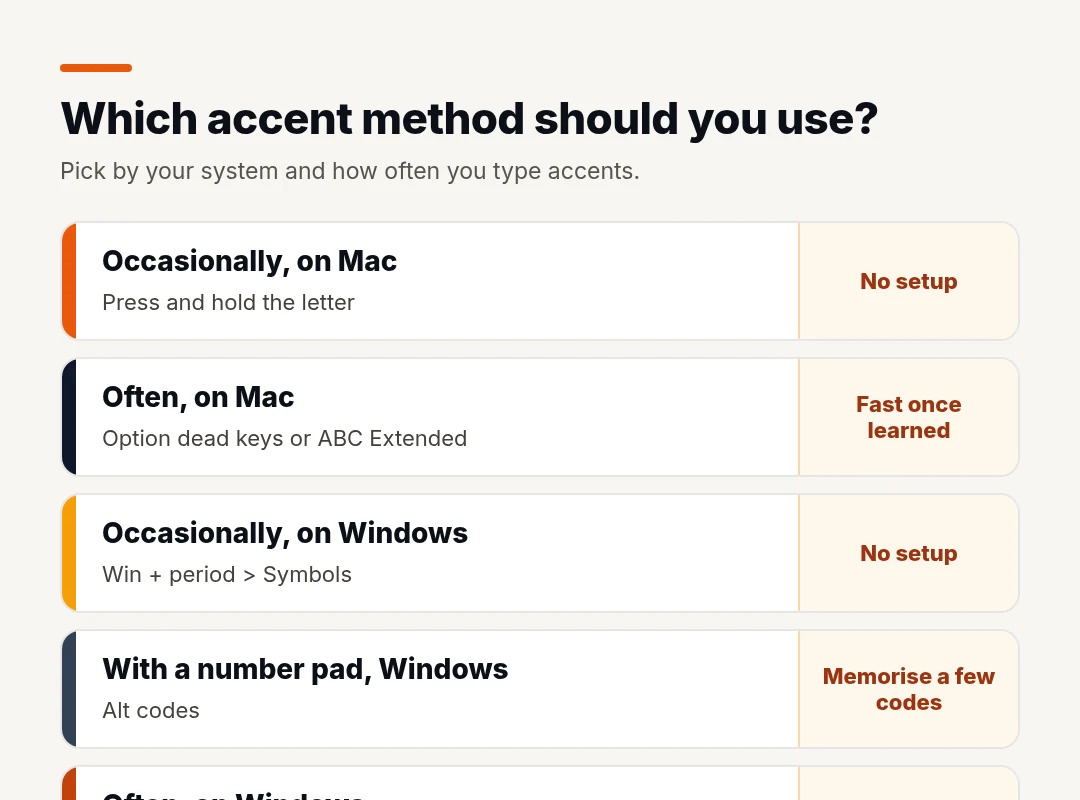
Which method should you use?
| If you… | Use |
|---|---|
| Type accents now and then on a Mac | Press and hold |
| Type a lot in French, Spanish or German on a Mac | Option dead keys or the ABC Extended layout |
| Type accents now and then on Windows | The emoji and symbols panel (Windows key + period) |
| Write regularly in another language on Windows | The US International layout |
| Need one accented letter constantly | Remap a spare key to it |
FAQ
How do I type é on a keyboard?
On Mac, press Option-E then e, or hold e and choose é. On Windows, press Alt + 0233 on the number pad, use Windows key + period > Symbols, or on the US International layout type ‘ then e.
How do I type ñ?
On Mac, press Option-N then n. On Windows, use Alt + 0241, or ~ then n on US International.
Why don’t Alt codes work on my laptop?
Alt codes need a numeric keypad. Laptops without one can use the emoji and symbols panel or the US International layout.
How do I type capital accented letters?
Use Shift with the letter after the accent: Option-E then Shift-E on Mac, or ‘ then Shift-E on US International. Alt codes have separate codes for capitals.
Is there a keyboard with accent keys?
Yes. Keyboards with Spanish, French, German and other layouts have dedicated accent keys, but you can type accents on any keyboard using the methods above.
Bottom line
On a Mac, press and hold the letter for occasional accents and learn the Option dead keys if you type them often. On Windows, use Windows key + period for the odd character, Alt codes if you have a number pad, and the US International layout if accents are part of your daily typing.
Sources
- Apple Support: Enter characters with accent marks on Mac
- Microsoft Support: Windows keyboard tips and tricks

Experience is what matters at the end!!
Hi! This is Jacob Jay – founder of Keyboardgear.com! From childhood to adulthood, I’ve always remained passionate about IT, and the revolution in this industry, especially gaming on the PC can’t go out of my way. Since I’m an enthusiastic gamer, and I love to experience various gaming accessories, particularly mechanical keyboards, that really boost my gaming adventure manifolds. So, my nerve cells hit me to transfer my experiences into word form and share with others to identify the ideal keyboards perfectly fit for their gaming modes.
I know very well how hard it is to find the high-quality items available on the internet that ought to be exactly the same as seen as on the screen. But the counterfeiters have ruined the user’s trust. As I have passed all such situations, I’m obliged to deliver the genuinity and express the same as what I am saying.
So, now, I’m working on the mission to provide very helpful and frankly but trustworthy reviews and guides about various mechanical keyboards, mouses, and other gaming accessories as per my personal experiences and sound knowledge.