

Quick answer
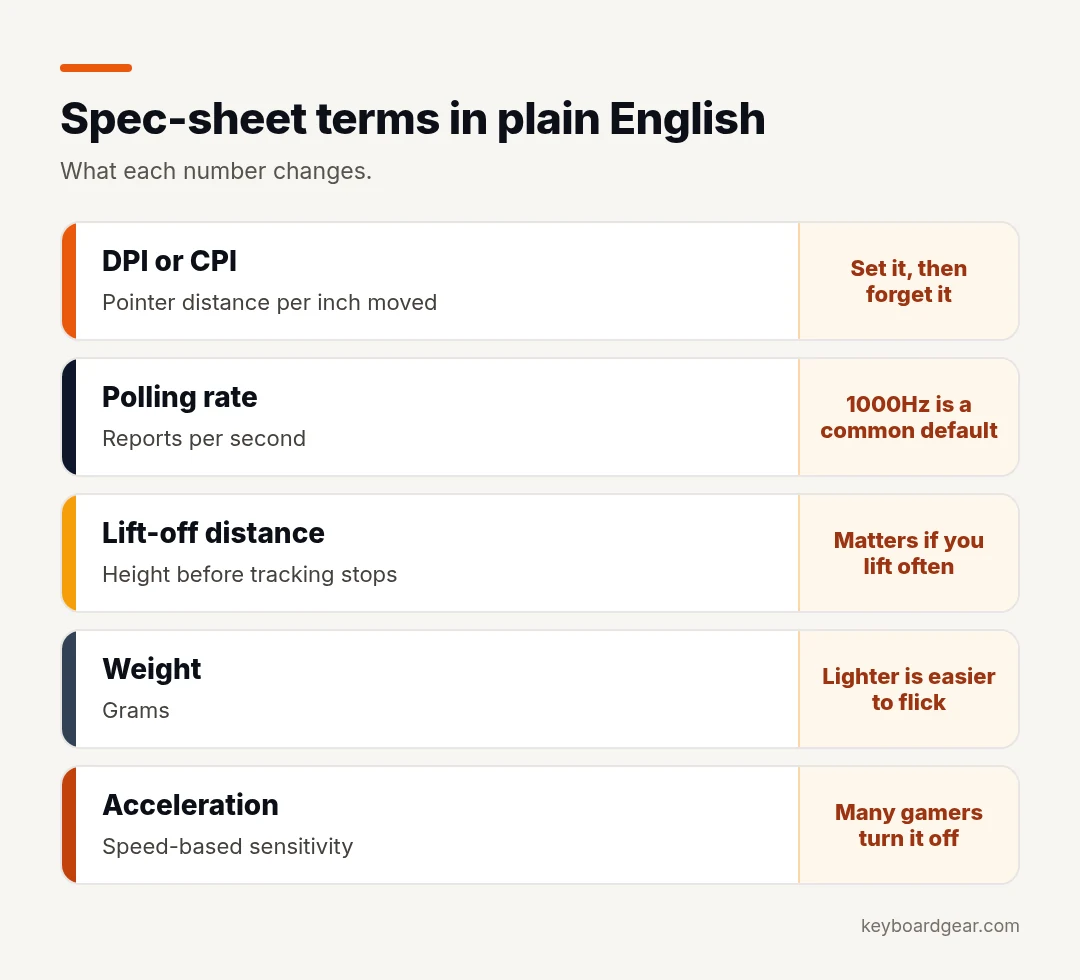
The key mouse terms are DPI or CPI (how far the pointer moves per inch of mouse movement), polling rate (how often the mouse reports to the computer, in Hz), lift-off distance (how high you can lift it before tracking stops), acceleration (sensitivity that changes with speed) and weight. Shape, size and grip style usually matter more than the biggest number on the box.
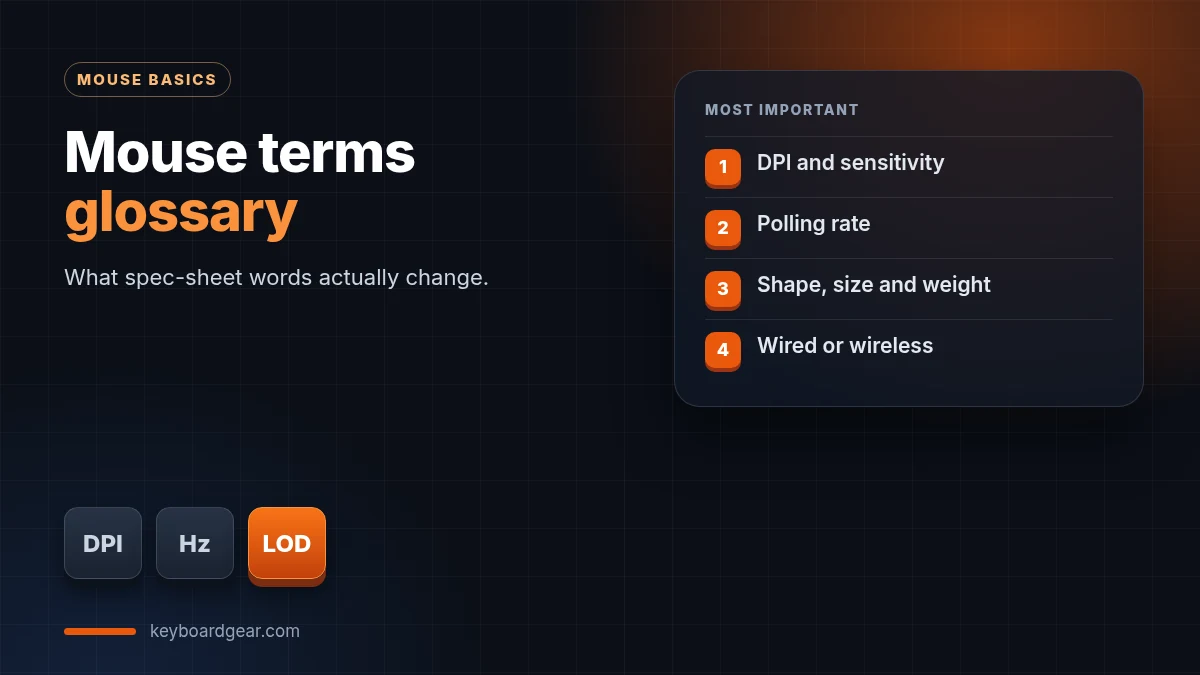
Mouse spec sheets love big numbers: 30,000 DPI, 8,000Hz, 50 million clicks. This glossary explains what each term means and when it matters. Where we have a full guide, it’s linked.
Sensor and tracking terms
| Term | Meaning |
|---|---|
| Sensor | The optical or laser chip that tracks movement. See optical vs laser mouse. |
| DPI and CPI | Dots or counts per inch: how many counts the mouse sends per inch moved. Higher DPI moves the pointer further. |
| Sensitivity | The combined effect of DPI and software settings. See DPI vs sensitivity. |
| eDPI | DPI multiplied by in-game sensitivity, used to compare gamers’ settings. |
| Polling rate | How many times per second the mouse reports to the computer. See mouse polling rate. |
| Lift-off distance (LOD) | How high you can lift the mouse before it stops tracking. See lift-off distance. |
| Acceleration | Pointer movement that depends on speed as well as distance. In Windows, it’s tied to Enhance pointer precision. See mouse acceleration. |
| Angle snapping | Software that straightens lines you draw. Most gaming mice leave it off. |
| IPS | Inches per second: the fastest movement the sensor can track. |
| Jitter | Small random pointer movement, often at very high DPI. |
| Spin-out | When a sensor loses tracking during a very fast flick. |
Buttons and wheel terms
| Term | Meaning |
|---|---|
| Primary buttons | Left and right click. Windows lets you swap them for left-handed use. |
| Side buttons | Extra thumb buttons, often Back and Forward. See mouse side buttons. |
| Mouse switch | The switch under each button, mechanical or optical. |
| Click rating | The number of presses a switch is rated for, such as 50 million. |
| Double-click problem | A worn switch registering one click as two. See mouse double-clicking. |
| Scroll wheel | The wheel for scrolling. Some tilt left and right or spin freely. |
| Notched or free-spin | Wheels with steps you can feel, or that spin smoothly. |
| DPI button | A button that cycles through DPI presets. |
| Profile | A saved set of button and DPI settings. |
Shape and build terms
| Term | Meaning |
|---|---|
| Grip style | How you hold the mouse: palm, claw or fingertip. See mouse grip styles. |
| Ergonomic | An asymmetrical shape for one hand, usually the right. |
| Ambidextrous | A symmetrical shape that suits either hand. |
| Vertical mouse | A mouse held in a handshake position. |
| Trackball | A stationary mouse you move with a ball. |
| Skates or feet | The sliding pads underneath, often PTFE. |
| Honeycomb shell | A shell with holes to cut weight. |
| Paracord cable | A light, flexible cable that drags less. |
Connection terms
| Term | Meaning |
|---|---|
| 2.4GHz receiver | A USB dongle for low-latency wireless. |
| Bluetooth | Wireless without a dongle, usually with more latency than 2.4GHz. |
| Dongle extender | A short cable to move the receiver closer to the mouse. |
| Battery life | How long the mouse runs between charges, often given at a specific polling rate and lighting setting. |
Many mice list battery life at 1000Hz with lighting off. Higher polling rates and RGB lighting can cut battery life sharply, so check the conditions in the spec sheet.
Which numbers actually matter?
For most people, comfort and consistency matter more than peak specs:
- Shape and size for your hand and grip.
- Weight if you game.
- Connection that suits your desk.
- DPI in a sensible range you can stick with.
Microsoft’s own mouse settings let you change pointer speed, the primary button and scroll speed in Settings > Bluetooth & devices > Mouse.
FAQ
What does DPI mean on a mouse?
Dots per inch: how many counts the mouse sends for every inch you move it.
Is DPI the same as CPI?
In practice, yes. CPI (counts per inch) is the more accurate term, but brands use them the same way.
What is polling rate on a mouse?
How many times per second the mouse reports its position, measured in hertz.
What is lift-off distance?
The height at which the mouse stops tracking when you lift it.
Do I need a high DPI mouse?
Not usually. Most people use a moderate DPI and adjust sensitivity in software.
Sources
- Microsoft Support: Change mouse settings
- Apple Support: Change mouse settings on Mac
- RTINGS: Mouse sensor latency test
Final thoughts
Learn DPI, polling rate and lift-off distance, then focus on shape and weight. The biggest numbers on the box rarely make the biggest difference.

Experience is what matters at the end!!
Hi! This is Jacob Jay – founder of Keyboardgear.com! From childhood to adulthood, I’ve always remained passionate about IT, and the revolution in this industry, especially gaming on the PC can’t go out of my way. Since I’m an enthusiastic gamer, and I love to experience various gaming accessories, particularly mechanical keyboards, that really boost my gaming adventure manifolds. So, my nerve cells hit me to transfer my experiences into word form and share with others to identify the ideal keyboards perfectly fit for their gaming modes.
I know very well how hard it is to find the high-quality items available on the internet that ought to be exactly the same as seen as on the screen. But the counterfeiters have ruined the user’s trust. As I have passed all such situations, I’m obliged to deliver the genuinity and express the same as what I am saying.
So, now, I’m working on the mission to provide very helpful and frankly but trustworthy reviews and guides about various mechanical keyboards, mouses, and other gaming accessories as per my personal experiences and sound knowledge.