
Keyboard Gear earns from qualifying purchases through Amazon links.
Full-height mechanical keyboards feel great, but they sit high off the desk, often need a wrist rest, and look bulky next to a laptop. The best low-profile mechanical keyboards fix that: shorter switches and slimmer cases bring the keys closer to the desk while keeping real mechanical feedback.
We compared seven low-profile boards currently sold on Amazon US, from Logitech’s MX productivity keyboards to Keychron’s 8K-polling K3 Ultra and gaming picks from Logitech G and Razer. Specs come from the manufacturers’ product pages and the current Amazon listings. New to keyboard shapes? See our keyboard sizes guide. Wondering if mechanical is worth it at all? Read are mechanical keyboards worth it.
Quick picks
- Best overall: Logitech MX Mechanical
- Best compact: Logitech MX Mechanical Mini
- Best for enthusiasts: Keychron K3 Ultra 8K
- Best typing feel: NuPhy Air75 V3
- Best wireless gaming: Logitech G515 Lightspeed TKL
- Best for battery + RGB: Razer DeathStalker V2 Pro TKL
- Best value: Lofree Flow Lite 84
At a glance: best low-profile mechanical keyboards compared
| Product | Best for | Key specs | Price |
|---|---|---|---|
1 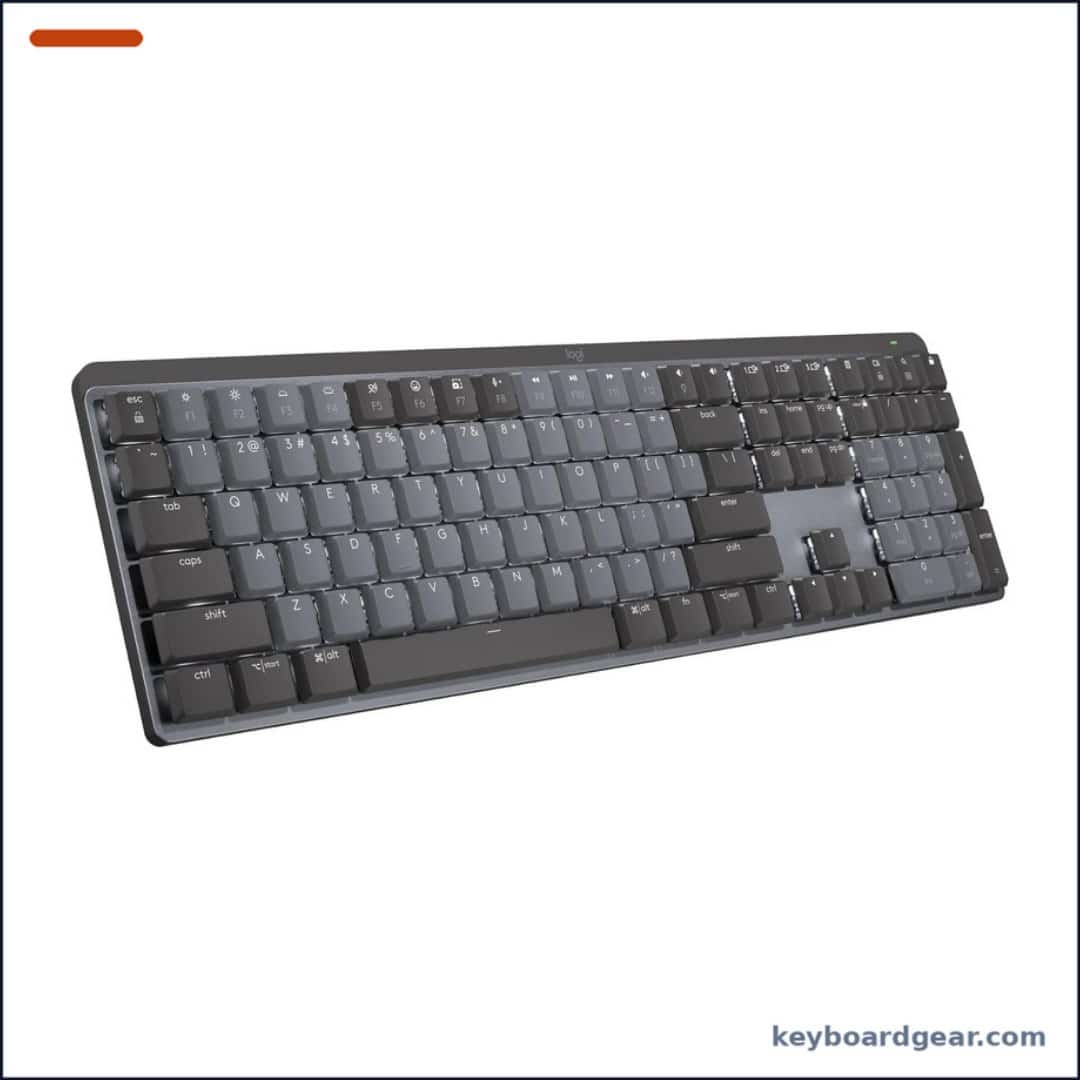 Logitech MX Mechanical Logitech MX Mechanical |
Best overall |
|
Check price |
2 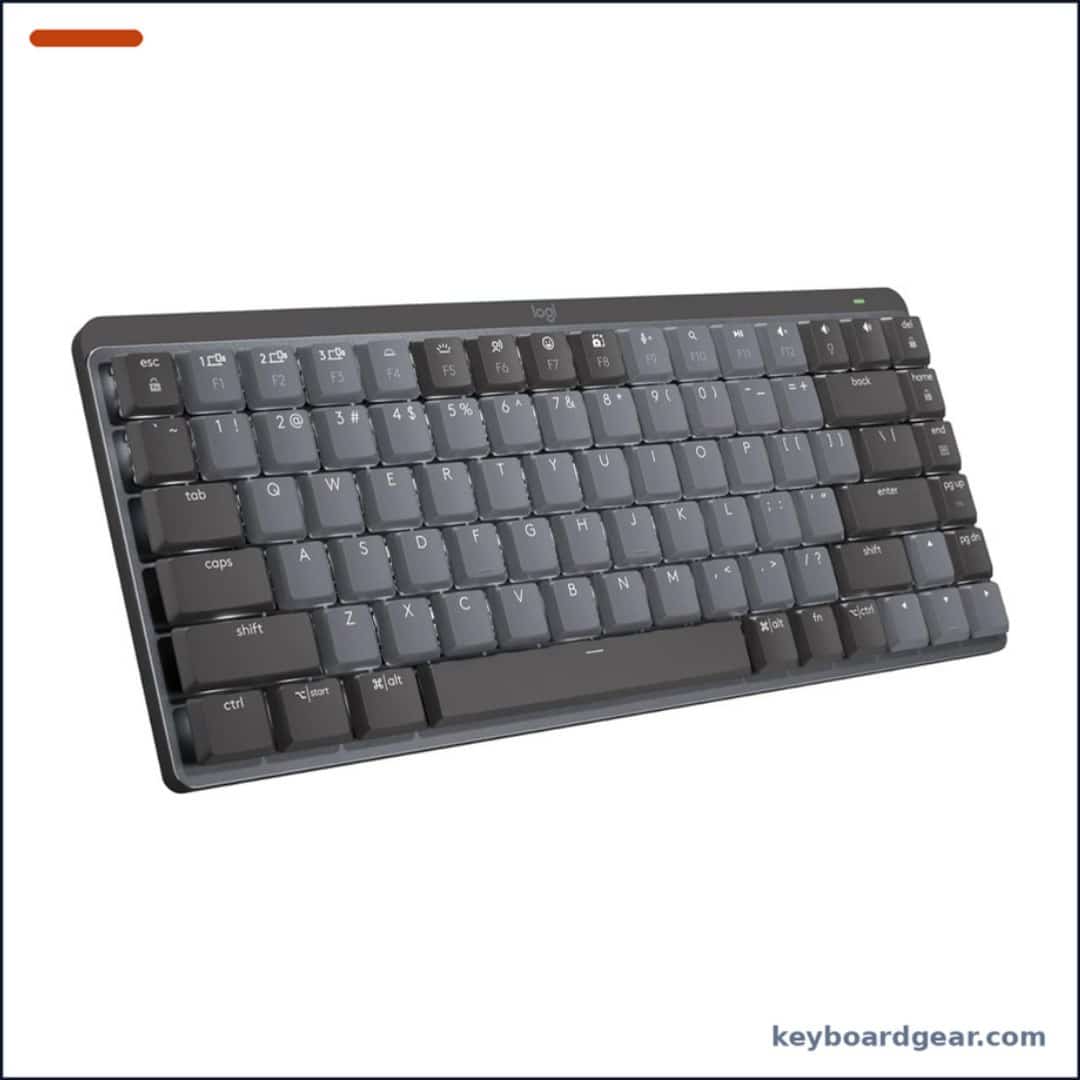 Logitech MX Mechanical Mini Logitech MX Mechanical Mini |
Best compact |
|
Check price |
3 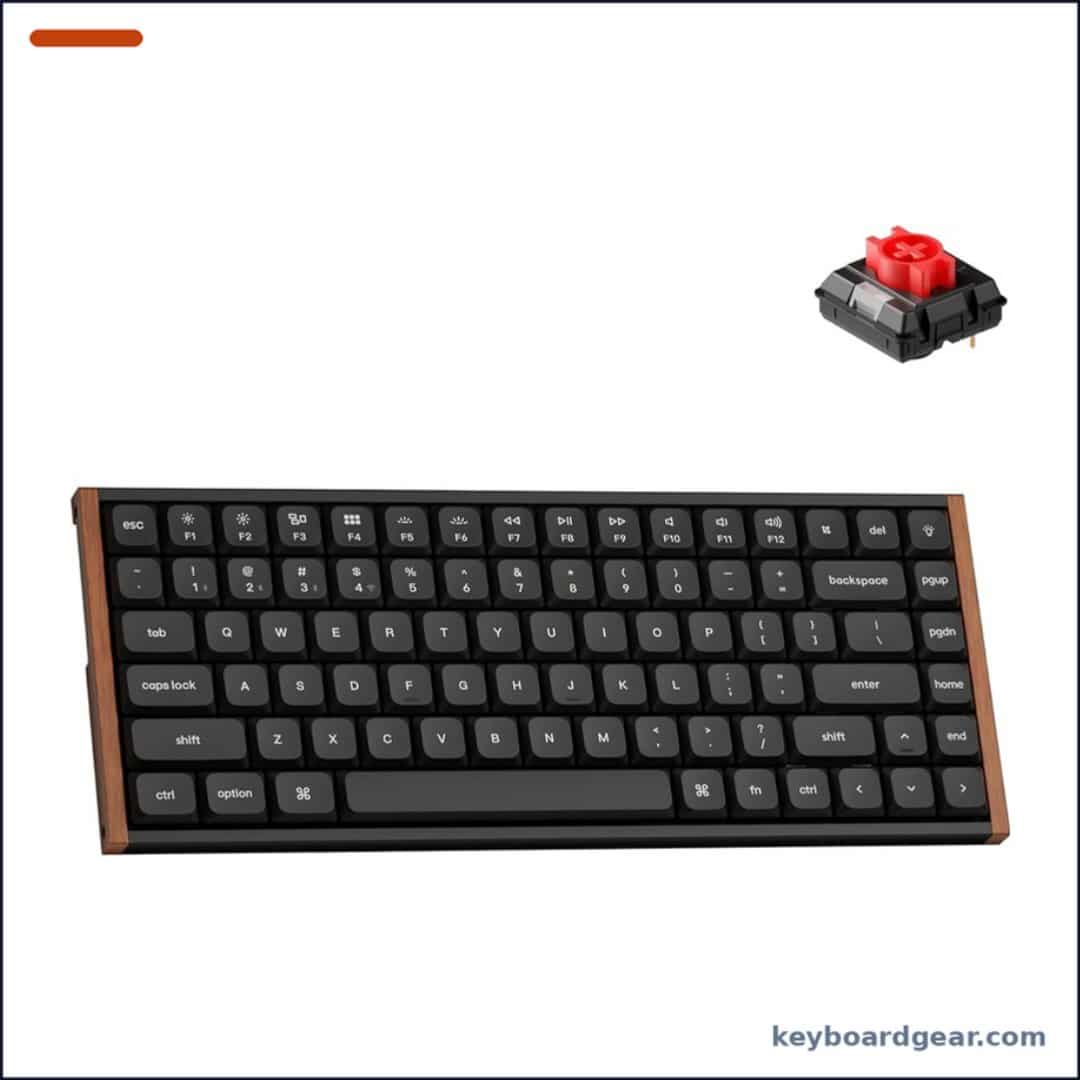 Keychron K3 Ultra 8K Keychron K3 Ultra 8K |
Best for enthusiasts |
|
Check price |
4 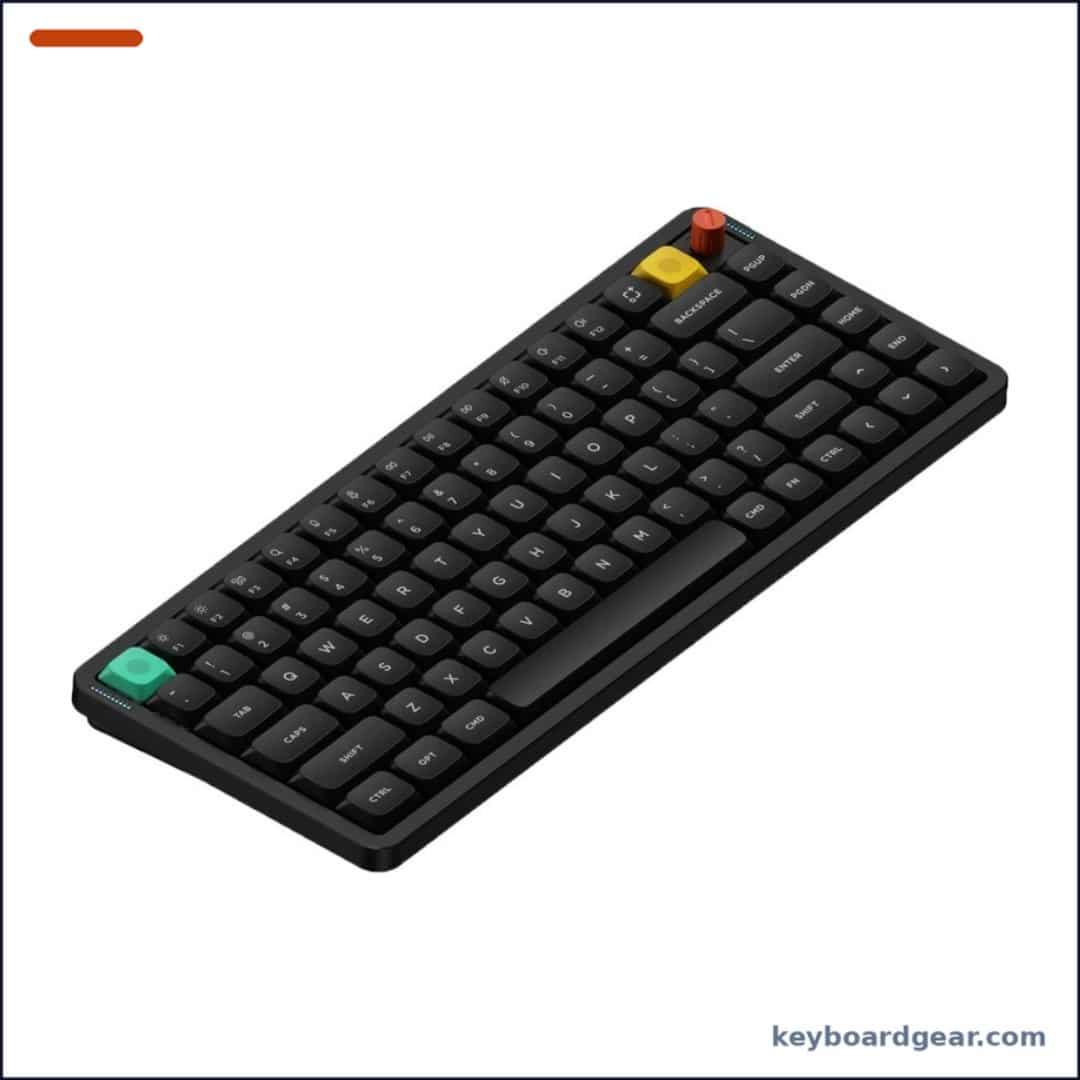 NuPhy Air75 V3 NuPhy Air75 V3 |
Best typing feel |
|
Check price |
5 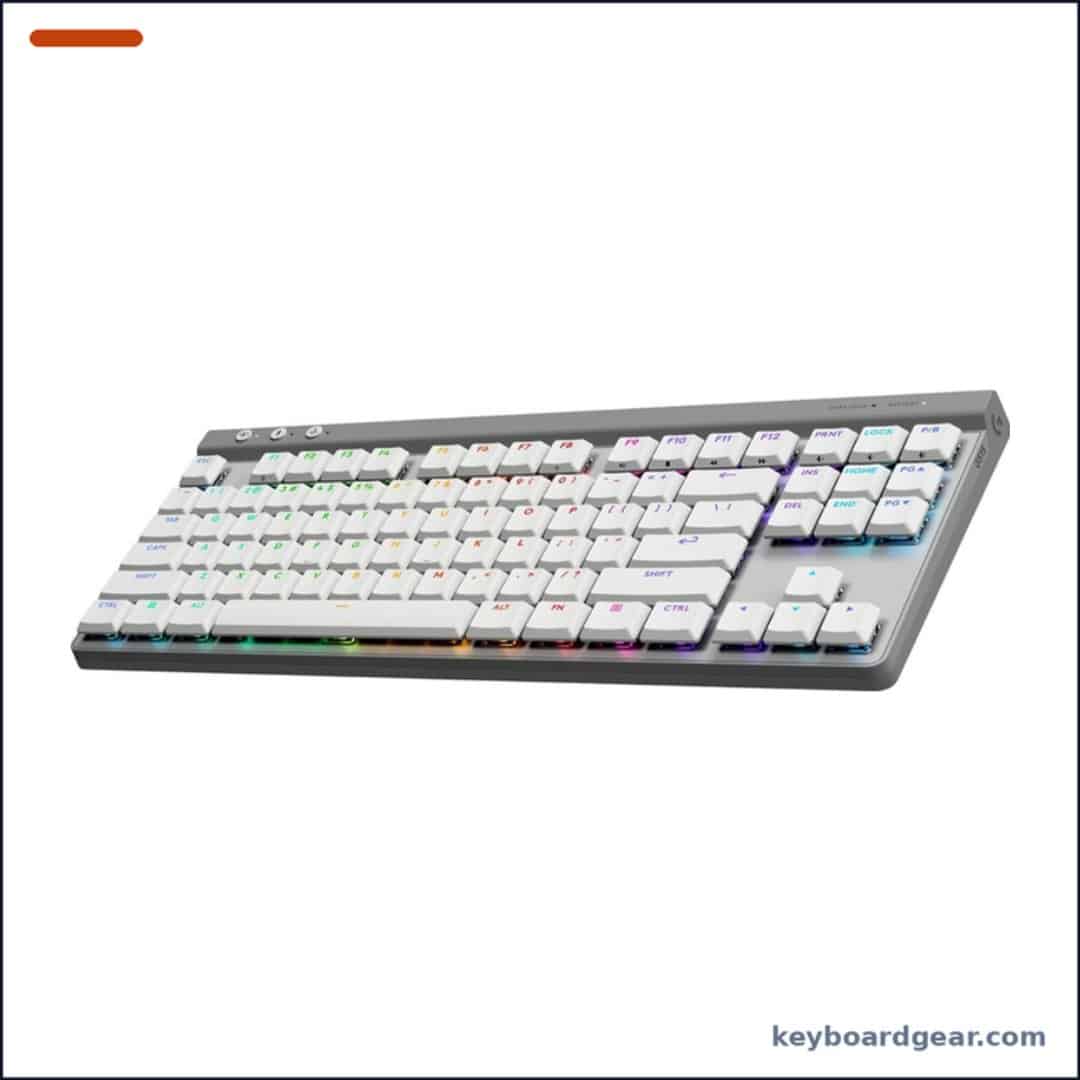 Logitech G515 Lightspeed TKL Logitech G515 Lightspeed TKL |
Best wireless gaming |
|
Check price |
6 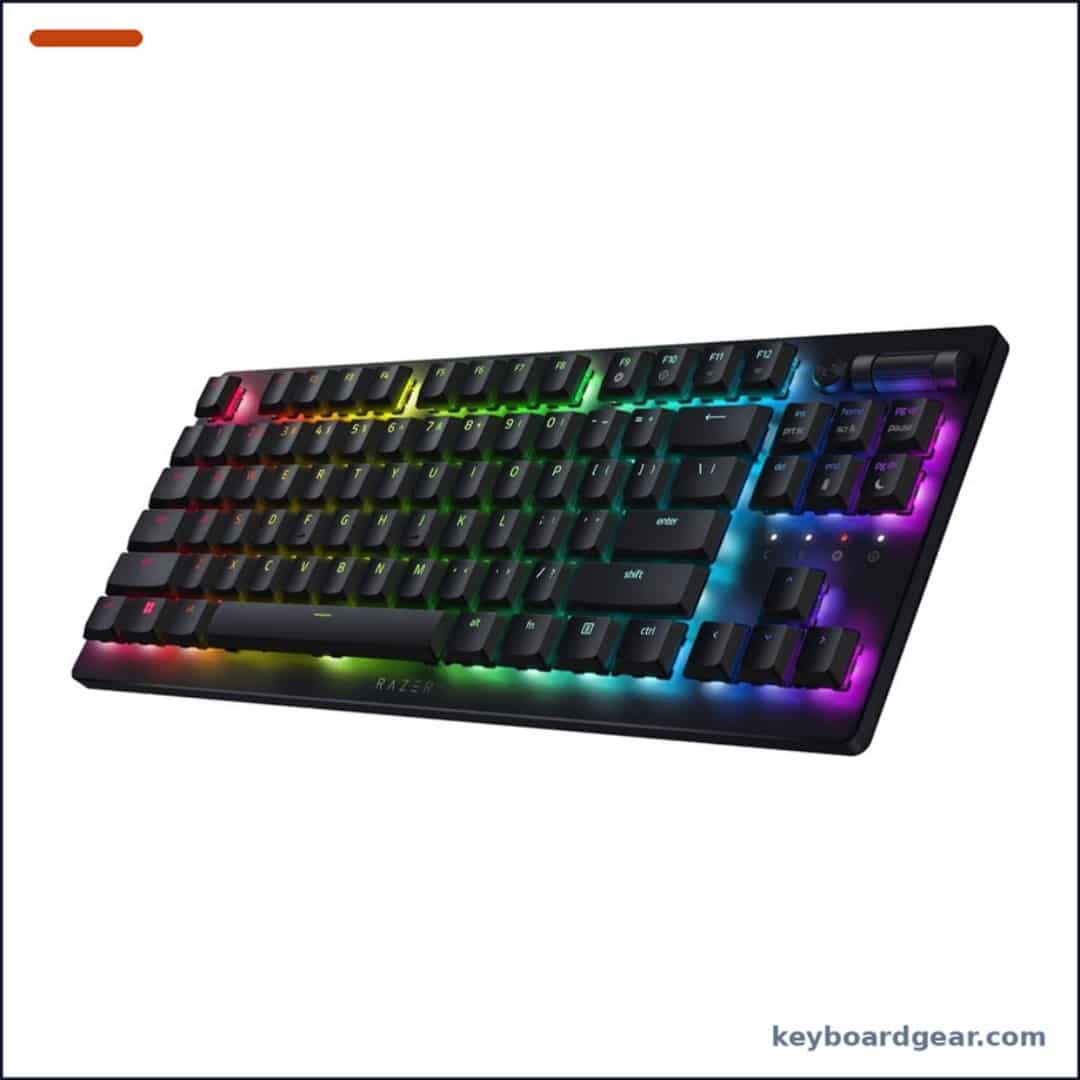 Razer DeathStalker V2 Pro TKL Razer DeathStalker V2 Pro TKL |
Best for battery + RGB |
|
Check price |
7 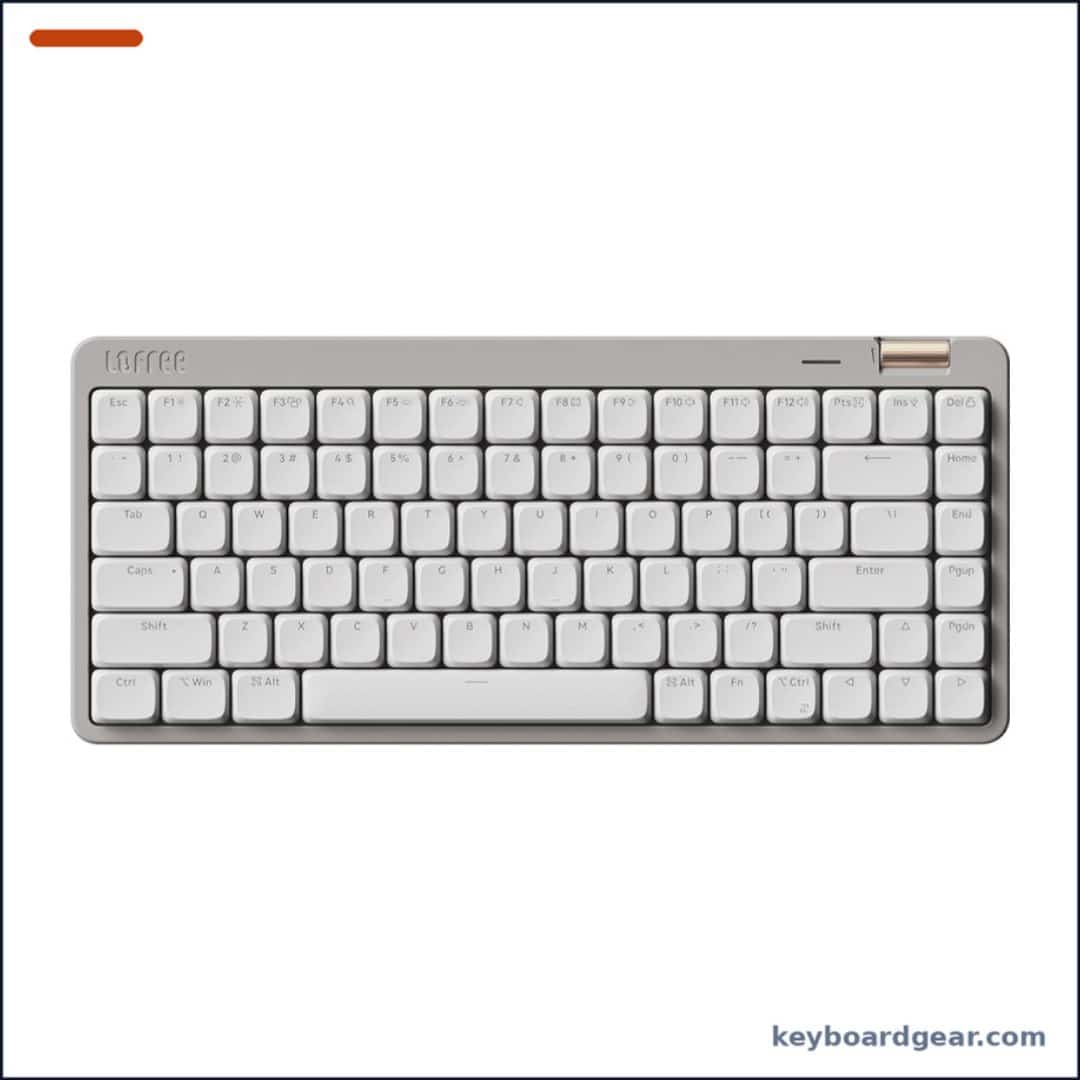 Lofree Flow Lite 84 Lofree Flow Lite 84 |
Best value |
|
Check price |
1. Logitech MX Mechanical — best low-profile mechanical keyboard overall
Who it’s for: Office workers, writers and anyone who wants a low-profile mechanical keyboard that behaves like a polished productivity tool rather than a hobby project.
Why we picked it: The MX Mechanical takes everything people love about Logitech’s MX Keys (Easy-Switch between three computers, Logi Options+ shortcuts and Smart Actions, solid build) and swaps the scissor keys for low-profile mechanical switches. The shorter keys sit close to the desk, so most people can use it without a wrist rest. Battery life is the standout: Logitech rates it at up to 15 days with the backlight on and up to 10 months with it off.
Key specs: Full-size layout with number pad; low-profile mechanical switches (Tactile Quiet, Linear or Clicky depending on the listing, so check the variant before buying); Bluetooth Low Energy or Logi Bolt USB receiver; pairs with up to 3 devices; USB-C rechargeable, up to 15 days with backlight / 10 months without; smart white backlighting; Logi Options+ on Windows and macOS.
- Excellent battery life for a backlit mechanical board
- Seamless 3-device Easy-Switch
- Low height is comfortable without a wrist rest
- Works on Windows, macOS, Linux, ChromeOS, iPadOS
- Switches are not hot-swappable
- White backlight only, no RGB
- No QMK/VIA, only Logitech’s software
- Full-size width pushes the mouse further out
2. Logitech MX Mechanical Mini — best compact low-profile pick
Who it’s for: People with small desks, laptop users who want a matching external keyboard, and anyone who wants their mouse closer to the centre.
Why we picked it: The Mini is the same keyboard as the MX Mechanical with the number pad and navigation block removed. You keep the function row, arrow keys, backlight, Logi Options+ support and three-device switching, but in a footprint that leaves much more room for your mouse. For many users that ergonomic gain is worth more than the numpad.
Key specs: Compact 75%-style layout with arrows and function row; low-profile mechanical switches (variant depends on listing); Bluetooth Low Energy or Logi Bolt; 3-device Easy-Switch; USB-C rechargeable with the same rated battery life as the full-size MX Mechanical; smart backlighting; Logi Options+.
- Mouse sits closer to your body
- Same polished MX features as the full-size
- Long battery life
- Good travel companion for a laptop
- No number pad
- Not hot-swappable
- Logi Bolt receiver sold separately on some listings
- Premium price for a compact board
3. Keychron K3 Ultra 8K — best hot-swap low-profile keyboard
Who it’s for: Enthusiasts who want low-profile height without giving up hot-swap switches, programmable firmware and very fast wired or 2.4 GHz polling.
Why we picked it: Keychron’s slim K3 line gets a serious upgrade here. The board polls at up to 8,000 Hz over cable or 2.4 GHz (Bluetooth runs at 125 Hz), runs ZMK firmware and is configured in the Keychron Launcher web app. Its low-profile Keychron Milk POM switches (Red, Brown or Banana) are hot-swappable with 3- and 5-pin support, and the aluminium-and-wood frame keeps it feeling solid at only 566 g. If you want to understand why 8K polling matters (and when it does not), read our keyboard polling rate guide.
Key specs: 75% layout; Keychron Milk POM low-profile switches (Red linear, Brown tactile or Banana), hot-swappable 3/5-pin; LSA double-shot PBT keycaps with Mac and Windows keycaps; up to 8000 Hz polling wired and 2.4 GHz, 125 Hz Bluetooth 5.2 (up to 3 devices); 2600 mAh battery, up to 550 hours with backlight off; NKRO; ZMK firmware with Keychron Launcher; aluminium plus wood frame, 566 g; 11.9 mm switch height, 20.0 mm front height.
- Hot-swappable low-profile switches
- 8K polling on wired and 2.4 GHz
- Huge battery life with backlight off
- Programmable in Keychron Launcher
- Bluetooth limited to 125 Hz polling
- Low-profile switch choice is narrower than full-size MX
- Wood accents won’t suit every desk
- Launcher/ZMK has a small learning curve
4. NuPhy Air75 V3 — best typing feel and Mac-friendly design
Who it’s for: Mac and multi-device users who want a stylish, soft-sounding low-profile board that sits flat next to a laptop.
Why we picked it: The Air75 V3 adds a gasket-mounted design and a rotary knob to NuPhy’s popular slim keyboard while staying only 13.2 mm thick. It can pair with up to five devices across Bluetooth, 2.4 GHz and wired USB-C, polls at 1000 Hz, and is configured through the NuPhyIO web app. A large 4000 mAh battery and included Mac keycaps make it an easy desk-and-travel companion.
Key specs: 75% layout with knob; gasket mount; 13.2 mm thin profile; double-shot PBT keycaps (Mac keycaps included); Bluetooth, 2.4 GHz and USB-C wired, up to 5 devices; 1000 Hz polling; 4000 mAh battery; NuPhyIO web configurator.
- Very slim with a soft, cushioned typing feel
- 5-device connectivity
- Rotary knob for volume
- Mac and Windows friendly out of the box
- 1000 Hz polling, not 8K
- NuPhy low-profile switch ecosystem only
- Knob adds a little width
- Stock can vary by colour/switch
5. Logitech G515 Lightspeed TKL — best low-profile wireless gaming keyboard
Who it’s for: Gamers who want a thin, wireless tenkeyless board with Logitech’s low-latency Lightspeed connection and a cleaner look than chunky gaming keyboards.
Why we picked it: The G515 brings Logitech G’s gaming features to a slim chassis. Low-profile GL switches come factory-lubed, the double-shot PBT keycaps resist shine, and Lightspeed wireless keeps latency low, with Bluetooth for a second device and USB-C wired play. Logitech rates battery life at up to 36 hours with LIGHTSYNC RGB, and KEYCONTROL in G HUB lets you stack extra functions on keys. Compare it with full-height options in our best wireless gaming keyboards.
Key specs: Tenkeyless layout; low-profile GL switches (tactile GL Brown on the linked listing; linear also sold); factory-lubed; double-shot PBT keycaps; Lightspeed 2.4 GHz, Bluetooth and USB-C wired; up to 36 hours battery; LIGHTSYNC RGB; KEYCONTROL in G HUB.
- Lightspeed wireless for gaming
- Durable double-shot PBT keycaps
- Slim TKL frees mouse space
- G HUB KEYCONTROL customisation
- Battery life short compared with office boards (RGB)
- Switches not hot-swappable
- No media roller
- G HUB is required for deep tweaks
6. Razer DeathStalker V2 Pro TKL — best low-profile optical gaming keyboard
Who it’s for: Gamers who like a fast linear feel, want strong wireless battery life with RGB, and prefer Razer’s Synapse ecosystem.
Why we picked it: Razer’s low-profile optical switches register keypresses with light and are rated for 70 million keystrokes. The board connects via Razer HyperSpeed 2.4 GHz or Bluetooth 5.0 (up to 3 devices) and is rated for up to 200 hours of battery. An aluminium top plate, multi-function roller and media button round it out, and Synapse 4 adds Snap Tap. Before turning that on, read our explainer on Rapid Trigger, Hall effect and Snap Tap, since some games restrict SOCD features.
Key specs: Tenkeyless layout; Razer low-profile linear optical switches (70M keystroke rating); Razer HyperSpeed wireless and Bluetooth 5.0 (up to 3 devices) plus USB-C wired; up to 200 hours battery; aluminium top plate; coated, laser-etched keycaps; multi-function roller and media button; Razer Chroma RGB; Snap Tap via Synapse 4.
- Fast, light linear optical switches
- Up to 200 hours battery
- Roller and media button
- Snap Tap support in Synapse 4
- Coated ABS-style keycaps can shine over time
- Not hot-swappable
- Most expensive pick here
- Snap Tap is restricted in some games (e.g. CS2 official servers)
7. Lofree Flow Lite 84 — best budget low-profile mechanical
Who it’s for: Anyone who wants a smooth, quiet, low-profile mechanical keyboard with gasket mounting and hot-swap without paying premium prices.
Why we picked it: The Flow Lite 84 brings the feel of Lofree’s popular Flow to a lower price by using an ABS body. Its Kailh Specter full-POM linear switches need just 40 gf to press, so long typing sessions feel light, and the gasket mount softens bottom-out. You still get hot-swap sockets, PBT/PC double-shot keycaps, and tri-mode 2.4 GHz (1000 Hz), Bluetooth and USB-C connectivity.
Key specs: 84-key 75% layout; Kailh Specter full-POM linear low-profile switches, 40 gf; hot-swappable; gasket structure; ABS body; PBT/PC double-shot keycaps; 2.4 GHz (1000 Hz), Bluetooth and USB-C wired.
- Lowest price in this list
- Very light, smooth linear switches
- Gasket mount and hot-swap
- Tri-mode connectivity
- ABS body feels less premium than aluminium
- Linear only on this model
- Light 40 gf switches can cause typos for heavy typists
- Software is basic
How to choose a low-profile mechanical keyboard
Switch type and hot-swap
Low-profile switches are shorter than standard MX-style switches, and they are usually not interchangeable with them. If you want to experiment, pick a board with hot-swap sockets (Keychron K3 Ultra 8K, Lofree Flow Lite 84) and check which low-profile switch family it accepts. Logitech and Razer boards use their own switches and are not hot-swappable. For background on linear, tactile and clicky feel, see our Cherry MX switch guide and mechanical vs membrane.
Connection and polling rate
For office work, Bluetooth multi-device switching (Logitech MX, NuPhy) matters most. For gaming, prefer a 2.4 GHz dongle (Lightspeed, HyperSpeed) or wired, and check polling: the K3 Ultra reaches 8,000 Hz over cable or 2.4 GHz, while most boards here run at 1,000 Hz. Bluetooth is usually much slower, so don’t game over it.
Layout
Full-size boards keep the number pad; TKL drops it; 75% layouts compress the arrows and navigation keys. A smaller board lets your mouse sit closer, which many people find more comfortable over a long day.
Mac vs Windows
Logitech MX boards, NuPhy and Keychron all support macOS well, and NuPhy and Keychron include Mac keycaps. If you mainly use a Mac, see our best keyboards for Mac; developers should also check the best keyboards for programming.
FAQ
Are low-profile mechanical keyboards good for typing?
Yes. They keep the defined actuation and feedback of mechanical switches with less key travel and a lower height, which many people find more comfortable and closer to a laptop keyboard.
Are low-profile keyboards good for gaming?
They can be excellent. Short travel helps fast inputs, and gaming models such as the Logitech G515 and Razer DeathStalker V2 Pro TKL add low-latency 2.4 GHz wireless. Just avoid gaming over Bluetooth.
Do I need a wrist rest with a low-profile keyboard?
Usually not. The lower front height is the main reason people switch. If you still feel wrist strain, check your desk and chair height first.
Can I put normal MX switches in a low-profile keyboard?
No. Low-profile switches use different dimensions and sockets, so you can only swap in compatible low-profile switches on hot-swap boards.
What is the best low-profile mechanical keyboard for Mac?
For most Mac users, the Logitech MX Mechanical Mini or NuPhy Air75 V3. Enthusiasts who want hot-swap and programmable firmware should look at the Keychron K3 Ultra 8K.
Final verdict
Want the most polished all-rounder? Get the Logitech MX Mechanical, or the MX Mechanical Mini if you don’t need a numpad. Enthusiasts should pick the hot-swappable, 8K-polling Keychron K3 Ultra 8K. For the nicest typing feel next to a MacBook, choose the NuPhy Air75 V3. Gamers should look at the Logitech G515 Lightspeed TKL or the long-lasting Razer DeathStalker V2 Pro TKL, and anyone on a budget will be happy with the Lofree Flow Lite 84.
