
Keyboard Gear earns from qualifying purchases through Amazon links.
A 75% keyboard is the layout many people settle on after trying everything else. It keeps the function row, arrow keys and a few navigation keys, but drops the number pad and squeezes everything into a compact block, so your mouse sits closer and your desk looks tidier. That balance is why the best 75% keyboards are now among the most popular mechanical keyboards for work and gaming.
We compared seven 75% keyboards currently sold on Amazon US, from a sub-$70 budget board to an 8000 Hz aluminium flagship. Specs come from the manufacturers’ listings, and we checked every product page for availability. If you’re still choosing a size, read keyboard percentages explained and our keyboard sizes guide first.
Quick picks
- Best overall: Keychron V1 Max
- Best premium: Keychron Q1 Ultra 8K
- Best for gaming: ASUS ROG Azoth
- Best Hall effect: Keychron K2 HE
- Best wired gaming: Razer BlackWidow V4 75%
- Best for Mac: Corsair K65 Plus Wireless (Mac & iPad)
- Best budget: AULA F75
At a glance: best 75% keyboards compared
| Product | Best for | Key specs | Price |
|---|---|---|---|
1 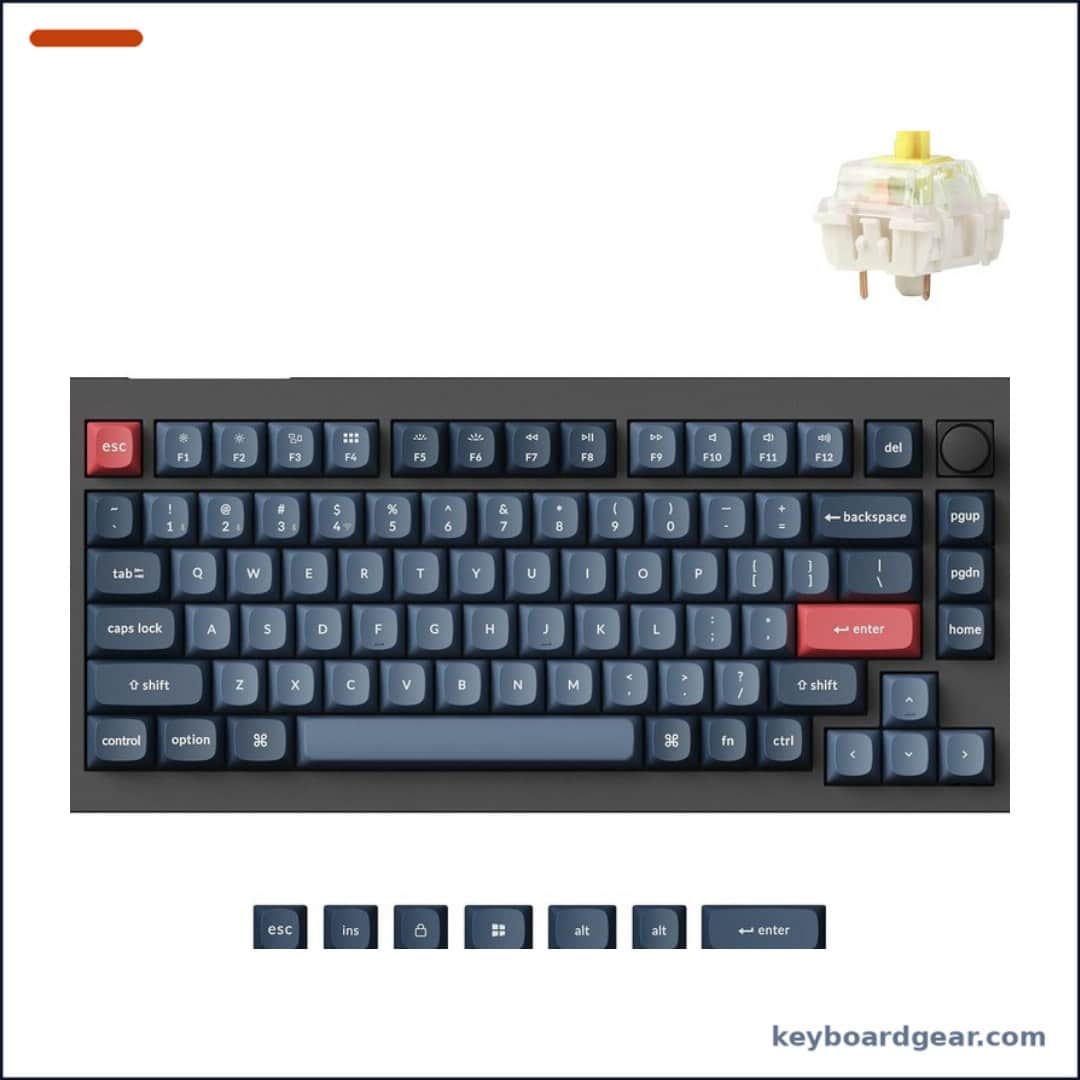 Keychron V1 Max Keychron V1 Max |
Best overall |
|
Check price |
2 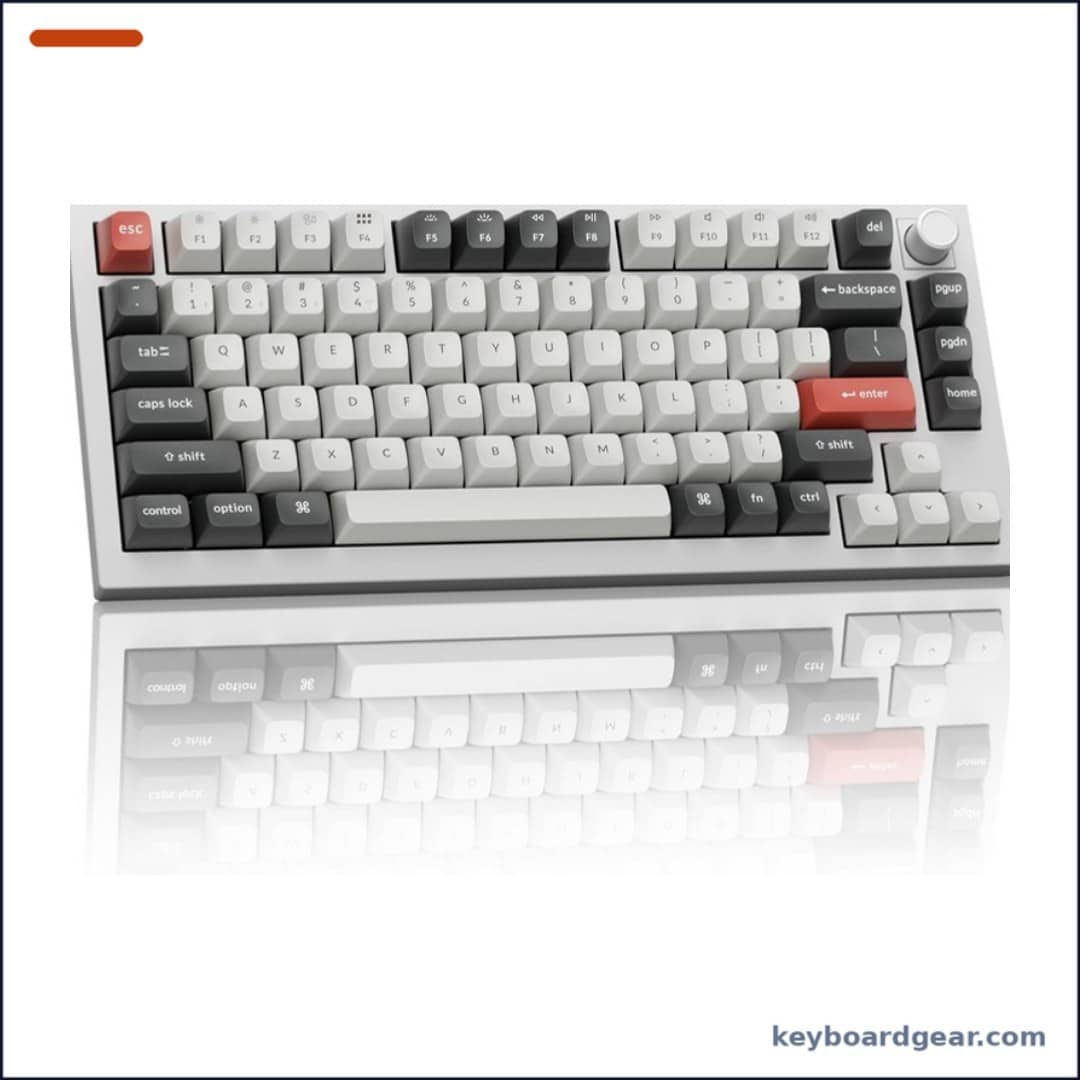 Keychron Q1 Ultra 8K Keychron Q1 Ultra 8K |
Best premium |
|
Check price |
3 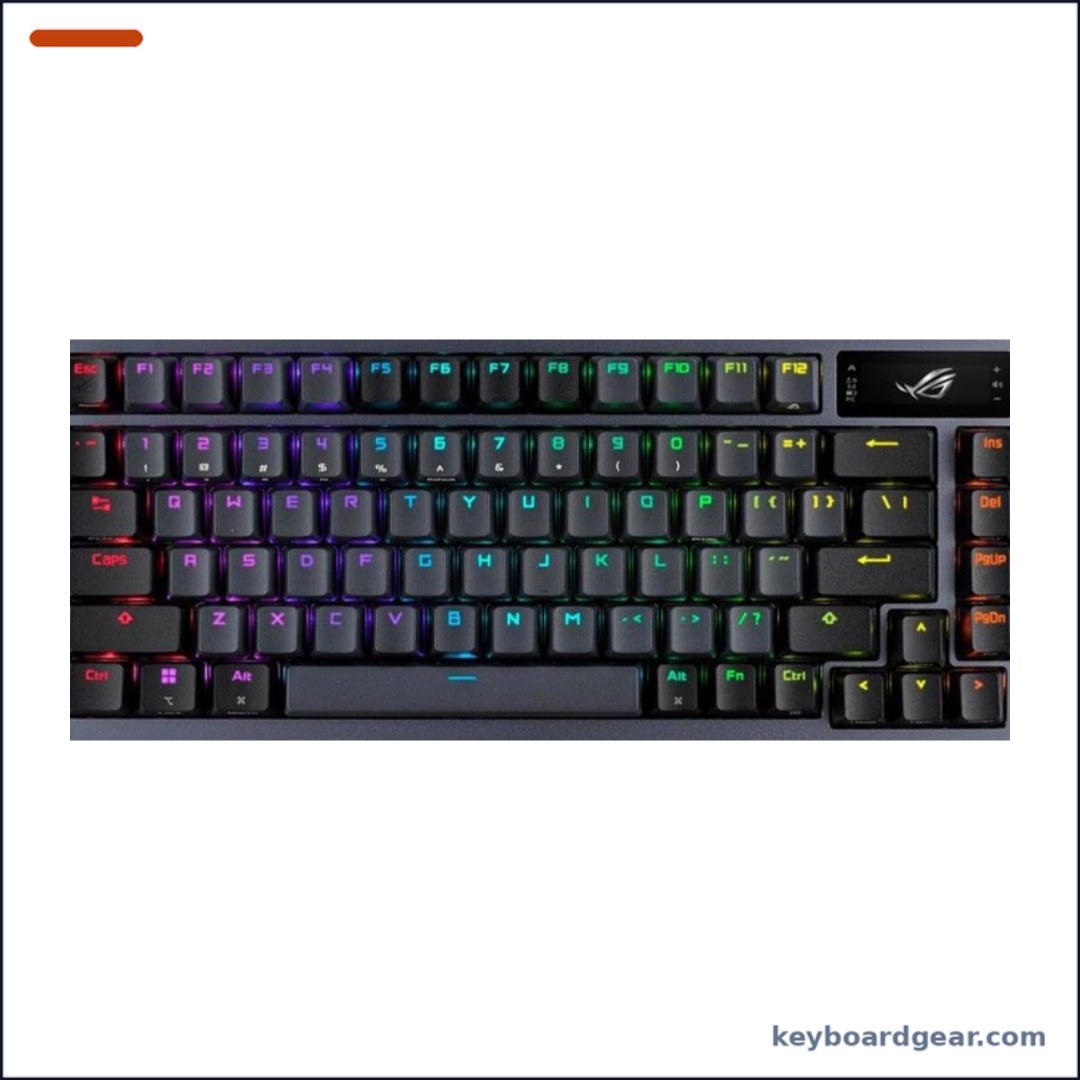 ASUS ROG Azoth ASUS ROG Azoth |
Best for gaming |
|
Check price |
4 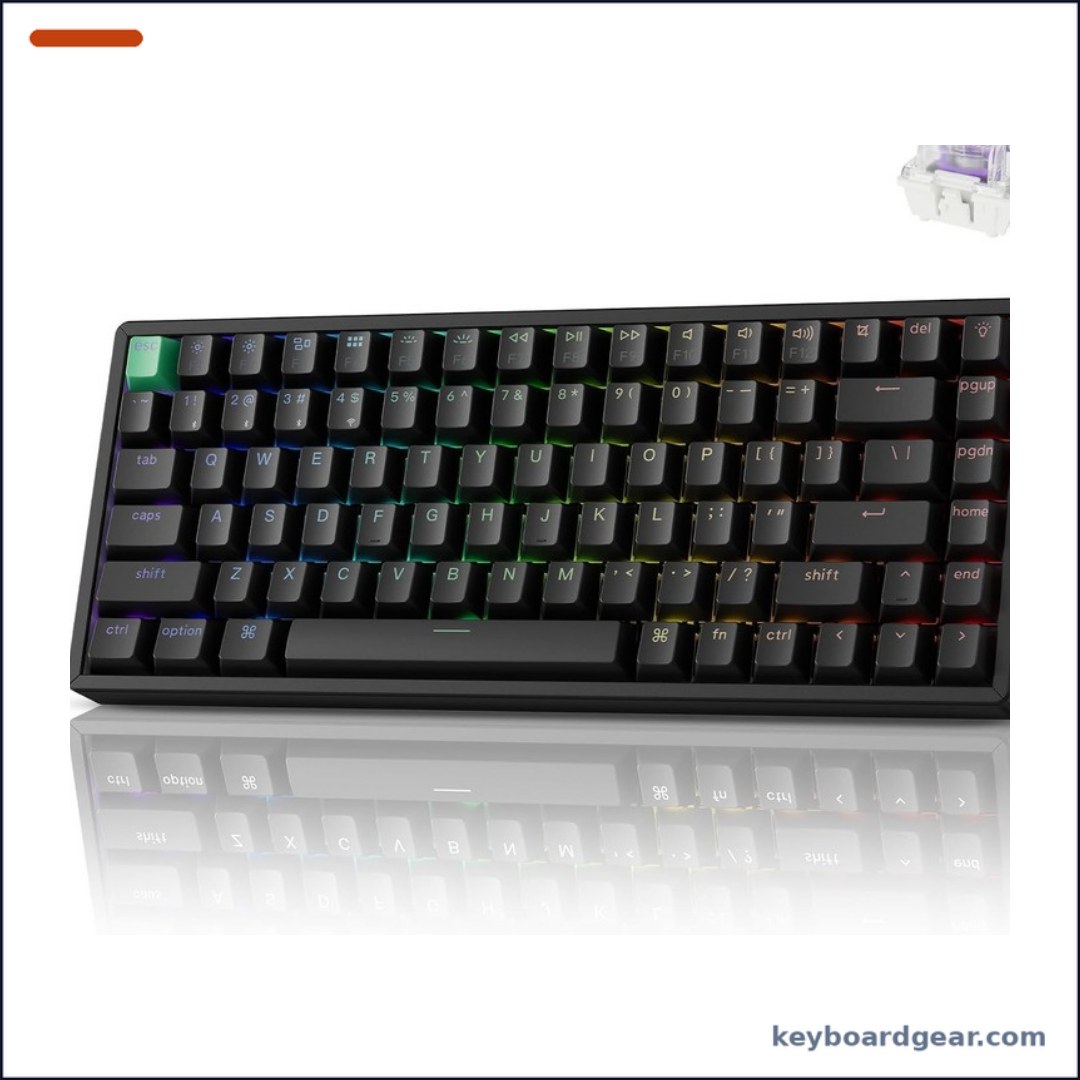 Keychron K2 HE Keychron K2 HE |
Best Hall effect |
|
Check price |
5 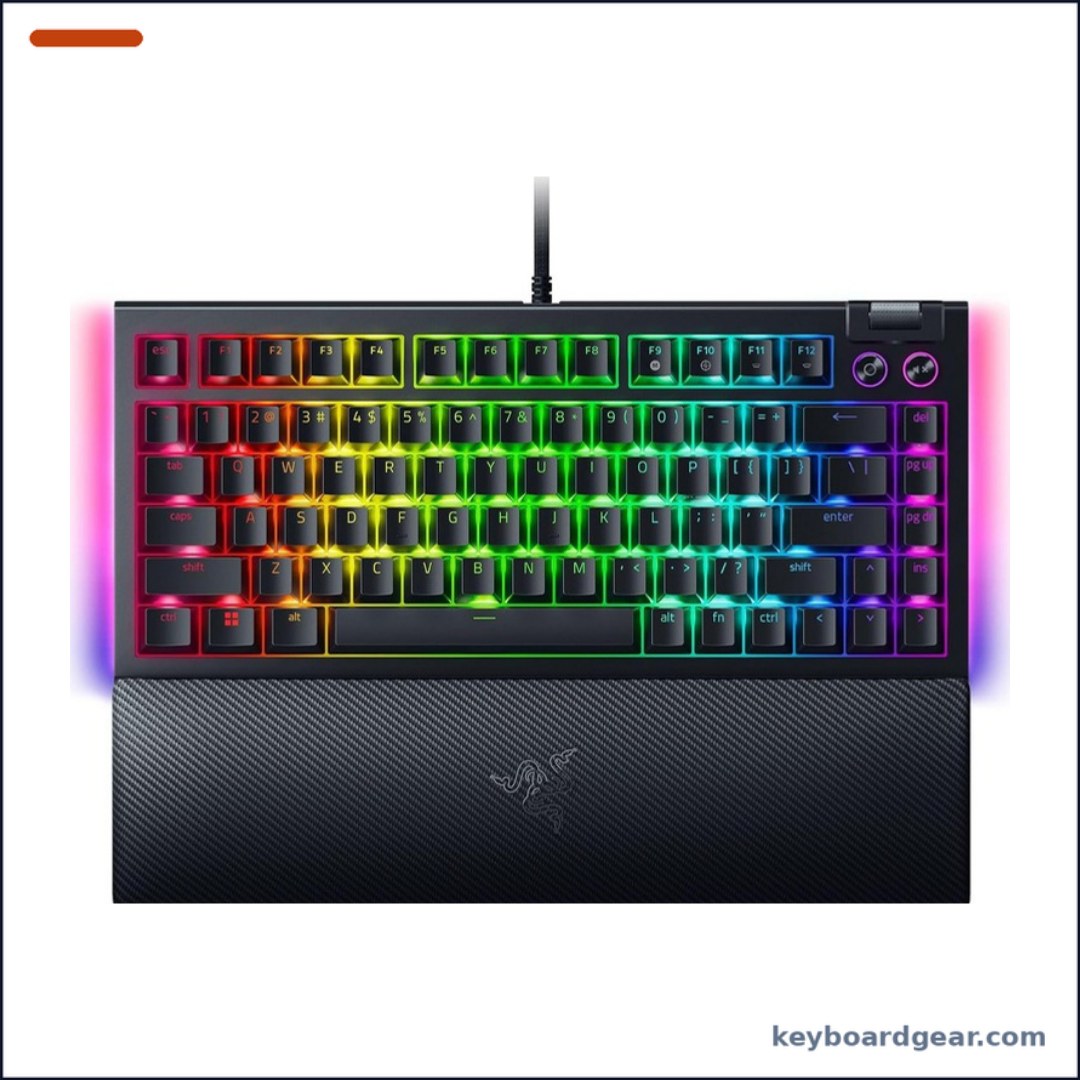 Razer BlackWidow V4 75% Razer BlackWidow V4 75% |
Best wired gaming |
|
Check price |
6 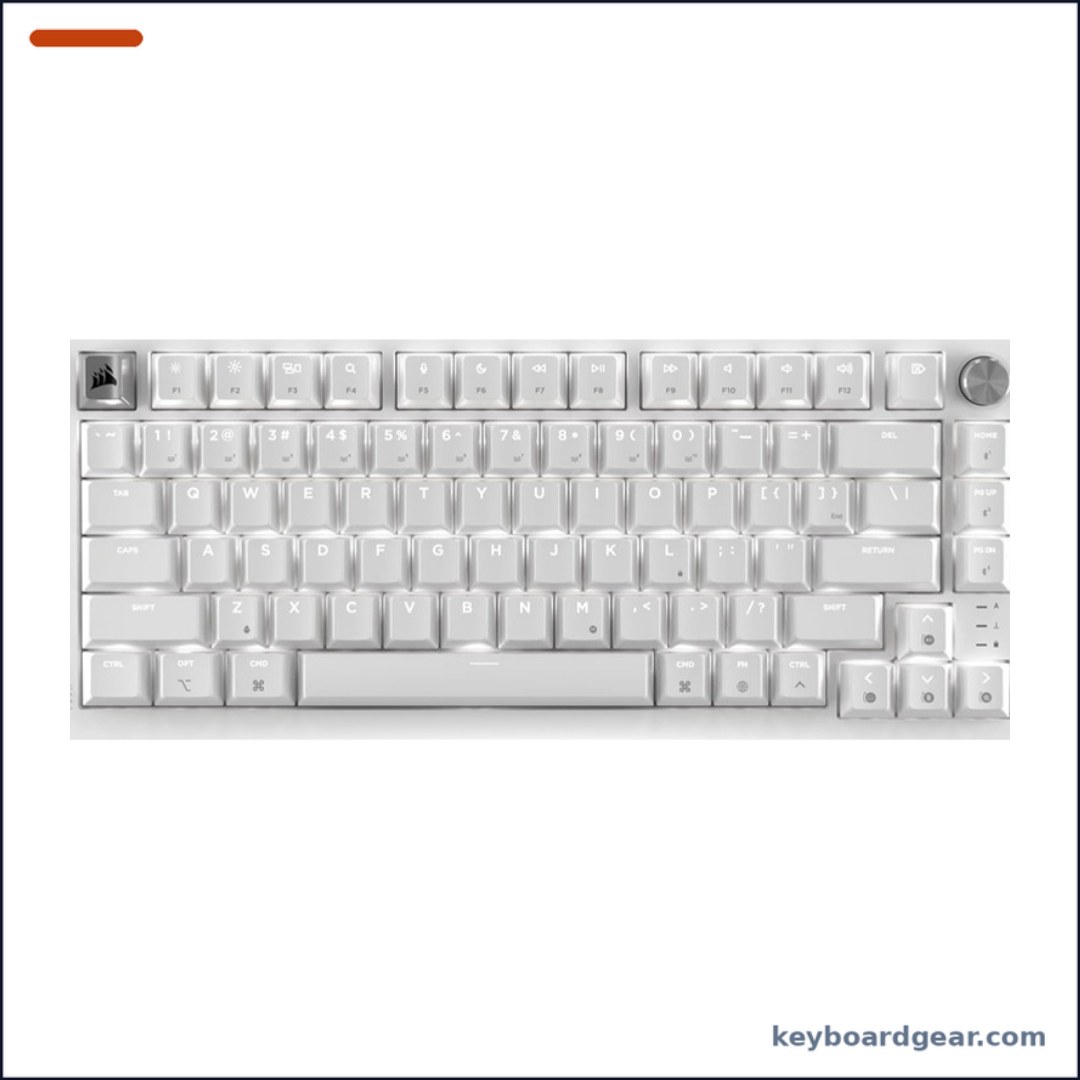 Corsair K65 Plus Wireless (Mac & iPad) Corsair K65 Plus Wireless (Mac & iPad) |
Best for Mac |
|
Check price |
7 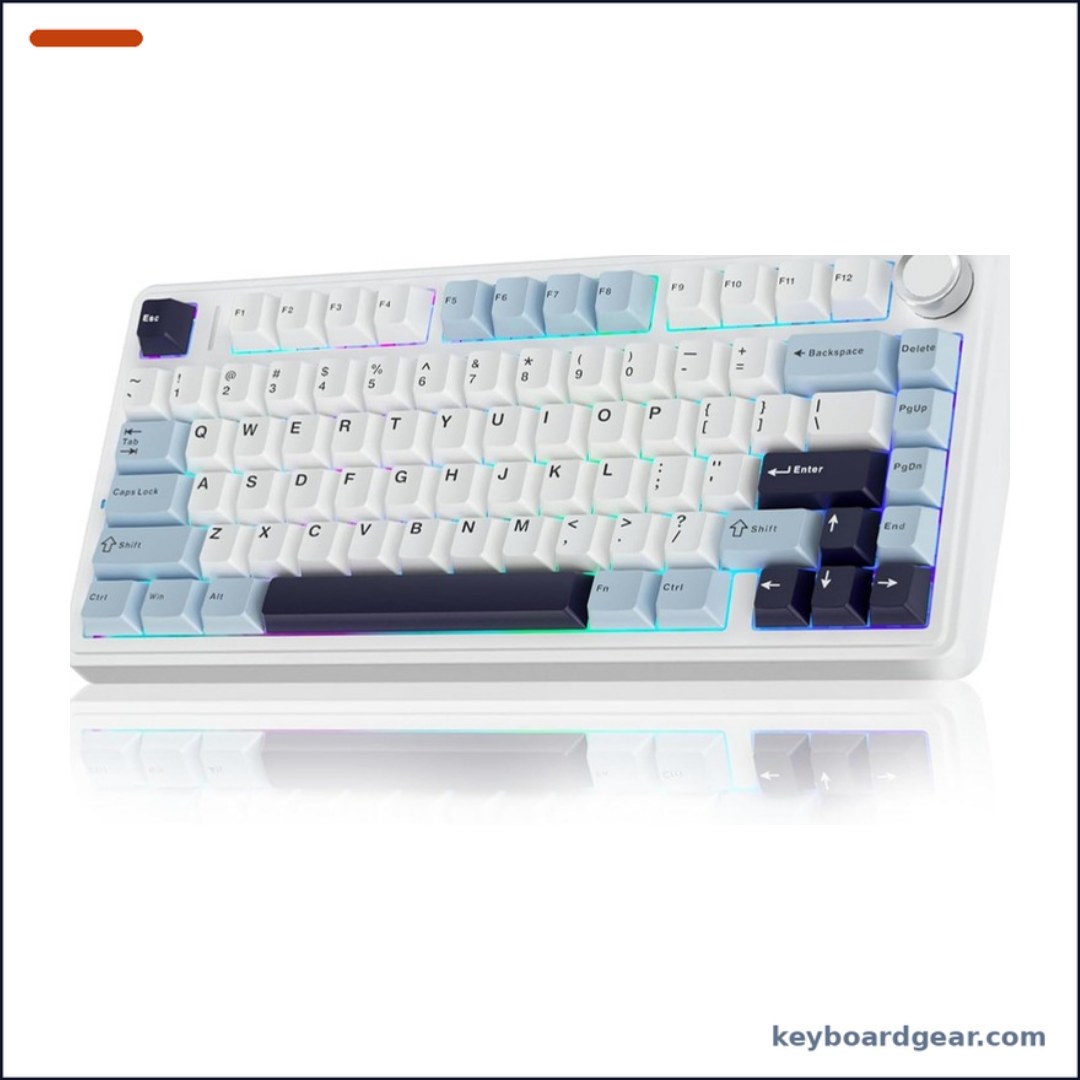 AULA F75 AULA F75 |
Best budget |
|
Check price |
1. Keychron V1 Max — best 75% keyboard for most people
Who it’s for: Most people who want one 75% keyboard for work, coding and some gaming, with wireless, a volume knob and full remapping at a mid-range price.
Why we picked it: The V1 Max hits the sweet spot of the 75% category. You get a gasket-mounted board with sound-absorbing foam, hot-swappable switches, a rotary knob and double-shot PBT keycaps, plus both a 2.4 GHz dongle and Bluetooth 5.1 for up to three devices. It runs open-source QMK firmware, and you can remap any key or build macros in the browser with the Keychron Launcher web app on Windows, macOS or Linux. A system toggle and extra keycaps make it equally at home on a Mac.
Key specs: 75% with knob; gasket mount; hot-swap; OSA double-shot PBT keycaps; south-facing RGB; 2.4 GHz/USB-C at 1000 Hz; Bluetooth 5.1 (3 devices); QMK + Launcher.
- Wireless, Bluetooth and wired in one board
- Hot-swap sockets and QMK/Launcher remapping
- Double-shot PBT keycaps that won’t fade
- Strong value for a gasket-mounted board
- Plastic case, not aluminium
- Non-shine-through legends don’t glow with RGB
- 1000 Hz polling, not 8K
- OSA keycaps are taller than low-profile caps
2. Keychron Q1 Ultra 8K — best premium aluminium 75% keyboard
Who it’s for: Enthusiasts who want a heavy, full-aluminium custom keyboard that also works as a low-latency wireless gaming board.
Why we picked it: The Q1 Ultra 8K is Keychron’s flagship 75%. Its CNC-machined 6063 aluminium body, PC plate, double-gasket structure and multiple acoustic layers give it a solid, refined sound. It polls at 8000 Hz over both the 2.4 GHz dongle and cable, adds Bluetooth 5.3 for three devices, and the 4000 mAh battery is rated for up to 660 hours with the backlight off (up to 200 hours at the lowest RGB). It ships with pre-lubed Keychron Silk POM Red switches and KSA double-shot PBT keycaps, and you can swap in most 3- or 5-pin MX-style switches. Read our polling rate guide to see if 8K matters for you.
Key specs: 6063 aluminium; PC plate; double gasket; Silk POM Red; hot-swap 3/5-pin; KSA PBT; 8000 Hz (2.4 GHz/wired); BT 5.3; 4000 mAh; ZMK + Launcher.
- Premium full-aluminium, double-gasket build
- 8000 Hz polling wireless and wired
- Huge 4000 mAh battery
- Hot-swap with pre-lubed Silk POM switches
- Most expensive keyboard here
- Heavy, not one to carry around
- KSA keycaps are tall; a wrist rest helps
- 8K polling uses more battery than 1000 Hz
3. ASUS ROG Azoth — best 75% gaming keyboard
Who it’s for: Gamers who want a wireless 75% with a built-in screen, gasket mount and a modding kit in the box.
Why we picked it: The ROG Azoth is a gamer’s custom keyboard. A silicone gasket mount and three layers of dampening foam control vibration and pinging, and the hot-swap PCB ships with pre-lubed ROG NX Snow linear switches (an NX Storm clicky version is also sold). A 2-inch OLED screen shows CPU/GPU stats, media and keyboard settings, and a multi-function knob adjusts volume and lighting. ASUS rates ROG SpeedNova 2.4 GHz for more than 2000 hours with the OLED and RGB off, and you can also pair three Bluetooth devices. The box even includes a DIY kit with Krytox GPL-205-GD0 lube, a switch opener and a lube station.
Key specs: Silicone gasket + 3 foam layers; NX Snow linear; hot-swap 3-pin; PBT double-shot; 2-inch OLED + knob; SpeedNova 2.4 GHz, Bluetooth (3 devices), USB; Mac toggle; DIY lube kit.
- Useful 2-inch OLED screen and knob
- Very long 2.4 GHz battery life with OLED and RGB off
- Gasket mount and foam for a deep sound
- Switch-lubing kit included
- Hot-swap supports 3-pin switches only
- Pricey for a plastic-bodied board
- Battery rating assumes OLED and RGB off
- NX Storm clicky version is a separate listing
4. Keychron K2 HE — best 75% keyboard with rapid trigger
Who it’s for: Competitive FPS players who want rapid trigger and adjustable actuation in a 75% board that still works wirelessly for everyday typing.
Why we picked it: The K2 HE uses Gateron magnetic (Hall effect) switches, so each key’s actuation point can be set anywhere from 0.2 to 3.8 mm in 0.1 mm steps. Rapid trigger resets a key the moment you start lifting, and Snap Action features (last-key priority and Snap Click) help with fast strafing in games like Valorant. It still keeps Keychron’s tri-mode connectivity with 2.4 GHz, Bluetooth 5.2 for up to three devices and USB-C, at a 1000 Hz polling rate. Everything is configured in the browser with Keychron Launcher. Learn more in our rapid trigger and Hall effect guide.
Key specs: Gateron double-rail magnetic switches; 0.2–3.8 mm actuation; rapid trigger; Snap Action; Cherry-profile shine-through PBT; 2.4 GHz, BT 5.2, USB-C; 1000 Hz; Launcher.
- Rapid trigger and per-key actuation
- Wireless, unlike many HE boards
- Shine-through PBT keycaps
- Easy browser-based setup
- Only Gateron double-rail magnetic switches fit
- 1000 Hz, not 8K polling
- Overkill if you don’t play competitive shooters
5. Razer BlackWidow V4 75% — best wired 75% gaming keyboard
Who it’s for: PC gamers who want a wired, RGB-heavy 75% with media controls and a comfortable wrist rest in the box.
Why we picked it: Razer’s BlackWidow V4 75% borrows ideas from custom keyboards: an aluminium case, a gasket-mounted FR4 plate, a tape-enhanced PCB, lubricated stabilizers and two layers of sound-dampening foam. The socketed PCB takes 3- or 5-pin switches. It adds a multi-function roller and media keys, per-key RGB with two-side underglow, and a magnetic plush leatherette wrist rest. In Razer Synapse 4 you can enable Snap Tap, which prioritises the latest of two assigned keys for faster movement.
Key specs: Aluminium case; gasket FR4 plate; tape-enhanced PCB; 2 foam layers; Razer Orange tactile; hot-swap 3/5-pin; per-key RGB + underglow; roller; wrist rest; Snap Tap; wired.
- Aluminium case and gasket-mounted plate
- Wrist rest included
- Roller and dedicated media keys
- Hot-swap 3- and 5-pin switches
- Wired only
- Synapse software needed for Snap Tap
- Gaming styling may not suit an office
- Stock was limited at the time of writing
6. Corsair K65 Plus Wireless (Mac & iPad) — best 75% keyboard for Mac and iPad
Who it’s for: Mac and iPad users who want a clean white 75% mechanical keyboard with a Mac layout and wireless connectivity.
Why we picked it: This version of Corsair’s K65 Plus Wireless is built for macOS and iPadOS, in a Frost White colourway with single-colour default lighting. Pre-lubricated CORSAIR MLX Red v2 linear switches give a smooth keypress, and they are hot-swappable if you want to try a different feel. You can connect over low-latency 2.4 GHz, over Bluetooth with AES encryption, or with a USB cable, and Corsair rates the battery for up to 266 hours with RGB off. For more Apple-friendly options, see our best keyboards for Mac.
Key specs: Mac/iPad layout (QWERTY NA); MLX Red v2 linear; hot-swap; sound dampening; 2.4 GHz, Bluetooth (AES), USB; up to 266 h (RGB off); Frost White.
- Mac and iPad layout out of the box
- Smooth pre-lubed linear switches
- Hot-swappable switches
- Long battery life with RGB off
- Linear only in this version
- Default lighting is single colour
- Limited stock at the time of writing
- Pricier than budget 75% boards
7. AULA F75 — best budget 75% keyboard
Who it’s for: Budget buyers and first-time custom keyboard fans who want a creamy-sounding wireless 75% for well under $100.
Why we picked it: The AULA F75 delivers features that used to cost twice as much. It has pre-lubed LEOBOG Reaper switches, pre-lubricated stabilizers, a hot-swap PCB for 3- or 5-pin switches and five layers of sound-dampening fill, which together give the muted ‘creamy’ sound it is known for. It connects over Bluetooth 5.0, 2.4 GHz or USB, pairs with up to five devices, and packs a 4000 mAh battery. A multi-function knob controls lighting or volume, and every key can be remapped with the driver.
Key specs: 81 keys; hot-swap 3/5-pin; LEOBOG Reaper; pre-lubed stabilizers; 5 dampening layers; RGB; knob; BT 5.0, 2.4 GHz, USB (5 devices); 4000 mAh; macros.
- Excellent sound for the price
- Hot-swap 3/5-pin PCB
- Connects up to five devices
- Big 4000 mAh battery
- Plastic case
- Reaper switch feel is fixed until you swap
- Colourways vary by listing
- Less polished software than Keychron or Razer
What is a 75% keyboard?
A 75% keyboard has roughly 80 to 84 keys. Compared with a tenkeyless (80%) keyboard, it keeps the same keys but removes most of the gaps: the function row sits right on top of the number row, and the arrow keys and a short column of navigation keys (Delete, Page Up, Page Down, Home) are tucked against the main block. Many 75% boards also add a rotary knob in the top-right corner.
The result is a keyboard about the width of a 65% board, but with a full F-row. That makes it a popular choice for programmers, writers and gamers who use F-keys and shortcuts but don’t need a number pad.
How to choose a 75% keyboard
Wireless, wired and polling rate
Five of our picks are tri-mode (2.4 GHz, Bluetooth and cable). The 2.4 GHz dongle is the one to use for gaming because it has lower latency than Bluetooth. Most boards poll at 1000 Hz; the Keychron Q1 Ultra 8K reaches 8000 Hz. The Razer BlackWidow V4 75% is wired only. See wired vs wireless keyboards for the trade-offs.
Switches and hot-swap
Every keyboard here is hot-swappable, so you can change switches without soldering. Check pin support: most take 3- and 5-pin MX-style switches, the ROG Azoth takes 3-pin, and the K2 HE only accepts Gateron double-rail magnetic switches. Our hot-swappable keyboards guide and Cherry MX switch guide explain the differences between linear, tactile and clicky switches.
Mechanical or Hall effect
Hall effect (magnetic) switches like those in the Keychron K2 HE let you set the actuation depth per key and enable rapid trigger. They are a real advantage in competitive shooters, but standard mechanical switches are better for typing feel variety and cost less.
Build, mounting and sound
Gasket mounts (V1 Max, Q1 Ultra 8K, Azoth, BlackWidow V4 75%) suspend the plate on soft gaskets for a softer, more cushioned feel. Foam layers reduce hollow and pinging noise. An aluminium case adds weight and a more solid sound, while plastic cases keep the price down.
Keycaps
Most picks use PBT keycaps, which resist the shiny wear that ABS caps develop. Double-shot legends never fade. Profile matters too: KSA and OSA are taller and more rounded, while Cherry profile is lower. Browse the best custom keycaps if you want to upgrade later.
FAQ
Is a 75% keyboard good for gaming?
Yes. A 75% layout keeps the arrow keys and F-keys while giving your mouse more room than a full-size or tenkeyless board. Gaming-focused options like the ASUS ROG Azoth, Razer BlackWidow V4 75% and Keychron K2 HE add features such as an OLED screen, Snap Tap or rapid trigger.
What is the difference between 75% and TKL?
Both have the function row and arrow keys. A tenkeyless (80%) keyboard keeps the standard spacing and a full navigation cluster, while a 75% keyboard compresses the gaps and keeps only a column of navigation keys, so it is narrower.
What is the difference between 75% and 65%?
A 65% keyboard drops the function row entirely, so F1–F12 need a Fn layer. A 75% keyboard keeps a dedicated F-row in almost the same width.
Is a 75% keyboard good for programming?
Yes. Programmers often use F-keys for debugging and shortcuts, and a 75% board keeps them while staying compact. Programmable boards running QMK or ZMK, like the Keychron models here, let you remap keys and build macros.
Which 75% keyboard is best for Mac?
The Corsair K65 Plus Wireless for Mac & iPad ships with a Mac layout. The Keychron V1 Max, Q1 Ultra 8K and K2 HE also support macOS and include a Mac/Windows switch.
Final verdict
For most people, the Keychron V1 Max is the best 75% keyboard: wireless, gasket-mounted, hot-swappable and fully remappable at a fair price. Choose the Keychron Q1 Ultra 8K for a premium aluminium build with 8K polling, the ASUS ROG Azoth for a feature-packed wireless gaming board, the Keychron K2 HE for rapid trigger, the Razer BlackWidow V4 75% for wired gaming with a wrist rest, the Corsair K65 Plus Wireless for Mac and iPad, and the AULA F75 if you want the most keyboard for the least money.
