

Quick answer
A clamp mount grips the edge of the desk and needs no holes, so it’s the easiest choice for most solid desks with a clear back edge. A grommet mount bolts through a hole in the desktop, so it works away from the edge, on desks with no usable lip, or where a cable hole already exists. Many monitor arms include both. Measure your desktop thickness and check the space under the edge before you choose.
A monitor arm is only as steady as what holds it to the desk. Both mount types are common and both are secure when used on a suitable desk, so the decision comes down to your desk’s edge, thickness, material and what’s underneath.
How a clamp mount works
A C-shaped clamp hooks over the back or side edge of the desk, and a screw plate tightens up against the underside. Nothing is drilled, so it’s easy to install, move and remove.
Clamps suit:
- Solid desks with a flat top and a clear lip at the back or side.
- Renters and anyone who doesn’t want holes in furniture.
- Setups you expect to rearrange.
Watch for:
- Rear clearance. The clamp body sits behind the desk edge, so a desk pushed tight against a wall may not leave room.
- Frames and crossbars. Some desks, including many standing desks, have a frame or rail right under the edge that blocks the clamp plate.
- Thickness range. Every arm lists a minimum and maximum desktop thickness; check yours fits.
How a grommet mount works
A grommet mount uses a threaded rod that passes through a hole in the desktop and tightens against a plate underneath. It can go anywhere you have, or can make, a hole.
Grommets suit:
- Desks with an existing cable grommet hole in a good spot.
- Desks without a usable edge, such as desks with a lip, a frame or a wall-flush back.
- Corner desks where you want the arm farther in from the edge.
Watch for:
- Drilling. If there’s no hole, you’ll need to make one, which is permanent and may void a desk’s warranty.
- Hole size. Check the arm’s supported hole diameter against your grommet.
- Removing it. Moving the arm means unbolting from below.
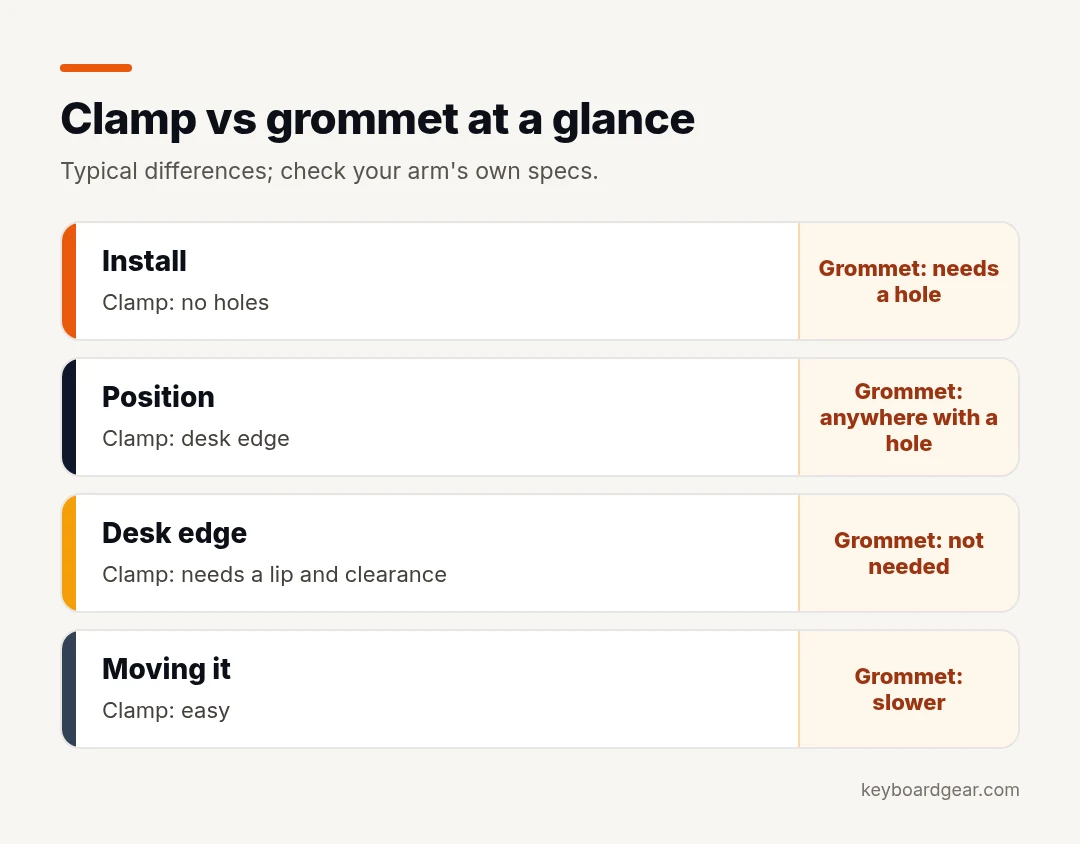
| Check | Clamp | Grommet |
|---|---|---|
| Needs a hole | No | Yes |
| Needs a free desk edge | Yes | No |
| Rear clearance needed | Yes | Little or none |
| Easy to move | Yes | Slower |
| Best for rented furniture | Yes | Only with an existing hole |
Measurements to take before you buy
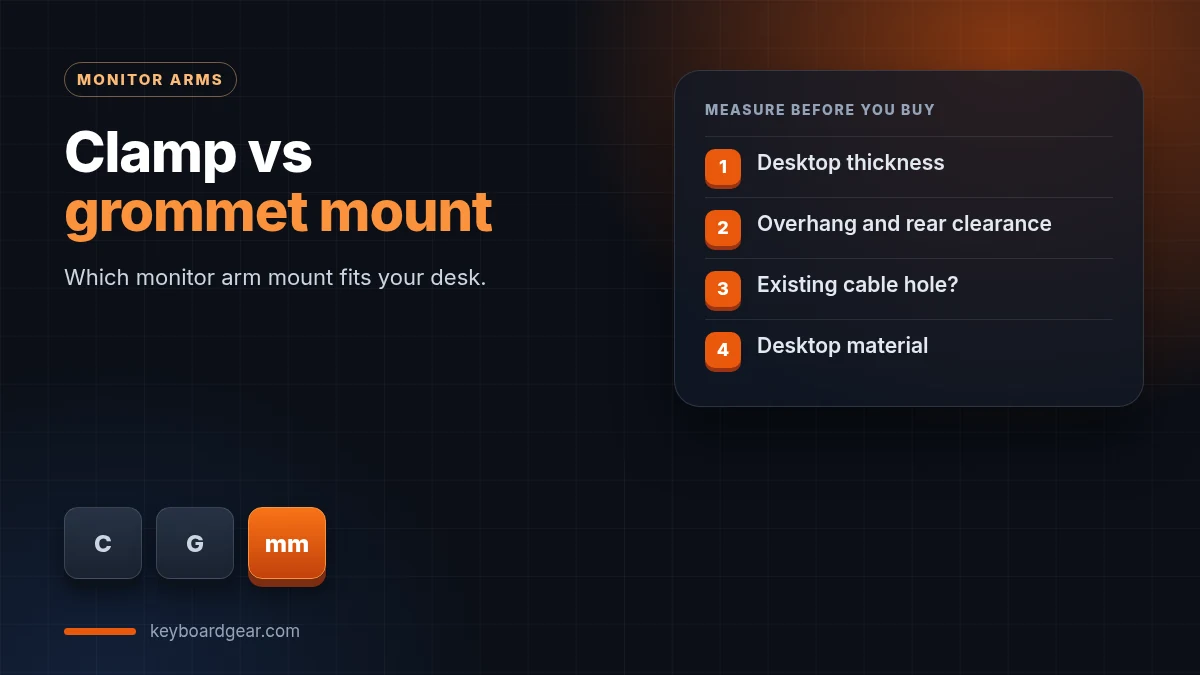
- Desktop thickness: measure where the mount will go and compare with the arm’s listed range.
- Space under the edge: look for frames, drawers or keyboard trays where the clamp plate needs to sit.
- Rear clearance: if the desk touches the wall, check whether you can pull it forward a little.
- Grommet hole diameter: if you plan to use an existing hole.
- Monitor weight and VESA pattern: check them against the arm, as our guide to what a VESA mount is explains.
Desktop materials and support plates
Heavy monitors on long arms put a lot of leverage on a small area. On thin desktops, glass, or soft particleboard and hollow-core tops, follow the arm maker’s guidance, and use a reinforcement plate where it’s allowed. Never clamp to glass unless the arm’s instructions say it’s suitable.
A reinforcement or support plate spreads the load under the desk and is a cheap way to protect laminate or particleboard tops. Some arms include one; otherwise they’re sold separately.
Standing desks
Arms work well on standing desks because the screen moves with the desk. Check for a frame under the edge, and leave enough cable slack for the full height range. Our desk cable management guide covers routing cables along the arm.
After mounting
Set the screen height and distance with our monitor height guide, and if you’re mounting two screens, see our dual monitor setup guide for placement.
FAQ
Is a clamp or grommet monitor mount more stable?
Both are stable on a suitable desk. Stability depends more on desk thickness, material and correct tightening.
Do I need to drill a hole for a grommet mount?
Only if your desk doesn’t already have a grommet hole in the right place.
Can I use a clamp on a desk against the wall?
Only if there’s enough space behind the edge for the clamp body, so you may need to pull the desk forward slightly.
Can I mount a monitor arm on a glass desk?
Only if the arm maker says it’s suitable for glass. Many don’t recommend it.
What is a reinforcement plate for?
It spreads the arm’s load across a larger area under the desk, which helps protect thinner or softer desktops.
Sources
Final thoughts
Use a clamp if your desk has a clear, solid edge and room behind it. Use a grommet if there’s no usable edge, a frame is in the way, or a cable hole is already where you want the arm. Either way, measure the thickness, check the space underneath, and stay within the arm’s weight and thickness limits.

Experience is what matters at the end!!
Hi! This is Jacob Jay – founder of Keyboardgear.com! From childhood to adulthood, I’ve always remained passionate about IT, and the revolution in this industry, especially gaming on the PC can’t go out of my way. Since I’m an enthusiastic gamer, and I love to experience various gaming accessories, particularly mechanical keyboards, that really boost my gaming adventure manifolds. So, my nerve cells hit me to transfer my experiences into word form and share with others to identify the ideal keyboards perfectly fit for their gaming modes.
I know very well how hard it is to find the high-quality items available on the internet that ought to be exactly the same as seen as on the screen. But the counterfeiters have ruined the user’s trust. As I have passed all such situations, I’m obliged to deliver the genuinity and express the same as what I am saying.
So, now, I’m working on the mission to provide very helpful and frankly but trustworthy reviews and guides about various mechanical keyboards, mouses, and other gaming accessories as per my personal experiences and sound knowledge.