

Quick answer
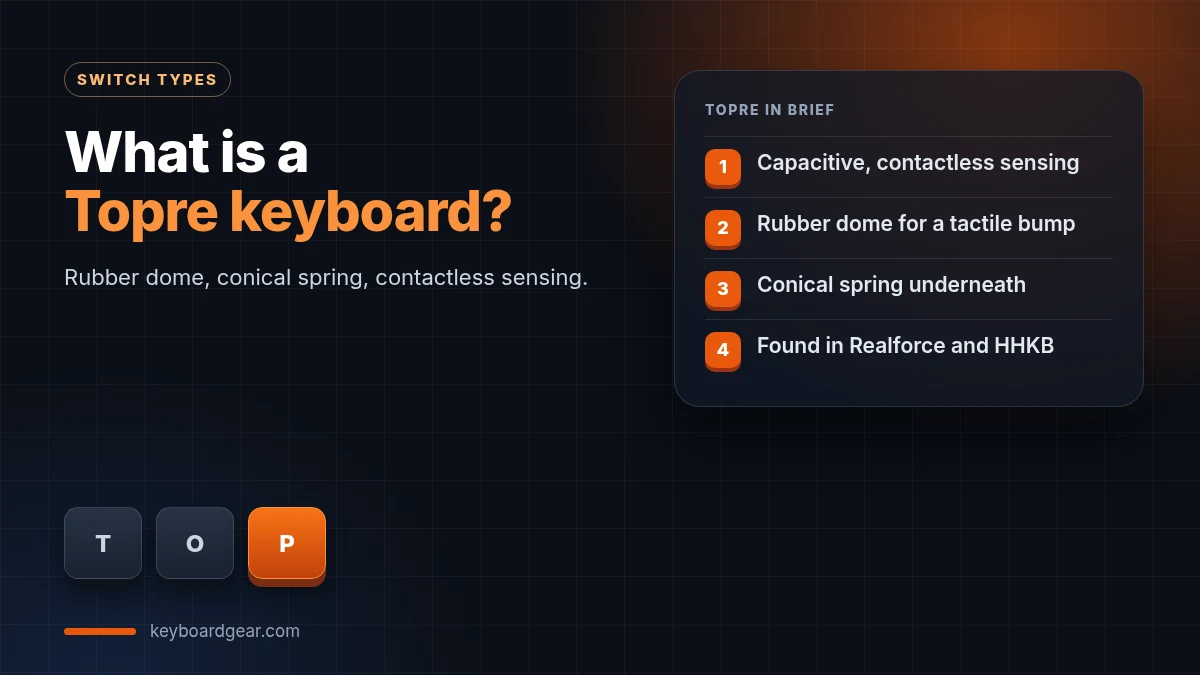
A Topre keyboard uses electro-capacitive switches made by the Japanese company Topre. Each key presses a rubber dome that collapses over a conical spring, and the keyboard registers the press by sensing a change in capacitance without any physical contact. The result is a rounded, smooth tactile feel that many typists describe as “thocky.” Topre switches are best known from Realforce keyboards and the Happy Hacking Keyboard (HHKB).
In keyboard forums, Topre is often treated as its own category: not quite mechanical, definitely not a cheap rubber dome. Here’s what’s actually inside, how it feels, and whether it might suit you.
How Topre switches work
Topre switches combine parts from different keyboard types:
- A rubber dome sits under each key. When you press, it collapses, which creates the tactile bump.
- A conical spring sits inside the dome and provides the rest of the resistance.
- Capacitive sensing registers the press. Realforce explains that when two electrodes inside the switch come close together, “without physical contact,” the sensor recognises a key press.
Because there’s no metal contact closing, Realforce says its switches have “no chattering” and are durable and long-lasting. That’s different from most mechanical switches, which register a press when metal contacts touch. If you’ve had a mechanical key double-type, see our keyboard chatter guide for why that happens.
What does Topre feel like?
Topre has a rounded tactile bump right at the start of the press, then a smooth path to the bottom. It’s softer and more cushioned than most tactile mechanical switches. Many people describe the sound as a deep, muted “thock.” Our thock vs clack guide explains the terms.
Weights and adjustable actuation
Realforce sells keyboards with three key weights:
- 45g, a common all-round weight.
- 30g, a light touch.
- Variable weight, where Realforce uses 45g for keys pressed by the index fingers and 30g for keys pressed by the little fingers.
Some Realforce models also have an Actuation Point Changer (APC), which lets you set how deep each key must travel before it registers. Realforce lists steps of 0.8mm, 1.5mm, 2.2mm and 3.0mm on R3 models, and a continuous range between 0.8mm and 3.0mm on newer R4 models. Our keyboard actuation point guide explains why that matters.
Topre vs mechanical vs membrane
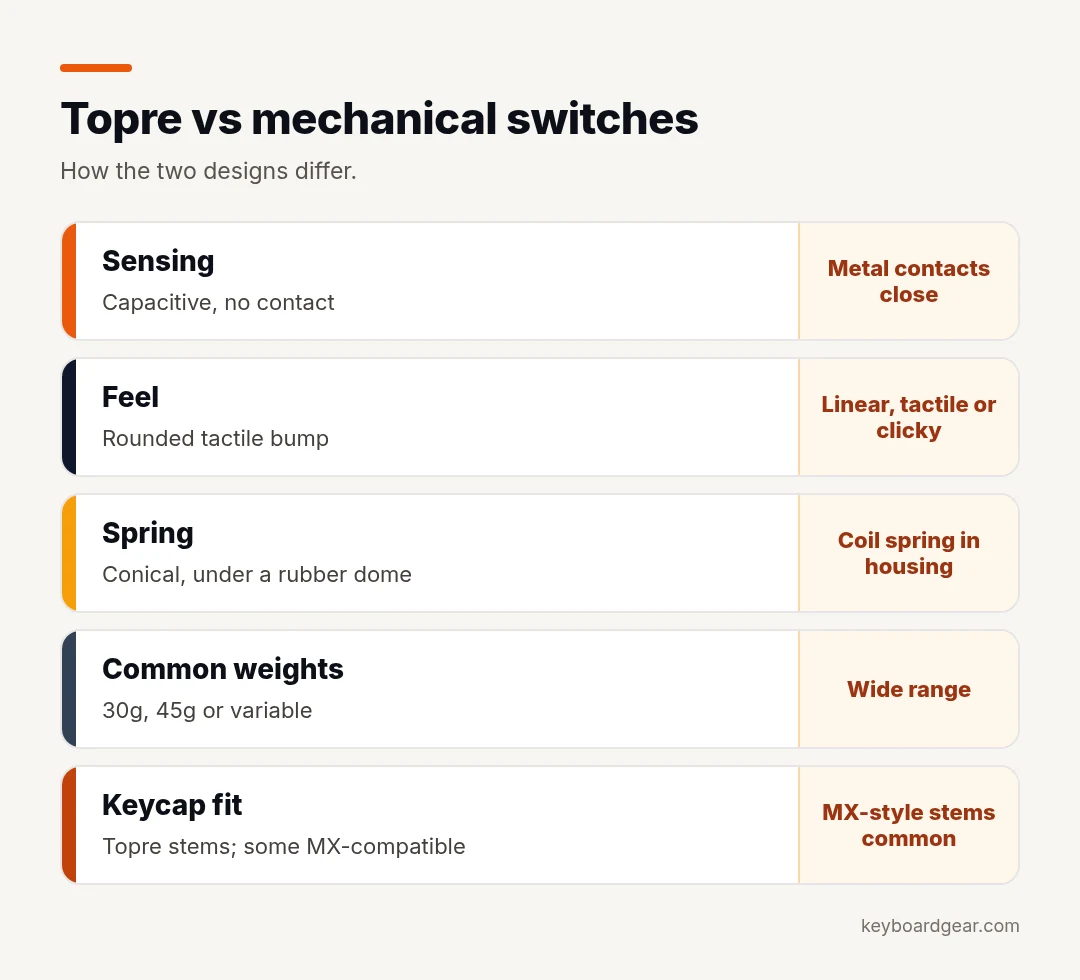
| Feature | Topre | Mechanical | Membrane |
|---|---|---|---|
| Sensing | Capacitive, contactless | Metal contacts or other sensors | Contacts on membrane sheets |
| Feel | Rounded tactile | Linear, tactile or clicky | Soft, often mushy |
| Spring | Conical, inside a dome | Coil spring | Usually none (dome only) |
| Customisation | Limited keycap and switch choice | Huge choice | Little |
Topre is not a mechanical switch in the usual sense, because there’s no individual mechanical switch mechanism with contacts. But it’s also very different from a standard membrane keyboard, which uses a rubber dome to press two contact sheets together.
Check keycap compatibility before buying. Classic Topre stems don’t fit standard MX-style keycaps, though some Topre-based boards use MX-compatible stems. Our keycap compatibility guide explains what to look for.
Which keyboards use Topre switches?
- Realforce, Topre’s own keyboard brand.
- Happy Hacking Keyboard (HHKB) by PFU, known for its compact layout.
- Some keyboards from other brands over the years have used Topre switches.
Models change often, so check current product pages for switch weight, layout and connection.
Who should consider Topre?
Topre suits you if:
- You prefer a soft tactile feel and a muted sound.
- You want a well-built keyboard and don’t plan to swap switches.
- You type a lot and value consistency.
It’s less ideal if:
- You want to try lots of switches with a hot-swap keyboard.
- You want the widest choice of keycaps.
- You’re on a tight budget.
FAQ
Is Topre a mechanical keyboard?
Not in the usual sense. Topre uses capacitive sensing with a rubber dome and conical spring rather than a mechanical switch with metal contacts.
What does a Topre switch feel like?
A rounded tactile bump at the top of the press, then a smooth, cushioned travel.
Which keyboards use Topre switches?
Realforce keyboards and the Happy Hacking Keyboard (HHKB) are the best known.
Can I use MX keycaps on Topre?
Classic Topre stems don’t fit MX keycaps, but some models use MX-compatible stems.
What weights do Topre switches come in?
Realforce offers 45g, 30g and variable-weight versions.
Sources
- Realforce: Features (Topre capacitive contactless key switch)
- Realforce: official site
- PFU: Happy Hacking Keyboard
- US Patent 4,584,444 (Topre)
Final thoughts
Topre is a distinctive middle ground: rubber dome softness with capacitive precision and no contacts to wear out. If you love a soft tactile feel and don’t need endless customisation, it’s worth trying.

Experience is what matters at the end!!
Hi! This is Jacob Jay – founder of Keyboardgear.com! From childhood to adulthood, I’ve always remained passionate about IT, and the revolution in this industry, especially gaming on the PC can’t go out of my way. Since I’m an enthusiastic gamer, and I love to experience various gaming accessories, particularly mechanical keyboards, that really boost my gaming adventure manifolds. So, my nerve cells hit me to transfer my experiences into word form and share with others to identify the ideal keyboards perfectly fit for their gaming modes.
I know very well how hard it is to find the high-quality items available on the internet that ought to be exactly the same as seen as on the screen. But the counterfeiters have ruined the user’s trust. As I have passed all such situations, I’m obliged to deliver the genuinity and express the same as what I am saying.
So, now, I’m working on the mission to provide very helpful and frankly but trustworthy reviews and guides about various mechanical keyboards, mouses, and other gaming accessories as per my personal experiences and sound knowledge.