

Quick answer
A keyboard macro is a recorded sequence of keystrokes, text or actions that plays back when you press a single key or key combination. Macros save time on repetitive tasks, such as typing a signature, running a chain of editing shortcuts or opening apps. You can create them with your keyboard’s software, VIA or QMK, or tools built into your operating system. Many online games and tournaments ban macros that automate gameplay, so check the rules before using them in games.
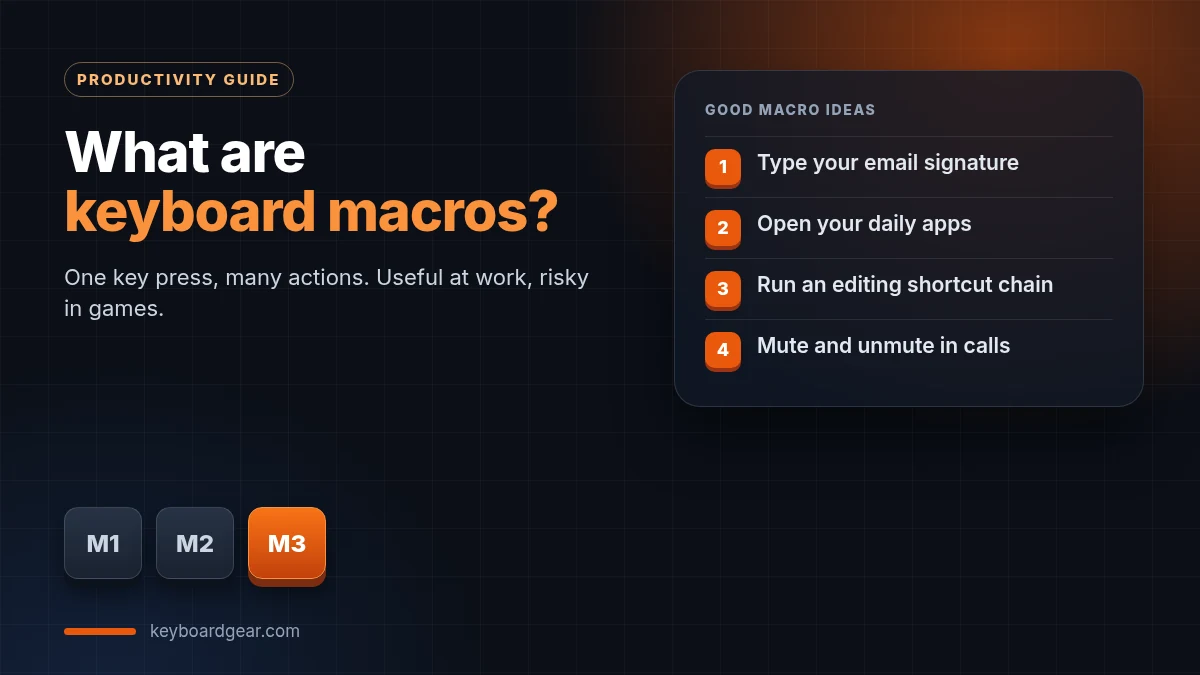
If you find yourself pressing the same few keys over and over, a macro can do it for you. Press one key, and the keyboard or software sends the whole sequence, exactly the same every time.
How keyboard macros work
A macro is a list of actions with timing. When you trigger it, the keyboard or software plays that list back as if you’d typed it. Depending on the tool, a macro can include:
- Keystrokes and shortcuts, such as Ctrl+C, Tab, Ctrl+V.
- Text, such as an address or a code snippet.
- Delays between steps, for apps that need a moment to respond.
- Mouse clicks or app launches, in some brand software.
A shortcut is a single key combination built into an app. A macro can combine several shortcuts, text and delays into one press.
Useful macro examples
| Use | Example macro | Why it helps |
|---|---|---|
| Email and admin | Type your signature or a standard reply | Saves typing the same words daily |
| Spreadsheets | Copy, move down a row, paste values | Repeats a fiddly sequence exactly |
| Coding | Insert a code template or run a build shortcut chain | Fewer keystrokes, fewer typos |
| Photo and video editing | Chain tool and export shortcuts | Faster editing sessions |
| Streaming and calls | Mute mic, switch scene, start recording | One press during live moments |
| Accessibility | Replace multi-key shortcuts with one key | Easier for limited hand mobility |
Never store passwords in a macro. Anyone with access to your keyboard or computer can play it back, and some tools store macros in plain text.
Ways to create macros
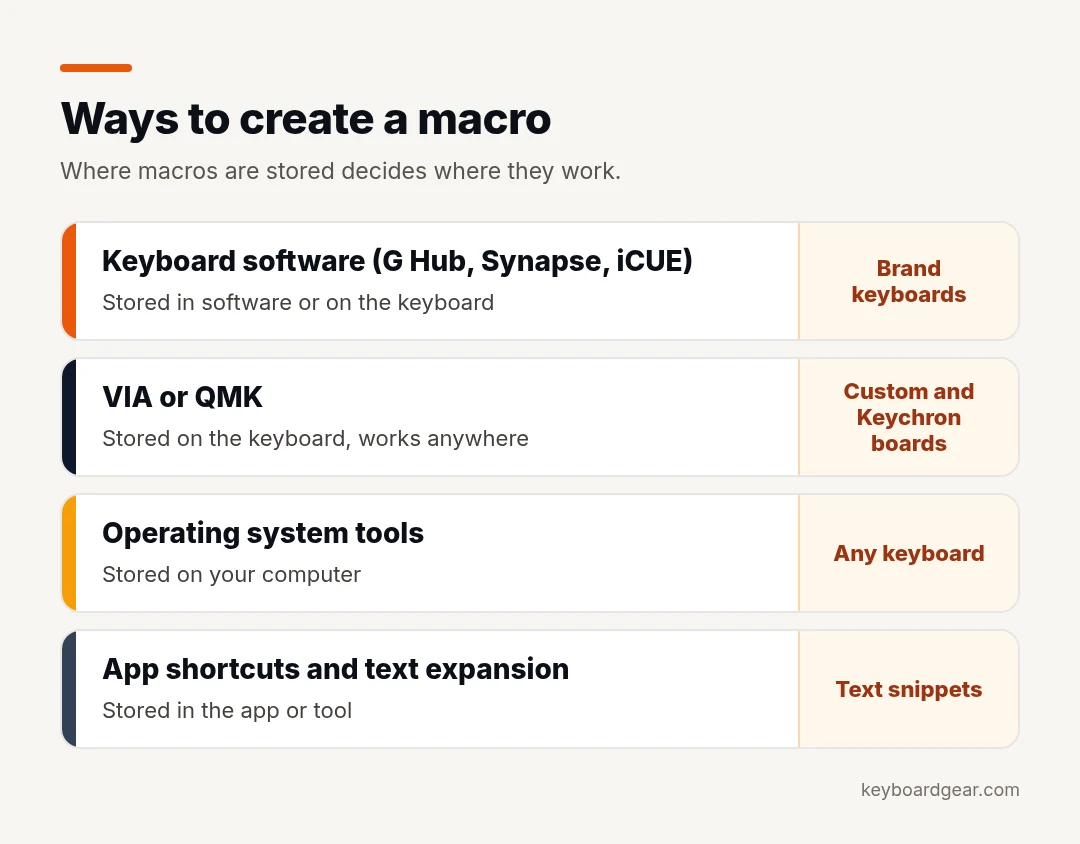
Keyboard software
Gaming and brand keyboards usually include macro recording in their software, such as Logitech G Hub, Razer Synapse or Corsair iCUE. Some save macros to the keyboard’s memory so they work on other computers; others need the software running. Check your keyboard’s manual.
VIA and QMK
On VIA-compatible keyboards, open the Macros tab, record or type a sequence, then assign it to a key. Macros are stored on the keyboard, so they work on any computer. On-board memory is limited, so keep them short. Our guide on how to use VIA walks through the steps, and putting macros on a separate layer keeps your normal keys free; see keyboard layers explained.
Operating system tools
If your keyboard has no software, your computer can still help:
- Windows: Microsoft PowerToys includes Keyboard Manager for remapping keys and shortcuts.
- Mac: the Shortcuts app and System Settings keyboard shortcuts can automate tasks and trigger them with a key combination.
- Text expansion: both Windows and Mac have tools that replace a short code with longer text.
Our guide on how to remap keys covers the built-in options for Windows, Mac and Chromebook.
Dedicated macro pads
If you want lots of macros without giving up normal keys, a small programmable keypad or a Stream Deck-style controller is the cleanest option. See our guide to macro pads and our picks of the best keyboards for streaming.
Macros in games: check the rules
This is where macros can get you into trouble. Many online games treat automated input as cheating, and rules differ between games and competitions.
- Riot Games (VALORANT, League of Legends) says in its Community Pact that cheating includes scripting, which it defines as using third-party software or hardware to take automated actions. Riot’s VALORANT support page says using unauthorised software or hardware that gives an unfair advantage leads to a permanent suspension.
- VALORANT esports: Riot’s VCT competition ruleset prohibits all macro programs, including hardware macros stored in a keyboard’s on-board memory.
- Counter-Strike 2: in August 2024, Valve said players suspected of automating multiple actions from a single input may be kicked from matches on its official servers, and it disabled in-game binds that combine several movement or attack actions.
Simple remaps, such as moving a key, are generally fine. Macros that perform several game actions with one press, rapid-fire clicks or timed combos are the ones most likely to break rules. If in doubt, check the game’s terms of service or tournament rules, and turn macros off before competitive play.
Should you use macros?
For work and creative apps, macros are a safe, simple way to save time. Start with one task you repeat daily, record it, and use it for a week before adding more. Avoid macros for anything that needs judgement or where a mistake could be costly, such as sending messages automatically.
For games, use macros only where the game’s rules clearly allow them.
FAQ
What is a macro key on a keyboard?
A key you can program to run a macro, a sequence of keystrokes or actions, with one press. Some keyboards have dedicated macro keys; on others, any key can be assigned.
Can I add macros to any keyboard?
Yes, using operating system tools or third-party software, even if the keyboard has no software of its own.
Are macros cheating?
Not in general. At work they’re just automation. In games, many publishers and tournaments ban macros that automate gameplay.
Do macros work on every computer?
Only if they’re stored on the keyboard, as with VIA or QMK. Software-based macros usually work only where the software is installed.
Are hardware macros undetectable in games?
Don’t rely on that. Riot’s esports rules ban hardware macros too, and anti-cheat and server checks can detect automated input patterns.
Final thoughts
Macros are one of the most practical things a programmable keyboard can do. Use them for repetitive work tasks, keep them short and password-free, and store them on the keyboard if you switch computers. In games, check the rules first: what’s fine in a spreadsheet can get you suspended in ranked play.
Related guide: Best Macro Pads and Stream Decks for Work, Streaming and Gaming
Related guide: Best MMO Mice With Side Button Grids for MMOs and MOBAs
Related guide: Mouse Macros in Games: What Is Allowed and What Can Get You Banned?
Related guide: Programmable Mouse Uses Beyond Gaming: Excel, Editing and Browsing
Sources
- Riot Games: Community Pact
- Riot Games: addressing cheating in VALORANT
- VALORANT Champions Tour: Official Competition Ruleset
- The Verge: Valve’s CS2 input automation rules
- Microsoft: PowerToys Keyboard Manager

Experience is what matters at the end!!
Hi! This is Jacob Jay – founder of Keyboardgear.com! From childhood to adulthood, I’ve always remained passionate about IT, and the revolution in this industry, especially gaming on the PC can’t go out of my way. Since I’m an enthusiastic gamer, and I love to experience various gaming accessories, particularly mechanical keyboards, that really boost my gaming adventure manifolds. So, my nerve cells hit me to transfer my experiences into word form and share with others to identify the ideal keyboards perfectly fit for their gaming modes.
I know very well how hard it is to find the high-quality items available on the internet that ought to be exactly the same as seen as on the screen. But the counterfeiters have ruined the user’s trust. As I have passed all such situations, I’m obliged to deliver the genuinity and express the same as what I am saying.
So, now, I’m working on the mission to provide very helpful and frankly but trustworthy reviews and guides about various mechanical keyboards, mouses, and other gaming accessories as per my personal experiences and sound knowledge.