

Quick answer
For learning touch typing from scratch, TypingClub is the best free choice: it is free for individuals, needs no account and shows you hand position on every key. keybr is best for fixing slow, weak keys with adaptive drills. For measuring and tracking speed, Monkeytype is the cleanest test. If you want competition, TypeRacer and 10FastFingers let you race other people.
Most people improve fastest with one lesson site and one test site, used for 10 to 20 minutes a day.
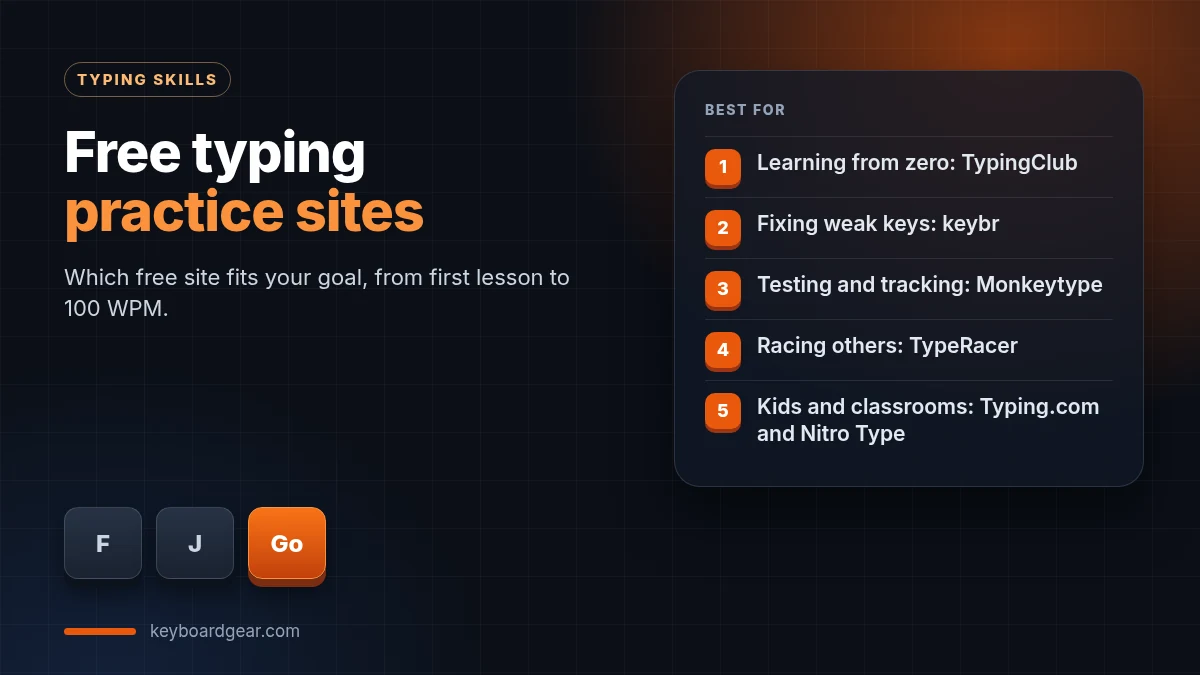
There are dozens of free typing sites, and most look similar at first glance. The differences show up once you use them for a week: some teach the keyboard row by row, some generate drills from your mistakes, some are pure tests, and some are games. Picking the right kind for your goal saves a lot of time.
We checked each site’s current features in November 2026 and focused on what you get without paying. All of them work in a browser. Before you start, it helps to know your current level; our guide to what counts as a good typing speed explains the benchmarks.
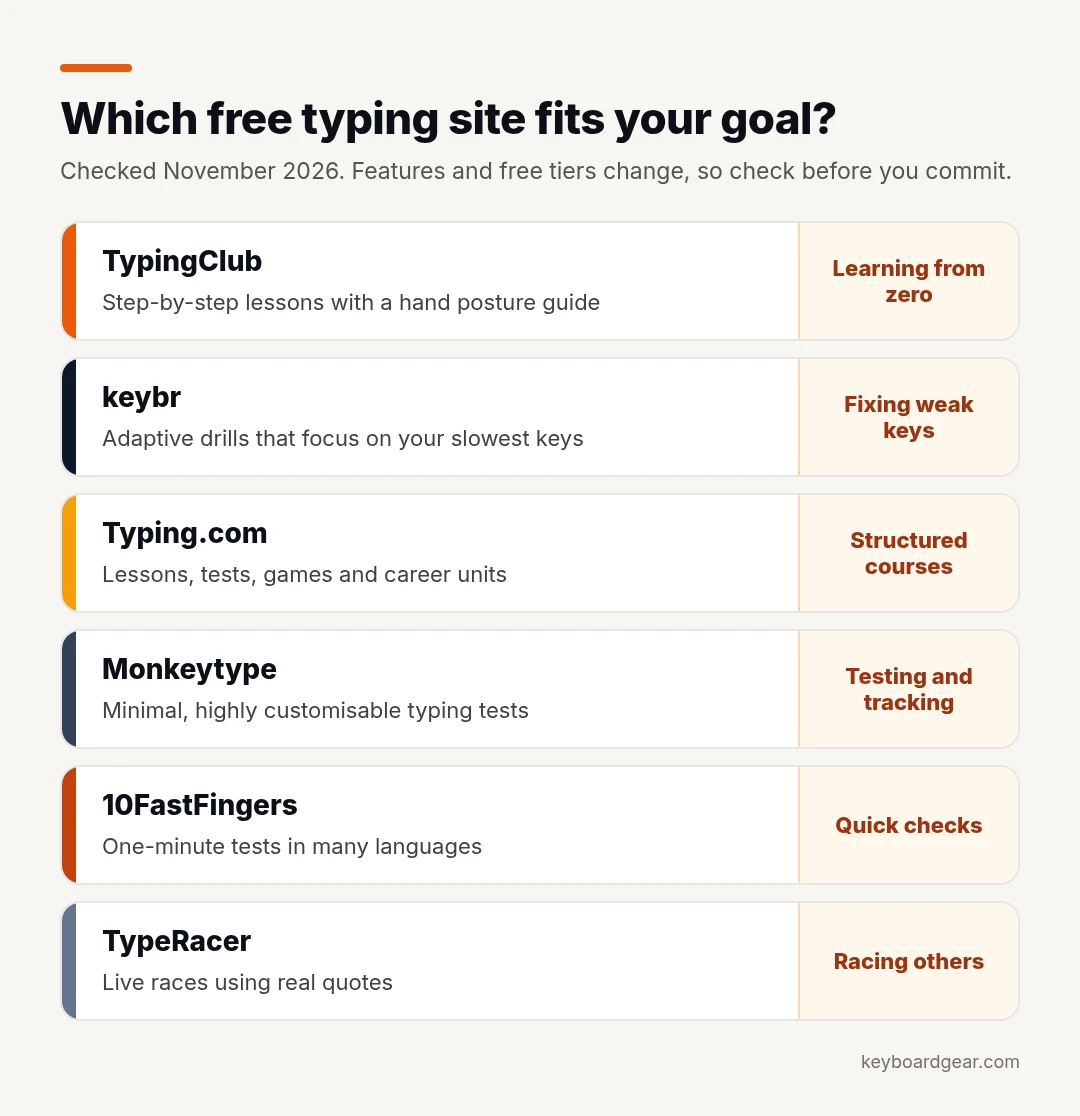
The sites at a glance
| Site | Type | Free without an account? | Paid option |
|---|---|---|---|
| TypingClub | Structured lessons | Yes; optional profile saves progress | Paid school edition |
| keybr | Adaptive lessons | Yes | Remove ads |
| Typing.com | Lessons, tests and games | Yes; free account saves progress | PLUS removes ads |
| Monkeytype | Typing test | Yes; free account saves history | None needed; optional ads support it |
| 10FastFingers | Tests, competitions, races | Yes for the one-minute test | — |
| TypeRacer | Live races | Yes; free account saves races | Subscription available |
| Nitro Type | Racing game for students | Free to play | — |
| Ratatype | Lessons and certificate | Free practice | Ratatype Plus |
Best for learning from zero: TypingClub
TypingClub says it is, and will always be, free for individuals and schools, with an optional paid school edition. You do not need an account; you can create an optional profile to save progress. Lessons are short, earn stars and unlock in order, and a hand posture guide shows the correct finger for every key as you type.
It suits complete beginners and anyone who has always typed with a few fingers and wants to start properly. TypingClub suggests a few minutes a day for one to two weeks to learn the basics.
Best for fixing weak keys: keybr
keybr uses an adaptive method. It starts you on a few letters, measures how fast and accurately you type each one, and only adds new letters when you are ready. It builds practice “words” that look and sound natural, which keybr says is easier to learn from than random letter strings.
It is excellent once you know where the keys are but some still slow you down. keybr supports many languages and keyboard layouts, which makes it useful if you are learning an alternative layout. There is an option to remove ads.
Best structured course: Typing.com
Typing.com offers lessons grouped by beginner, intermediate and advanced, plus tests, games, stories and units beyond typing such as coding and career prep. An adaptive practice section targets your problem keys. You can practise without an account, but a free account saves your progress. Ads are shown unless you buy PLUS.
It is widely used in schools, so it is a good choice for children and for adults who like a clear curriculum.
Best typing test: Monkeytype
Monkeytype is a minimal, highly customisable typing test. By default it uses the 200 most common English words, with options for 1,000 words, other languages, timed or word-count tests, quotes and punctuation. A free account saves your history so you can watch your speed and accuracy change. Its creator credits supporters who donate, buy merchandise or enable optional ads.
It is the best place to measure progress, but it is a test rather than a teacher. Use it alongside a lesson site.
Best for quick tests in many languages: 10FastFingers
10FastFingers offers a one-minute test using the 200 most common words of each language, in more than 40 languages, plus 24-hour typing competitions, live multiplayer races, custom tests and a text practice mode. It is a quick, simple way to compare yourself with friends.
Best for racing: TypeRacer and Nitro Type
TypeRacer puts you in live races against other people, typing real quotes from books, games and other sources. You can race as a guest; a free account saves your races and stats. Typing whole quotes, with punctuation and capitals, makes it good practice for real writing.
Nitro Type, from the creators of Typing.com, is a racing game aimed at students, with a teacher portal and classroom controls. It is fun for children who find lessons dull.
Also worth a look: Ratatype
Ratatype combines a typing tutor, practice and a typing certificate you can earn. Core practice is free, and Ratatype Plus is its paid tier.
How to choose
| If you… | Start with | Then add |
|---|---|---|
| Look at the keys or use two fingers | TypingClub | keybr once you know the layout |
| Touch type but have a few slow keys | keybr | Monkeytype to track progress |
| Want proof of your speed | Monkeytype or 10FastFingers | Ratatype for a certificate |
| Get bored with drills | TypeRacer | keybr for weak keys |
| Are teaching children | Typing.com | Nitro Type as a reward |
Privacy and accounts: what to check
Most of these sites work without signing up, which is the simplest way to stay private. If you create an account, you are usually sharing an email address and your typing statistics. Before signing up, especially for a child:
- Read the site’s privacy policy and cookie settings; several show a cookie banner that lets you reject non-essential cookies.
- Use a school or classroom version where one exists, since these usually come with teacher controls.
- Skip social logins if you would rather not link accounts.
How to get the most from free practice
- Practise little and often. Ten to twenty minutes a day beats a long weekly session.
- Accuracy before speed. Slow down when your accuracy drops below about 95%.
- Don’t look down. If you must, cover your hands with a light cloth for a few minutes.
- Track weekly, not daily. Take the same test once a week to see real progress.
- Check your setup. A keyboard at the right height makes long sessions more comfortable.
Our full guide on how to type faster has a step-by-step plan, and writers who spend all day typing may want to look at our picks of the best keyboards for writers.
FAQ
What is the best free website to learn touch typing?
TypingClub is the best place to start from zero. It is free for individuals, needs no account and guides your hand position on every key.
Is keybr or Monkeytype better?
They do different jobs. keybr teaches with adaptive drills based on your weak keys; Monkeytype is a test for measuring speed and accuracy. Many people use both.
Are free typing sites good enough?
Yes. The free versions of these sites cover everything most people need to learn touch typing and build speed. Paid tiers mostly remove ads or add extras.
Which typing site is best for kids?
Typing.com and TypingClub both offer structured lessons used in schools, and Nitro Type adds a racing game that children enjoy.
How long should I practise each day?
Ten to twenty minutes a day is enough for steady progress for most people.

Experience is what matters at the end!!
Hi! This is Jacob Jay – founder of Keyboardgear.com! From childhood to adulthood, I’ve always remained passionate about IT, and the revolution in this industry, especially gaming on the PC can’t go out of my way. Since I’m an enthusiastic gamer, and I love to experience various gaming accessories, particularly mechanical keyboards, that really boost my gaming adventure manifolds. So, my nerve cells hit me to transfer my experiences into word form and share with others to identify the ideal keyboards perfectly fit for their gaming modes.
I know very well how hard it is to find the high-quality items available on the internet that ought to be exactly the same as seen as on the screen. But the counterfeiters have ruined the user’s trust. As I have passed all such situations, I’m obliged to deliver the genuinity and express the same as what I am saying.
So, now, I’m working on the mission to provide very helpful and frankly but trustworthy reviews and guides about various mechanical keyboards, mouses, and other gaming accessories as per my personal experiences and sound knowledge.