

Quick answer
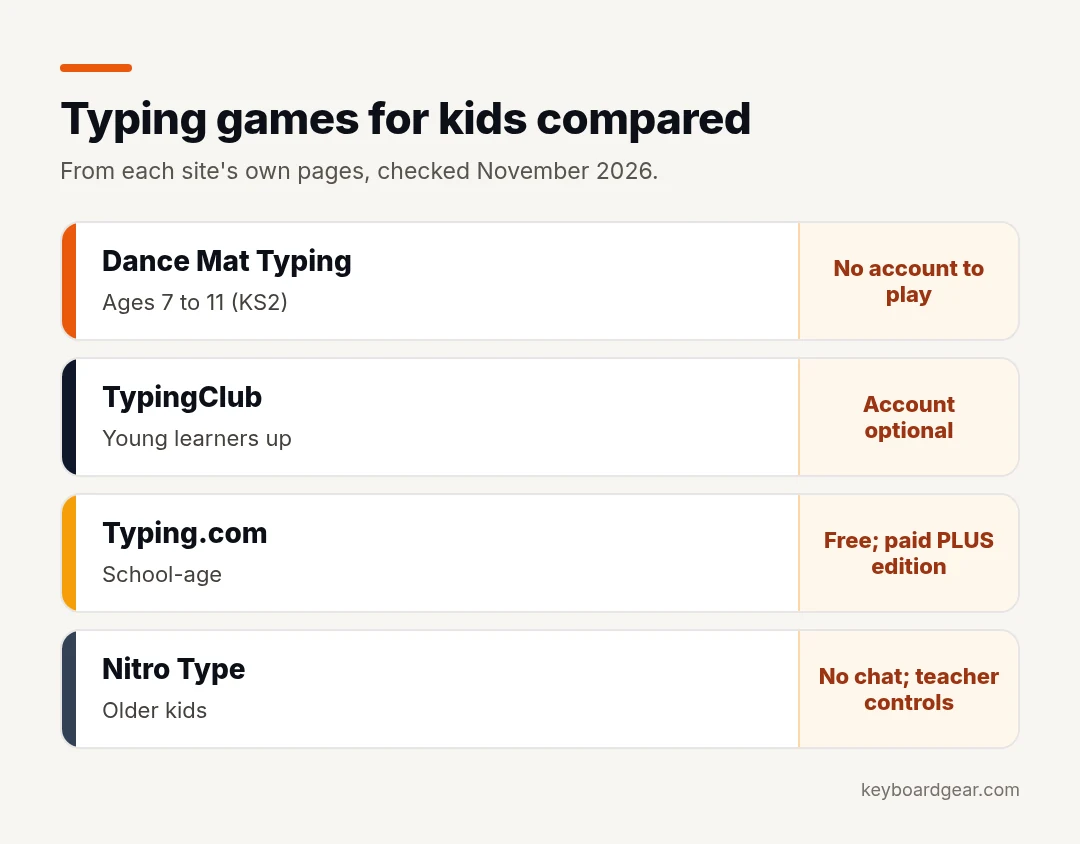
The best free typing games for kids are BBC Dance Mat Typing for ages 7 to 11, which needs no account; TypingClub, which has a Jungle Junior lesson plan for young learners and doesn’t require an account; Typing.com, with free lessons and games; and Nitro Type, a racing game for older kids with no chat and teacher controls. Start with a lesson-based game that teaches the home row, then add speed games once your child can type without looking.
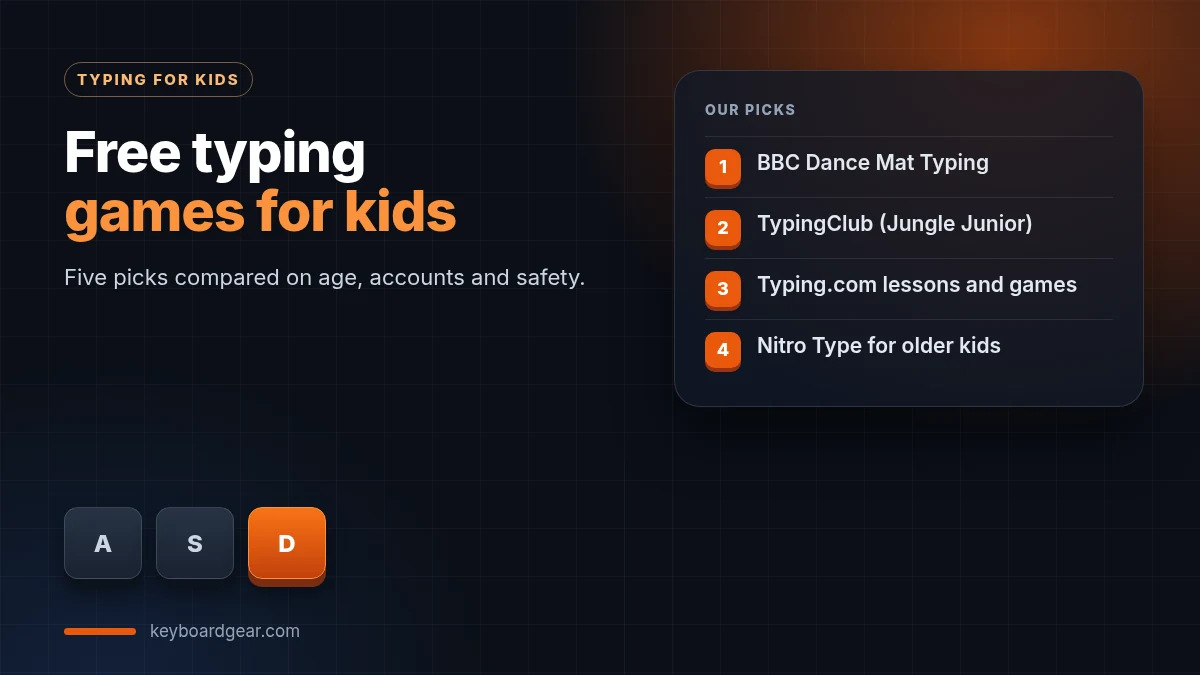
Typing games work best when they teach correct finger positions first and speed second. These are the free options we’d suggest to parents, with notes from each site’s own pages. For older students and adults, see our free typing practice sites comparison.
1. BBC Dance Mat Typing: best first game
BBC Bitesize’s Dance Mat Typing is aimed at KS2 children in the UK, roughly ages 7 to 11. The new version has ten worlds of four levels each, starting with the home keys and moving to the top and bottom rows, with a story mode and a challenge mode for practice. Each world teaches the correct finger for each key.
- Account: none needed to play.
- Needs: a physical keyboard and headphones or speakers.
- Good to know: the BBC page includes simple posture and break reminders.
2. TypingClub: best structured course
TypingClub is a web-based course in which children repeat each lesson until they earn five stars. The site says it’s free for individuals and schools, with an optional paid school edition. Its Jungle Junior lesson plan is designed for young learners.
- Account: not required; an optional profile saves progress.
- Extras: hand-position guides on every key, badges, and an optional voice-over that reads words aloud.
3. Typing.com: lessons plus games
Typing.com offers free, gamified typing lessons, a typing test and a games section, and is widely used in schools. It also offers a paid PLUS edition.
- Account: a student account saves progress; teachers can set up classes.
- Good for: kids who want a mix of lessons and short games.
4. Nitro Type: speed practice for older kids
Nitro Type, from the makers of Typing.com, is a competitive racing game where you type to move your car. It’s best once a child already knows the keyboard. The site says there’s no player chat, it moderates usernames, and teachers can restrict who students race against.
- Account: needed to race and save cars.
- Good to know: it has an in-game shop with cars and cosmetics, so talk to your child about purchases.
5. Keybr: for confident older kids
Keybr adapts practice to the keys you find hardest. It’s plain rather than playful, so it suits older kids and teens who want to improve accuracy.
| Game | Best for | Account | Style |
|---|---|---|---|
| Dance Mat Typing | First lessons, ages 7 to 11 | None | Story game |
| TypingClub | Structured course | Optional | Lessons with games |
| Typing.com | Lessons plus games | Student account | Gamified lessons |
| Nitro Type | Speed, older kids | Required | Racing game |
| Keybr | Accuracy, teens | Optional | Adaptive drills |
What parents should check
- Accounts and data: prefer sites that work without an account for young children, and read the current privacy policy before signing up.
- Ads and purchases: check whether the version your child uses shows ads or offers in-game purchases.
- Chat: for younger kids, choose games without open chat.
- Teaching first: make sure the game shows which finger to use. Speed games before touch typing can build bad habits.
Setting your child up to practice
A comfortable setup matters as much as the game. Use a full-size or compact keyboard at elbow height, and keep sessions short, about 10 to 15 minutes. Our guide to learning touch typing explains how to build the habit, and our keyboard keys names guide helps younger kids learn what each key is called. Once they’re typing, see what counts as a good typing speed.
FAQ
What is the best free typing game for a 7-year-old?
BBC Dance Mat Typing is a good start. It’s designed for KS2 children and needs no account.
Do kids need an account for typing games?
Not always. Dance Mat Typing needs none, and TypingClub accounts are optional.
Is Nitro Type safe for kids?
The site says it has no player chat, moderates usernames and offers teacher controls. It also has an in-game shop, so supervise purchases.
How long should kids practice typing each day?
Short, regular sessions of about 10 to 15 minutes work well for most children.
Should kids learn touch typing before playing speed games?
Yes. Learn finger positions first, then use speed games to build fluency.
Sources
Final thoughts
Start younger children on Dance Mat Typing or TypingClub’s Jungle Junior to learn the home row, move to Typing.com for a mix of lessons and games, and save Nitro Type and Keybr for once they can type without looking. Check accounts, ads and chat settings first, and keep sessions short and regular.

Experience is what matters at the end!!
Hi! This is Jacob Jay – founder of Keyboardgear.com! From childhood to adulthood, I’ve always remained passionate about IT, and the revolution in this industry, especially gaming on the PC can’t go out of my way. Since I’m an enthusiastic gamer, and I love to experience various gaming accessories, particularly mechanical keyboards, that really boost my gaming adventure manifolds. So, my nerve cells hit me to transfer my experiences into word form and share with others to identify the ideal keyboards perfectly fit for their gaming modes.
I know very well how hard it is to find the high-quality items available on the internet that ought to be exactly the same as seen as on the screen. But the counterfeiters have ruined the user’s trust. As I have passed all such situations, I’m obliged to deliver the genuinity and express the same as what I am saying.
So, now, I’m working on the mission to provide very helpful and frankly but trustworthy reviews and guides about various mechanical keyboards, mouses, and other gaming accessories as per my personal experiences and sound knowledge.