

Keyboard Gear earns from qualifying purchases through Amazon links.
The Glorious GMMK 3 is the best barebones kit for most first builds: a modular 75% board with adjustable gaskets, dampening foam, 5-pin hot-swap and a knob, sold by Amazon.com for about $50. If you want wireless, choose the BOYI GMK67 65% kit, and for a full tenkeyless layout with a screen, the GMK87.
A barebones kit is a mechanical keyboard without switches or keycaps: you get the case, plate, PCB and stabilizers, and choose the rest yourself. It’s the easiest way into custom keyboards, because hot-swap sockets mean no soldering, and you can pick switches and keycaps to get exactly the sound and feel you want. Our guide on how to build a mechanical keyboard walks through the full build.
This guide compares three barebones kits sold on Amazon US. We checked availability and prices on Amazon US on November 28, 2026, and specs come from the manufacturers’ listings. We haven’t built these kits ourselves.
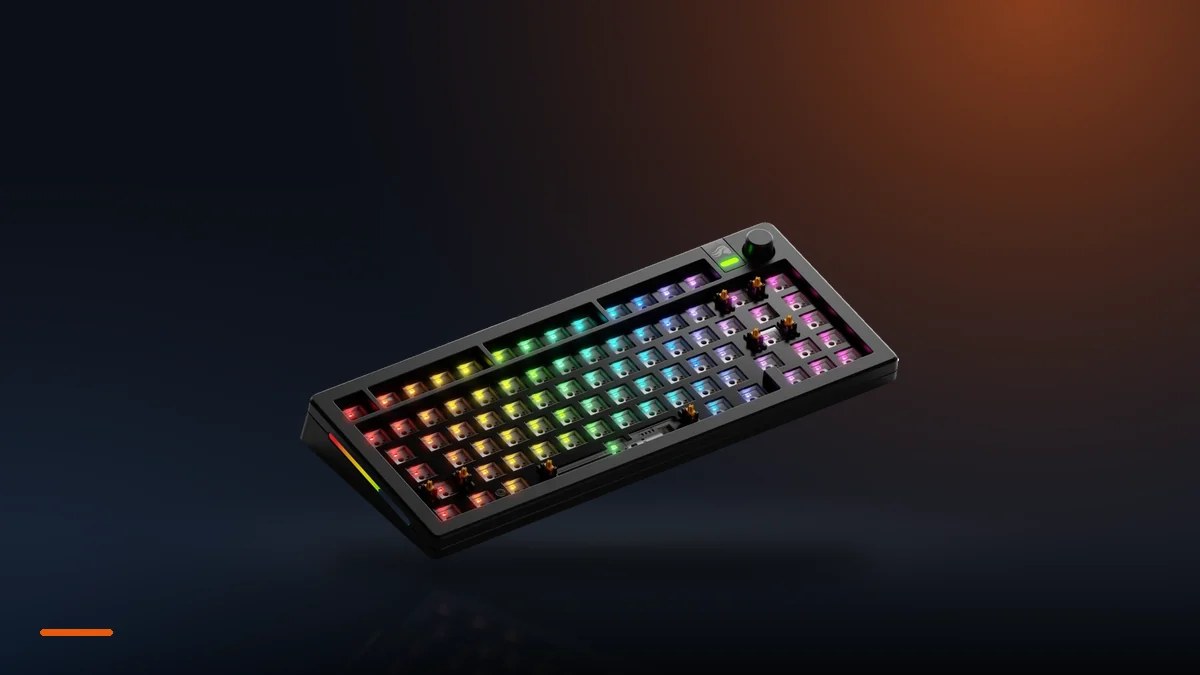
Best barebones keyboard kits overview
| Product | Best for | Key specs | Price |
|---|---|---|---|
1 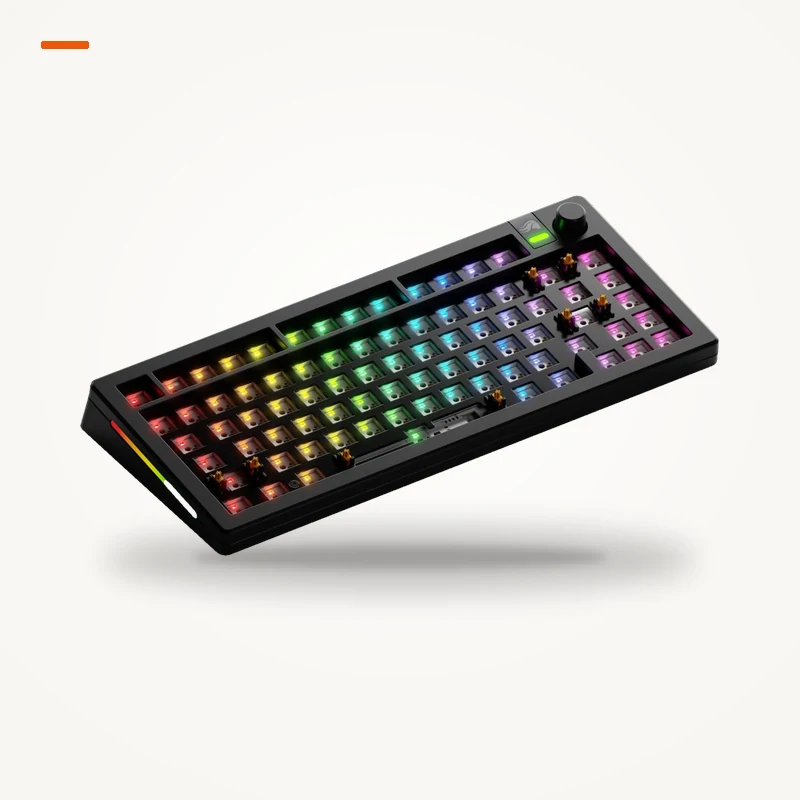 Glorious GMMK 3 75% Barebones Keyboard |
Best overall |
|
Check Price |
2 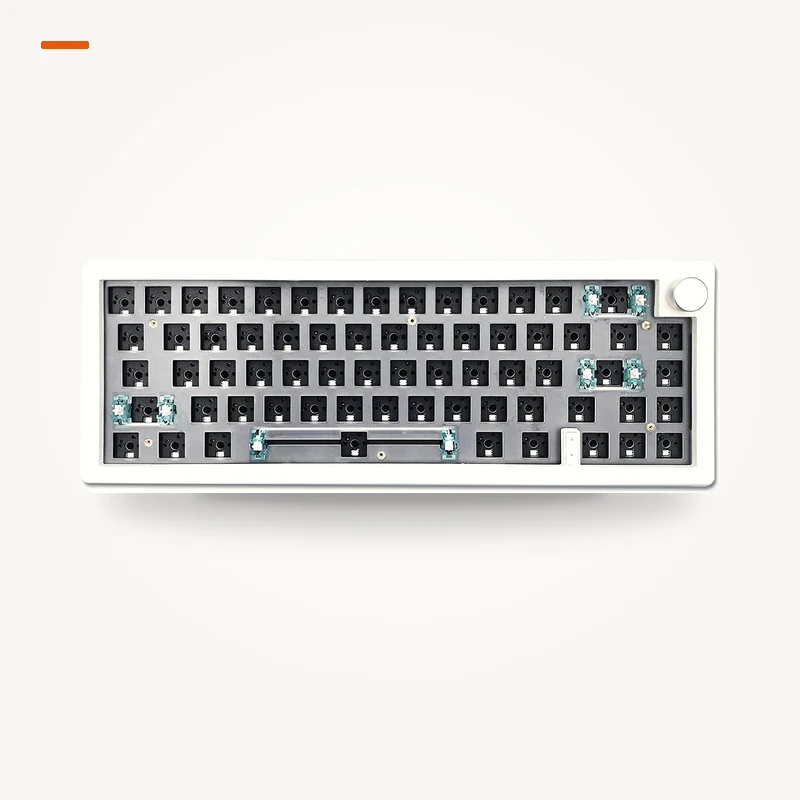 BOYI GMK67 65% Wireless Barebones Kit |
Best wireless |
|
Check Price |
3 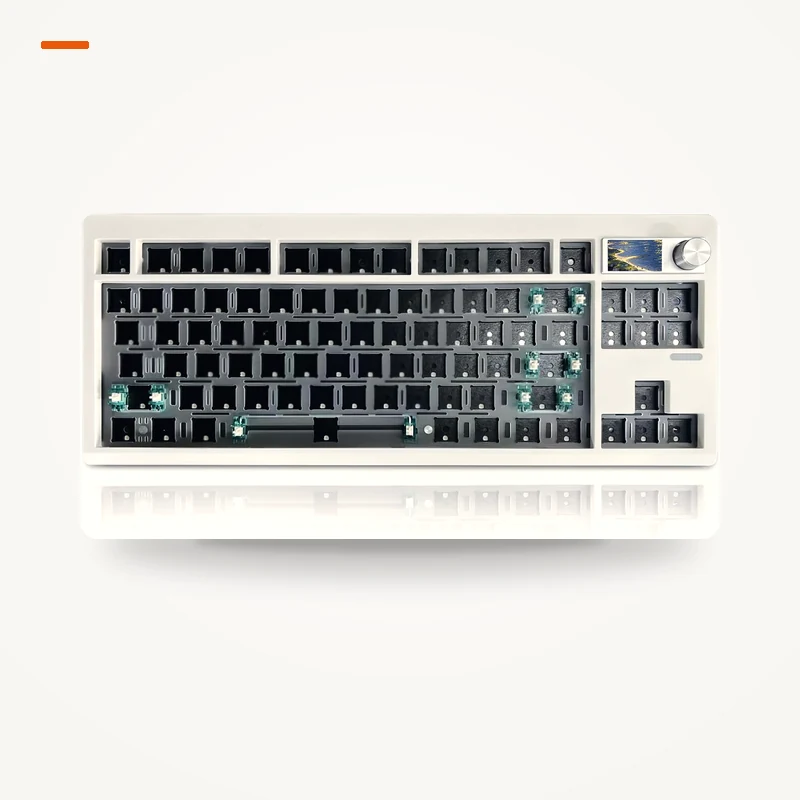 ZMX GMK87 80% Barebones Kit with TFT Screen |
Best with a screen |
|
Check Price |
How to choose a barebones keyboard kit
Layout
Choose the size first. 65% drops the function row but keeps arrows; 75% adds the function row in a compact block; 80% (tenkeyless) keeps the standard navigation cluster. Our guide to keyboard sizes explains each.
Switch compatibility
Check whether the sockets take 3-pin or 5-pin switches. 5-pin sockets accept both; 3-pin sockets need 5-pin switches’ legs clipped. Our 3-pin vs 5-pin guide explains. Make sure the kit supports MX-style switches if that’s what you plan to buy.
Mounting and sound
Gasket-mounted boards suspend the plate on soft gaskets for a cushioned feel and softer sound. Foam inside the case reduces hollowness. See our explainer on gasket mount keyboards.
Wired or wireless
Wireless kits add a battery and pairing, which is convenient but adds weight and cost. Wired kits are simpler and don’t need charging.
Software
VIA and QMK let you remap keys and add layers without vendor software; our QMK vs VIA guide explains the difference.
What else you’ll need
Budget for a set of switches, usually 70 to 90 depending on layout, and a keycap set that fits the layout. Our picks for linear switches and custom keycaps are good starting points.
The best barebones keyboard kits reviewed
1. Glorious GMMK 3 75% Barebones Keyboard — best barebones keyboard for beginners
Who it’s for: First-time builders who want a well-supported, modular board from an established brand.
Glorious designed the GMMK 3 around modularity, with nine points where you can swap parts to change the look, sound and feel. Its Modular Gasket System uses building-block style gaskets you can rearrange for a firmer or softer typing feel, and two layers of dense foam inside the case absorb resonance.
The 5-pin MX hot-swap sockets take most MX-style switches without soldering, and a programmable knob handles volume, play/pause and mute, or custom actions in Glorious CORE. It’s a wired, 75% board. It was $49.99, sold by Amazon.com, on November 28, 2026.
Key specs: 75% layout; 5-pin MX hot-swap sockets; Modular Gasket System for adjustable feel; two layers of sound-dampening foam; 9 points of modularity; programmable knob with Glorious CORE software; RGB; wired USB-C; 13.3 × 6 × 1.8 in.
- Modular, adjustable gaskets
- Sold by Amazon.com
- Programmable knob
- Dampening foam included
- Wired only
- Switches and keycaps sold separately
- Software needed for knob customisation
2. BOYI GMK67 65% Wireless Barebones Kit — best wireless barebones keyboard kit
Who it’s for: Builders who want a wireless 65% board with a knob and VIA remapping for less.
BOYI’s GMK67 is a gasket-mounted 65% kit with a knob and tri-mode connectivity: Bluetooth 5.0, a 2.4GHz receiver or a USB-C cable, with a 4000mAh battery. Hot-swap sockets accept 3-pin and 5-pin mechanical switches, but BOYI notes it isn’t compatible with optical or magnetic switches.
It supports VIA for remapping keys, macros and lighting, and has south-facing RGB LEDs, which help avoid interference with Cherry-profile keycaps. Delivery was quoted as December 15–30 with a shipping charge when we checked, so it isn’t the fastest option. It was $47.24, sold by BOYI Keyboard, on November 28, 2026.
Key specs: 65% layout with knob; gasket mount; hot-swap for 3- and 5-pin mechanical switches (not optical or magnetic); Bluetooth 5.0, 2.4GHz and wired USB-C; 4000mAh battery; QMK/VIA programmable; south-facing RGB.
- Tri-mode wireless
- VIA remapping
- Gasket mount
- Takes 3- and 5-pin switches
- Long delivery window when checked
- Not for optical or magnetic switches
- Lesser-known brand
3. ZMX GMK87 80% Barebones Kit with TFT Screen — best tenkeyless barebones keyboard kit
Who it’s for: Builders who want a tenkeyless board with arrow and navigation keys plus a little screen.
The GMK87 is an 87-key, 80% kit, so you keep the full function row, arrows and navigation cluster. Its TFT-LCD screen can show a custom image, the date and time, and a metal knob controls volume. It’s wireless over Bluetooth 5.0 or 2.4GHz, or wired over USB-C, with NKRO.
The hot-swappable PCB takes most 3-pin and 5-pin MX-style switches from brands such as Cherry, Gateron, Outemu and Kailh, and VIA handles remapping and the south-facing RGB. When we checked, only one was left in stock. It was $68.99, sold by ZMX-MALL, on November 28, 2026.
Key specs: 80% tenkeyless layout with 87 keys; customisable TFT-LCD screen (image, date, time); metal volume knob; gasket mount; hot-swap PCB for 3- and 5-pin MX switches; Bluetooth 5.0, 2.4GHz and wired USB-C; NKRO; VIA programmable; south-facing RGB.
- Full TKL layout
- Screen and knob
- Tri-mode wireless
- Wide switch support
- Low stock when checked
- Most expensive here
- Screen setup takes extra software
Barebones kits compared
| Kit | Layout | Connection | Hot-swap | Extras | Price (Nov 28) |
|---|---|---|---|---|---|
| Glorious GMMK 3 | 75% | Wired USB-C | 5-pin MX | Modular gaskets, knob, foam | $49.99 |
| BOYI GMK67 | 65% | Bluetooth, 2.4GHz, wired | 3/5-pin MX | Gasket, knob, VIA, 4000mAh | $47.24 |
| ZMX GMK87 | 80% TKL | Bluetooth, 2.4GHz, wired | 3/5-pin MX | TFT screen, knob, VIA | $68.99 |
Which barebones kit fits you?
| If you… | Choose | Why |
|---|---|---|
| Want a reliable first build | Glorious GMMK 3 | Modular, sold by Amazon.com |
| Want wireless on a budget | BOYI GMK67 | Tri-mode, VIA, under $50 |
| Want a full TKL layout | ZMX GMK87 | 87 keys, screen and knob |
Building your kit: quick steps
- Test the PCB before installing anything, if the kit supports it, by plugging it in and shorting the switch contacts with tweezers.
- Install switches straight down, supporting the plate from below, and check the pins aren’t bent.
- Fit keycaps, starting with the larger keys and stabilised keys.
- Plug in and test every key; reseat any switch that doesn’t register.
- Remap keys and set up the knob in the kit’s software or VIA.
Related guide: 4 Best Coiled Keyboard Cables for a Custom Mechanical Setup
FAQ
What does barebones mean on a keyboard?
It’s a keyboard sold without switches and keycaps, so you choose and install them yourself.
Do I need to solder a barebones kit?
Not with hot-swap kits like these. Switches push into sockets on the PCB.
How many switches do I need?
Count the keys on the layout and buy a few spares. A 65% board needs around 67 to 68, and a tenkeyless board around 87.
Will any keycaps fit?
Most MX-compatible keycap sets fit, as long as the set includes the right sizes for your layout, especially the bottom row and right Shift.
Is a barebones kit cheaper than a prebuilt keyboard?
Not always. Once you add switches and keycaps, the total can match or exceed a prebuilt board, but you get exactly the parts you want.
Final verdict
The Glorious GMMK 3 is the easiest barebones kit to recommend for a first build, with modular gaskets, foam and a knob at a low price. Choose the BOYI GMK67 for wireless on a budget, or the GMK87 if you want a full tenkeyless layout with a screen.

Experience is what matters at the end!!
Hi! This is Jacob Jay – founder of Keyboardgear.com! From childhood to adulthood, I’ve always remained passionate about IT, and the revolution in this industry, especially gaming on the PC can’t go out of my way. Since I’m an enthusiastic gamer, and I love to experience various gaming accessories, particularly mechanical keyboards, that really boost my gaming adventure manifolds. So, my nerve cells hit me to transfer my experiences into word form and share with others to identify the ideal keyboards perfectly fit for their gaming modes.
I know very well how hard it is to find the high-quality items available on the internet that ought to be exactly the same as seen as on the screen. But the counterfeiters have ruined the user’s trust. As I have passed all such situations, I’m obliged to deliver the genuinity and express the same as what I am saying.
So, now, I’m working on the mission to provide very helpful and frankly but trustworthy reviews and guides about various mechanical keyboards, mouses, and other gaming accessories as per my personal experiences and sound knowledge.