

Quick answer
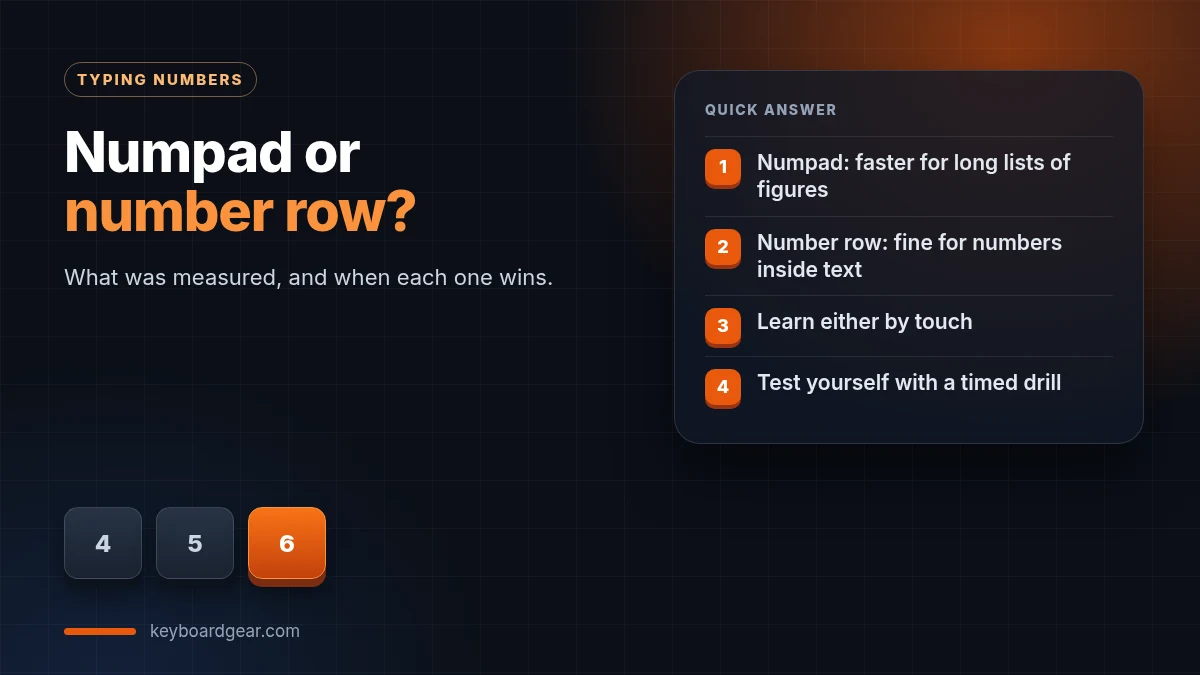
For entering lots of numbers, the numpad is usually faster and more accurate than the top number row. In a 1996 community college study of intermediate keyboarding students, 10-key entry was faster by 73 strokes a minute and had 0.81 fewer errors a minute than top-row entry on the same standardized test. For numbers mixed into sentences, the number row is fine because your hands stay on the letters.
The question comes up whenever someone starts a data-heavy job or buys a compact keyboard without a numpad. The honest answer is that it depends on what you type, but for columns of figures, the measured evidence points one way.
What the research measured
Published comparisons are rare, so it’s worth being clear about what exists. The best direct comparison we found is a short paper by J. Kelly Strader and Clora Mae Baker, presented in 1997 and indexed by the US Department of Education’s ERIC database.
- Who: students in four intermediate keyboarding classes at a community college, tested in the spring and fall semesters of 1996.
- What: the same standardized numeric entry test, timed for three minutes, comparing results after five hours of practice on the 10-key pad and on the top row.
- Result: 10-key entry was faster by 73 strokes a minute and more accurate by 0.81 errors a minute. Students using 10-key also improved faster with practice.
It’s a small, older classroom study, not a lab experiment, so treat the numbers as a strong hint rather than a universal rule. Still, it matches how the two methods work.
Why the numpad tends to win
- Compact layout. All ten digits sit under three fingers, in a 3 x 3 grid plus 0, so the reaches are short.
- One hand. Your other hand stays on the mouse or turns pages, which matters in spreadsheets and accounting software.
- Built-in anchor. The 5 key has a bump, so you can find home position by touch. Our 10-key typing guide explains the finger map.
- Extra keys. Enter, the decimal point and math operators are right there.
When the number row makes more sense
The number row isn’t wrong; it suits different work.
- Numbers inside text. Typing “Room 214 on March 3” is faster on the number row because you don’t move a hand off the letters.
- Compact keyboards and laptops. If your keyboard has no numpad, the row is always there. Our laptop numpad guide lists other options.
- Occasional numbers. If you type a few figures an hour, the difference is small.
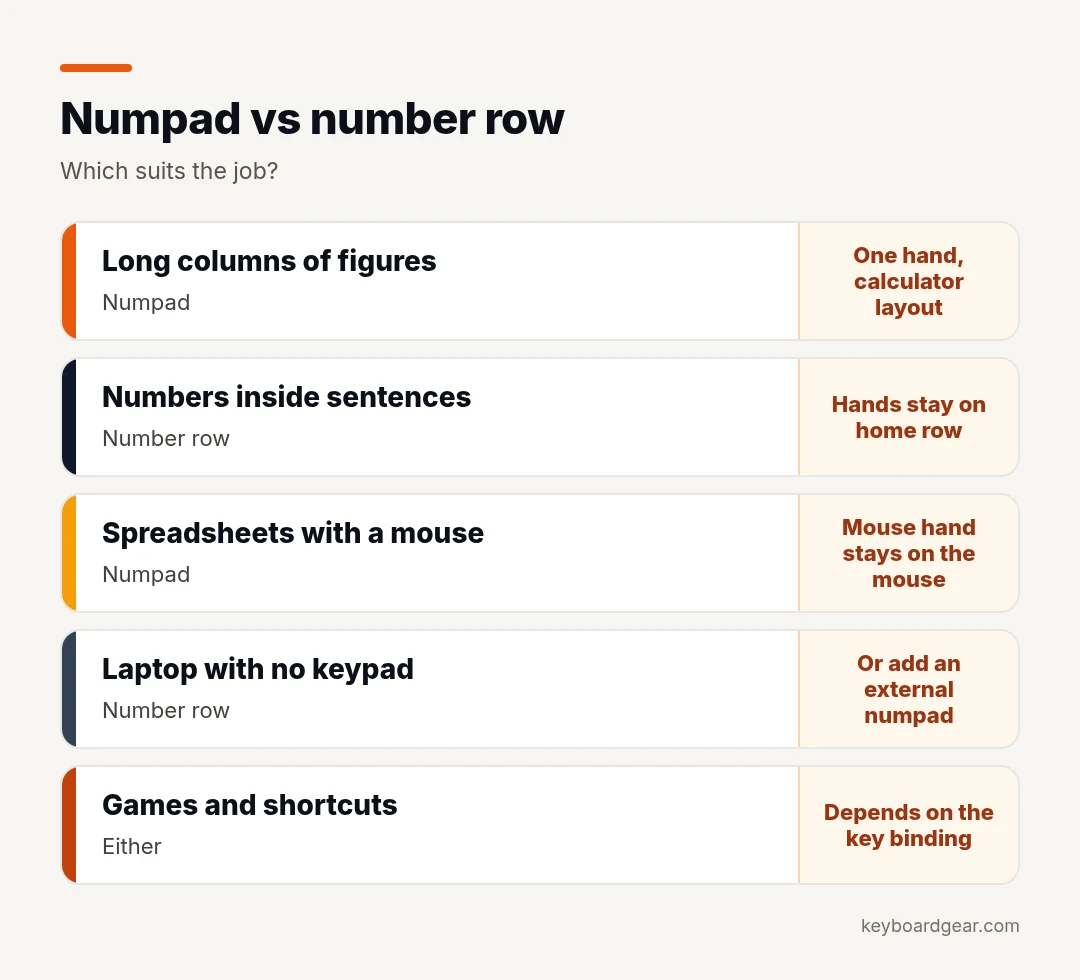
| Situation | Better choice | Why |
|---|---|---|
| Invoices, ledgers, data entry | Numpad | Short reaches, one hand, Enter key nearby |
| Writing with dates and prices | Number row | Hands stay on home row |
| Spreadsheet plus mouse | Numpad | Mouse hand stays free |
| Compact or laptop keyboard | Number row or add-on pad | No built-in keypad |
If you have a compact keyboard but enter numbers every day, a separate keypad is cheap and gives you the faster layout back. See our best number pads.
How to test your own speed
Your own numbers are more useful than anyone else’s. Try this simple check:
- Make a list of 50 random five-digit numbers (a spreadsheet’s random number function works).
- Type the list using the number row for two minutes. Count correct entries.
- Rest, then type a fresh list on the numpad for two minutes. Count correct entries again.
- Repeat over a few days, because the method you practice less will look worse at first.
Count errors separately from speed. A method that’s fast but sloppy costs time in corrections, which is why accuracy comes first in any typing practice.
Learning either method by touch
Both methods get much faster once you stop looking at the keys.
- Numpad: rest your index, middle and ring fingers on 4, 5 and 6, with your thumb on 0. Our 10-key guide has drills.
- Number row: reach up from the home row with the same fingers you use for the letters below. Our learn touch typing plan covers the reaches.
If you want to build general speed too, see how to type faster.
FAQ
Is the numpad faster than the number row?
For long lists of numbers, usually yes. A 1996 classroom study found 10-key entry was 73 strokes a minute faster and more accurate than top-row entry.
Is it worth learning 10-key?
If you enter numbers regularly at work, yes. It takes a few weeks of practice to become comfortable.
Should I use the number row when writing?
Yes. For numbers inside sentences, the number row keeps your hands on the letters and is usually quicker.
Can I get a numpad on a compact keyboard?
Yes. A separate USB or Bluetooth number pad adds one, or some keyboards have a numpad layer.
Why does the 5 key have a bump?
It marks the home position for your middle finger, so you can find the keypad by touch.
Sources
Final thoughts
For data entry, accounting and spreadsheets, learn the numpad by touch: the one direct comparison we found measured it as faster and more accurate. For numbers in everyday writing, the number row is the natural choice. Test both on your own work and keep whichever wins.

Experience is what matters at the end!!
Hi! This is Jacob Jay – founder of Keyboardgear.com! From childhood to adulthood, I’ve always remained passionate about IT, and the revolution in this industry, especially gaming on the PC can’t go out of my way. Since I’m an enthusiastic gamer, and I love to experience various gaming accessories, particularly mechanical keyboards, that really boost my gaming adventure manifolds. So, my nerve cells hit me to transfer my experiences into word form and share with others to identify the ideal keyboards perfectly fit for their gaming modes.
I know very well how hard it is to find the high-quality items available on the internet that ought to be exactly the same as seen as on the screen. But the counterfeiters have ruined the user’s trust. As I have passed all such situations, I’m obliged to deliver the genuinity and express the same as what I am saying.
So, now, I’m working on the mission to provide very helpful and frankly but trustworthy reviews and guides about various mechanical keyboards, mouses, and other gaming accessories as per my personal experiences and sound knowledge.