

Quick answer
The tidiest safe way to hide a power strip is to mount it under the desk, on the underside or in a cable tray, so only one cable runs to the wall. Group the adapters there too, and leave space around the strip for air. Don’t bury it under a rug, cushions or a closed box without ventilation, never daisy-chain strips, and keep the switch where you can reach it.
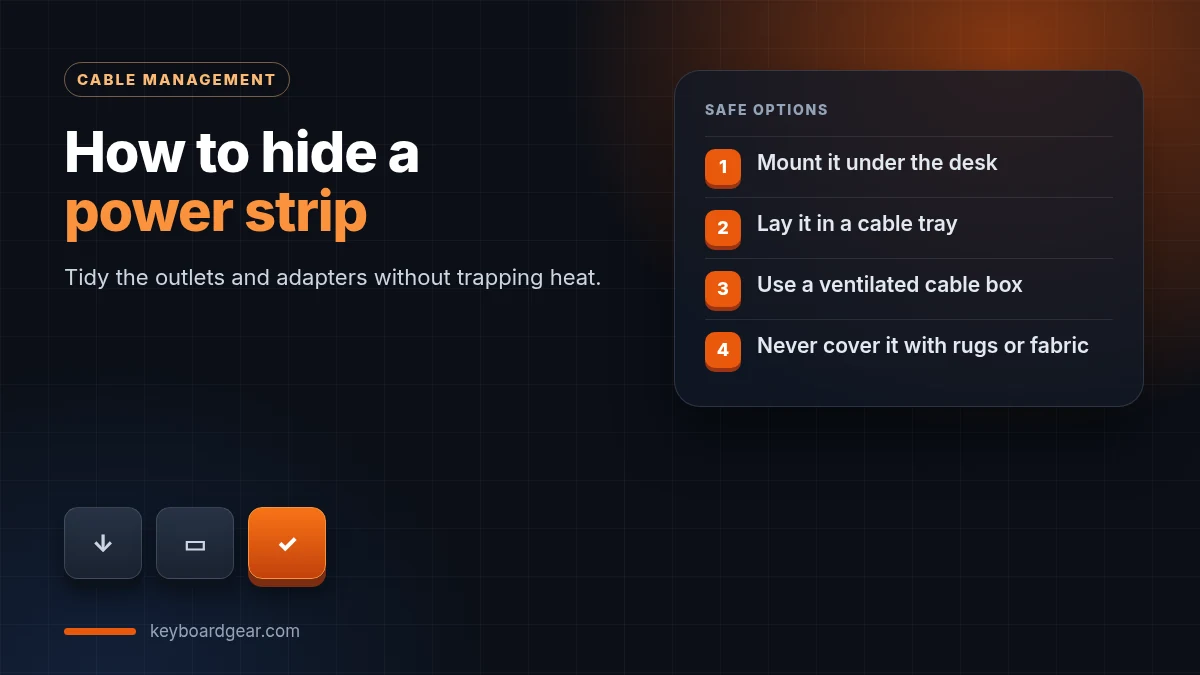
Every desk ends up with a power strip and a handful of bricks. Moving them out of sight makes a big difference, and it’s easy to do safely if you follow a few rules. For the full process, see our desk cable management guide.
Option 1: Mount it under the desk
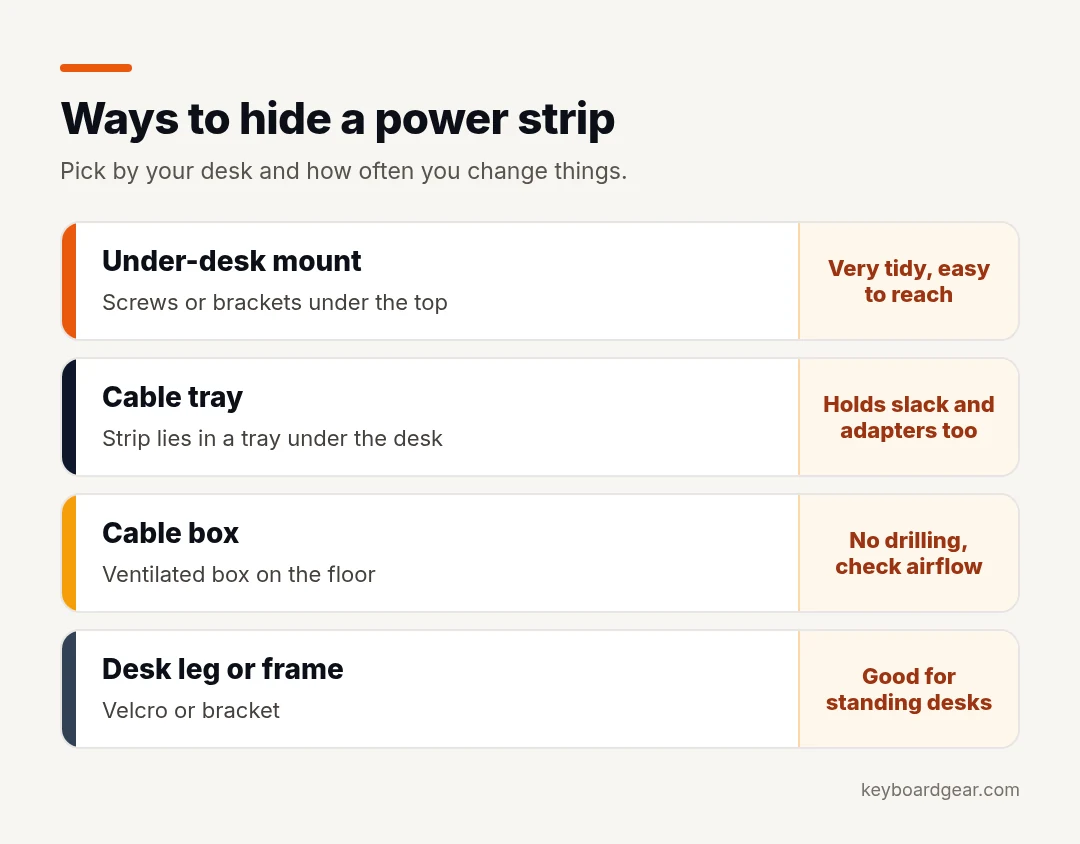
Most power strips have keyhole slots on the back for screws. Screw it to the underside of the desk near the back, or use a bracket or strong hook-and-loop strips if you can’t drill.
- Put it far enough back that knees won’t hit it.
- Point the outlets sideways or down so plugs don’t hang loose.
- Check that screws are shorter than the desktop is thick.
Option 2: Lay it in a cable tray
A cable tray or basket under the back edge holds the strip, adapters and spare cable length in one place. This is the most flexible option and works well on standing desks, because the tray rises with the desk and only one cable needs slack to reach the wall.
Option 3: Use a ventilated cable box
Cable boxes hide a strip on the floor without drilling. Choose one with ventilation slots and don’t overfill it. Big chargers and adapters get warm, and a crowded, closed box traps that heat.
Option 4: Strap it to a desk leg or frame
On desks with a metal frame or a crossbar, strap the strip to the frame with ties or a bracket. It stays off the floor, away from vacuum cleaners and feet.
Hiding the adapters too
- Use a strip with wide spacing or rotating outlets, so bulky adapters don’t block neighbors.
- Use short extension leads for large bricks so they sit flat in the tray.
- Label plugs with tape flags, so you can unplug the right device without crawling under the desk.
Heat and safety rules
Hidden doesn’t mean covered. Keep strips and adapters where air can circulate, never under rugs, cushions or fabric, and don’t plug a power strip into another power strip or an extension cord. Multi-outlet devices should plug directly into a wall outlet.
- Don’t overload it. A strip adds outlets, not capacity. Our guide to surge protectors vs power strips explains what to check.
- Keep it dry and off the floor where possible, away from spills and cleaning.
- Check it now and then. Replace any strip that’s warm to the touch, discolored, cracked or damaged.
- Keep the switch reachable, or mount it where you can still see a surge protector’s indicator light.
Finish the job
Once the strip is hidden, bundle the cables that run to it with ties and a sleeve; our comparison of cable sleeves vs velcro ties explains which goes where. If a keyboard tray is under the desk, check it doesn’t hit the strip at full travel. Then see our desk setup guide for the rest of the workspace.
FAQ
Is it safe to mount a power strip under a desk?
Yes, if it’s mounted using its keyhole slots or a bracket, has airflow around it and isn’t overloaded.
Can I put a power strip in a closed box?
Use a ventilated cable box and don’t overfill it, because chargers and adapters produce heat.
Can I hide a power strip under a rug?
No. Covering it traps heat and hides damage.
How do I stop adapters blocking other outlets?
Use a strip with wider spacing or rotating outlets, or short extension leads for bulky bricks.
Should a hidden power strip be a surge protector?
For a computer desk, a listed surge protector is a good choice. It still needs airflow and shouldn’t be overloaded.
Sources
Final thoughts
Mount the strip under the desk or put it in a tray, gather the adapters with it, and run a single cable to the wall. Keep it ventilated, reachable and not overloaded, and your desk looks clean without any added risk.

Experience is what matters at the end!!
Hi! This is Jacob Jay – founder of Keyboardgear.com! From childhood to adulthood, I’ve always remained passionate about IT, and the revolution in this industry, especially gaming on the PC can’t go out of my way. Since I’m an enthusiastic gamer, and I love to experience various gaming accessories, particularly mechanical keyboards, that really boost my gaming adventure manifolds. So, my nerve cells hit me to transfer my experiences into word form and share with others to identify the ideal keyboards perfectly fit for their gaming modes.
I know very well how hard it is to find the high-quality items available on the internet that ought to be exactly the same as seen as on the screen. But the counterfeiters have ruined the user’s trust. As I have passed all such situations, I’m obliged to deliver the genuinity and express the same as what I am saying.
So, now, I’m working on the mission to provide very helpful and frankly but trustworthy reviews and guides about various mechanical keyboards, mouses, and other gaming accessories as per my personal experiences and sound knowledge.