

Quick answer
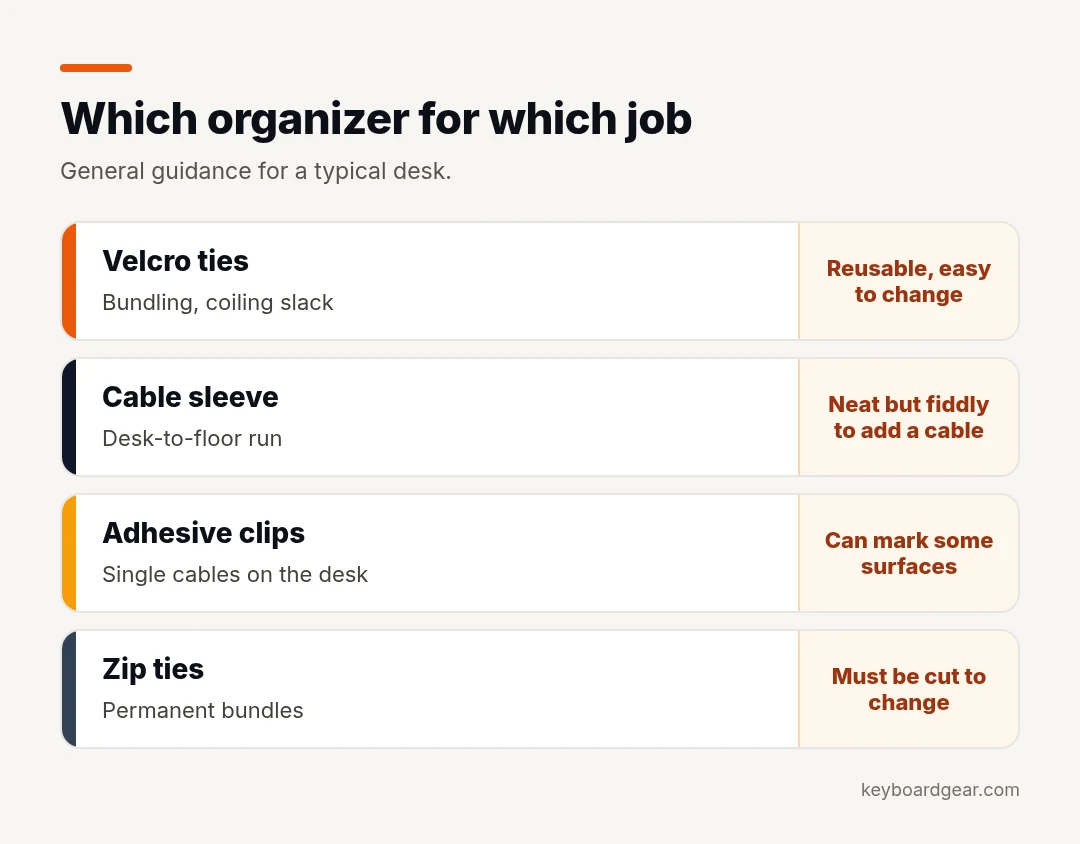
Use velcro (hook-and-loop) ties to bundle cables and coil slack, because they’re reusable and easy to change. Use a cable sleeve for the single bundle that runs from the desk down to the floor. Use adhesive or weighted clips to hold individual cables, like a charger or keyboard cable, in place on the desktop. Save zip ties for bundles you won’t touch again.
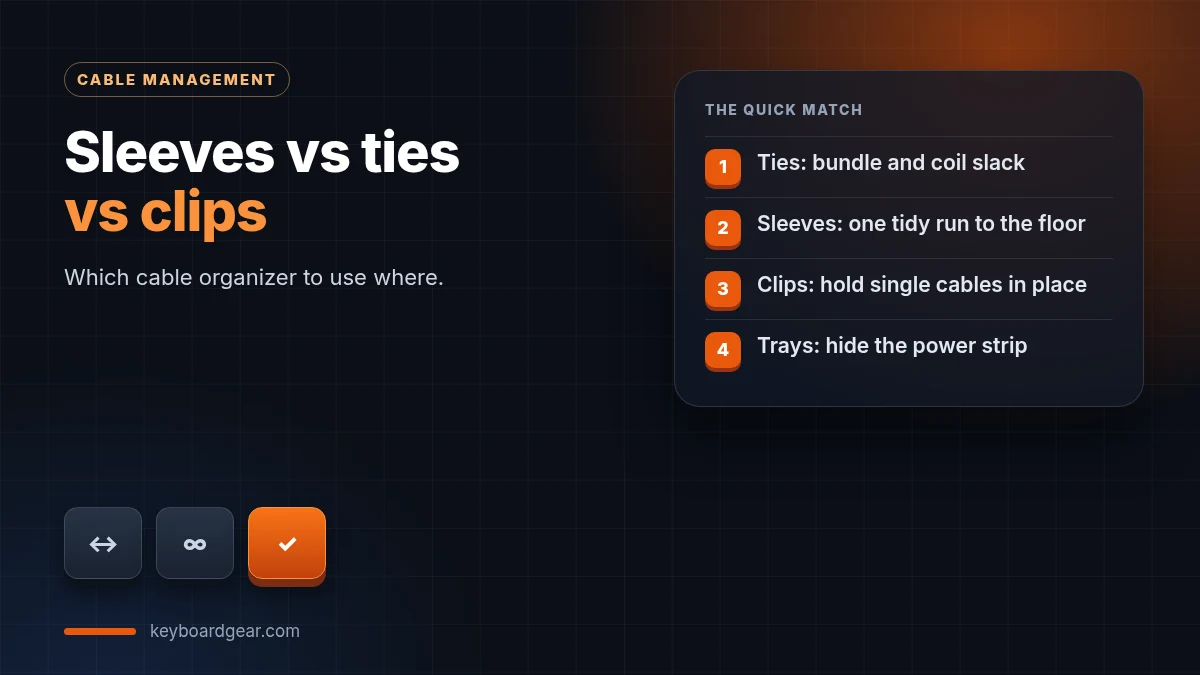
Our step-by-step desk cable management guide covers the whole process. This guide answers a narrower question: which organizer belongs where.
Velcro ties: the all-rounder
Hook-and-loop ties wrap around a bundle and stick to themselves. They’re the most flexible tool you can own for cables.
Use them for: grouping cables that run together, coiling extra length on a long cable, and attaching bundles to a tray or desk leg.
Pros: reusable, adjustable, gentle on cables, quick to undo when you add or swap a device.
Cons: can look bulky in visible places; cheaper ones lose grip over time.
Wrap ties firmly but not tightly. Cables should still be able to move slightly inside the bundle, especially near plugs.
Cable sleeves: one clean run
A sleeve wraps several cables into a single tube. Common types are zip-up fabric sleeves, split-loom tubing and self-wrapping braided sleeves.
Use them for: the bundle that drops from the back of the desk to the floor or to a power strip, and the run that follows a monitor arm or a standing desk leg.
Pros: looks neat, hides colors and mismatched cables, keeps pets and feet away from individual wires.
Cons: adding or removing one cable means opening the sleeve; too many cables in one sleeve gets stiff and warm.
Clips: hold single cables in place
Adhesive clips stick to the desk edge or underside and hold one or a few cables. Weighted desktop clips sit on top of the desk instead.
Use them for: keeping a charging cable or coiled keyboard cable from sliding off the desk, and routing single cables along the underside.
Pros: cheap, small, keep cable ends where you can reach them.
Cons: adhesive can fail on textured surfaces and can leave marks on some finishes when removed.
Zip ties: only for the permanent stuff
Zip ties are strong and cheap, but you have to cut them to make a change, and over-tightening can pinch cables.
Use them for: bundles inside a tray or behind furniture that you won’t touch for months.
A simple plan for a typical desk
| Area | Best tool | Why |
|---|---|---|
| Behind the monitor | Velcro ties | Group display and power cables that move with the screen |
| Monitor arm | Built-in channel or ties | Leave slack for the arm’s movement |
| Desk edge | Adhesive clips | Keep chargers and peripheral cables within reach |
| Under the desk | Tray plus ties | Hide the power strip and extra length |
| Desk to floor | Cable sleeve | One neat run instead of many loose cables |
If you use a monitor arm or a standing desk, check that every bundle has enough slack at the highest and most extended position before you tighten anything.
Mistakes to avoid
- Bundling power and everything else into one tight sleeve. It gets warm and hard to change.
- Pulling cables tight at the plug. Leave a gentle curve so connectors aren’t strained.
- Covering the power strip completely. Strips need airflow; tuck it in a tray, not under a rug.
- Over-buying. Measure your runs first; most desks need a handful of ties, one sleeve and a few clips.
For the whole workspace, see our desk setup guide.
FAQ
Are velcro ties better than zip ties?
For most desks, yes. They’re reusable and easy to undo when you change your setup.
What is a cable sleeve used for?
It wraps several cables into one neat bundle, usually for the run from the desk to the floor.
Do adhesive cable clips damage desks?
They can mark some finishes when removed. Test in a hidden spot first.
Can I put power and data cables in the same sleeve?
People often do on a desk, but don’t overfill a sleeve; leave space so cables don’t get warm or strained.
How many cable ties do I need for a desk?
Usually fewer than you think. Plan your cable runs first, then buy for those.
Related guide: Best Cable Management Trays, Sleeves and Clips for Your Desk
Final thoughts
Velcro ties for bundles and slack, a sleeve for the drop to the floor, clips for single cables on the desk, and zip ties only for permanent bundles. Match the tool to the job and your setup stays easy to change.

Experience is what matters at the end!!
Hi! This is Jacob Jay – founder of Keyboardgear.com! From childhood to adulthood, I’ve always remained passionate about IT, and the revolution in this industry, especially gaming on the PC can’t go out of my way. Since I’m an enthusiastic gamer, and I love to experience various gaming accessories, particularly mechanical keyboards, that really boost my gaming adventure manifolds. So, my nerve cells hit me to transfer my experiences into word form and share with others to identify the ideal keyboards perfectly fit for their gaming modes.
I know very well how hard it is to find the high-quality items available on the internet that ought to be exactly the same as seen as on the screen. But the counterfeiters have ruined the user’s trust. As I have passed all such situations, I’m obliged to deliver the genuinity and express the same as what I am saying.
So, now, I’m working on the mission to provide very helpful and frankly but trustworthy reviews and guides about various mechanical keyboards, mouses, and other gaming accessories as per my personal experiences and sound knowledge.