

Quick answer
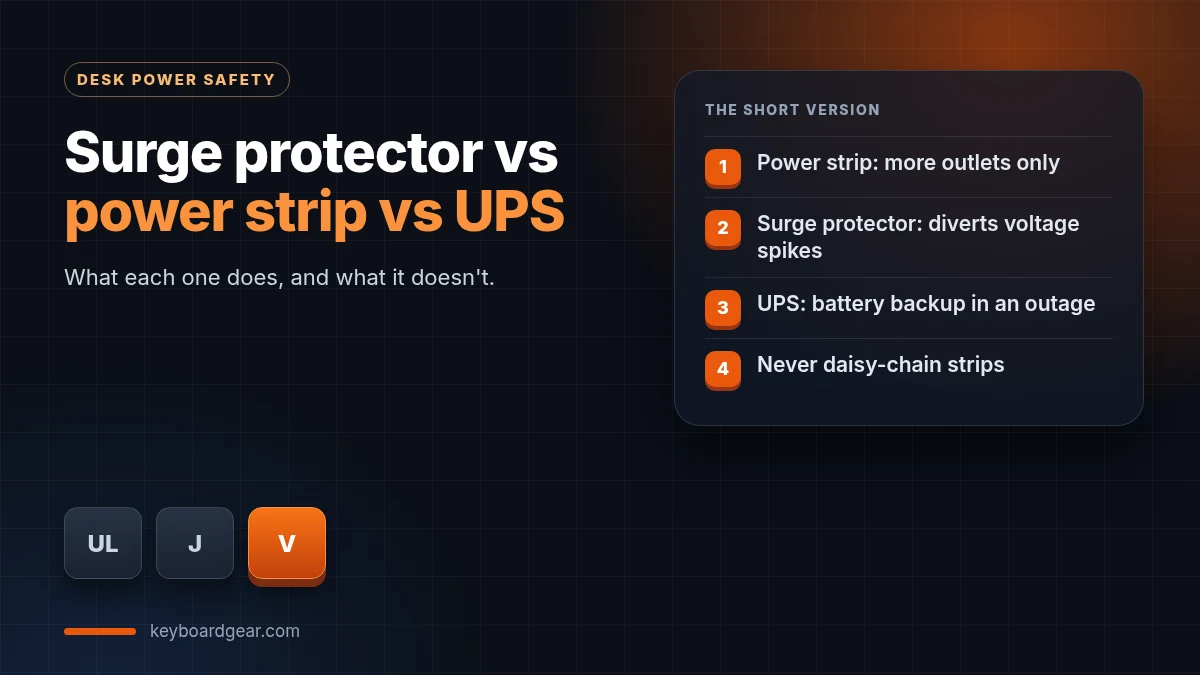
A power strip just adds outlets. A surge protector adds outlets and diverts brief voltage spikes away from what’s plugged into it. A UPS (uninterruptible power supply) adds a battery, so your computer keeps running long enough to save work and shut down during a power cut, and most also include surge protection. For a desk with a computer and monitor, use at least a listed surge protector; add a UPS if outages or lost work are a concern.
Under most desks there’s a strip of outlets doing a lot of work. Choosing the right device, and using it safely, protects both your equipment and your home.
Power strip: more outlets, no protection
A basic power strip is essentially an extension cord with several outlets. UL describes it exactly that way. It doesn’t protect against surges, and the Electrical Safety Foundation (ESFI) stresses that power strips don’t provide surge protection. Many have an on/off switch and some have a circuit breaker, which is not the same thing.
Surge protector: outlets plus spike protection
A surge protector contains components that divert brief over-voltage spikes away from connected devices. ESFI notes that the National Electrical Manufacturers Association estimates 60 to 80 percent of surges start inside the building, for example when large appliances switch on and off, so they aren’t only a storm issue.
What to check on the label:
- Listing: a mark from a recognized testing lab such as UL or ETL. Surge protectors are tested to UL 1449.
- Voltage protection rating (also called clamping or suppressed voltage): UL says lower is better.
- Energy rating in joules: a higher number generally means it can absorb more before wearing out.
- Indicator light: shows whether protection is still working. Surge components wear out, and many units keep supplying power after protection has failed.
UPS: battery backup
A UPS sits between the wall and your computer and switches to its battery when the power drops. The runtime is usually minutes, not hours: the point is to ride through a flicker or shut down safely without losing work. Look at the UPS’s capacity (VA and watts) against what you plug into its battery outlets, and note that many have some outlets that are surge-only.
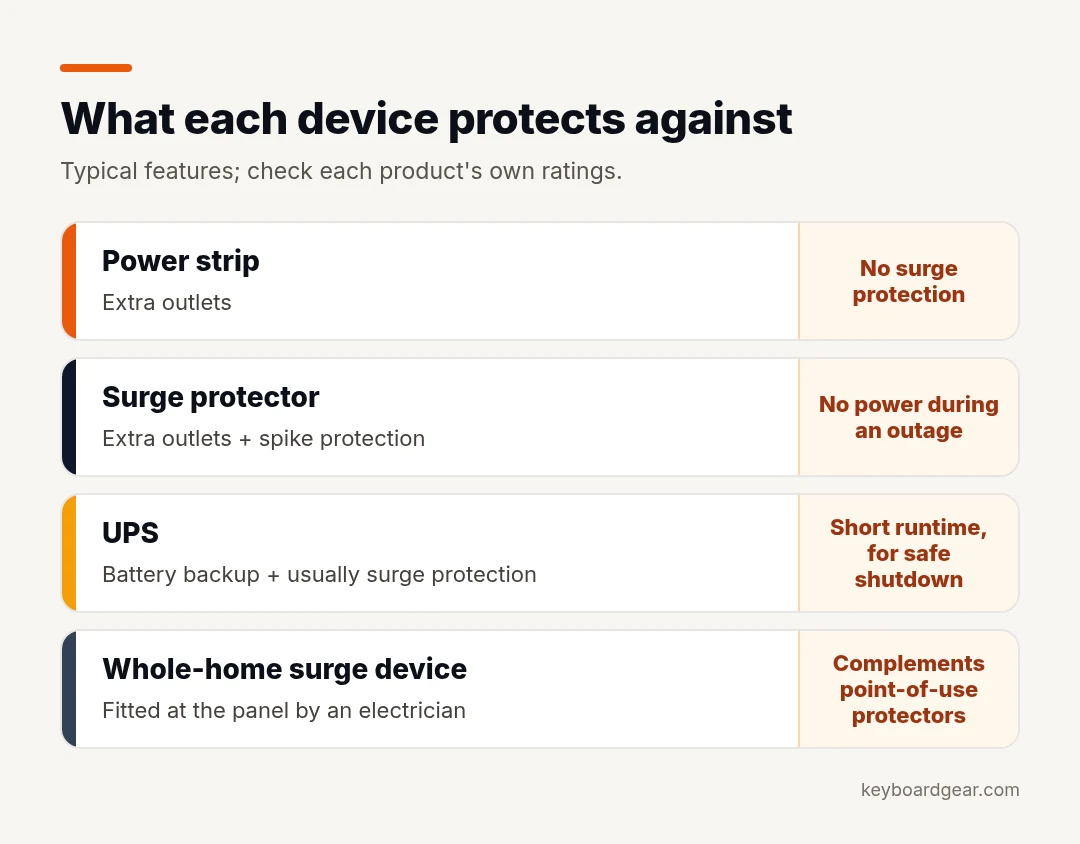
| Device | Extra outlets | Surge protection | Power during an outage |
|---|---|---|---|
| Power strip | Yes | No | No |
| Surge protector | Yes | Yes | No |
| UPS | Yes | Usually | Yes, for a short time |
Safety rules for desk power
Never plug a power strip or surge protector into another one (“daisy-chaining”), and don’t run one from an extension cord. ESFI says multi-outlet devices must be plugged directly into a wall outlet. Chaining them can overload the circuit and cause overheating or fire.
- They don’t add capacity. A strip with eight outlets still draws from one wall circuit. ESFI reminds people that power strips and surge protectors provide more access, not more power.
- Keep heaters off them. UL advises care with heating appliances like space heaters, which draw a lot of current; plug those into the wall.
- Let them breathe. Don’t bury strips under rugs, cushions or piles of cables, where heat can’t escape.
- Look for the lab mark on the product itself, as the US Consumer Product Safety Commission advises, and replace anything damaged, discolored or recalled.
- Replace a surge protector after a major surge or when its protection light goes out.
For tidying the strip and cables safely, see our desk cable management guide.
What a typical desk needs
- Laptop and monitor: a listed surge protector with enough outlets and a protection indicator.
- Desktop PC you can’t afford to lose work on: a UPS sized for the PC and main monitor.
- Two monitors and a dock: count every power brick and screen before choosing the number of outlets; our dual monitor setup guide covers placement.
- Standing desks: leave enough cord slack for the desk’s full height range, as our standing desk setup guide explains.
- Shared setups: if you switch one keyboard and mouse between computers with a KVM switch, power the switch from the same protected strip as the computers.
For the rest of the workspace, see our desk setup guide.
FAQ
Is a power strip the same as a surge protector?
No. A power strip only adds outlets. A surge protector also diverts voltage spikes.
Do I need a UPS for my computer?
Not always. It helps if you get power cuts or flickers, or can’t afford to lose unsaved work.
How do I know if my surge protector still works?
Many have a protection indicator light. If it’s off or the unit has taken a big surge, replace it.
Can I plug a power strip into a surge protector?
No. Plug multi-outlet devices directly into a wall outlet, never into each other.
What joule rating should a surge protector have?
Higher generally means more capacity. Check the listing, voltage protection rating and indicator light as well.
Sources
- ESFI: Surge and Protect
- ESFI: Extension Cord Safety Tips
- UL Solutions: Guide to power strips and surge protectors
- CPSC: Warning on faulty extension cords, power strips and surge protectors
Final thoughts
A power strip adds outlets, a surge protector adds spike protection, and a UPS adds a short battery backup. Use a listed surge protector for any computer desk, add a UPS if outages are a risk, and never daisy-chain strips or overload a single outlet.

Experience is what matters at the end!!
Hi! This is Jacob Jay – founder of Keyboardgear.com! From childhood to adulthood, I’ve always remained passionate about IT, and the revolution in this industry, especially gaming on the PC can’t go out of my way. Since I’m an enthusiastic gamer, and I love to experience various gaming accessories, particularly mechanical keyboards, that really boost my gaming adventure manifolds. So, my nerve cells hit me to transfer my experiences into word form and share with others to identify the ideal keyboards perfectly fit for their gaming modes.
I know very well how hard it is to find the high-quality items available on the internet that ought to be exactly the same as seen as on the screen. But the counterfeiters have ruined the user’s trust. As I have passed all such situations, I’m obliged to deliver the genuinity and express the same as what I am saying.
So, now, I’m working on the mission to provide very helpful and frankly but trustworthy reviews and guides about various mechanical keyboards, mouses, and other gaming accessories as per my personal experiences and sound knowledge.