

Quick answer
Logi Bolt is Logitech’s newer USB receiver, based on Bluetooth Low Energy technology with security designed for busy offices. Unifying is Logitech’s older receiver, using its own 2.4 GHz wireless protocol. The key point: they are not cross-compatible. A Bolt mouse or keyboard won’t pair with a Unifying receiver, and a Unifying device won’t pair with a Bolt receiver. Check the logo on the underside of your device to see which one it uses.
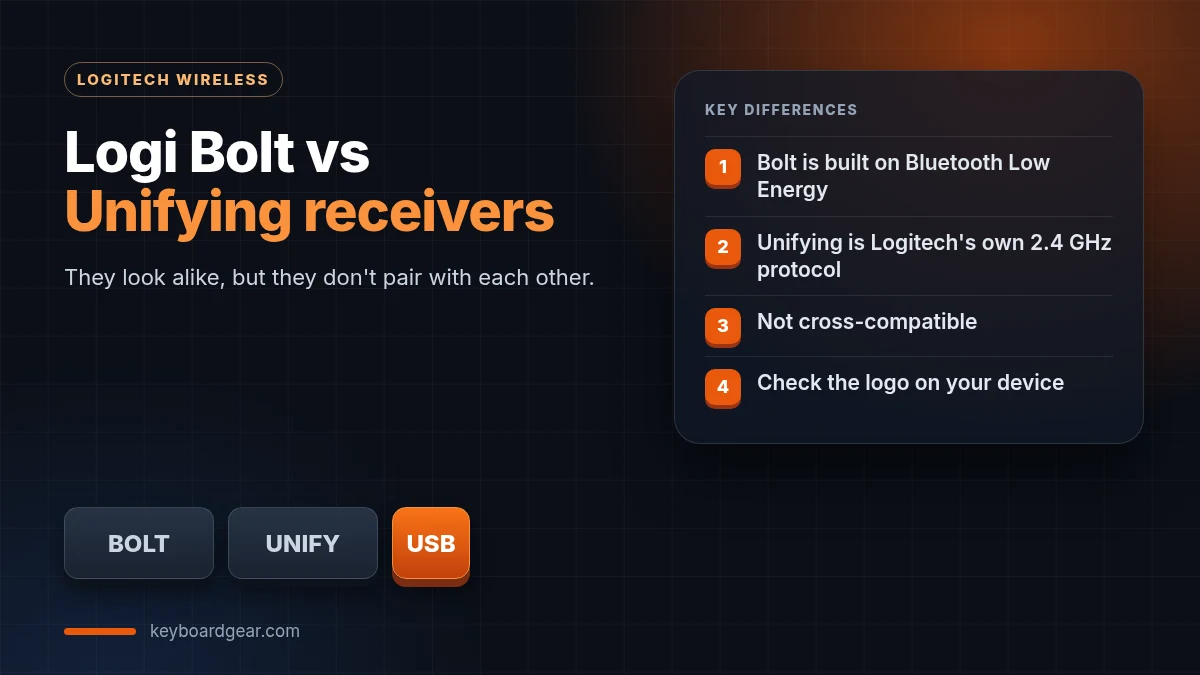
For years, Logitech’s Unifying receiver let one tiny USB dongle connect several mice and keyboards. Logi Bolt replaced it on many newer products, which is why a receiver from an older mouse may not work with your new keyboard.
What is the Logitech Unifying receiver?
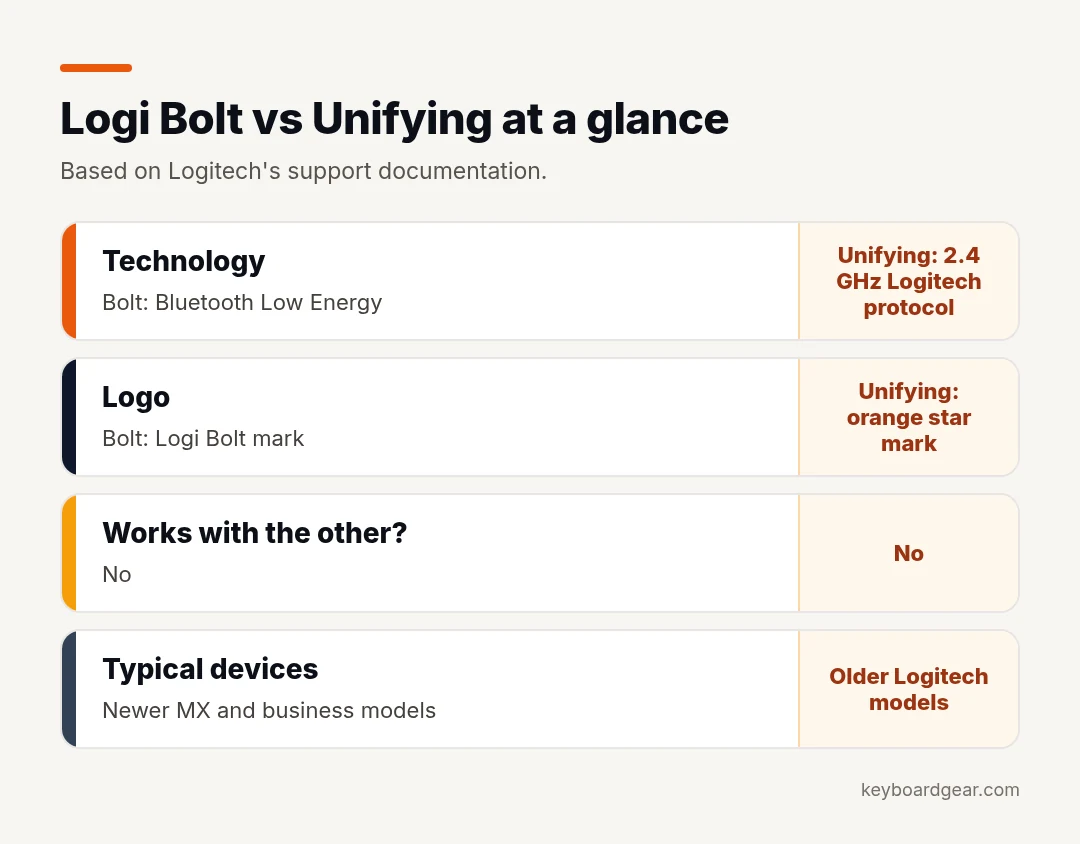
Unifying is a proprietary 2.4 GHz wireless protocol developed by Logitech. A single Unifying receiver can pair with up to six compatible Unifying mice and keyboards, so you can free up USB ports. Unifying devices carry an orange star-shaped logo.
What is Logi Bolt?
Logitech describes Logi Bolt as based on Bluetooth Low Energy wireless technology, with the receiver providing a strong, secure connection in crowded wireless environments such as offices. Bolt devices and receivers carry a Bolt logo, usually printed next to the Bluetooth logo on the device. Many Bolt devices can also connect directly over Bluetooth without the receiver.
Are Bolt and Unifying compatible?
No. According to Logitech, Logi Bolt products can’t be paired with a Unifying receiver, and Unifying products can’t be paired with a Bolt receiver.
You can, however, use both on the same computer if you have two free USB ports: plug in a Bolt receiver for your Bolt devices and a Unifying receiver for your Unifying devices.
Some newer Logitech products, such as certain MX models, ship without a receiver. If you need one, buy the receiver that matches your device’s logo.
How to tell which receiver you need
- Turn your mouse or keyboard over and look for the logo on the underside or back.
- A Bolt logo means you need a Logi Bolt receiver. An orange star means Unifying.
- If there’s no Bolt or Unifying logo, the device probably uses its own pre-paired receiver or Bluetooth only, and neither Bolt nor Unifying receivers will work with it.
How to pair each receiver
- Logi Bolt: use Logi Options+ or the Logi Bolt app, choose to add a device, and follow the steps.
- Unifying: use Logitech’s pairing software, which detects the Unifying receiver and walks you through adding the device.
Our how to connect a Logitech wireless keyboard guide covers pairing in more detail. If a Logitech keyboard won’t respond after pairing, see how to unlock a Logitech keyboard, or our wireless keyboard troubleshooting guide.
Which is better?
For new purchases, it isn’t a choice: the device decides. But Bolt has two practical advantages:
- Security. Logitech positions Bolt as its more secure business connection, built on Bluetooth Low Energy security. For background on wireless risks, read are wireless keyboards secure?
- Crowded spaces. Bolt is designed for offices with lots of wireless devices.
Unifying still works well for home users with older Logitech devices.
FAQ
Can I use a Unifying receiver with a Bolt mouse?
No. Bolt and Unifying devices only pair with their own type of receiver.
How many devices can one receiver connect?
Logitech says a Unifying receiver supports up to six compatible devices. Check your Bolt device’s documentation for its limit.
How do I know if my mouse is Bolt or Unifying?
Look for the logo on the underside. Bolt devices show the Bolt mark; Unifying devices show an orange star.
Can I buy a replacement receiver?
Yes, Logitech sells replacement Bolt and Unifying receivers. Other Logitech receivers usually can’t be replaced; contact Logitech support.
Do Bolt devices need the receiver?
Many Bolt devices can also connect over Bluetooth directly. The receiver gives a more consistent connection in busy environments.
Sources
- Logitech Support: What is the difference between Bolt and Unifying receivers?
- Logitech Support: Are Logi Bolt products cross-compatible with Unifying products?
- Logitech Support: Purchasing a replacement USB receiver
Final thoughts
Bolt and Unifying receivers look alike but don’t mix. Match the logo on your device to the receiver, keep both plugged in if you own both kinds of device, and use Bluetooth as a fallback when your Bolt device supports it.

Experience is what matters at the end!!
Hi! This is Jacob Jay – founder of Keyboardgear.com! From childhood to adulthood, I’ve always remained passionate about IT, and the revolution in this industry, especially gaming on the PC can’t go out of my way. Since I’m an enthusiastic gamer, and I love to experience various gaming accessories, particularly mechanical keyboards, that really boost my gaming adventure manifolds. So, my nerve cells hit me to transfer my experiences into word form and share with others to identify the ideal keyboards perfectly fit for their gaming modes.
I know very well how hard it is to find the high-quality items available on the internet that ought to be exactly the same as seen as on the screen. But the counterfeiters have ruined the user’s trust. As I have passed all such situations, I’m obliged to deliver the genuinity and express the same as what I am saying.
So, now, I’m working on the mission to provide very helpful and frankly but trustworthy reviews and guides about various mechanical keyboards, mouses, and other gaming accessories as per my personal experiences and sound knowledge.