

Quick answer
Thock is a deep, low-pitched, muted keyboard sound, a bit like tapping wood. Clack is a brighter, higher-pitched, sharper sound, more like tapping plastic or a hard surface. Neither is better; it is taste.
Keyboards tend to sound thockier with thick PBT keycaps, softer plates (polycarbonate, FR4 or POM), flexible gasket mounting, case foam and well-lubed switches and stabilizers. They sound clackier with thin ABS keycaps, stiff metal plates, firm mounting and little dampening.
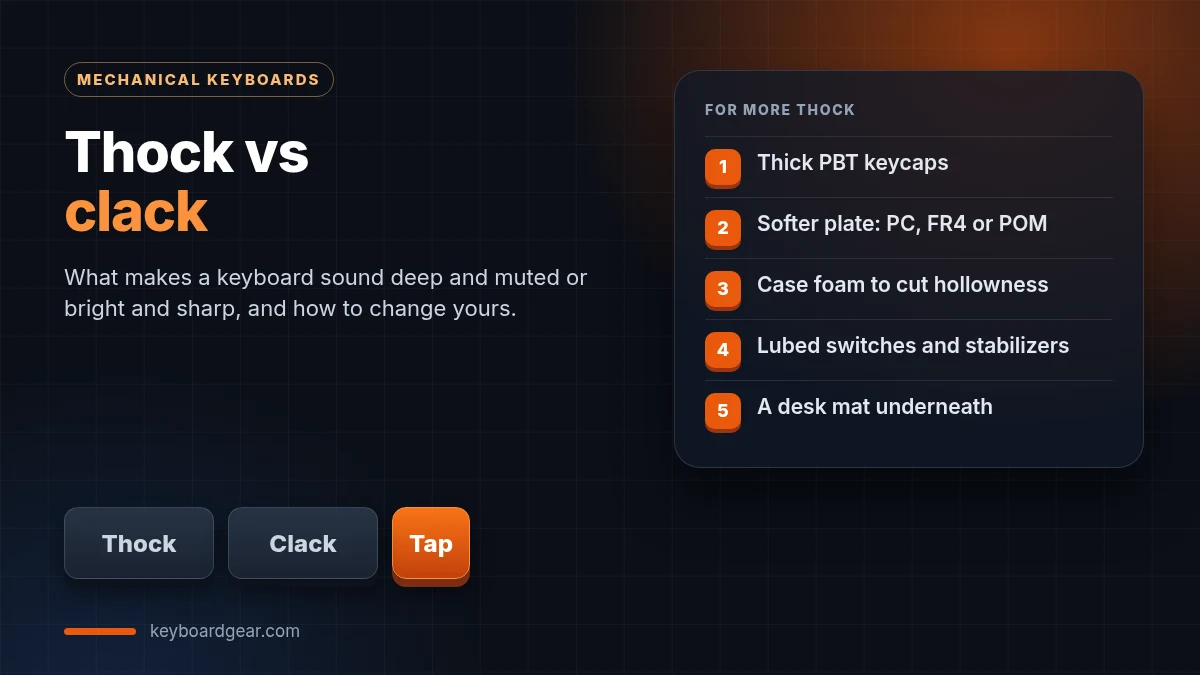
Spend a few minutes in keyboard communities and you will hear two words constantly: thock and clack. People build and mod keyboards specifically to chase one sound or the other, and typing test videos are judged on it. But the words are vague, and the parts that create each sound aren’t obvious.
This guide explains what each sound is, which parts of a keyboard shape it, and the practical changes, from cheap to involved, that move your keyboard toward the sound you like.
What do thock and clack mean?
Thock describes a deep, rounded, low-frequency sound when keys bottom out. It is usually muted, with little high-pitched ringing or hollowness. People often compare it to tapping a thick wooden block or a marble.
Clack describes a brighter, sharper, higher-pitched sound. It has more snap and presence and can sound crisp or, when poorly tuned, harsh and plasticky.
There are related words too. Creamy describes a smooth, soft, muted sound that sits between the two. Marbly describes a deep, clean, slightly hard sound. Poppy describes a sharp, punchy, satisfying sound common on tape-modded or PC-plate boards. And pingy or hollow are the faults people try to remove: metallic ringing from springs or plates and echo inside an empty case.
What shapes keyboard sound
Keycaps
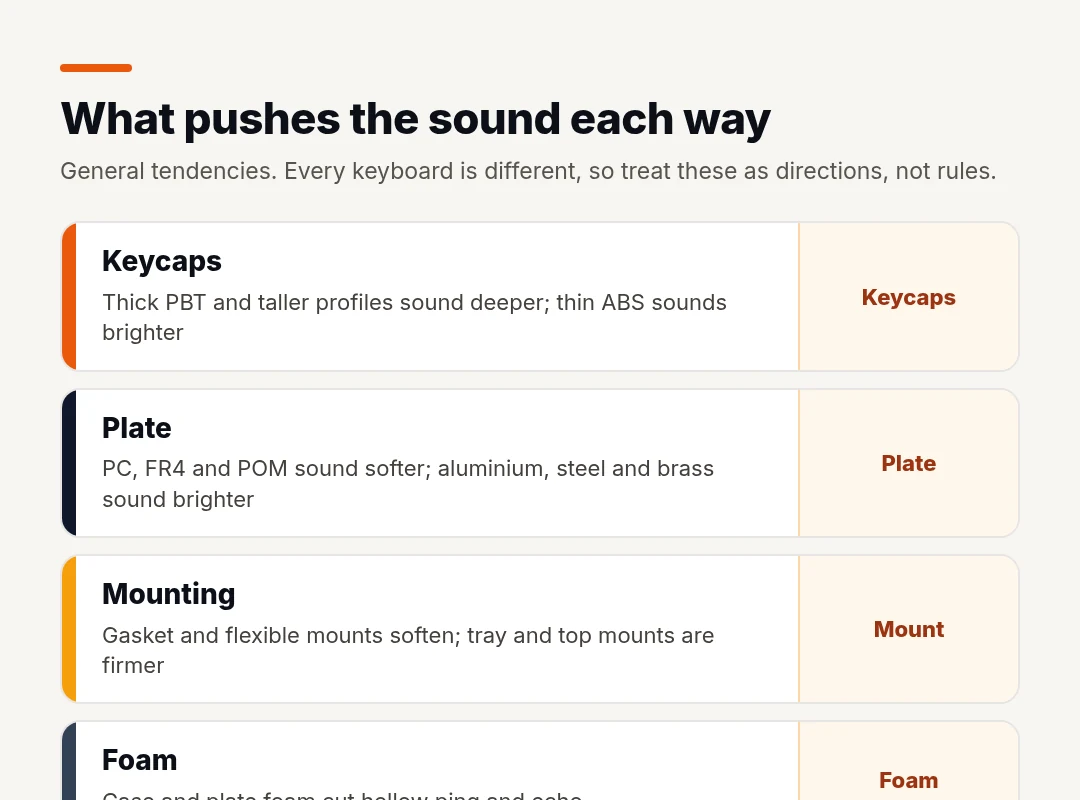
Keycaps are what your fingers hit, and they matter a lot. Thick PBT keycaps generally sound deeper and more muted than thin ABS keycaps, which tend to sound higher-pitched. Profile matters too: tall, sculpted profiles like SA create a deeper, louder sound because of the extra plastic and hollow space, while low profiles sound quieter and shorter. Our guides to PBT vs ABS keycaps and keycap profiles explain both.
Switches
Switch materials and design change the pitch of each bottom-out and top-out. Nylon bottom housings tend to sound deeper and fuller, while polycarbonate housings tend to sound brighter. Long-pole switches, where the stem hits the bottom housing directly, create a sharp, clacky bottom-out. Factory or hand lubing removes scratchiness and spring ping. Linear switches are usually the easiest to make sound deep; see our best linear switches for options, and our guide on how to lube switches if you want to go further.
Plate
The plate holds the switches. Stiff metal plates (aluminium, steel, brass) tend to sound brighter and firmer. Softer, more flexible plates such as polycarbonate (PC), FR4 and POM tend to sound deeper and more muted. Some boards come with a choice of plates.
Mounting
How the plate attaches to the case changes how vibration travels. Gasket mounts, where the plate sits on soft gaskets, tend to soften and deepen the sound and add a little flex. Tray mounts, common on budget boards, can sound less consistent across the board. Our explainer on gasket mount keyboards goes deeper.
Foam and dampening
An empty keyboard case acts like a drum. Case foam and plate foam reduce that hollow sound and ping, making the board sound more solid. Many modern keyboards ship with several layers of foam already. Too much foam can make a board sound dull, which some people dislike.
Stabilizers
Stabilizers on the space bar, Enter, Shift and Backspace cause rattle if they aren’t tuned. Rattly stabilizers ruin an otherwise thocky board. Lubing and tuning them makes big keys sound clean. See our keyboard stabilizers guide.
Your desk
The surface under the keyboard matters. A hard, hollow desk amplifies vibration, while a desk mat absorbs some of it and makes the sound softer and deeper.
How to make a keyboard more thocky
Roughly in order of cost and effort:
- Put a desk mat under it. Cheap and instantly softens the sound.
- Swap to thick PBT keycaps. One of the biggest single changes to sound and feel. Our doubleshot vs dye-sub guide helps you pick durable legends.
- Add foam to the case if it is hollow and your board doesn’t have it already.
- Tune the stabilizers: lube the wire ends and housings to stop rattle.
- Try a tape mod. Several layers of painter’s tape on the back of the PCB change its resonance; many people find it makes the sound deeper and poppier, though results vary by board.
- Change switches on a hot-swap board, for example to a smooth, pre-lubed linear with a nylon bottom housing.
- Swap to a softer plate such as PC or FR4, if your board supports it.
How to make a keyboard more clacky
- Use thinner keycaps, such as ABS sets.
- Use a stiffer plate, such as aluminium or brass.
- Remove some foam if your board has plenty and you want more presence.
- Try long-pole linears for a sharp, crisp bottom-out.
- Type on a hard surface rather than a thick desk mat.
| Change | Effect on sound | Cost | Effort |
|---|---|---|---|
| Desk mat | Softer, deeper | Low | None |
| Thick PBT keycaps | Deeper, more muted | Medium | Low |
| Case foam | Less hollow, more solid | Low | Medium |
| Stabilizer tuning | Removes rattle on big keys | Low | Medium |
| Tape mod | Often deeper and poppier | Very low | Medium |
| Switch swap | Changes pitch and character | Medium | Low on hot-swap boards |
| Softer plate | Deeper, softer | Medium | High |
Thock, clack and noise
Thocky doesn’t mean quiet. A deep keyboard can still be loud, especially with tall keycaps. If you need a keyboard that doesn’t disturb others, focus on silent switches, O-rings or dampened keycaps and a desk mat. Our guide on how to make a keyboard quieter covers that.
::tip
Typing test videos are recorded with specific microphones and often processed. A board that sounds deep in a video may sound different on your desk. If possible, listen in person or compare several recordings from different people.
::
Sound by switch and keycap combination
These are general tendencies; the board, plate and foam can shift the result a lot.
| Combination | Typical character |
|---|---|
| Lubed linear switches + thick PBT keycaps | Deeper, rounder, more thocky |
| Unlubed linear switches + thin ABS keycaps | Higher-pitched, sharper, more clacky |
| Tactile switches with a long-pole stem | Pronounced clack on bottom-out and return |
| Clicky switches | A click on top of the keyboard’s own sound |
| Silent switches | Muted, with little thock or clack |
Lube and its effect on sound
Lubricating switches smooths out scratchiness and reduces the high-pitched ping from springs, which usually makes a board sound deeper and more consistent. Lube on stabilizers removes rattle on the space bar and other long keys, one of the biggest improvements you can make. It takes time and some care; our guide on how to lube keyboard switches walks through it.
Keycap profile and sound
Taller keycap profiles and thicker walls tend to sound deeper, while low or thin keycaps sound brighter. Material plays a part too: PBT is often described as deeper and more muted, ABS as higher and sharper. Our guide to keycap profiles explains the shapes.
How to judge keyboard sound fairly
Sound tests online are useful, but they’re easy to misread:
- Microphones and rooms change everything. A keyboard recorded close-up in a treated room sounds very different from one across your desk.
- Volume is often normalised. A quiet board can sound as loud as a noisy one in a video.
- Typing style matters. Heavy bottoming-out makes almost any board louder and clackier.
- Compare like with like. Listen to the same reviewer or channel testing several boards, so the setup stays the same.
If you can, try a switch tester or a friend’s keyboard in person before committing to a sound profile.
Be considerate in shared spaces
Thocky and clacky keyboards can both be loud. In an office or on calls, a board with silent switches, dampening foam and an O-ring or two may be kinder to people around you. Many people keep a quieter keyboard for work and an enthusiast board for home.
FAQ
What does thocky mean?
Thocky describes a deep, low-pitched, muted keyboard sound with little ringing or echo.
What makes a keyboard clacky?
Thin keycaps, stiff metal plates, firm mounting and less dampening tend to produce a brighter, sharper, clackier sound.
Are thocky keyboards quieter?
Not necessarily. They sound deeper, but they can still be loud. Silent switches and dampening matter more for volume.
Do linear switches sound more thocky?
Linear switches are often the easiest to make sound deep, because they have no bump or click to add noise, but keycaps, plate and case matter just as much.
Is the tape mod safe?
It is generally considered low risk, since it is just painter’s tape on the back of the PCB. Use non-conductive tape, avoid covering connectors or switches you need to reach, and remove it if you don’t like the result.
Bottom line
Thock and clack are two ends of a scale, from deep and muted to bright and sharp. No single part decides the sound; keycaps, switches, plate, mounting, foam, stabilizers and even your desk all play a role. If you want a deeper sound, start with a desk mat and thick PBT keycaps, then add foam, tune stabilizers and try a tape mod.
Sources
- Tom’s Hardware: Mechanical keyboard tuning guide
- WIRED: How to shop for a mechanical keyboard
- Keyboard Simulators: Thock vs clack

Experience is what matters at the end!!
Hi! This is Jacob Jay – founder of Keyboardgear.com! From childhood to adulthood, I’ve always remained passionate about IT, and the revolution in this industry, especially gaming on the PC can’t go out of my way. Since I’m an enthusiastic gamer, and I love to experience various gaming accessories, particularly mechanical keyboards, that really boost my gaming adventure manifolds. So, my nerve cells hit me to transfer my experiences into word form and share with others to identify the ideal keyboards perfectly fit for their gaming modes.
I know very well how hard it is to find the high-quality items available on the internet that ought to be exactly the same as seen as on the screen. But the counterfeiters have ruined the user’s trust. As I have passed all such situations, I’m obliged to deliver the genuinity and express the same as what I am saying.
So, now, I’m working on the mission to provide very helpful and frankly but trustworthy reviews and guides about various mechanical keyboards, mouses, and other gaming accessories as per my personal experiences and sound knowledge.