

Quick answer
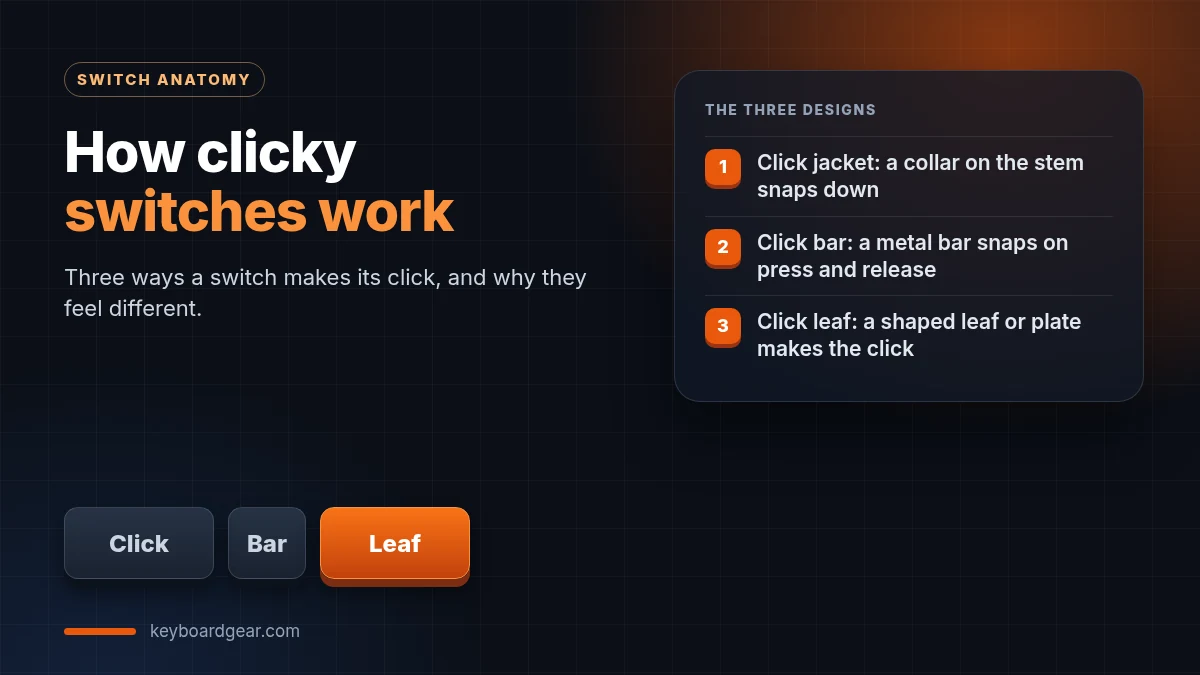
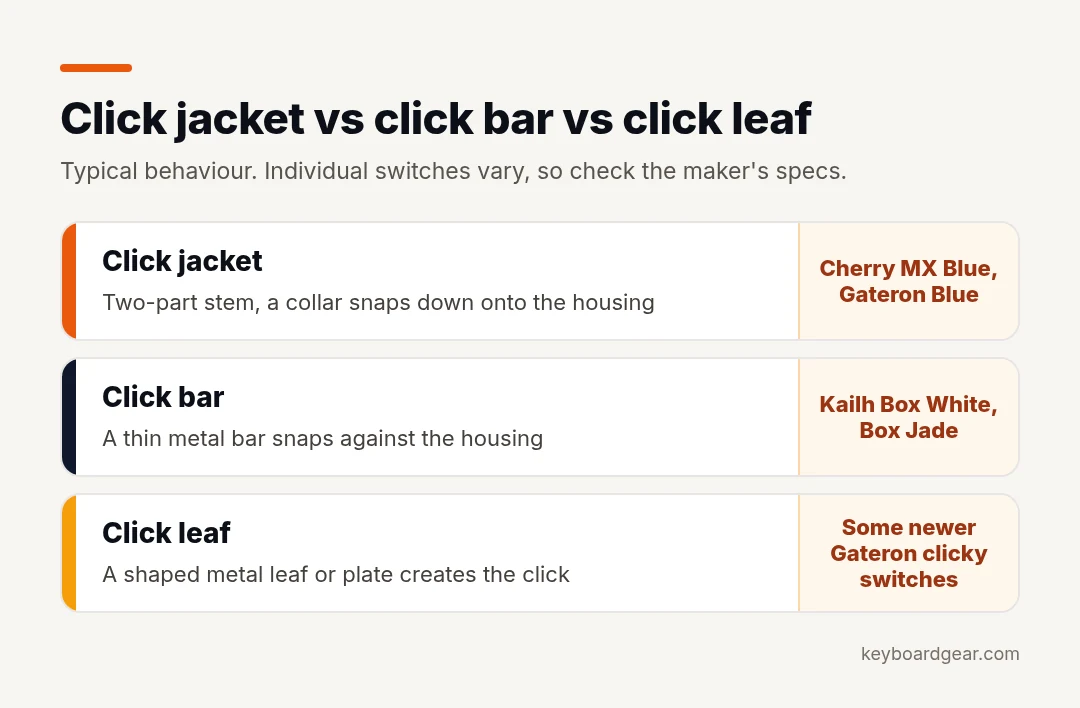
A clicky switch makes its sound with a dedicated part that snaps as you press the key. In a click jacket switch (like Cherry MX Blue), a separate plastic collar on the stem catches, then snaps down and hits the housing. In a click bar switch (like Kailh Box White), the stem pushes past a thin metal bar that snaps against the housing, clicking on the way down and again on the way up. Click leaf designs use a shaped metal leaf or plate to make the click.
Every mechanical switch has a stem, a spring and a set of contacts that close to register a keypress. Linear switches stop there, and tactile switches add a bump. Clicky switches add one more thing: a part whose only job is to make a sharp sound at the bump. If you’re still choosing a switch type, our guide to linear vs tactile vs clicky switches covers the basics; this article looks inside the clicky ones.
The click jacket
The click jacket is the classic design, used in Cherry MX Blue and many switches modelled on it, including most Gateron and Outemu blues.
How it works. The stem comes in two parts: the main stem and a loose plastic collar, the “jacket”, around its lower end. As you press, the jacket is held back by the metal contact leaf until enough force builds up. It then slips past and snaps down onto the bottom housing. That impact is the click, and the release of tension is the tactile bump you feel.
What it feels like. A clear bump with a higher-pitched click. Because the jacket must reset on the way up, many click-jacket switches have a noticeable gap between where the key actuates and where it resets, so you have to lift the key a little further before you can press it again. This is one reason fast gamers often prefer linear switches.
Sound. Mostly one click on the way down, sometimes with a softer sound on release.
Cherry’s own MX2A Blue lists 60 cN actuation force, 2.2 mm pre-travel and 4.0 mm total travel. For more on Cherry’s range, see our Cherry MX switch guide.
The click bar
The click bar was popularised by Kailh’s Box switches, such as the Box White, Box Jade and Box Navy.
How it works. A thin, springy metal bar sits across the inside of the housing. Small arms on the stem push the bar aside as you press, and it snaps back against the housing with a click. When you release the key, the arms pass the bar again and it clicks a second time.
What it feels like. A sharper, more defined bump, and the click lines up closely with the bump. The thickness of the bar changes the character: Box White uses a thin bar for a light, crisp click, while Box Jade and Box Navy use a thicker bar for a deeper, louder click.
Sound. Crisp and consistent, with a click on both press and release. Many people find click bars sound cleaner, while others find the double click too much.
Click leaf and other designs
Not every clicky switch fits neatly into the two classic designs. Some manufacturers make the click with a shaped metal leaf or plate inside the housing. Gateron, for example, describes its Navy Blue Melodic clicky switch as using an “exclusive click leaf structure”. Detailed diagrams are not always published, so the safest way to judge these switches is by their listed force, travel and sound samples, or by trying one in a switch tester.
Side by side
| Feature | Click jacket | Click bar | Click leaf |
|---|---|---|---|
| Examples | Cherry MX Blue, Gateron Blue | Kailh Box White, Box Jade | Some newer Gateron clicky switches |
| What clicks | Plastic collar hits housing | Metal bar snaps against housing | Shaped metal leaf or plate |
| Clicks on release? | Usually faint or none | Yes, clearly | Varies by design |
| Sound | Familiar, slightly softer | Sharp, crisp | Varies; often marketed as clear or melodic |
| Reset | Often noticeably above actuation | Closer to actuation | Varies |
Does the mechanism affect compatibility?
No. Clicky switches of every design use the same MX-style cross stem and fit the same hot-swap sockets as linear and tactile switches. What matters for fit is the pin count, so check whether your board accepts 3-pin or 5-pin switches; see our guide to 3-pin vs 5-pin switches. Low-profile, optical and magnetic keyboards need their own switch types.
Are clicky switches loud?
Yes. They are the loudest switch type, and click bars in particular can be heard across a room. That’s great for feedback and terrible for shared offices or calls. Our guide on whether mechanical keyboards are loud compares types, and if you want the click, our list of the best clicky switches compares five current options.
FAQ
What is a click jacket?
A loose plastic collar around the lower part of a two-piece stem. It snaps down onto the housing during a keypress to make the click in Cherry MX Blue-style switches.
What is a click bar?
A thin metal bar inside the switch housing. The stem pushes past it, and it snaps against the housing with a click on both press and release. Kailh Box switches use this design.
Which is louder, a click jacket or a click bar?
Click bars usually sound sharper and more noticeable, and they click on release too, so most people hear them as louder.
Can you make a clicky switch quiet?
Not really. The click is built into the mechanism. Removing the click jacket turns a switch into a tactile one, but it is fiddly and permanent. Swapping to tactile or silent switches is easier.
Do clicky switches wear out faster?
Not in normal use. Makers rate clicky switches for tens of millions of keypresses, similar to other switch types.

Experience is what matters at the end!!
Hi! This is Jacob Jay – founder of Keyboardgear.com! From childhood to adulthood, I’ve always remained passionate about IT, and the revolution in this industry, especially gaming on the PC can’t go out of my way. Since I’m an enthusiastic gamer, and I love to experience various gaming accessories, particularly mechanical keyboards, that really boost my gaming adventure manifolds. So, my nerve cells hit me to transfer my experiences into word form and share with others to identify the ideal keyboards perfectly fit for their gaming modes.
I know very well how hard it is to find the high-quality items available on the internet that ought to be exactly the same as seen as on the screen. But the counterfeiters have ruined the user’s trust. As I have passed all such situations, I’m obliged to deliver the genuinity and express the same as what I am saying.
So, now, I’m working on the mission to provide very helpful and frankly but trustworthy reviews and guides about various mechanical keyboards, mouses, and other gaming accessories as per my personal experiences and sound knowledge.