

Quick answer
The bumps on the F and J keys mark the home row, the resting position for touch typing. Your left index finger rests on F and your right index finger on J, so you can feel the bumps and position your hands without looking. The 5 on the number pad has a bump for the same reason: it’s the centre of the keypad. They help touch typists, people with low vision, and anyone typing in the dark.
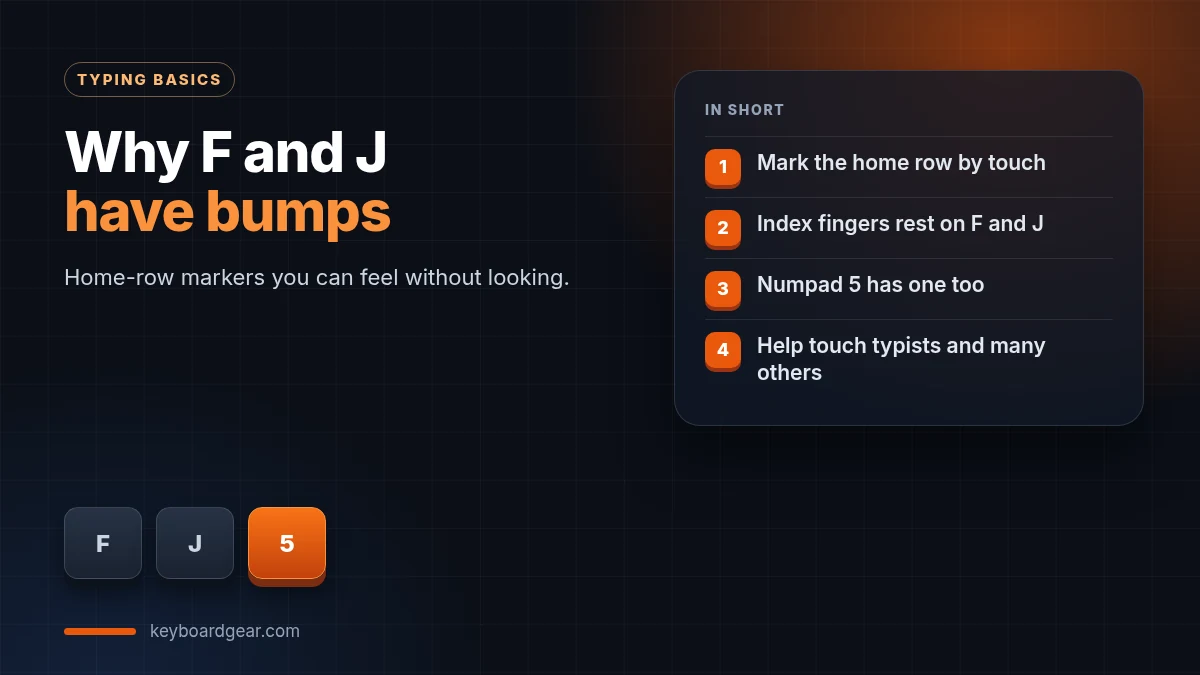
Run your fingers across a keyboard and you’ll feel two small ridges or dots on F and J. They’re one of the most useful details on a keyboard, and most people never think about them.
What the bumps are for
In touch typing, your fingers start on the home row:
- Left hand: A, S, D and F, with your index finger on F.
- Right hand: J, K, L and ;, with your index finger on J.
- Thumbs: on the space bar.
Every other key is reached from there, and your fingers return to the home row after each stretch. The bumps let you find that position by touch, so your eyes stay on the screen. Our learn touch typing guide shows the finger map.
Why F and J, not other keys?
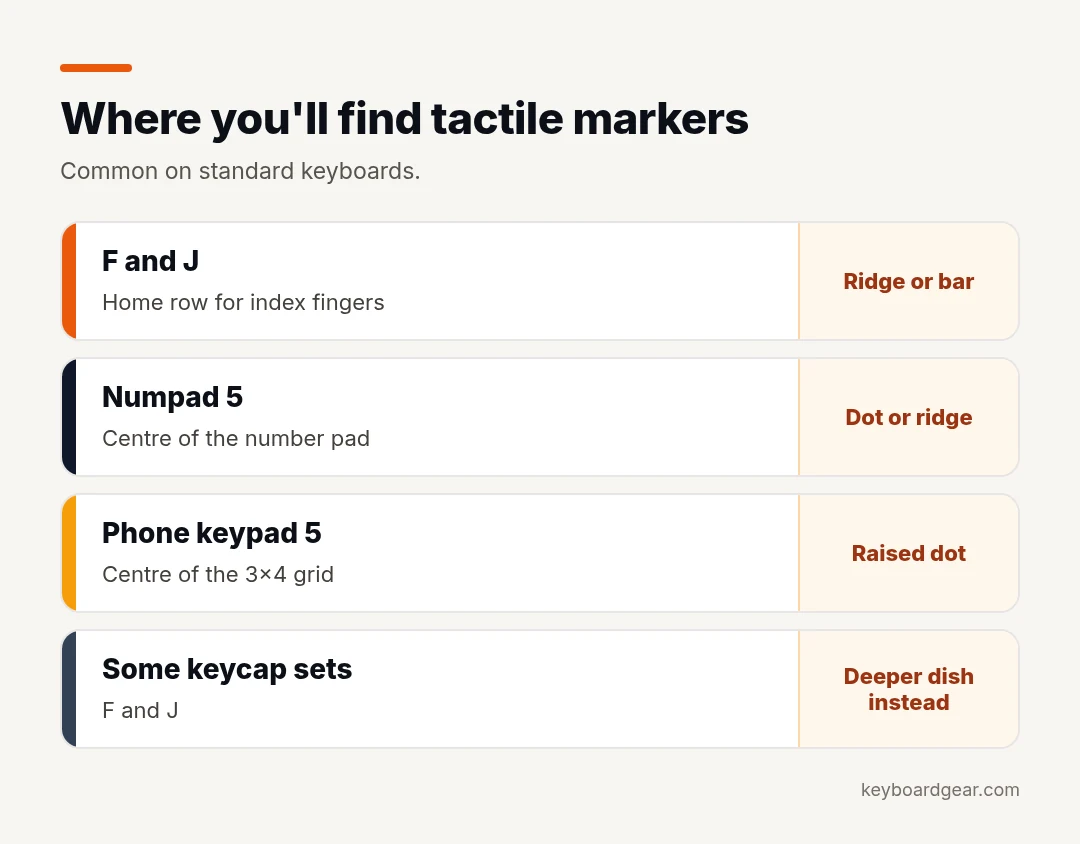
F and J sit under the index fingers, your strongest and most mobile fingers, and they’re the anchor for each hand. Once your index fingers are on the bumps, the other fingers fall naturally onto the neighbouring keys. Some keyboards use deeper-dished keycaps on F and J instead of bumps, but the markers almost always sit on those two keys.
Why the numpad 5 has a bump too
The 5 sits in the middle of the number pad. With your middle finger on 5, your index finger rests on 4 and your ring finger on 6, the home row of the keypad. Phone keypads mark the 5 for the same reason. If you use the number pad a lot, see our 10-key typing guide.
Is it required by a standard?
There is a European standard for it. ETSI, the European Telecommunications Standards Institute, published ES 201 381 in December 1998. ETSI describes it as specifying “the form, dimensions and location of tactile identifiers on digit ‘5’ of keypads and on the ‘F’ and ‘J’ keys of keyboards.” The ITU telephone recommendation E.161 uses the same identifier for the 5 button on phone keypads.
Patents describe the same idea. An IBM patent with a 1999 priority date explains that “a small projection is formed on top of each of the character keys ‘F’ and ‘J’ and the ten key ‘5’” to mark the home position for touch typing, and then extends the idea to cursor keys. A later patent describes raised edges on A, F, J and the semicolon, and mentions earlier stick-on home-row dots. We found no reliable record of who added the first F and J bumps.
Who benefits from the bumps?
- Touch typists, who never need to look down.
- People with low vision or who are blind, for whom tactile markers make keyboards easier to use.
- Anyone typing in a dark room or while reading from another screen.
- Gamers, who sometimes use the markers to find movement keys by feel.
If your keycaps have worn smooth or you’ve replaced them with a set that lacks bumps, small adhesive tactile dots can mark F and J again.
The bumps and typing accuracy
Starting from the correct home position is one of the simplest ways to cut errors, because your fingers reach every key from a known spot. If you’re making frequent mistakes, check that your index fingers are on the bumps before you start a sentence. For more, see our tips on how to type faster and keyboard key names.
FAQ
Why are there bumps on F and J?
They mark the home row so your index fingers can find their resting position without looking.
Which fingers go on F and J?
Your left index finger rests on F and your right index finger on J.
Why does the number 5 have a bump?
It marks the centre of the number pad so you can position your hand by touch.
Do all keyboards have bumps on F and J?
Most do. Some use deeper-dished keycaps instead of bumps, and some custom keycap sets leave them off.
Is there a standard for the F and J bumps?
Yes. ETSI ES 201 381 (1998) specifies tactile identifiers on the F and J keys of keyboards and the 5 on keypads.
Sources
- ETSI SR 001 996: Human Factors, an annotated bibliography of ETSI human factors publications
- US Patent 6,398,437 (IBM): keyboard with home position for control keys
- US Patent 6,667,697: keyboard with tactile home row keys
Final thoughts
The F and J bumps are a tiny feature that makes fast, accurate typing possible. Put your index fingers on them before you start, and you’ll always know where every other key is.

Experience is what matters at the end!!
Hi! This is Jacob Jay – founder of Keyboardgear.com! From childhood to adulthood, I’ve always remained passionate about IT, and the revolution in this industry, especially gaming on the PC can’t go out of my way. Since I’m an enthusiastic gamer, and I love to experience various gaming accessories, particularly mechanical keyboards, that really boost my gaming adventure manifolds. So, my nerve cells hit me to transfer my experiences into word form and share with others to identify the ideal keyboards perfectly fit for their gaming modes.
I know very well how hard it is to find the high-quality items available on the internet that ought to be exactly the same as seen as on the screen. But the counterfeiters have ruined the user’s trust. As I have passed all such situations, I’m obliged to deliver the genuinity and express the same as what I am saying.
So, now, I’m working on the mission to provide very helpful and frankly but trustworthy reviews and guides about various mechanical keyboards, mouses, and other gaming accessories as per my personal experiences and sound knowledge.