

Keyboard Gear earns from qualifying purchases through Amazon links.
The BONTEC 2-Tier riser is the best value, with a 5.6-inch lift and a 66 lb rating. The Klearlook folds flat and adjusts in width, the Simple Trending adds a drawer and pen holders, the ROCDEER bamboo riser handles larger monitors up to 100 lb, and the BONTEC Dual lifts two screens at once.
A monitor riser is the simplest way to raise a screen that sits too low, and it adds storage underneath. Before you buy, check how far you need to raise the screen: our monitor height guide explains how to find the right level. If you need a lot more adjustment, a monitor arm may suit you better.
We chose five risers sold on Amazon US and checked each listing’s height, width, load capacity, seller and price on November 29, 2026. We describe what each stand does, not health outcomes.
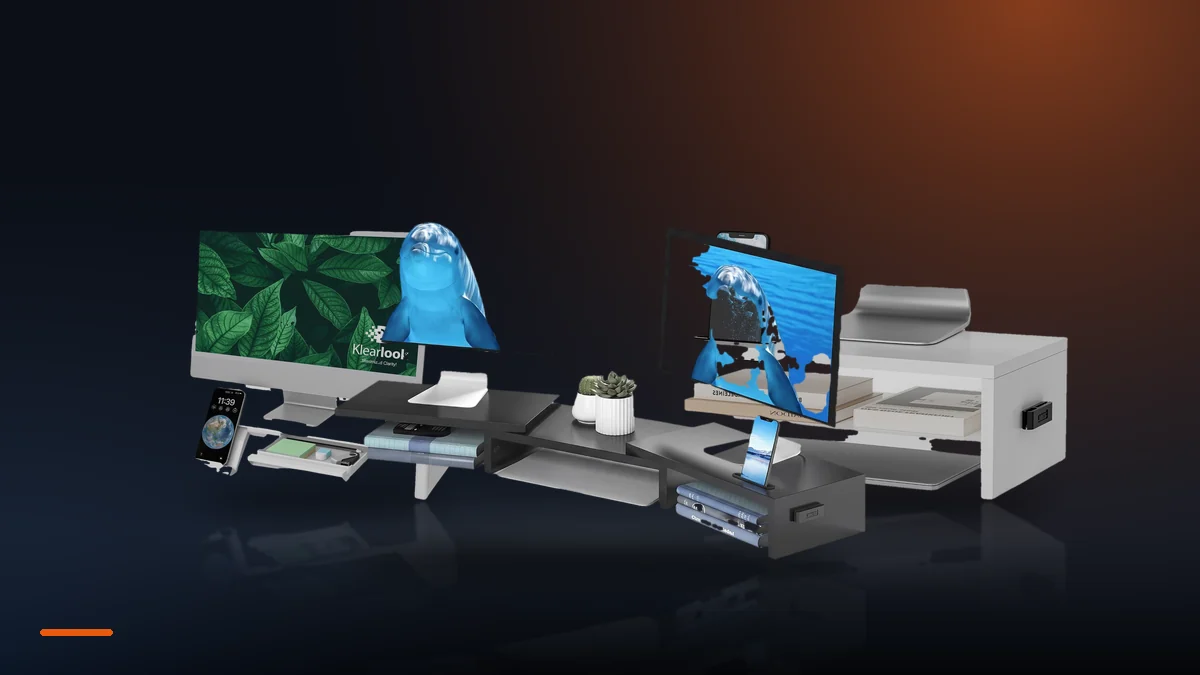
Best monitor risers at a glance
| Product | Best for | Key specs | Price |
|---|---|---|---|
1 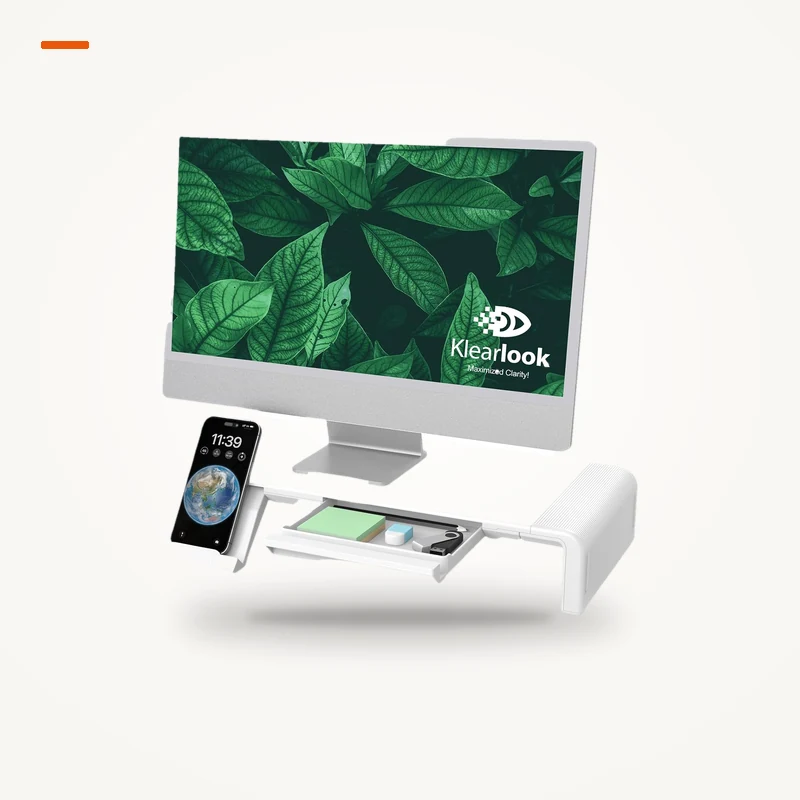 Klearlook Foldable Monitor Riser |
Best adjustable-width riser |
|
Check Price |
2 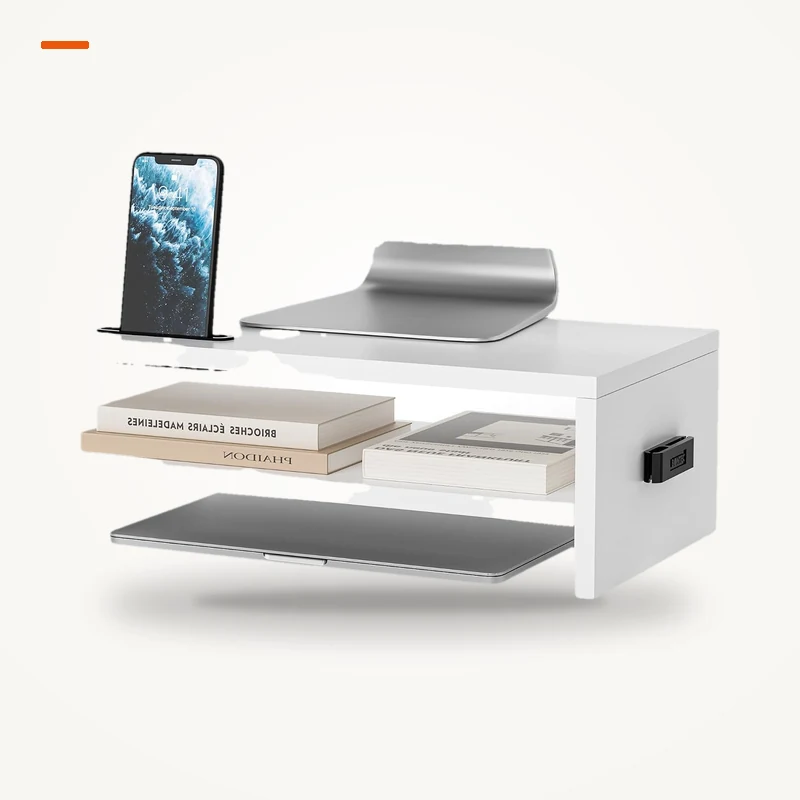 BONTEC 2-Tier Wooden Monitor Riser |
Best for storage on a small desk |
|
Check Price |
3 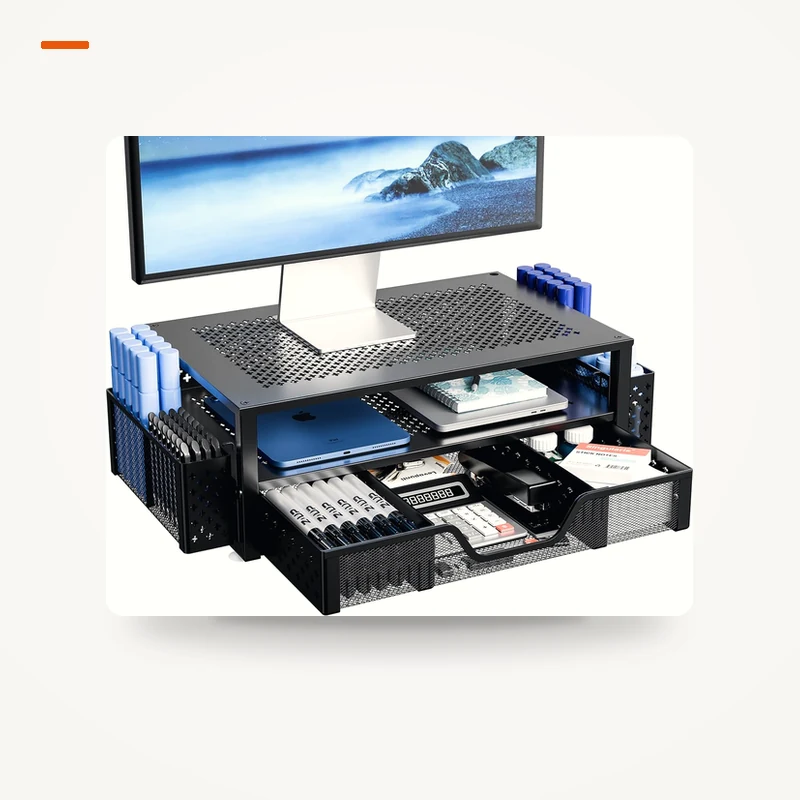 Simple Trending Metal Monitor Stand |
Best metal riser with drawer |
|
Check Price |
4 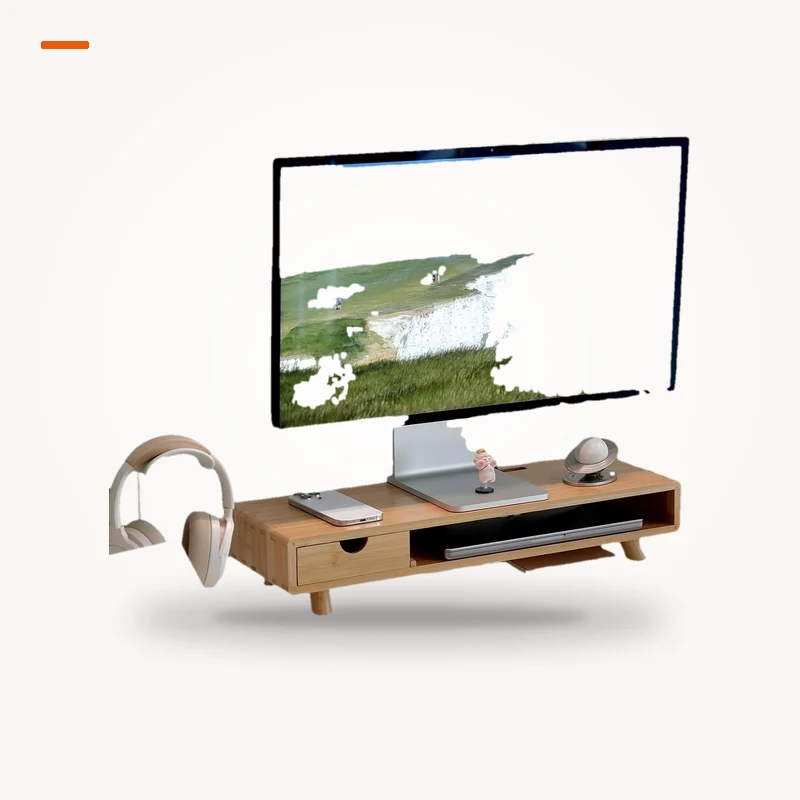 ROCDEER Bamboo Monitor Riser With Drawer |
Best for larger monitors |
|
Check Price |
5 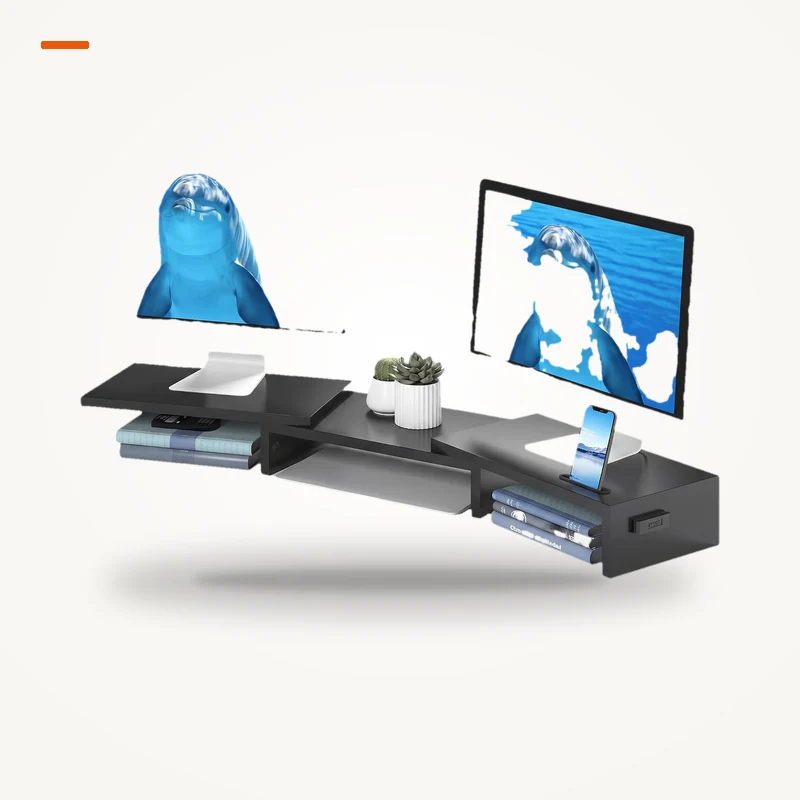 BONTEC Dual Monitor Riser |
Best for two monitors |
|
Check Price |
The best monitor stand risers
1. Klearlook Foldable Monitor Riser — three widths, folds flat, 55 lb capacity
Who it’s for: Small desks and shared spaces where the riser needs to fold away.
Klearlook’s riser adjusts to three widths (16.5, 18.5 or 20.5 inches) and folds flat when you need the desk back. It adds a small storage drawer and a hidden tablet or phone slot, and the listing rates it for 55 pounds, with a metal plate inside and rubber feet.
It’s a modest lift of about 80 mm (3.1 in) according to the listing’s size chart, so it suits screens that only need a small raise. It was listed at $25.32, sold by ARIKO ELECTRONIC CO., LTD, on November 29, 2026.
Key specs: Foldable monitor riser; 16.5/18.5/20.5 in widths; about 80 mm tall; 55 lb capacity; drawer and phone/tablet slot; ABS with metal plate; no assembly; sold by ARIKO ELECTRONIC CO., LTD.
- Folds flat
- Adjustable width
- No assembly
- Small height gain
- Plastic build
2. BONTEC 2-Tier Wooden Monitor Riser — 5.6 in lift with a full lower shelf
Who it’s for: People who want a keyboard, notebook or small printer tucked under the screen.
BONTEC’s 2-tier riser lifts a monitor or laptop 5.6 inches, and its lower level is open storage for a keyboard, mouse or notebooks. It’s rated for 66 pounds, has slots for a phone and cable routing, and uses anti-slip pads.
At 16.5 inches wide it suits single monitors with a compact stand. It was listed at $18.94, sold by The BONTEC, on November 29, 2026.
Key specs: 2-tier MDF monitor riser; 5.6 in lift; 16.54 x 9.25 x 5.59 in; 66 lb capacity; phone slot and cable routing; anti-slip pads; sold by The BONTEC.
- Good height gain
- 66 lb rating
- Low price
- Needs assembly
- MDF, not solid wood
3. Simple Trending Metal Monitor Stand — mesh top, drawer and pen holders
Who it’s for: Desks that need a drawer and somewhere for pens next to the monitor.
Simple Trending’s stand has a metal mesh top that lifts a screen 5.8 inches, a lower tier for a keyboard or console, a sliding drawer and side pen holders. Suction cups underneath keep it from sliding, and the listing gives a 33-pound load capacity.
It’s 20 inches wide and 10 inches deep, so it fits most single monitors and iMacs. It was listed at $15.99 as a Prime member price, sold by Simple Trending, on November 29, 2026.
Key specs: Metal mesh monitor stand; 20 x 10 x 5.8 in; 33 lb capacity; drawer, pen holders, lower tier; suction-cup feet; Prime member price; sold by Simple Trending.
- Drawer and pen holders
- Sturdy metal
- Inexpensive
- Prime member price
- Busy look
4. ROCDEER Bamboo Monitor Riser With Drawer — 100 lb capacity, fits 24 to 32 in monitors
Who it’s for: Bigger and curved monitors, or anyone who wants a natural wood look.
ROCDEER’s riser is made from FSC-certified bamboo, holds up to 100 pounds and is sized for most 24 to 32 inch monitors. Underneath there’s space for a keyboard up to 18 inches, a semi-enclosed shelf for laptops up to 16 inches or A4 files, and a drawer, plus a rear cable slot.
It lifts the screen 4.4 inches, and the legs can be removed for a lower height. It was listed at $39.99 as a Prime member price, sold by ROCDEER, on November 29, 2026.
Key specs: Bamboo monitor riser; 23.63 x 7.88 x 4.53 in; 4.4 in lift (removable legs); 100 lb capacity; 24 to 32 in monitors; drawer and shelf; FSC-certified; Prime member price; sold by ROCDEER.
- 100 lb capacity
- Fits large monitors
- Solid bamboo
- Most expensive here
- Prime member price
5. BONTEC Dual Monitor Riser — adjusts from 31.5 to 42.5 in with swivel ends
Who it’s for: Dual-monitor desks that want both screens raised together.
BONTEC’s dual riser extends from 31.5 to 42.5 inches, and its side shelves swivel for straight, angled or corner layouts. Three open compartments hold a keyboard, files or a docking station, and it has a phone slot and cable opening.
The listing gives a 4.1-inch height and a 44-pound load capacity. It was listed at $23.73, sold by The BONTEC, on November 29, 2026.
Key specs: Dual monitor riser; 31.5 to 42.5 in adjustable length; swivel side shelves; 4.1 in tall; 44 lb capacity; 3 compartments; phone slot; sold by The BONTEC.
- Fits two monitors
- Adjustable length
- Angled layouts
- Lower lift
- Needs desk depth
Monitor risers compared
| Riser | Height (listed) | Capacity (listed) | Price (November 29) |
|---|---|---|---|
| Klearlook Foldable | About 3.1 in | 55 lb | $25.32 |
| BONTEC 2-Tier | 5.6 in | 66 lb | $18.94 |
| Simple Trending | 5.8 in | 33 lb | $15.99 (Prime member) |
| ROCDEER Bamboo | 4.4 in | 100 lb | $39.99 (Prime member) |
| BONTEC Dual | 4.1 in | 44 lb | $23.73 |
Prices are what each listing showed on November 29, 2026 and can change at any time. A Prime member price is only available to Amazon Prime members.
How to choose a monitor riser
- Measure the height you need. Sit normally and note how far the top of the screen is below eye level. Pick a riser that closes most of that gap.
- Check the width and depth. Your monitor’s stand base must fit on the top shelf, and the riser must fit your desk depth.
- Check the load capacity. Add up the monitor and anything else on top; stay well under the listed limit.
- Decide on storage. Drawers suit small items; an open lower shelf can hold a keyboard when you’re not using it.
| Riser type | Best for | Watch for |
|---|---|---|
| Foldable | Small or shared desks | Lower lift |
| 2-tier wood | Storage and good lift | Assembly needed |
| Metal mesh | Durability and drawers | Busier look |
| Dual-width | Two monitors | Desk depth and lower lift |
On a laptop, a riser won’t fix keyboard position. Use a laptop stand with a separate keyboard, as our small desk setup guide suggests.
- Two screens? See our dual monitor setup guide for arranging them.
- Glare can change when you raise a screen; our screen glare guide covers placement.
For the rest of the workspace, see our desk setup guide.
FAQ
Is a monitor riser better than a monitor arm?
A riser is cheaper, needs no clamp and adds storage. A monitor arm gives far more height and position adjustment.
How high should a monitor riser be?
High enough that the top of the screen is at or slightly below eye level when you sit normally. Measure before you buy.
Can I use a monitor riser for a laptop?
Yes, but you’ll need a separate keyboard and mouse to type comfortably.
How much weight can a monitor riser hold?
It varies. The risers here are listed at 33 to 100 pounds.
Will a dual monitor riser fit my desk?
Check the riser’s length and depth against your desk. The BONTEC Dual adjusts from 31.5 to 42.5 inches long.
Final thoughts
Choose the BONTEC 2-Tier for the best value, the Klearlook if you want it to fold away, the Simple Trending for a drawer and pen holders, the ROCDEER for large monitors, and the BONTEC Dual for two screens.

Experience is what matters at the end!!
Hi! This is Jacob Jay – founder of Keyboardgear.com! From childhood to adulthood, I’ve always remained passionate about IT, and the revolution in this industry, especially gaming on the PC can’t go out of my way. Since I’m an enthusiastic gamer, and I love to experience various gaming accessories, particularly mechanical keyboards, that really boost my gaming adventure manifolds. So, my nerve cells hit me to transfer my experiences into word form and share with others to identify the ideal keyboards perfectly fit for their gaming modes.
I know very well how hard it is to find the high-quality items available on the internet that ought to be exactly the same as seen as on the screen. But the counterfeiters have ruined the user’s trust. As I have passed all such situations, I’m obliged to deliver the genuinity and express the same as what I am saying.
So, now, I’m working on the mission to provide very helpful and frankly but trustworthy reviews and guides about various mechanical keyboards, mouses, and other gaming accessories as per my personal experiences and sound knowledge.