

Quick answer
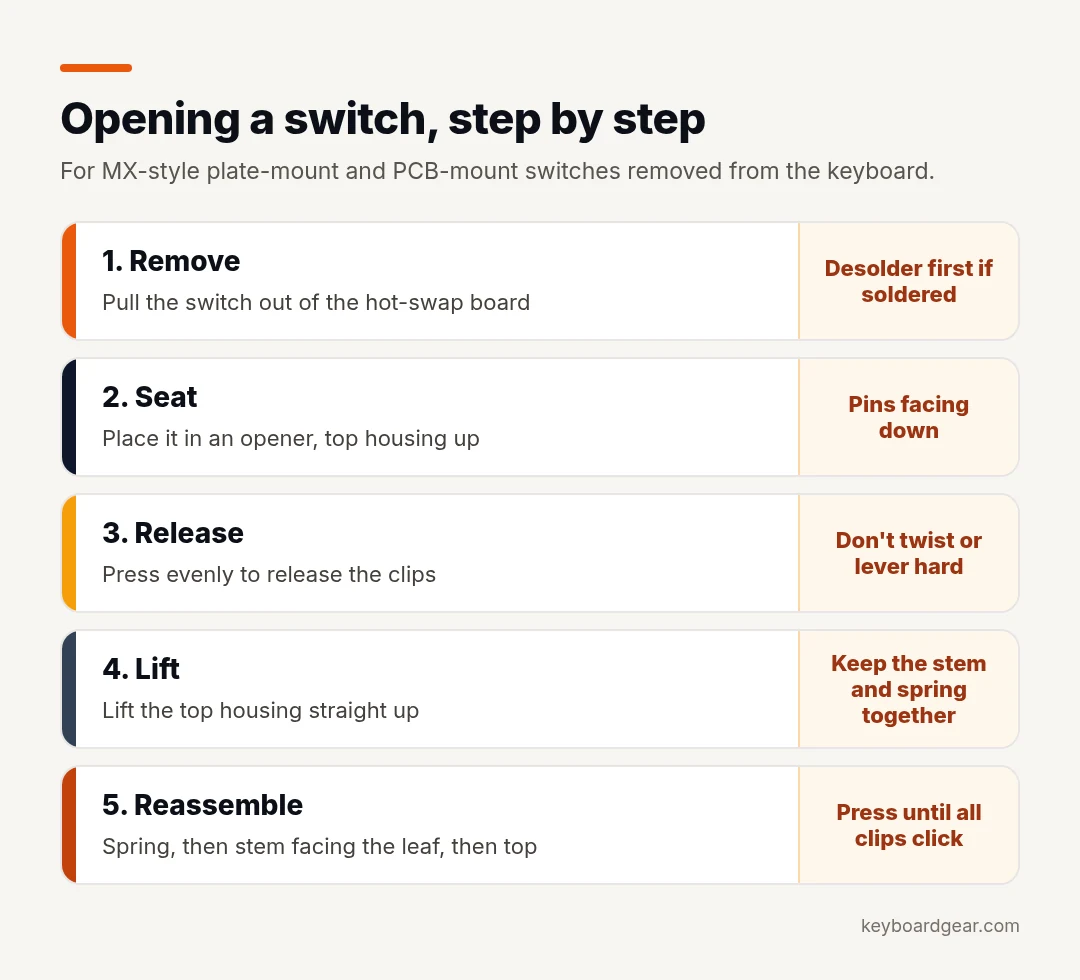
To open an MX-style switch, first remove it from the keyboard (pull it from a hot-swap board, or desolder it). Put it in a switch opener with the pins facing down and press evenly to release the four clips that hold the top housing on. Lift the top straight up and the stem and spring come free. Without an opener, gently push in the clips on one side at a time with a thin flat tool. Reassemble by placing the spring, then the stem, then pressing the top back on until it clicks.
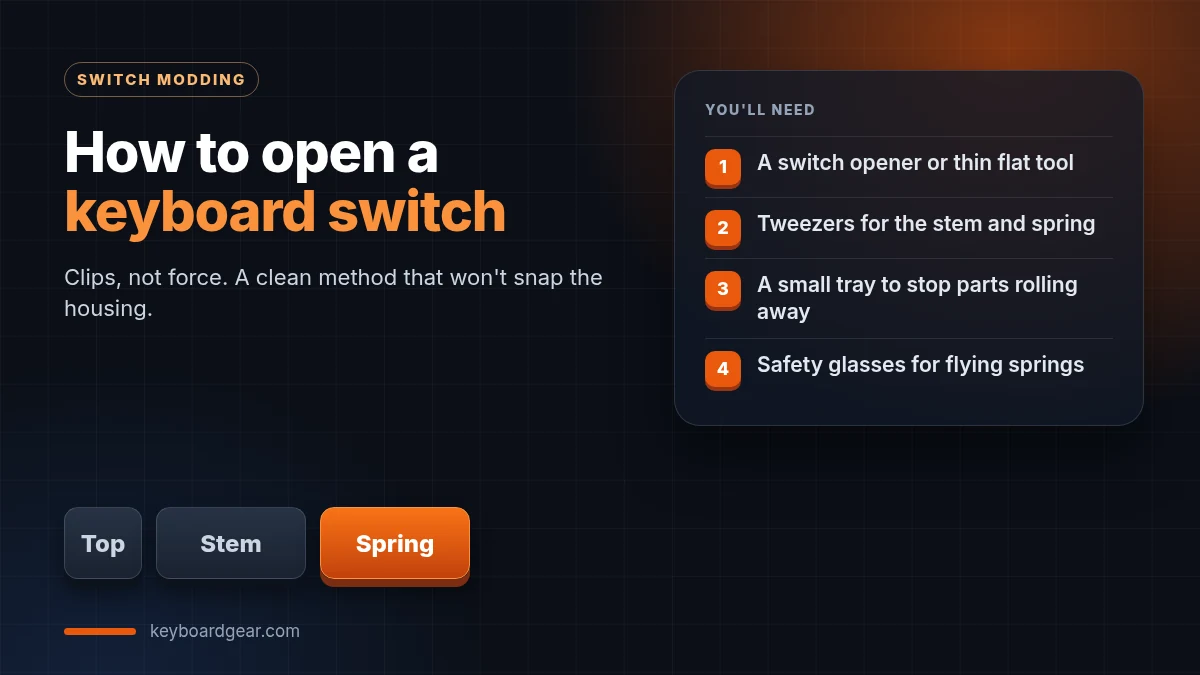
Opening a switch is the first step in lubing, changing springs or cleaning out a sticky key. It looks fiddly, but most MX-style switches are designed to come apart without tools beyond a cheap opener. The trick is to release the clips evenly rather than levering one corner, which is how most housings get cracked.
This guide covers standard MX-style switches, the type used in most mechanical keyboards. Low-profile switches and some proprietary designs are built differently and are best left closed unless the maker explains how to open them.
What’s inside a switch
A typical MX-style switch has five parts:
- Top housing. The upper shell, held to the bottom by clips.
- Stem. The cross-shaped part your keycap sits on. Its legs push the contacts and shape the feel.
- Spring. Sets the force needed to press the key.
- Bottom housing. Holds the metal contact leaf and the pins.
- Contact leaf. The metal contacts that close to register a press. You don’t need to touch this.
Clicky switches add a click jacket or click bar, and silent switches add dampener pads; our explainers on how clicky switches work and how silent switches work show where those parts sit.
Tools you need
- A switch opener. A small tool that presses all four clips at once. They are cheap and come in versions for 3-pin, 5-pin and some special housings. This is the safest way to open many switches.
- A thin flat tool if you have no opener, such as a small flat screwdriver or a plastic spudger.
- Tweezers for handling springs and stems.
- A tray or dish to keep parts from rolling away.
- Safety glasses. Springs can jump out when a housing pops open.
Step 1: Remove the switch from the keyboard
On a hot-swap keyboard, pull the keycap off, then grip the switch’s top and bottom clips with a switch puller and pull straight up. Our guide on how to change keyboard switches shows the safest way to do this without bending the pins.
On a soldered keyboard, you need to desolder the switch first. If you’ve never done this, practise on spare switches.
Step 2: Open it with a switch opener
- Place the switch in the opener pins down, lining the clips up with the opener’s prongs.
- Press the opener’s lid down firmly and evenly. You’ll feel the clips release.
- Lift the top housing straight up. Keep a finger over the switch so the spring doesn’t jump out.
Step 2 (alternative): Open it without an opener
- Hold the switch with the pins facing down.
- Find the two clips on one side of the top housing.
- Gently push the clips inward with your flat tool, one at a time, and lift that side of the top housing slightly.
- Repeat on the other side, then lift the top straight off.
Push the clips in; don’t pry the housings apart. Levering one corner with a screwdriver is the most common way to crack a housing or snap a clip. If a clip won’t release, stop and check its position instead of forcing it.
Step 3: Take out the stem and spring
Lift the stem out with tweezers, then remove the spring. Put the parts in separate groups if you’re opening many switches at once. If you’re lubing, keep the leaf side of the bottom housing clean; lube near the contacts can cause missed presses. Our guide on how to lube keyboard switches covers where lube does and doesn’t go.
Step 4: Put it back together
- Place the spring on the post in the bottom housing.
- Drop the stem onto the spring, with the stem’s legs facing the metal contact leaf, the same way it came out.
- Press the top housing straight down until all four clips click.
- Press the switch a few times to check it moves smoothly and doesn’t stick.
Common mistakes
| Mistake | Fix |
|---|---|
| Cracked housing or snapped clip | Use an opener, or push clips in rather than prying |
| Lost spring | Open switches over a tray and wear glasses |
| Stem put in backwards | Turn it so the stem’s legs face the metal contact leaf |
| Key doesn’t register after reassembly | Check the stem is seated and no lube is on the metal leaf |
| Bent pins | Straighten gently with tweezers before reinstalling |
Should you open switches at all?
Only if there’s a reason: lubing for a smoother feel, swapping springs, fixing a sticky key or cleaning. Opening dozens of switches is slow, and many modern switches are already factory lubed. If you just want a different feel, it’s often easier to try a few types with a switch tester and buy the one you like. For more on the most common switch family, see our Cherry MX switch guide.
Related guide: Best Switch Lubes and Lube Kits for Beginners
FAQ
Do I need a switch opener?
It’s not essential, but it is much safer and faster, especially if you’re opening more than a few switches.
Can I open a switch while it’s still in the keyboard?
Not usually. You need to remove it from a hot-swap board, or desolder it, first. Some plate-mount switches can be opened in place with special tools, but it’s fiddly.
Will opening a switch void the warranty?
It can. Check the keyboard or switch maker’s warranty terms before modifying anything.
Why won’t my switch register after I put it back together?
The stem may be seated wrongly, or lube may be on the metal contact leaf. Reopen it, check the stem faces the right way and clean the contacts.
Can I open Kailh Box switches the same way?
Box switches have a different housing design, so check that your opener supports them before using it.

Experience is what matters at the end!!
Hi! This is Jacob Jay – founder of Keyboardgear.com! From childhood to adulthood, I’ve always remained passionate about IT, and the revolution in this industry, especially gaming on the PC can’t go out of my way. Since I’m an enthusiastic gamer, and I love to experience various gaming accessories, particularly mechanical keyboards, that really boost my gaming adventure manifolds. So, my nerve cells hit me to transfer my experiences into word form and share with others to identify the ideal keyboards perfectly fit for their gaming modes.
I know very well how hard it is to find the high-quality items available on the internet that ought to be exactly the same as seen as on the screen. But the counterfeiters have ruined the user’s trust. As I have passed all such situations, I’m obliged to deliver the genuinity and express the same as what I am saying.
So, now, I’m working on the mission to provide very helpful and frankly but trustworthy reviews and guides about various mechanical keyboards, mouses, and other gaming accessories as per my personal experiences and sound knowledge.