

Keyboard Gear earns from qualifying purchases through Amazon links.
The BenQ ScreenBar Pro is the best monitor light bar for most people: wide, even light, no screen glare and a motion sensor that switches it on and off. For a desk remote and auto-dimming for less, get the Quntis Focus. Gamers should look at the Govee bar with RGB backlight, curved ultrawide owners at the Quntis curved bar, and the Yeelight is the best cheap option.
A monitor light bar sits on top of your screen and lights the desk in front of it, not the screen. It is one of the most useful upgrades for a desk you use at night: it lights your keyboard and notes, takes no desk space, and, unlike a desk lamp, doesn’t cause reflections on the monitor. If you are planning a full workspace, our desk setup guide explains where lighting fits in.
This guide covers six light bars sold on Amazon US, from the premium BenQ ScreenBar Pro to budget bars from Quntis and Yeelight, an RGB bar from Govee and a curved bar for ultrawide monitors. We checked availability on Amazon US on November 28, 2026, and the specs come from the manufacturers’ listings. We have not measured brightness or colour ourselves, so lux and CRI figures are the makers’ claims.
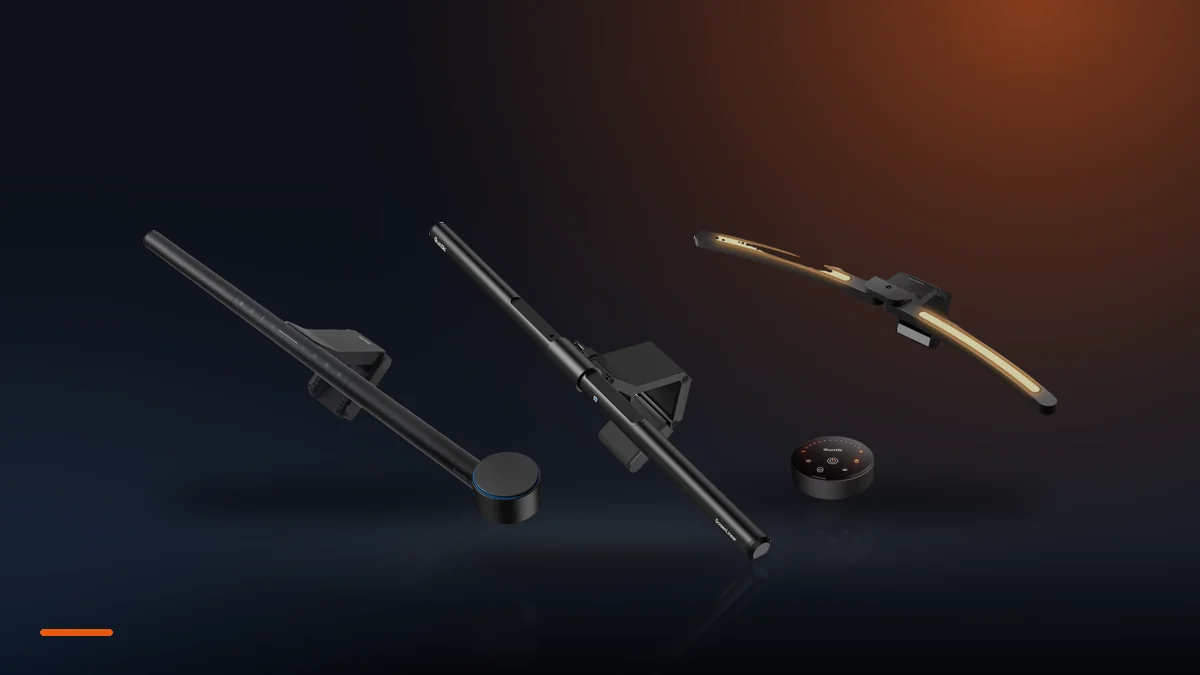
Best monitor light bars overview
| Product | Best for | Key specs | Price |
|---|---|---|---|
1 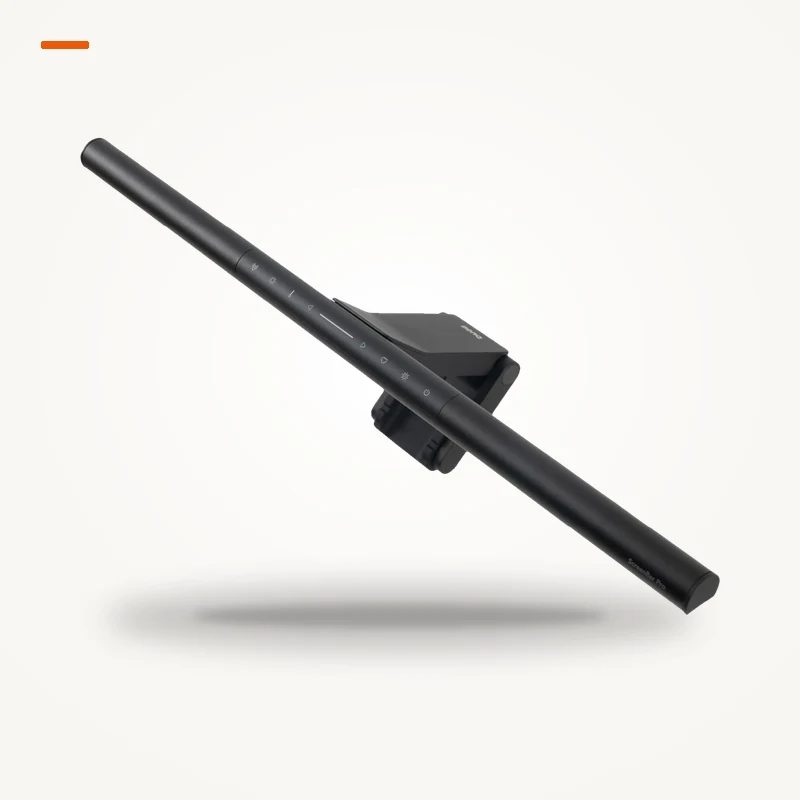 BenQ ScreenBar Pro |
Best overall |
|
Check Price |
2 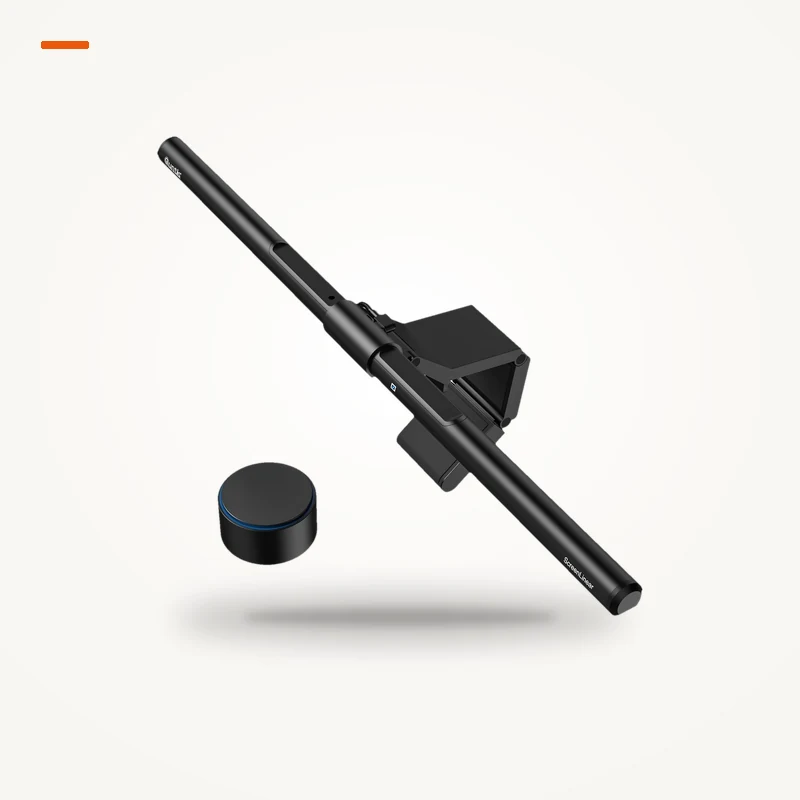 Quntis Monitor Light Bar Focus 20.1″ with remote |
Best with remote |
|
Check Price |
3 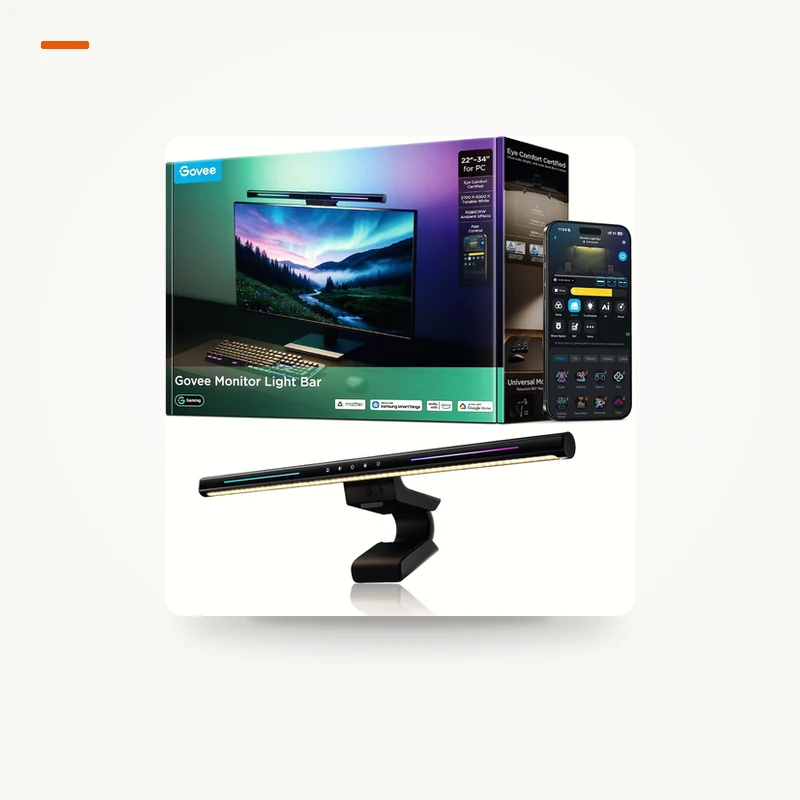 Govee Monitor Light Bar with RGBIC backlight |
Best for gaming |
|
Check Price |
4 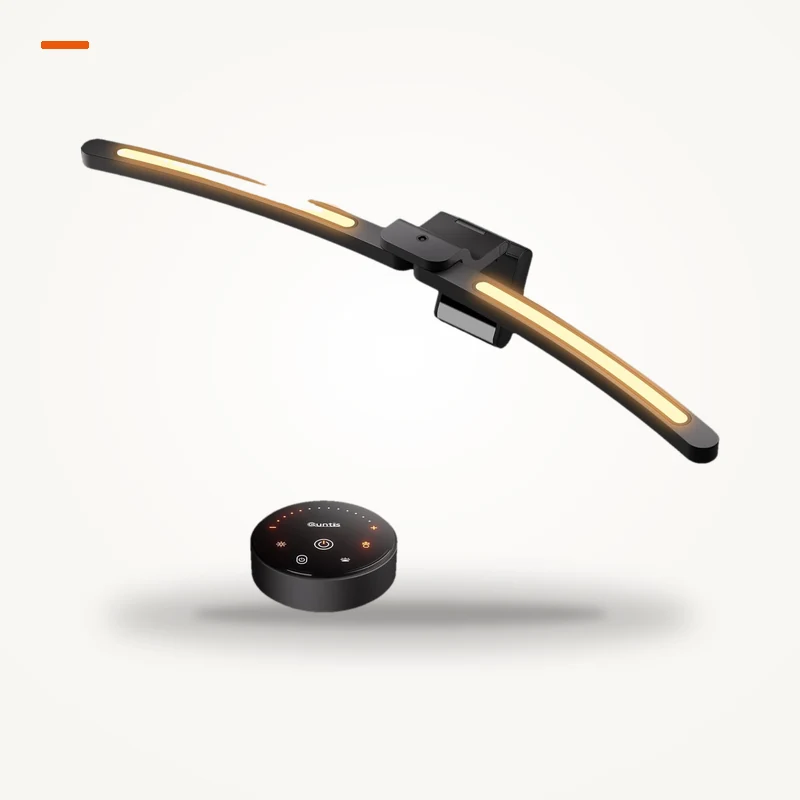 Quntis Curved Monitor Light Bar Glow 26″ |
Best for ultrawides |
|
Check Price |
5 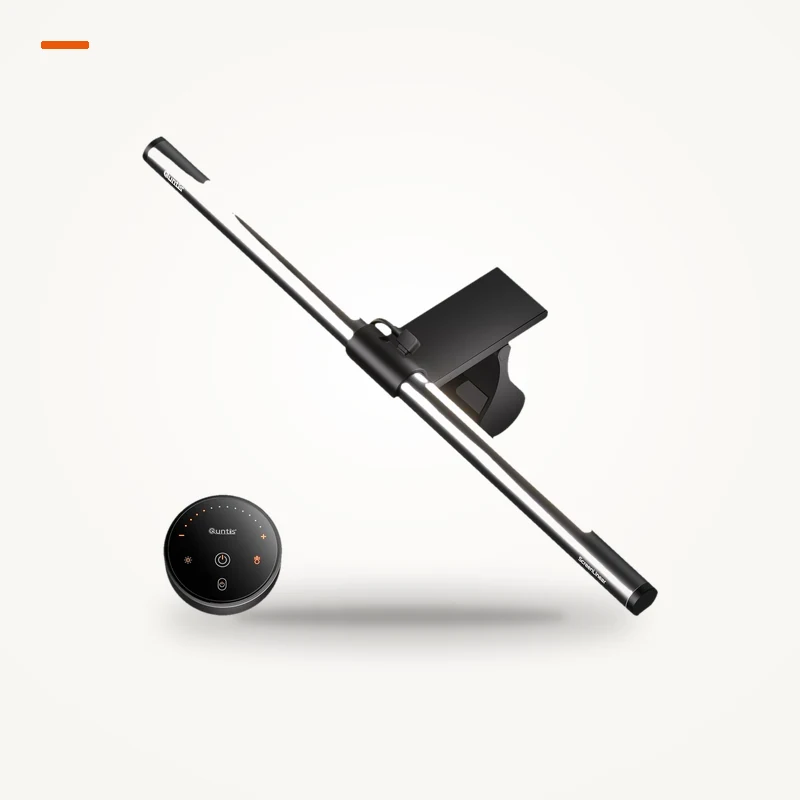 Quntis Monitor Light Bar Glow 16.1″ with backlight |
Best budget with backlight |
|
Check Price |
6 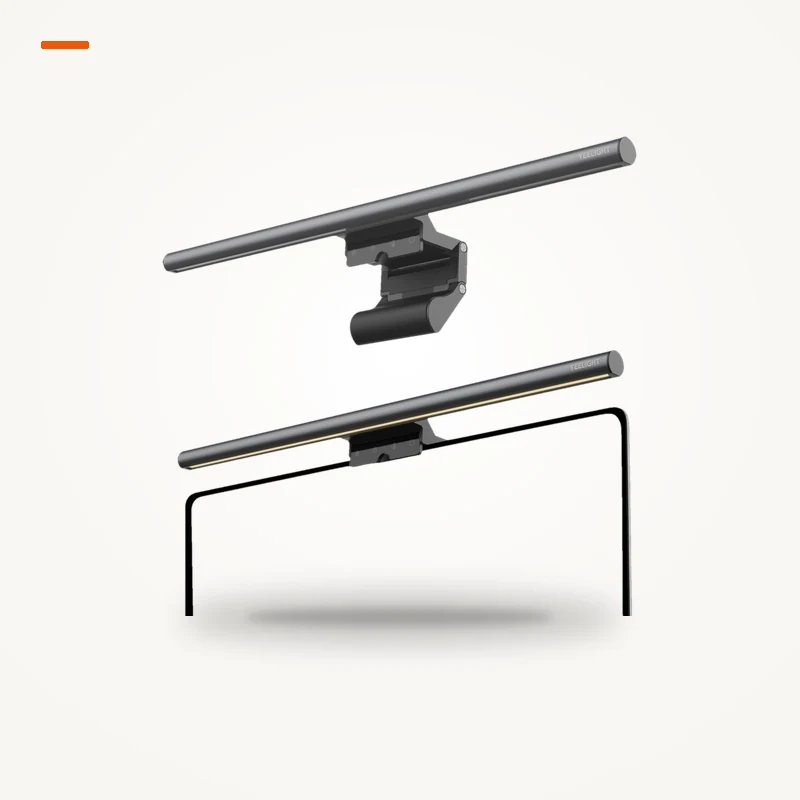 Yeelight Monitor Light Bar |
Best cheap |
|
Check Price |
How to choose a monitor light bar
Fit: check your monitor’s top edge
This matters most. Each bar’s clamp or clip supports a range of monitor thicknesses, and some can’t hold very thin bezels or the thick, sloped backs of many gaming monitors. Measure the top edge of your monitor and compare it with each bar’s range. Curved monitors need a bar rated for your curve: deeper curves have smaller R numbers (for example 1000R is deeper than 1800R).
Coverage and length
A longer bar, or one with wider optics, lights more of the desk. A 16-inch bar suits a single 24-inch monitor; for a 27- to 32-inch monitor or a wide desk, look for 20 inches or more, or a bar that lists a wide lit area. Ultrawide owners should consider a curved bar.
Glare control
All the bars here use asymmetric optics that aim light down at the desk. Mount the bar level and angle it so you can’t see the LEDs from your seat, and you should get no reflection on the screen.
Colour temperature and CRI
Most bars let you choose from warm (about 2700K to 3000K) to cool (6500K) light. Warmer light is more relaxing at night; cooler light can feel more alert during the day. A CRI of 95 or more means colours on your desk look natural.
Controls and sensors
A desk remote is easier to reach than buttons on top of the monitor. Auto-dimming adjusts brightness to the room, and motion or presence sensors turn the bar off when you leave.
Backlight
Some bars add a light behind the monitor that brightens the wall. It reduces the contrast between a bright screen and a dark room, which many people find more comfortable, and RGB versions double as gaming ambience.
Power
Most bars run from a USB port. Some monitors’ USB ports switch off when the monitor sleeps, so a USB wall adapter may be more reliable. Route the cable neatly with our desk cable management guide.
The best monitor light bars reviewed
1. BenQ ScreenBar Pro — best premium monitor light bar
Who it’s for: Anyone who wants the best-known light bar, with wide, even light and a motion sensor that turns it on and off for you.
BenQ popularised the monitor light bar, and the ScreenBar Pro is its wide-coverage model. BenQ lists over 1000 lux of central brightness and 500 lux across an 85 x 50 cm area, which is enough to light a full keyboard, mouse and notepad without a desk lamp. Its asymmetric optics are designed to throw light down onto the desk rather than onto the screen, so you don’t get reflections.
The ultrasonic motion sensor lights the bar when you sit down and switches it off five minutes after you leave. Its clamp fits monitors from 0.43 to 6.5 cm thick, including curved screens from 1000R to 1800R and monitors with unusual backs, and BenQ says it doesn’t block a webcam. It is the most expensive bar here, but it is the one we would buy first.
Key specs: Over 1000 lx central brightness; 500 lx across 85 x 50 cm; asymmetric optics to prevent screen reflection; ultrasonic motion sensor (60 cm ± 10 cm range, auto-off after 5 minutes); fits monitors 0.17 to 2.56 in (0.43 to 6.5 cm) thick and 1000R to 1800R curvature; on-bar buttons; USB-C power or included adapter.
- Wide, even coverage
- Motion sensor auto on and off
- Fits curved monitors
- Sold by BenQ
- Expensive
- No remote
- Not for very deep curves below 1000R
2. Quntis Monitor Light Bar Focus 20.1″ with remote — best monitor light bar with a remote
Who it’s for: People who want a ScreenBar-style bar with a desktop remote and auto-dimming for much less money.
Quntis’s 20.1-inch Focus bar comes with a rotary remote that sits on your desk, so you can dim or change colour temperature without reaching up to the monitor. It covers 3000K to 6500K with a CRI of 95, and Quntis lists at least 1200 lux of illumination.
Its triple-fold weighted clamp is designed for flat, curved and irregular monitors from 17 to 32 inches and 0.12 to 3.94 inches thick, and a 15-degree pivot lets you aim the beam. An ambient light sensor handles auto-dimming, and a two-hour timer reminds you to take a break. It is USB-powered and meets the IEEE 1789 and IEC 62471 standards Quntis cites for flicker and photobiological safety.
Key specs: 20.1 in (51 cm) bar; at least 1200 lux; 3000K to 6500K stepless dimming; CRI 95; rotary remote; ambient light sensor for auto-dimming; 2-hour auto-off timer; weighted clamp for 17 to 32 in flat, curved and irregular monitors, 0.12 to 3.94 in thick; 15° pivot; USB-powered.
- Desk remote
- Auto-dimming
- Fits thick and curved monitors
- Good value
- Sold by a reseller
- Needs a USB port or adapter
- Remote takes desk space
3. Govee Monitor Light Bar with RGBIC backlight — best RGB monitor light bar
Who it’s for: Gamers and streamers who want desk light and an RGB glow behind the monitor in one bar.
Govee’s bar combines a warm-white front light for your desk with RGBIC lights that wash the wall behind your monitor in colour. Govee lists a 1300 lux centre and 500 lux across the workspace, 2700K to 6500K colour temperature, flicker-free light and TÜV Rheinland eye-comfort certification.
A mmWave presence sensor turns it on when you sit down and off five minutes after you leave, and the Govee Desktop app can sync the backlight to what is on screen. It supports Matter, Google Assistant and SmartThings. The bendable support fits monitors from 0.3 to 16 cm thick and curves of 800R or wider, and its lip covers only 3 mm of the bezel.
Key specs: 1300 lx centre, 500 lx uniform workspace; 2700K to 6500K; RG0 blue light rating; flicker-free; asymmetric optics; dual-sided RGBIC backlight covering about 45 x 80 cm; mmWave presence sensor and ambient light sensor; Govee Desktop app screen sync; Matter, Google Assistant and SmartThings; fits 0.3 to 16 cm thick monitors, curved 800R or wider.
- Desk light plus RGB backlight
- Presence sensing
- Smart home support
- Sold by Govee
- RGB effects need the app
- Pricier than basic bars
- More than office users need
4. Quntis Curved Monitor Light Bar Glow 26″ — best light bar for curved ultrawide monitors
Who it’s for: Owners of 34-inch and wider curved monitors whose straight light bar leaves the desk edges dark.
A straight light bar on a deeply curved ultrawide can leave dark corners. This Quntis bar is curved itself, designed for 800R to 3000R monitors of 34 inches and up, so the light follows the arc of your screen. It uses two independently pivoting bars: spread them for wide desk coverage or fold them in for brighter, focused light.
Quntis lists a CRI of 98 from 112 LEDs, a memory function that restores your settings after a power cut and an auto-dimming sensor. The patented clamps fit flat, curved and irregular-backed monitors up to 3.35 inches thick, and a USB-C power adapter and 1.8 m cable are included.
Key specs: 26 in curved arc for 800R to 3000R ultrawide monitors (34 in and up); two independently adjustable bars; 112 LEDs; CRI 98; auto-dimming sensor; power-off memory; clamp fits monitors up to 3.35 in thick; USB-C power adapter and 1.8 m cable included.
- Matches curved ultrawides
- Adjustable coverage
- High CRI
- Adapter included
- Overkill on flat monitors
- Sold by a reseller
- Larger and heavier than standard bars
5. Quntis Monitor Light Bar Glow 16.1″ with backlight — best cheap monitor light bar with backlight
Who it’s for: Budget buyers who want front and back lighting and a remote without paying for a premium bar.
This 16.1-inch Quntis bar adds a backlight behind the monitor to its front desk light, which reduces the harsh contrast between a bright screen and a dark wall. You get three lighting modes (work, immersive and design) and stepless control of both brightness and colour temperature for the front light, with separate backlight adjustment.
It uses 84 LEDs with a CRI of 95, a touch remote and a memory function that restores your last settings. The sliding weighted clip is designed to hang securely on thin-bezel and curved monitors without clamping on the screen. It is shorter than the Focus model, so it suits 24-inch and smaller setups best.
Key specs: 16.1 in (41 cm) bar; front light and backlight; 3 lighting modes; stepless brightness and colour temperature; 84 LEDs; CRI 95; touch remote; power-off memory; sliding weighted clip for thin and curved monitors; USB-powered.
- Front and back lighting
- Remote included
- Low price
- Settings memory
- Shorter bar, less coverage
- Sold by a reseller
- Remote needs batteries
6. Yeelight Monitor Light Bar — best cheap monitor light bar
Who it’s for: Anyone who wants glare-free desk light on a small budget and has a monitor with a normal-thickness top.
Yeelight’s bar is one of the cheapest from a known brand. It has stepless dimming and colour temperature from 2700K to 6500K with a CRI of 95 from 78 LEDs, and Yeelight lists an RG0 rating for blue light safety. Controls are on the bar itself, using long presses to adjust.
The full-metal body helps it stay cool, and it runs from USB with a 1.5 m cable. The main limitation is the clip, which fits monitors only 0.3 to 1.1 inches thick, so check your monitor’s top edge before buying. There is no remote or auto-dimming at this price.
Key specs: 2700K to 6500K stepless dimming; CRI 95; 78 LEDs; 250 lm; RG0 blue light rating; touch controls on the bar; full-metal body; retractable clip for 0.3 to 1.1 in thick flat or curved monitors; USB power, 1.5 m cable.
- Very affordable
- Metal body
- High CRI
- Sold by Yeelight
- Narrow clip range
- No remote
- No auto-dimming
Monitor light bars compared
| Light bar | Best for | Brightness (listed) | Colour / CRI | Controls |
|---|---|---|---|---|
| BenQ ScreenBar Pro | Best overall | Over 1000 lx centre | Adjustable | On-bar buttons, motion sensor |
| Quntis Focus 20.1″ | Best with remote | 1200 lux or more | 3000K to 6500K, CRI 95 | Remote, auto-dim |
| Govee RGBIC | Best for gaming | 1300 lx centre | 2700K to 6500K | Touch, app, presence sensor |
| Quntis curved 26″ | Best for ultrawides | — | CRI 98 | Buttons, auto-dim |
| Quntis Glow 16.1″ | Best budget with backlight | — | CRI 95 | Touch remote |
| Yeelight | Best cheap | 250 lm | 2700K to 6500K, CRI 95 | On-bar touch |
Brightness figures are the makers’ own and aren’t measured the same way, so use them as a rough guide; a dash means the listing doesn’t state it.
Which light bar fits you?
| If you… | Choose | Why |
|---|---|---|
| Want the best overall bar | BenQ ScreenBar Pro | Wide coverage, motion sensor |
| Want a remote on your desk | Quntis Focus | Rotary remote and auto-dimming |
| Game or stream | Govee RGBIC | Desk light plus RGB wall glow |
| Use a 34-inch or wider curved monitor | Quntis curved 26″ | Follows the curve of the screen |
| Are on a tight budget | Yeelight | Glare-free light for little money |
Related guide: Proper Monitor Height and Distance: How to Position Your Screen
FAQ
Are monitor light bars worth it?
For anyone who works or games in the evening, yes. They light the desk without glare on the screen, take no desk space and reduce the contrast between a bright screen and a dark room.
Do monitor light bars cause glare?
Good ones don’t, because their asymmetric optics aim light down at the desk. Mount the bar level and angle it so the LEDs aren’t visible from your seat.
Will a light bar fit my curved monitor?
Only if it is rated for your curve and thickness. Check the bar’s R rating and clamp range against your monitor’s specs; deep curves and ultrawides may need a curved bar.
Can a light bar sit on a monitor with a webcam on top?
Some bars are designed to leave room for a webcam, and BenQ says the ScreenBar Pro doesn’t block the camera lens. Otherwise, mount the webcam on a small tripod or to one side.
Do I still need a backlit keyboard?
Not with a good light bar, which lights the keys from above. A backlit keyboard still helps in a dark room without one; see how to turn on your keyboard light.
Final verdict
The BenQ ScreenBar Pro is the light bar we would choose for its wide, even light, glare control and motion sensor. The Quntis Focus gives you a desk remote and auto-dimming for much less, and the Govee bar is the pick for gamers and streamers who want an RGB glow too; it pairs well with the boards in our best keyboards for streaming guide. If you have a curved ultrawide, get the Quntis curved bar, and if budget comes first, the Yeelight does the basics well. Finish the desk with one of our best desk mats.

Experience is what matters at the end!!
Hi! This is Jacob Jay – founder of Keyboardgear.com! From childhood to adulthood, I’ve always remained passionate about IT, and the revolution in this industry, especially gaming on the PC can’t go out of my way. Since I’m an enthusiastic gamer, and I love to experience various gaming accessories, particularly mechanical keyboards, that really boost my gaming adventure manifolds. So, my nerve cells hit me to transfer my experiences into word form and share with others to identify the ideal keyboards perfectly fit for their gaming modes.
I know very well how hard it is to find the high-quality items available on the internet that ought to be exactly the same as seen as on the screen. But the counterfeiters have ruined the user’s trust. As I have passed all such situations, I’m obliged to deliver the genuinity and express the same as what I am saying.
So, now, I’m working on the mission to provide very helpful and frankly but trustworthy reviews and guides about various mechanical keyboards, mouses, and other gaming accessories as per my personal experiences and sound knowledge.