

Quick answer
Optical switches detect a keypress when the moving stem blocks (or unblocks) a beam of infrared light, while mechanical switches register a press when two small metal contacts touch. The stem, spring and feel are very similar, so both come in linear, tactile and clicky versions.
Optical switches don’t need a debounce delay, so they can be a few milliseconds faster, and they have no metal contacts to wear out. Mechanical switches have far more choice and work in standard MX hot-swap boards. For most typists the difference is small; competitive gamers and people who want the widest switch choice will care most.
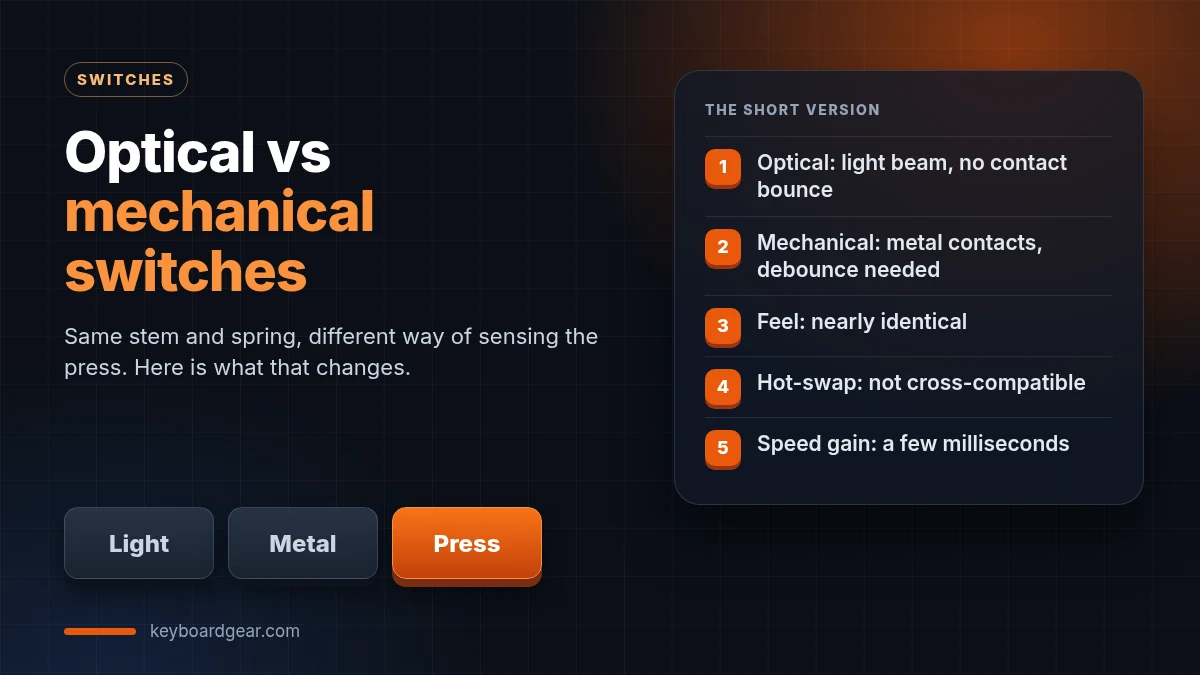
“Optical” sounds like a completely different kind of keyboard, but an optical switch is still a mechanical switch in the sense most people mean: it has a plastic housing, a stem that moves up and down and a spring that pushes it back. What changes is how the keyboard knows you pressed the key. That one difference has knock-on effects for speed, durability, hot-swapping and the switches you can buy, and those are what this guide explains.
If you are still deciding on the switch feel itself, start with our guide to linear vs tactile vs clicky switches, because that matters more to how a keyboard feels than optical vs mechanical.
How a mechanical switch detects a keypress
A traditional MX-style switch has two thin metal contact leaves inside the housing. When the stem moves down past the actuation point, usually about 2 mm on a standard switch, it lets the leaves touch and close a circuit. The keyboard’s controller sees the circuit close and sends the key to your computer.
The problem is that metal contacts don’t close cleanly. For a brief moment they vibrate against each other, so the signal flickers between on and off several times before it settles. This is called contact bounce, and it typically lasts a few milliseconds. If the keyboard reported every flicker you would get double letters, so the firmware applies a debounce window: it accepts the first contact and ignores changes for a short time, often around 5 ms, before checking the key again.
Debounce works well, and good firmware keeps it short, but it is a small built-in delay. As the contacts age, wear or get dirty, bounce can get worse, which is one of the causes of the classic “key types twice” problem on older mechanical boards.
How an optical switch detects a keypress
An optical switch replaces the metal contacts with light. An infrared LED sits on one side of the switch and a light sensor (a phototransistor) on the other. The stem carries a small opaque blade. When you press the key, the blade moves into the beam and blocks it, or in some designs moves out of the way to let light through. The sensor’s output changes, and the controller reads that as a keypress.
Because nothing physically touches to make the signal, there is no contact bounce. The light is either blocked or it isn’t, so the signal changes cleanly and the keyboard doesn’t need a debounce delay. Razer markets this as “zero debounce delay” on its optical switches, and Gateron and Keychron describe the same light-beam principle for their optical lines.
Is this the same as Hall effect or magnetic switches?
No. Hall effect (magnetic) switches use a magnet in the stem and a sensor that measures how far the key has moved, which is what makes adjustable actuation and rapid trigger possible. Most optical switches are simpler on-or-off switches with a fixed actuation point, although some analog optical keyboards measure how much light gets through to estimate key depth. If adjustable actuation is what you want, see our guide to rapid trigger and Hall effect keyboards.
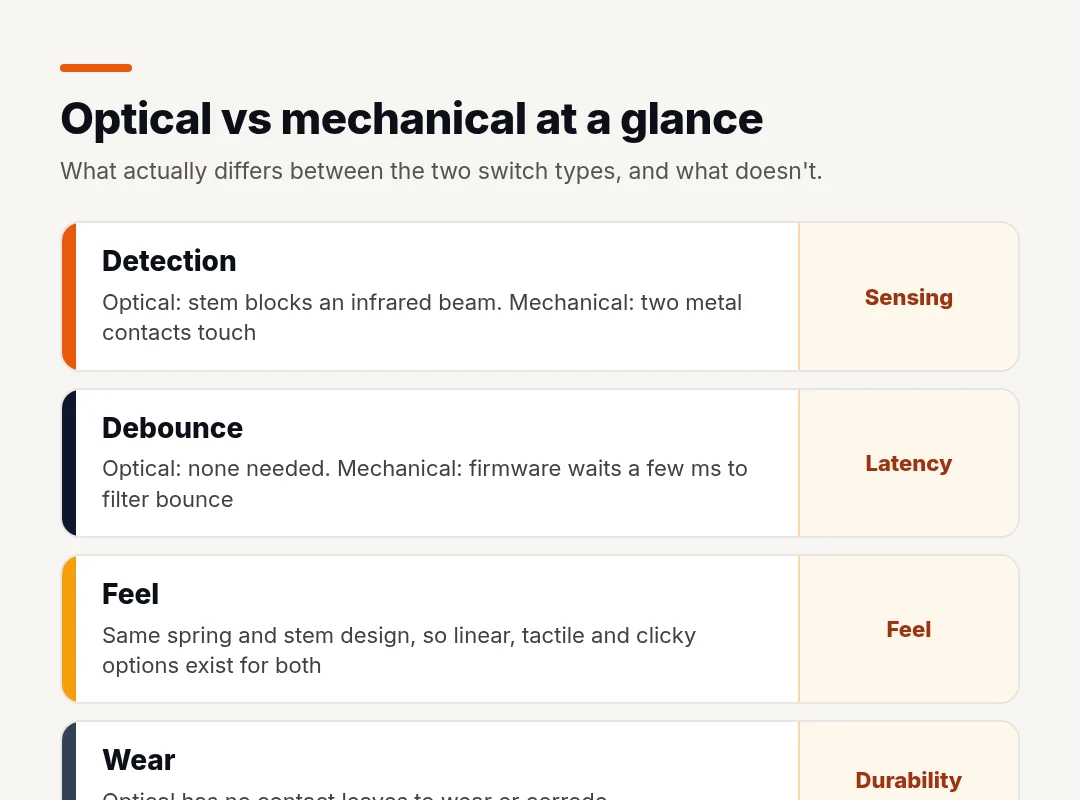
Optical vs mechanical switches compared
| Factor | Optical switches | Mechanical switches |
|---|---|---|
| How the press is detected | Stem blocks or unblocks an infrared beam | Two metal contacts touch |
| Debounce delay | Not needed | Needed, typically a few ms |
| Contact wear | No metal contacts to wear or corrode | Contacts can wear, oxidise or get dirty over time |
| Feel | Linear, tactile and clicky versions | Linear, tactile and clicky versions |
| Actuation point | Fixed; many optical gaming switches are short (about 1.0 to 1.5 mm) | Fixed; usually about 2 mm, shorter on speed switches |
| Hot-swap compatibility | Only fits optical hot-swap sockets of the same type | Fits standard MX hot-swap sockets |
| Switch choice | Limited to a few brands per socket type | Hundreds of switches from many brands |
| Typical keyboards | Mostly gaming keyboards | Gaming, office, enthusiast and custom boards |
Is optical faster?
In a narrow sense, yes. Removing the debounce window can save a few milliseconds between the moment a key actuates and the moment the keyboard is ready to report it. Many optical gaming switches also have a short actuation point, which saves a little more travel time.
It is worth keeping that in perspective. Your total input lag also includes the keyboard’s scan rate and polling rate, USB transmission, the game engine and your monitor. A few milliseconds matter to competitive players at a high level, but most people would never notice the difference while typing or playing casually. A well-designed mechanical keyboard with short debounce and a high polling rate can be very close to an optical one.
::tip
If speed is your main reason for looking at optical switches, compare the actuation point and polling rate as well. A short actuation point and 1000 Hz or higher polling often make more difference than the switch’s sensing method.
::
Do optical switches feel different?
Mostly no. The feel of a switch comes from the stem shape, the spring and the housing, not from how the press is detected. That is why you can buy linear, tactile and clicky optical switches, just as you can with mechanical ones.
Where optical switches can feel different is in the details. Clicky optical switches often use a click bar rather than the click jacket inside a Cherry MX Blue, so they sound and feel a little different. Many optical gaming switches are designed with very short travel, which feels light and quick. And some optical switches use a stabiliser-like stem design that can feel more stable or a bit stiffer than a typical MX switch. Trying a switch tester is the best way to tell whether you like it.
Are optical switches more durable?
Optical switches avoid one common failure point: the metal contacts. There is no bounce that gets worse as contacts wear, no oxidation, and dust is less likely to cause chatter or double typing. Manufacturers often advertise very high keystroke ratings for optical switches, and Razer rates some of its optical switches for up to 100 million keystrokes.
Mechanical switches are durable too. Cherry rates its MX2A switches for over 100 million actuations, and most budget switches are rated for 50 to 80 million. In practice, most keyboards are replaced for other reasons long before either type wears out. The spring, stem and housing can still wear on an optical switch, and a dead LED or sensor on the board can cause a key to stop working.
Hot-swapping: the biggest practical difference
This is where optical and mechanical really diverge. A standard hot-swap keyboard uses MX-style sockets that accept 3-pin and 5-pin mechanical switches from Cherry, Gateron, Akko, Kailh and many others. Our 3-pin vs 5-pin switches guide explains how those fit.
Optical switches don’t have metal pins in the same way, so they need an optical socket and sensor on the board. Different brands use different optical designs, so an optical switch from one company may not fit a keyboard from another, and you cannot put MX mechanical switches into an optical hot-swap board or the other way around. If you like to try new switches, a standard MX hot-swap board gives you far more options. You can swap them using our switch swap guide.
::warn
Before you buy replacement switches for an optical keyboard, check the exact switch type the manufacturer supports. Forcing a switch into the wrong socket can damage the socket or the switch.
::
Price and availability
Optical switches are mostly found in gaming keyboards from brands such as Razer, plus optical versions from switch makers like Gateron. They are not usually more expensive than comparable mechanical gaming keyboards, but the choice of replacement switches is small. Mechanical switches are available everywhere, from budget packs to premium switches, and there are far more enthusiast and custom keyboards built around them. If you want to explore switches, our roundup of the best linear switches shows how much choice there is.
Pros and cons
Optical switches
- No contact bounce or debounce delay
- No metal contacts to wear, corrode or chatter
- Often short actuation points for gaming
- Limited replacement switches and keyboard choice
- Not compatible with standard MX hot-swap sockets
Mechanical switches
- Huge choice of switches, feel and sound
- Fit standard MX hot-swap keyboards
- Easy to lube, mod and replace
- Need a debounce delay, which adds a few milliseconds
- Contacts can wear or get dirty after heavy use
Which should you choose?
| If you… | Choose | Why |
|---|---|---|
| Play fast competitive games and want the lowest possible delay | Optical (or Hall effect) | No debounce, short actuation |
| Want to try lots of switches or build a custom board | Mechanical | Huge choice and MX hot-swap support |
| Type more than you game | Either; pick by feel | Sensing method barely affects typing |
| Have had double-typing keys on an old board | Optical is worth a look | No contact chatter |
| Want the widest choice of keyboards and keycaps | Mechanical | Far more boards available |
If you are coming from a laptop or office keyboard, either type will feel like a big step up. Our mechanical vs membrane keyboard guide covers that bigger change.
FAQ
Are optical switches mechanical?
In the way most people use the word, yes. Optical switches still have a moving stem and a spring, so they feel like mechanical switches. They are sometimes called optical-mechanical switches. Only the way the keypress is detected is different.
Are optical switches better for gaming?
They can be slightly faster because they don’t need a debounce delay, and many have short actuation points. The difference is a few milliseconds, which matters most to competitive players.
Can I put mechanical switches in an optical keyboard?
No. Optical hot-swap boards need optical switches that match their socket design. Standard MX mechanical switches only fit MX-style sockets.
Do optical switches last longer?
They avoid metal contact wear, which is a common cause of chattering keys, and makers often advertise very high keystroke ratings. Good mechanical switches are also rated for 50 to 100 million presses, so both last a long time in normal use.
Are optical switches quieter?
Not inherently. Noise comes from the stem bottoming out, the spring and any click mechanism. A linear optical switch sounds similar to a linear mechanical one.
Bottom line
Optical and mechanical switches feel almost the same; they differ in how they sense the press. Optical switches remove debounce delay and contact wear, which appeals to competitive gamers. Mechanical switches win on choice, compatibility and modding. Pick the feel you want first, then decide whether a small speed gain matters more to you than the freedom to swap switches.
Sources
- Razer: How the Razer Optical Switch works
- Gateron: Optical mechanical switch guide
- Keychron: The difference between optical and mechanical switches
- thock: How optical switches sense a keypress

Experience is what matters at the end!!
Hi! This is Jacob Jay – founder of Keyboardgear.com! From childhood to adulthood, I’ve always remained passionate about IT, and the revolution in this industry, especially gaming on the PC can’t go out of my way. Since I’m an enthusiastic gamer, and I love to experience various gaming accessories, particularly mechanical keyboards, that really boost my gaming adventure manifolds. So, my nerve cells hit me to transfer my experiences into word form and share with others to identify the ideal keyboards perfectly fit for their gaming modes.
I know very well how hard it is to find the high-quality items available on the internet that ought to be exactly the same as seen as on the screen. But the counterfeiters have ruined the user’s trust. As I have passed all such situations, I’m obliged to deliver the genuinity and express the same as what I am saying.
So, now, I’m working on the mission to provide very helpful and frankly but trustworthy reviews and guides about various mechanical keyboards, mouses, and other gaming accessories as per my personal experiences and sound knowledge.