

Quick answer
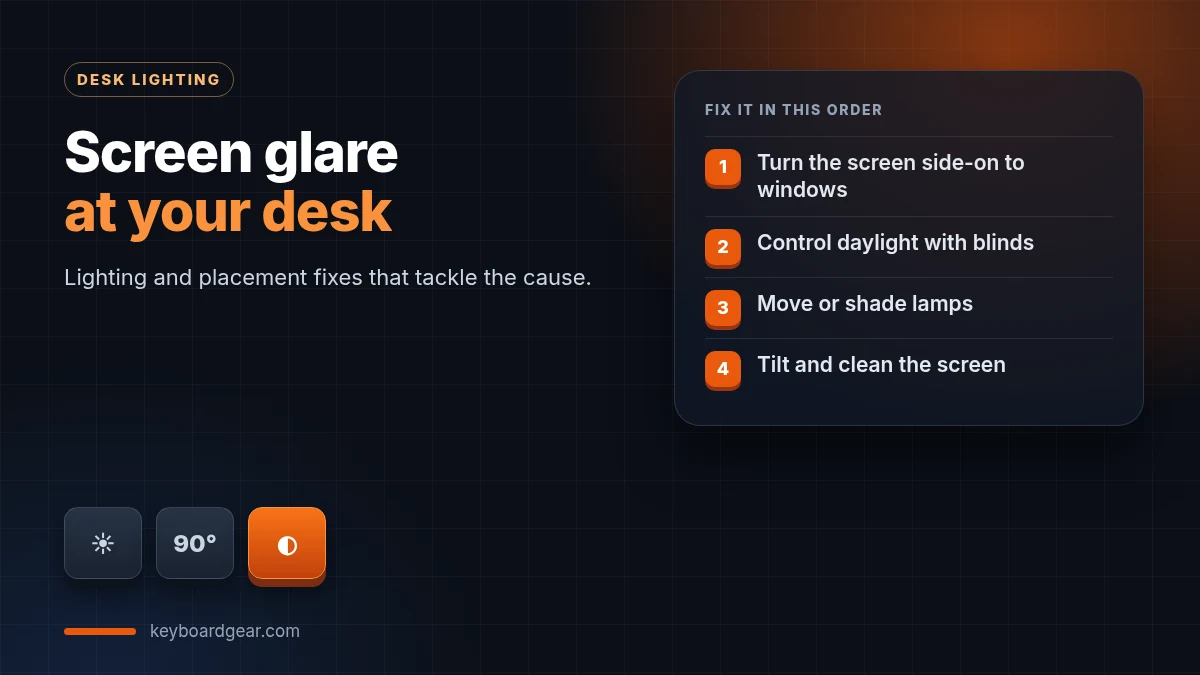
To fix screen glare at your desk, find the light source and change it. Place your screen at right angles to windows, so daylight isn’t behind you or behind the screen. Use blinds to soften bright daylight, aim desk lamps at the desk rather than the screen, reduce how far the screen tilts back under ceiling lights, and keep the screen clean. OSHA’s workstation guidance recommends all of these.
Glare comes in two forms. Reflected glare is a bright patch or reflection on the screen. Contrast glare happens when a bright window or lamp sits behind the screen, so your eyes keep adjusting between bright and dark. Both make the screen harder to read.
Step 1: Find the source
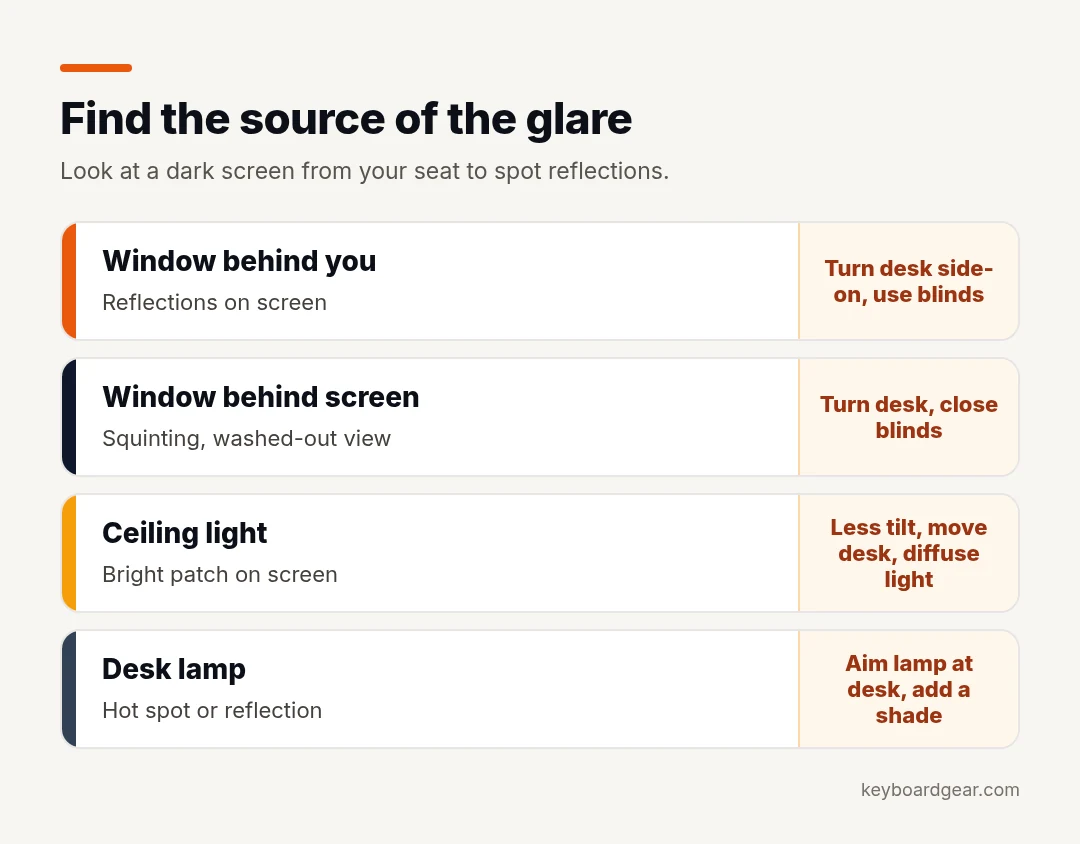
Turn the monitor off and sit in your normal position. The reflections you see on the dark screen show where the glare comes from: a window, a ceiling light or a lamp.
Step 2: Turn the screen side-on to windows
OSHA’s eTool says to place the face of the display at right angles to windows. A window directly behind you reflects in the screen; a window directly behind the screen floods your view with light. Side-on is best.
Step 3: Control daylight
Use blinds or curtains to let light into the room without it shining into your field of view. OSHA notes that vertical blinds tend to work best for east- and west-facing windows, and horizontal blinds for north- and south-facing ones.
Step 4: Fix overhead lighting
- Reduce the tilt. A screen tilted back catches ceiling lights. OSHA suggests tilting the screen so it’s roughly perpendicular to your line of sight, usually no more than 10 to 20 degrees.
- Move the desk so ceiling lights run parallel to your line of sight, not directly overhead or behind you.
- Prefer diffuse light. Shades and diffusers spread light evenly and create fewer hot spots.
Step 5: Aim task lighting at the desk
A desk lamp should light your papers and keyboard, not the screen. Use a shaded lamp and position it so its light doesn’t reflect on the display. A monitor light bar is designed to light the desk in front of the screen with an asymmetric beam, which is why many people use one.
Step 6: Balance screen brightness with the room
A screen much brighter or darker than the room is harder to look at. Adjust brightness and contrast so the screen looks comfortable against its surroundings, which OSHA’s evaluation checklist also includes.
Step 7: Choose matte surfaces
Glossy screens and shiny desks reflect more. OSHA’s purchasing guide recommends matte desk finishes and avoiding glass tops. A matte desk mat also cuts reflections from a glossy desk.
Step 8: Clean the screen
Dust and fingerprints scatter light and add to glare. OSHA advises cleaning monitors regularly. Use a soft, dry microfiber cloth, or follow your monitor maker’s instructions.
Step 9: Use an anti-glare filter as a last resort
If you can’t change the room, such as at a shared desk, an anti-glare filter can help. It’s best treated as a fallback, since it can slightly dim or soften the image.
| Problem | Quick fix |
|---|---|
| Reflection of a window behind you | Turn the desk side-on, close the blinds |
| Bright window behind the screen | Turn the desk, use blinds |
| Ceiling light reflected | Less tilt, move the desk, diffuse the light |
| Lamp reflected | Aim it at the desk, add a shade |
| Glossy desk reflection | Matte desk mat |
Glare and screen position go together
Height and distance affect how light hits the screen too. Use our monitor height guide to set the screen correctly, and our desk setup guide for the rest of the room. If your eyes feel tired or sore despite these changes, see an optometrist or eye doctor.
FAQ
Where should my desk be in relation to a window?
Side-on, so the window is to your left or right rather than behind you or behind the screen.
Does a matte screen stop glare?
It reduces reflections, but placement and lighting still matter most.
Are monitor light bars good for glare?
They’re designed to light the desk without shining on the screen, which helps avoid lamp reflections.
How much should my monitor tilt?
OSHA suggests usually no more than 10 to 20 degrees, roughly perpendicular to your line of sight.
Should I use an anti-glare filter?
Try changing placement and lighting first. A filter is a useful fallback when you can’t.
Sources
- OSHA: Computer Workstations eTool, Workstation environment
- OSHA: Computer Workstations eTool, Monitors
- OSHA: Computer Workstations eTool, Purchasing guide
Final thoughts
Glare is a placement problem more than a screen problem. Turn the screen side-on to windows, control daylight, aim lamps at the desk, limit tilt and keep surfaces matte and clean. Most desks need no extra gear at all.

Experience is what matters at the end!!
Hi! This is Jacob Jay – founder of Keyboardgear.com! From childhood to adulthood, I’ve always remained passionate about IT, and the revolution in this industry, especially gaming on the PC can’t go out of my way. Since I’m an enthusiastic gamer, and I love to experience various gaming accessories, particularly mechanical keyboards, that really boost my gaming adventure manifolds. So, my nerve cells hit me to transfer my experiences into word form and share with others to identify the ideal keyboards perfectly fit for their gaming modes.
I know very well how hard it is to find the high-quality items available on the internet that ought to be exactly the same as seen as on the screen. But the counterfeiters have ruined the user’s trust. As I have passed all such situations, I’m obliged to deliver the genuinity and express the same as what I am saying.
So, now, I’m working on the mission to provide very helpful and frankly but trustworthy reviews and guides about various mechanical keyboards, mouses, and other gaming accessories as per my personal experiences and sound knowledge.